Tool · Law firm ops · Briefpoint · Oct 2026
Briefpoint AI review (Oct 2026): AI discovery responses and requests for litigators, objections, and client verification
Briefpoint (The Simple Associate, Inc., San Francisco) drafts written discovery: responses and objections to interrogatories, requests for admission, and requests for production served on you; requests to serve, generated from a complaint; client answers and files collected through a plain-language link; and, since September 2026, substantive interrogatory answers drafted from your case files with page cites. It publishes a single price. This page is about using it while the attorney of record signs every response and the client verifies every fact. Each section has a Try this.
What this Briefpoint page covers
This page is for a litigation partner, associate, paralegal, or practice manager at a plaintiff, defense, or insurance defense firm handling written discovery. It is educational and not legal advice. We did not test Briefpoint; facts come from Briefpoint's product, pricing, and product-update pages read on 20 October 2026.
Briefpoint says it is used by more than 1,000 law firms in all 50 states and saves “30+ hours per case” — both Briefpoint's figures. Its trust center and product pages cite SOC 2 Type II and HIPAA compliance and “zero-retention AI”. Its product updates page shows a steady release cadence in 2026, from Supplemental Responses (4 February) and client document collection (13 March) to Discovery Playbook (31 July), automated interrogatory answers (3 September), and Doc Drop and credit-based usage (19 October).
Discovery responses are signed under the rules that make an attorney certify them, and interrogatory answers are usually verified by the client under oath. Ground rules: a licensed attorney owns any filing, citation, demand, deadline, client message, or discovery response that draws on Briefpoint. The attorney of record signs every response; the client confirms every fact in a verified answer; and a paralegal checks every Bates cite against the production.
Major features (with how someone uses them)
Examples at a glance: each feature has a concrete example from a real job plus a short Try this you can run this week.
1. Respond to served discovery with objections and draft answers (primary)
What it is: Briefpoint's product page describes a three-step response flow: upload the served requests (it recognizes court, parties, set number, and request type and applies local formatting), add objections and responses (it suggests objections and drafts responses using the firm's standards), then open the set in Word to finish, sign, and serve. It covers interrogatories, requests for admission, and requests for production, with formatting for all 50 states and 98 federal district courts. Briefpoint added an “Object to All” option for bulk objections in March 2026 (product updates).
Suggested objections are a starting point. Boilerplate objections can draw sanctions in some courts, so the attorney of record decides which objections are specific and supportable for this request.
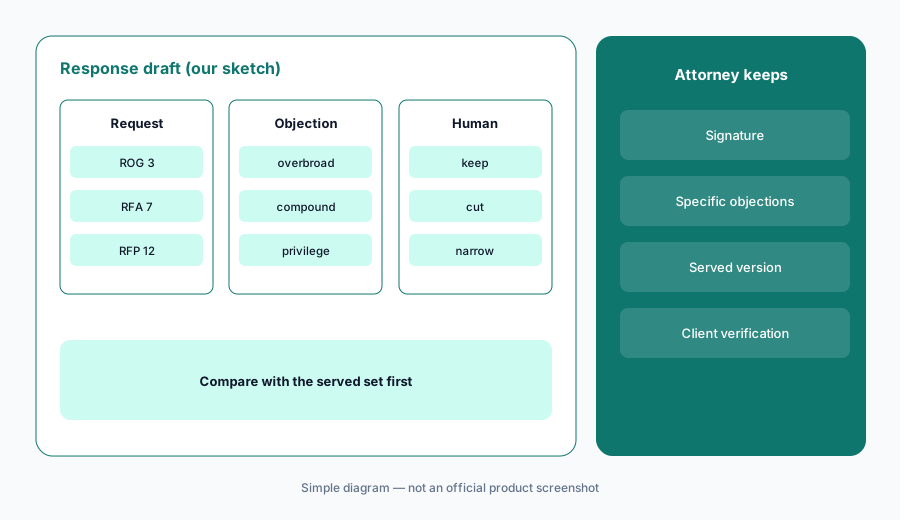
Primary workflow:
Run five sets of interrogatories your firm already answered through Briefpoint. Have the attorney of record compare every objection and answer with the served version before using it on a live set.
2. Propound requests generated from the complaint
What it is: Upload a complaint and Briefpoint drafts a tailored set of interrogatories, RFAs, and RFPs — up to about 70 targeted requests, per its product page — from the allegations, claims, dates, parties, and damages theories. Briefpoint says phrasing is checked to avoid ambiguity, compound questions, assumed facts, and overbreadth, and that requests follow state and federal formatting with definitions, instructions, and time frames.
Seventy requests is a lot to serve. Local limits on the number of interrogatories and RFAs vary, so the drafting attorney picks the ones that matter and counts against the limit.
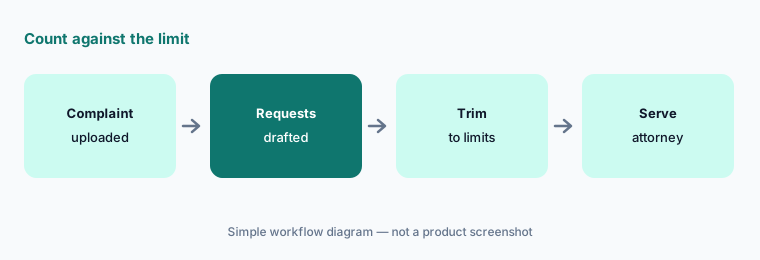
Count against the limit:
Generate requests from one closed case's complaint and have the drafting attorney mark which ones they would actually serve, count them against your court's limits, and note any category the firm missed.
3. Client collection and verification through Client Bridge
What it is: Briefpoint's Client Collection sends the client a secure link (any device, no app, English or Spanish) where each interrogatory appears in plain language; answers flow into the Word draft, and uploaded files are converted to PDF, Bates-stamped, kept tied to the request they answer, and added to the production package, with originals preserved. Briefpoint says it accepts 310+ file types.
Plain-language rewrites change the question the client answers. The attorney should check that each simplified question still asks what the served interrogatory asks, and the client still signs the verification your jurisdiction requires.
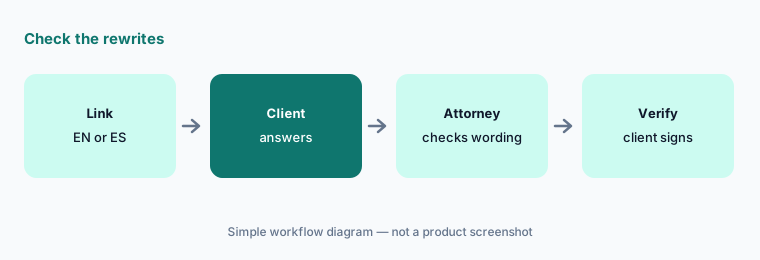
Check the rewrites:
Before sending a Client Bridge link, have the responsible associate compare every plain-language question with the served interrogatory, and have the client sign your usual verification before the answers are served.
4. Interrogatory answers drafted from case files (3 Sep 2026)
What it is: Since 3 September 2026 Briefpoint can draft substantive interrogatory answers from case files you choose: attach files to one interrogatory or search all case files and run across every unanswered one. Its interrogatory answers page says each answer cites the exact page and line (for example a deposition at 42:11). A pleading is required first, and whether it is used as a source follows the client's position (plaintiff on, defendant off by default). Briefpoint's own advice: treat these answers the way you would an intern's. From 19 October 2026, Find Answers runs on credits: one credit per document checked per interrogatory, with the cost shown before each run.
Answers drafted from the file are still the client's answers under oath. Every cited page should be opened, and the client should confirm the fact, before an answer is served.
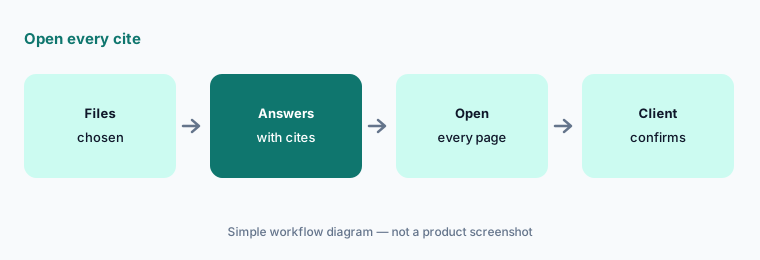
Open every cite:
On one closed case, have the associate open every page and line Briefpoint cites in its drafted answers and mark each supported, wrong source, or changed fact before the feature is used on a live set.
5. RFP responses, Bates-cited production, and Doc Drop
What it is: For requests for production, Briefpoint says it reads each request, finds responsive documents in your files, writes the response cited by Bates or exhibit number, and builds the production package to serve with it (product page). Doc Drop (19 October 2026) lets you upload files straight onto the RFP or RFA item you are working on; on an RFP they are added as responsive with a produce response, and client uploads carry a “Client upload” chip.
A production is a representation to the other side. Privileged and confidential documents need a human review before anything is stamped and served.
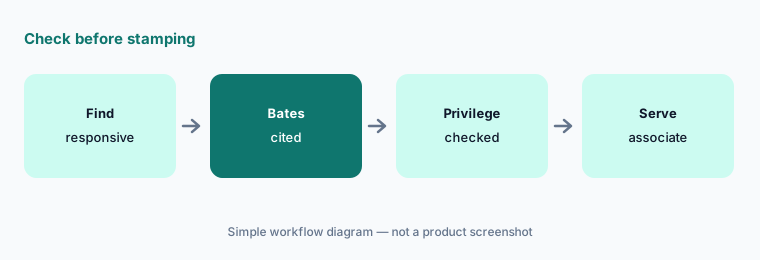
Check before stamping:
Before any Briefpoint production package is served, have the litigation paralegal check every Bates range and have the associate confirm nothing privileged or confidential is included.
6. Discovery Playbook and supplemental responses
What it is: Discovery Playbook (31 July 2026) saves request-and-response pairs as people work and surfaces the firm's prior positions when a matching request appears, scoped to a client, jurisdiction, or case type, with who added each entry and how often it was used (Discovery Playbooks). Every plan includes 100 playbook entries; Briefpoint Pro adds unlimited entries for $99/month for the whole firm. Supplemental Responses (4 February 2026) generate supplements to interrogatories, RFAs, and RFPs from the original set while preserving prior answers.
A playbook spreads one person's position across every case. A named partner should own each entry, and supplements should be checked against what has changed since the original response.
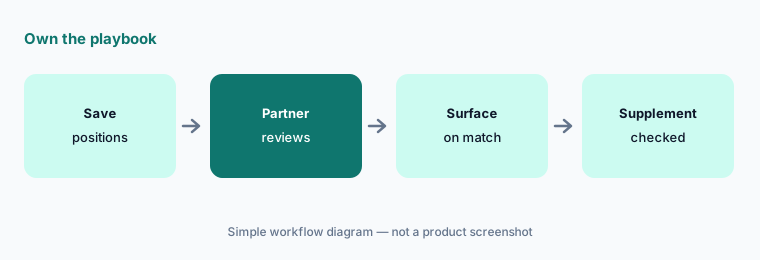
Own the playbook:
Have the litigation partner review the firm's most-used Discovery Playbook entries each quarter, retire any she would not assert today, and record who owns each one.
Pricing context (October 2026)
Briefpoint's pricing page (read 20 Oct 2026) shows one plan, the Rainmaker Plan: $150 per attorney per month, billed annually ($1,800 per year), with no per-case fees and unlimited document downloads. It lists flat-rate document generation, bulk uploads, propounding, responding with objections and answers, RFP responses and production, supplemental responses, client collection with translations, Discovery Playbooks, and all 50 states plus 98 federal courts. Purchase is through “Book a Demo”.
The product updates page adds usage terms (as of 20 Oct 2026): each attorney seat adds 20,000 Find Answers credits a month to a firm-wide pool (paralegal seats add none; no rollover), usage beyond that is billed at 1 cent per credit from 20 October 2026, and Briefpoint Pro adds another 20,000 credits plus unlimited playbook entries for $99/month for the whole firm. Simplify, Auto-Object, and Translate do not use credits.
Uncertainty: We did not test Briefpoint. Features, dates, and prices come from Briefpoint's pages read on 20 Oct 2026. Credit billing started on 20 October 2026, so heavy Find Answers use can add overage on top of the seat price. Customer counts and time savings are Briefpoint's figures. Confirm seat, credit, and Pro terms on your order form.
When it’s useful (honest take)
Useful when your litigators spend days on written discovery, you want firm-standard objections applied consistently, and an associate or paralegal will check every objection, cite, and Bates range.
Less useful when your work is mostly document review in an eDiscovery platform (Everlaw AI, Relativity aiR), PI demand letters (EvenUp, Supio), or transactional drafting.
Paying for Briefpoint AI and a few other AI tools? The $9 AI toolkit spreadsheet lists every AI subscription you have, what each one costs, and how fast it pays for itself, so you can see which ones are worth the money.
Want someone to do it for you? AI toolkit audit — $19
Related options (educational)
| Need | Better home | Why |
|---|---|---|
| Written discovery drafting and client collection | Briefpoint AI (this page) | Published per-attorney plan |
| Litigation case management with AI | Filevine AI / Litify AI | Quote only |
| Deposition transcript analysis | Steno AI | Included with Steno depositions |
| eDiscovery review | Everlaw AI / Relativity aiR | Quote only |
| Large-firm drafting and review platforms | Harvey AI / Legora AI | Quote only |
FAQ
What does Briefpoint do?
It drafts written discovery: responses and objections to interrogatories, RFAs, and RFPs; requests generated from a complaint; client answers and files collected through Client Bridge; interrogatory answers drafted from case files with page cites; and Bates-cited production packages.
How much does Briefpoint cost in October 2026?
Its pricing page shows one plan at $150 per attorney per month, billed annually ($1,800 per year). Find Answers credits beyond the included 20,000 per attorney seat per month are billed at 1 cent each from 20 October 2026.
Can Briefpoint answer interrogatories for my client?
It drafts answers from files you choose, with page cites, and Briefpoint itself says to treat them like an intern's work. The client must confirm the facts and sign any verification, and the attorney of record signs the response. This is not legal advice.
Does Briefpoint train AI on our case files?
Briefpoint cites SOC 2 Type II, HIPAA compliance, and zero-retention AI on its site and trust center. Ask for the data-processing terms in writing for your matters.
Who should check Briefpoint's work?
The attorney of record for every objection and response, the client for every verified fact, a paralegal for every Bates cite, and a named partner for every Discovery Playbook entry.
Optional next step (if seats overlap)
If you pay for Briefpoint, a case management system with its own AI drafting, and chat seats that also get pasted discovery requests, that overlap is worth mapping. Map the overlap with the $19 AI toolkit audit or the $9 AI toolkit spreadsheet. Email Audit $19 or Toolkit spreadsheet $9.
Checkout is live via Stripe. After you pay, we email delivery (spreadsheet) or intake next steps (audit).