Tool · Accounting firm ops · Soraban · Oct 2026
Soraban AI review (Oct 2026): AI client intake, review-ready workpaper binders, data entry into tax software, and 8879 delivery for tax firms
Soraban (Phoenix) connects the parts of the tax season that sit around the return: Collect chases and organizes client documents, Prepare builds a binder with leadsheets linked to source, Connect pushes extracted fields into the firm's tax software, and Deliver sends the return packet for 8879 signature and payment in one link. Soraban's CEO puts it as “the AI handles the prep work, the accountant makes the decisions”. This page is about keeping it that way: the reviewing tax manager checks every populated value before a return moves on. Each section has a Try this.
What this Soraban page covers
This page is for a reviewing tax manager, preparer, client manager, or firm administrator at a firm that prepares individual and business returns. It is not tax, audit, or accounting advice; a licensed CPA, EA, or the engagement partner owns any return, workpaper, audit conclusion, client letter, or filing. We did not test Soraban; facts come from Soraban's product, security, integrations, and news pages read on 21 October 2026.
Soraban describes four products that share one client file: Collect, Prepare, Connect, and Deliver. Prepare was introduced on 11 June 2026; Soraban's news page dated product posts for Collect, Connect, and Deliver on 26 June 2026. It sells by demo and prints no prices.
Ground rules before you rely on anything: the reviewing tax manager compares every leadsheet value and extracted field with source documents before a return moves to review; the preparer of record owns every return; the client manager owns every request and reminder Soraban sends; and nothing goes out for 8879 signature until the return has been reviewed. Client names, SSNs, and EINs stay out of shared examples.
Major features (with how someone uses them)
Examples at a glance: each feature has a concrete example from a real job plus a short Try this you can run this week.
1. Prepare: the review-ready binder (primary)
What it is: Per Soraban's 11 June 2026 announcement and Prepare page, Prepare starts building the binder the moment a client finishes uploading: documents are named, sorted, and filed into the firm's folder structure, values flow into living leadsheets with clickable links back to the page they came from, open items are drafted, and an AI review flags discrepancies and missing items. Soraban says manual edits are never overwritten and AI-generated review items stay dismissible.
A binder that builds itself looks finished on day one. The leadsheet is only as good as the extraction behind it, and a dismissed review item still needs a reason.
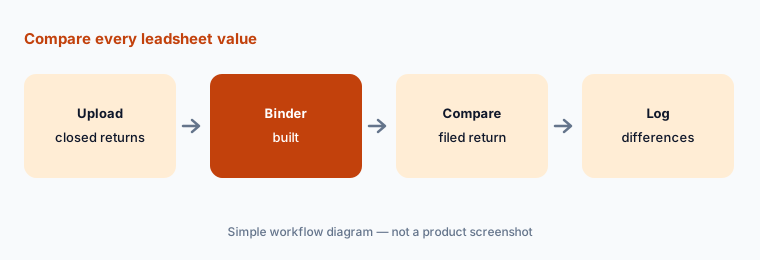
Primary workflow:
Let Soraban build review-ready binders for five closed returns. Have the reviewing tax manager compare every leadsheet value and extracted field with the filed return before using Soraban on a live return.
2. Collect: intake, reminders, and missing documents
What it is: Soraban's Collect page describes one guided request per client, step-by-step uploads on phone or desktop with no app download, automatic reminders for missing documents, and documents organized as they arrive so the team sees what is in and what is outstanding. The home page says a client can onboard in about four minutes — Soraban's figure.
Automatic reminders are client messages in the firm's name. Someone should own their wording and know which clients asked not to be chased.
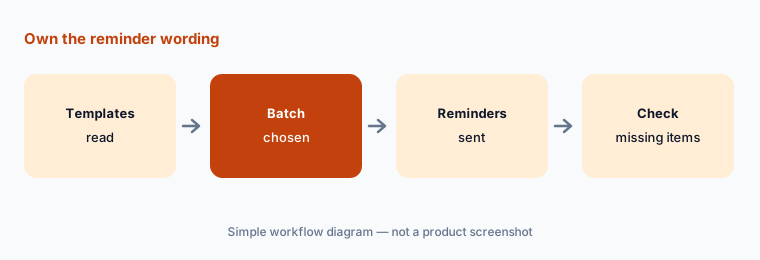
Own the reminder wording:
Have the client manager read every Collect reminder template and choose one batch of returning clients, then check a week later that each item flagged missing really is missing.
3. Connect: extracted fields into tax software
What it is: On the Connect page, Soraban extracts data from W-2s, 1099s, K-1s, and brokerage statements, maps each value to a line on the return with what it calls accountant-trained AI, and posts validated data into UltraTax, Lacerte, Drake, or CCH Axcess; the home page lists ProConnect as coming soon. Preparers review side by side and approve. Soraban's home page claims a 99% figure for extraction accuracy — a vendor claim we did not measure.
A mapped field that lands in the return is still the preparer's entry. A wrong box on a K-1 can change a schedule, not just a number.
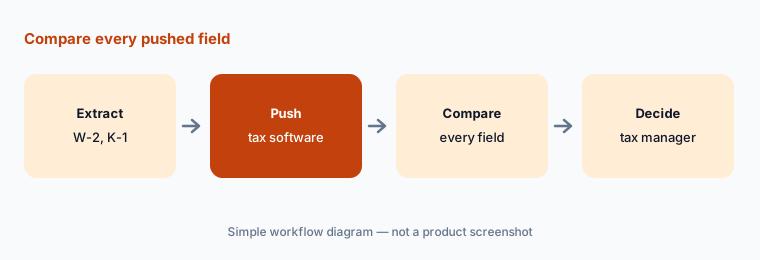
Compare every pushed field:
Run Connect on three closed returns, including one with several K-1s. Have the preparer of record compare every pushed field with the filed return and the reviewing tax manager decide which return types stay manual.
4. AI review flags and drafted open items
What it is: Soraban's Prepare announcement says it tracks issues, drafts open items, and surfaces facts that change how a file is handled — new businesses, rental properties, foreign accounts, and real estate professional status — so junior staff catch them before review. The Prepare page says preparers can correct what needs fixing and re-run without starting over.
A flag that says “foreign account” is a question for the preparer and the client, not a filing decision. Missing a flag is the bigger risk.
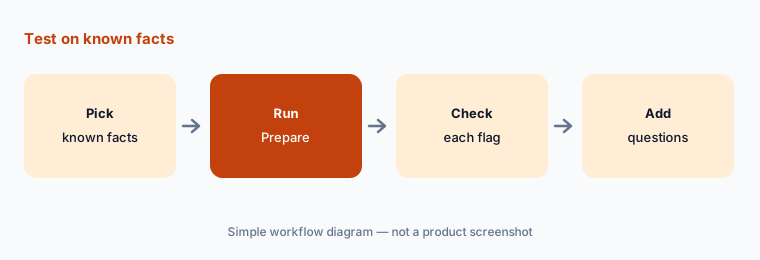
Test on known facts:
Pick three closed returns with facts you know were tricky, and have the tax manager check whether every one was flagged before staff rely on Soraban's open items.
5. Deliver: 8879 signature and payment in one link
What it is: On the Deliver page, Soraban assembles the return package, runs a guided IRS 8879 signature flow, collects payment in the same link, tracks status (sent, opened, signed, paid), and sends behavior-based follow-ups. Its security page says 8879 identity verification meets NIST IAL2.
Once a client signs an 8879, the firm is authorized to file. The package should go out only after the reviewing tax manager has signed off on the return.
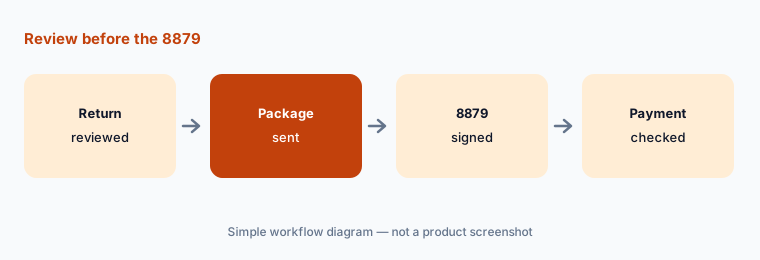
Review before the 8879:
Send five reviewed returns through Deliver, and have the practice lead confirm each signed 8879 matches the final return and each payment landed correctly before switching the rest of the season.
6. Security, data use, and how firms get Soraban
What it is: Soraban's security page lists SOC 2 Type II with annual third-party audits, NIST IAL2 identity verification for IRS 8879 e-signatures, multi-factor authentication, logging and audit trails, and retention and disposal controls, and says client documents, extracted fields, and firm information are not used to train models or shared with an outside AI provider for learning. Its integrations page says it works alongside the firm's tax software, practice management, document storage, and hosting rather than replacing them. Access is by demo; Soraban says firms can go live in under four weeks with no migration.
A tool that collects documents, fills the return, and sends the 8879 touches the most sensitive data a firm holds. The firm's written information security plan should name it before any client data goes in.
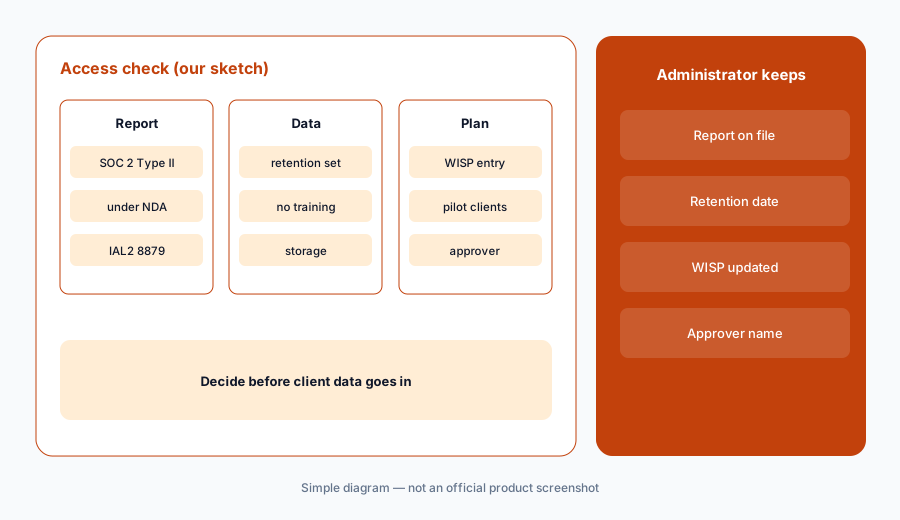
Admin sets access first:
Before any client data goes into Soraban, have the firm administrator get its SOC 2 Type II report, set the retention period, and add it to the firm's written information security plan.
Pricing context (October 2026)
Soraban is quote-only. soraban.com has no pricing page (the /pricing address returned a not-found page on 21 Oct 2026); the site offers a demo and a live webinar registration, and says firms can go live in under four weeks with no commitment until they are live. No per-return, per-client, or per-user figure is published.
Ask in writing how Soraban charges (per return, per client, or per seat), whether Collect, Prepare, Connect, and Deliver are sold separately, and what happens to stored documents at the end of the contract.
Time and accuracy figures on Soraban's site are Soraban's numbers, not our measurements.
Uncertainty: We did not test Soraban. Features, dates, and claims come from soraban.com product, security, integrations, and news pages read on 21 Oct 2026 and can change. Soraban publishes no prices and the Collect, Connect, and Deliver posts of 26 June 2026 do not give general-availability dates by tax software; ProConnect is listed as coming soon. Soraban's Series A post (16 Apr 2025) predates its current four-product layout.
When it’s useful (honest take)
Useful when your firm prepares many individual and business returns on UltraTax, Lacerte, Drake, or CCH Axcess, loses time to document chasing and data entry, and has a reviewing tax manager who will compare every populated value with source in the pilot.
Less useful when you want per-return AI preparation pushed into tax software (Juno AI), 1040 scanning and binders from Thomson Reuters (SurePrep), or a full practice management system with a portal (TaxDome AI, Canopy AI).
Paying for Soraban AI and a few other AI tools? The $9 AI toolkit spreadsheet lists every AI subscription you have, what each one costs, and how fast it pays for itself, so you can see which ones are worth the money.
Want someone to do it for you? AI toolkit audit — $19
Related options (educational)
| Need | Better home | Why |
|---|---|---|
| Intake, binder, data entry, 8879 delivery | Soraban AI (this page) | Quote |
| AI tax prep priced per return | Juno AI | Per return (see review) |
| 1040SCAN, SPbinder, TaxCaddy | Thomson Reuters SurePrep | Quote |
| Practice management with AI checklists | TaxDome AI | Per seat per year (see review) |
| Practice management with smart intake | Canopy AI | Per user per month (see review) |
FAQ
What is Soraban used for?
Soraban automates the tax workflow around the return: client intake and reminders (Collect), a review-ready binder with leadsheets linked to source (Prepare), data entry into tax software (Connect), and 8879 signature with payment (Deliver).
How much does Soraban cost in October 2026?
Soraban does not publish prices; its /pricing address returned a not-found page on 21 Oct 2026 and the site offers a demo. Ask how it charges before you commit.
Which tax software does Soraban work with?
Soraban's Connect page lists UltraTax, Lacerte, Drake, and CCH Axcess, and its home page lists ProConnect as coming soon.
Does Soraban prepare the return on its own?
Soraban builds the binder, fills fields, and flags issues; its CEO says the AI handles prep work and the accountant makes the decisions. The preparer of record and the reviewing tax manager still own every return. This is not tax advice.
Is client data used to train Soraban's AI?
Soraban's security page says client documents, extracted fields, and firm information are not used to train models or shared with any outside AI provider for learning.
Optional next step (if seats overlap)
If your firm pays for an intake portal, a prep tool, an e-signature tool, and a practice system that all touch the same returns, that overlap is worth mapping. Map the overlap with the $19 AI toolkit audit or the $9 AI toolkit spreadsheet. Email Audit $19 or Toolkit spreadsheet $9.
Checkout is live via Stripe. After you pay, we email delivery (spreadsheet) or intake next steps (audit).