Tool · Accounting firm ops · Ignition · Oct 2026
Ignition AI review (Oct 2026): AI-assisted proposals, engagement letters, pricing, and billing for accounting firms
Ignition handles proposals, engagement letters, billing, and payments for accounting and professional services firms: a client signs a proposal, payment details are captured, and invoices collect on the agreed terms. Its AI now covers AI Proposal Creator (a beta that turns a plain-English description or a document into a draft proposal), AI Service Creator, AI Price Insights for benchmarking fees, integrations that turn meeting notes into proposals, and an MCP connection for Claude and ChatGPT. This page is about using them while the engagement partner still approves every AI-drafted scope and fee. Each section has a Try this.
What this Ignition page covers
This page is for a managing partner, engagement partner, operations manager, or billing manager at an accounting, bookkeeping, or tax firm that sends proposals and engagement letters through Ignition or is weighing it. It is not tax, audit, or accounting advice, and not legal advice on engagement terms; a licensed CPA, EA, or the engagement partner owns any return, workpaper, audit conclusion, client letter, or filing.
Ignition's AI arrived in steps: Price Insights launched 1 October 2025; at AICPA ENGAGE on 8 June 2026 Ignition announced AI-powered proposal creation and access through an MCP for Claude and ChatGPT; client-intelligence integrations followed on 16 June 2026; and the help center now documents AI Proposal Creator and AI Service Creator as betas in Ignition Labs. Its 2026 billing releases are mostly automation, not AI.
Ground rules before you rely on anything: the engagement partner approves every AI-drafted scope, service line, and fee before a proposal is sent; the managing partner decides any fee change suggested by Price Insights; the billing manager controls who may send proposals and change payment terms. Ignition's own help article says AI-generated results can contain mistakes.
Major features (with how someone uses them)
Examples at a glance: each feature has a concrete example from a real job plus a short Try this you can run this week.
1. AI Proposal Creator for new and renewal drafts (primary)
What it is: Ignition's AI Proposal Creator (beta; turn on “Draft proposals in plain English” in Settings → Labs) takes a plain-English description plus an optional document — an engagement letter, call notes, or a fee schedule — and builds a draft: it finds the client and template, matches services from your library, suggests new ones, and sets prices, billing schedules, and client-specific notes. Nothing is sent to the client. The article lists limits: the client must already exist, and it cannot edit, renew, or raise prices on an existing proposal — it always creates a new draft. For a renewal, attach last year's signed engagement letter as context, or use Ignition's non-AI renewal tools (single renewals from Core, bulk renewals from Pro).
A renewal drafted from last year's letter carries last year's scope. If the client added payroll or dropped a state return, the draft will not know unless you say so.
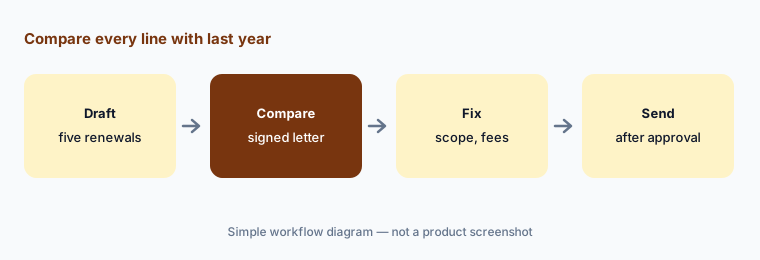
Primary workflow:
Draft five renewal proposals with Ignition's AI help. Have the engagement partner compare every service line and fee with last year's signed engagement letter before any proposal goes out.
2. AI Service Creator for the services library
What it is: Ignition's AI Service Creator (beta, Ignition Labs) turns engagement letters, scopes of work, spreadsheets, and meeting transcripts into draft services, checks for likely matches in your services library, and shows a review step before anything is added; inside a proposal it can “Extract from document.” The August 2026 product update (published 3 Sep 2026) says new signups get it switched on automatically and existing accounts can enable it from Settings → Labs. Ignition says matched extractions create a separate service rather than overwrite an existing one.
The services library is what every future proposal pulls from. A near-duplicate service with a different price is how two clients end up billed differently for the same work.
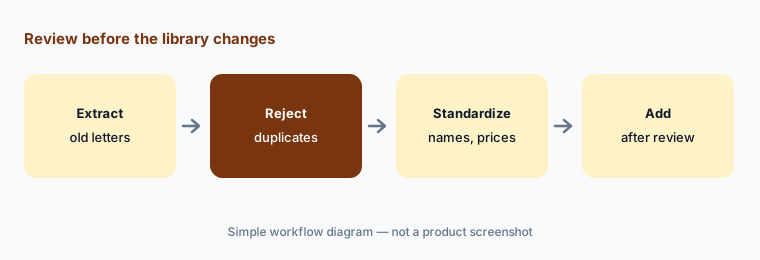
Review the library:
Run AI Service Creator on three old engagement letters. Have the operations manager reject every duplicate and check every new service's price and terms before it is added to the library.
3. AI Price Insights: benchmarks, suggestions, and reasoning
What it is: Price Insights, launched 1 October 2025, sits in the proposal builder and services library. For a service it shows whether your price sits below, within, or above a range drawn from aggregated Ignition proposal data, an AI-suggested price, and the reasoning behind it, tailored by location, industry, business revenue, and billing type; benchmarks update every few days. It is available to accounting, bookkeeping, and digital agency customers in Australia and the US. Ignition says firms that raised prices after using it earned on average 40% more revenue on the reviewed services — a vendor claim.
A benchmark tells you what similar proposals said, not what this client's work involves. A higher suggested fee for a messy client is a conversation, not a setting.
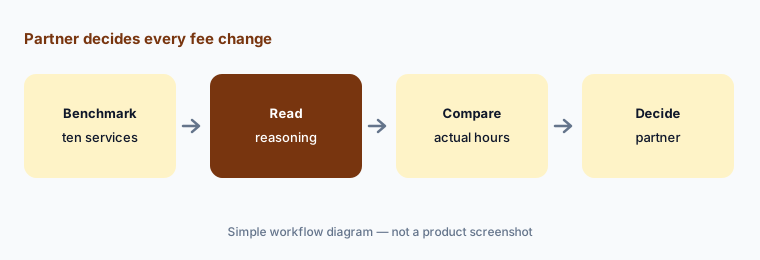
Partner decides fees:
Run Price Insights on your ten most common services. Have the managing partner compare each suggestion with last year's actual hours before any fee changes in a proposal.
4. Engagement letters, approvals, and client groups
What it is: Engagement letters in Ignition come from contract terms attached to each proposal: every plan includes automated engagement letters, an industry-standard terms template, and customized terms (pricing page). These are templates, not AI. Pro+ adds proposal reviews and approvals, and the 17 August 2026 release added Client Groups, so related entities such as a family trust, a company, and individuals sign and are billed as one relationship. AI Proposal Creator can add client-specific notes to service terms, which then flow into the letter.
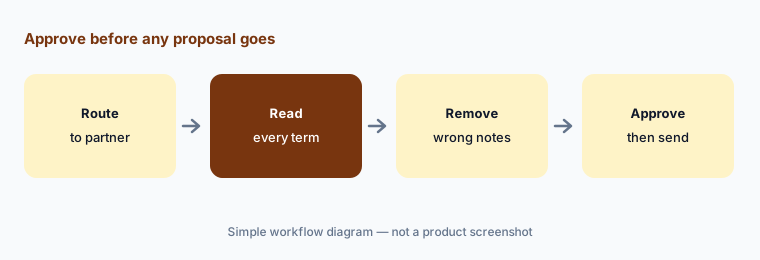
Terms a partner never read are still terms the firm agreed to. AI-added notes in service terms deserve the same read as the fee.
Approve before sending:
Route every AI-drafted proposal to the engagement partner before it is sent (proposal approvals on Pro+, or a manual hold on other plans). Have the engagement partner read every service term and client-specific note before approving it.
5. Meeting notes to proposals: partner integrations and the Ignition MCP
What it is: On 16 June 2026 Ignition added integrations with Vinyl, Ping, and Abacor that turn client conversations, meeting recordings, and discovery notes into proposals. At AICPA ENGAGE on 8 June 2026 it described three routes from a meeting to a proposal: AI proposal creation inside Ignition, connected partner apps, or an AI assistant using Ignition's MCP; customers quoted there describe asking Claude to roll a proposal forward, apply an increase, and draft a client email. Ignition's Digits partnership (15 June 2026) syncs clients and invoices with Digits' ledger.
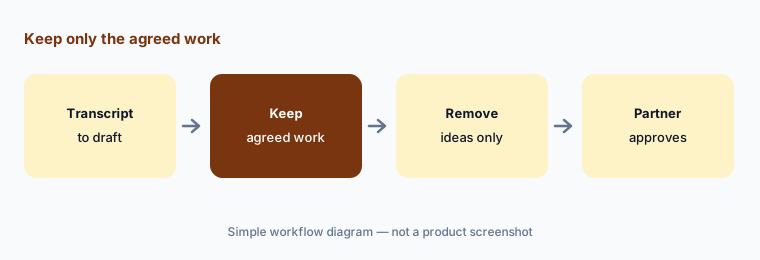
A meeting transcript mixes what the client agreed to with what was only discussed. Ignition's own guidance is to separate agreed work from ideas.
Agreed work only:
Turn one meeting transcript into a draft proposal. Have the client manager remove anything the client did not agree to and send it to the engagement partner before it reaches the client.
6. Billing, payments, WIP, and who may do what
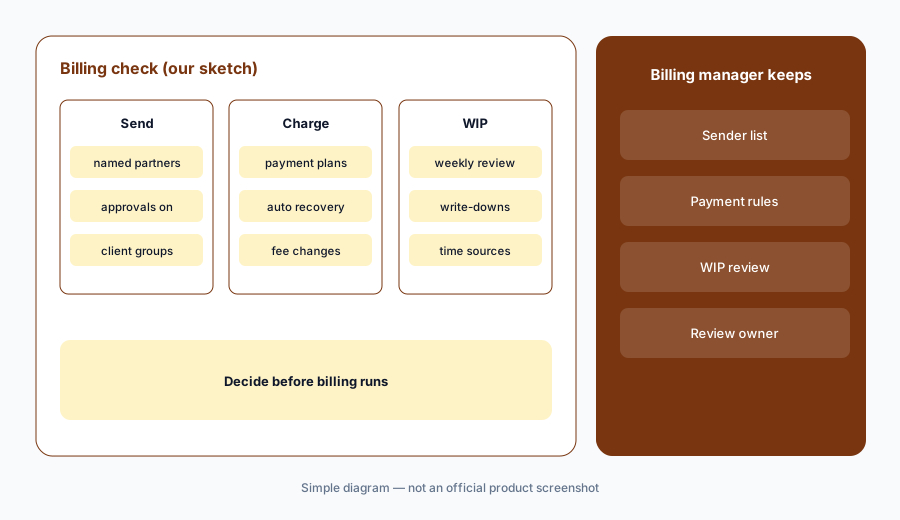
What it is: Most of Ignition's 2026 billing work is automation rather than AI. The 9 September 2026 release added milestone billing, payment plans, a client payment portal, import of unpaid invoices, and automated payment recovery (reminders, a retry when a payment fails, and a plain-language reason for the client). WIP Billing and Integrated Time (19 October 2026) bring time from Ignition or a connected system into WIP review, where teams decide to bill, hold, write up, write down, or write off before invoicing; availability varies by integration. The 17 August 2026 release added granular user permissions (who can send proposals, view revenue, or collect payments) and Advanced Reporting.
Automatic collection is the point of Ignition, and it is also the risk: once a proposal is signed, invoices collect themselves on the terms in that proposal. A wrong fee in an AI-drafted proposal becomes a wrong charge.
Admin decides first:
Before turning on automated billing changes, have the billing manager set who may send proposals and change payment terms, and review every WIP write-down for the first month.
Pricing context (October 2026)
Ignition prints its prices in USD (pricing page and the pricing data it loads, US region, checked 21 Oct 2026; “Plans and pricing effective from 6 May 2025”): Solo $39 per month billed annually ($49 monthly; one user, 20 active clients, under $150,000 annual revenue, eligibility applies); Core $1,188 per year billed annually ($149 monthly; 3 users, 50 active clients); Pro $229 per month billed annually ($279 monthly; 15 users, 350 active clients); Pro+ $399 per month billed annually ($499 monthly; 20 users, 600 active clients); Enterprise by quote. Extra active clients cost $7, $5, $3, or $2 each by plan. Free 14-day trial.
AI pricing: Price Insights is an add-on at $349 per year (US) for 200 price insights, with credits valid 12 months; every account can run three insights free, and Enterprise lists AI price insights as included. AI Proposal Creator and AI Service Creator are Labs betas with no separate price listed. Other add-ons: Deals pipeline and Online forms at $49 per month each unless included.
Payment fees (US): standard cards 2.5% + $0.30, premium cards 3.6% + $0.30, ACH 1% + $0.30 capped at $5 plus 0.3% on the part of a payment above $3,000. The 40% revenue figure and other outcomes on Ignition's site are vendor claims.
Uncertainty: We did not test Ignition. Features, dates, and prices come from Ignition's pricing page (its plan prices load from a public pricing feed, which we read directly), product page, news releases, and help center as read on 21 Oct 2026 and can change. AI Proposal Creator and AI Service Creator are betas in Ignition Labs; Price Insights covers Australia and the US only. WIP Billing availability varies by integration. Revenue and time figures are vendor or customer claims.
When it’s useful (honest take)
Useful when your firm sends many proposals and renewals, prices by package or fixed fee, and an engagement partner will approve every AI-drafted scope and fee before a client sees it.
Less useful when you mainly need practice management and client document requests (Financial Cents AI or Karbon AI), tax return prep automation (Juno AI), or audit engagement software (Fieldguide vs DataSnipper).
Paying for Ignition AI and a few other AI tools? The $9 AI toolkit spreadsheet lists every AI subscription you have, what each one costs, and how fast it pays for itself, so you can see which ones are worth the money.
Want someone to do it for you? AI toolkit audit — $19
Related options (educational)
| Need | Better home | Why |
|---|---|---|
| Proposals, engagement letters, AI price help, billing | Ignition AI (this page) | From $39 per month annual (Solo); Price Insights $349/year |
| Small-firm practice management with proposals and billing | Financial Cents AI | $19 / $49 / $69 per user/month annual |
| Team email, recurring work, close checks | Karbon AI | $59 / $89 per user/month annual |
| Practice management with Smart Intake and Smart Prep | Canopy AI | $74 / $109 per user/month annual |
| AI tax return prep from source documents | Juno AI | Per return; $50 list |
FAQ
What AI does Ignition have?
AI Proposal Creator and AI Service Creator (betas in Ignition Labs), AI Price Insights for fee benchmarks and suggestions, integrations that turn meeting notes into proposals (Vinyl, Ping, Abacor), and an MCP for AI assistants such as Claude and ChatGPT.
How much does Ignition cost in October 2026?
In the US, Ignition prints Solo at $39 per month billed annually, Core at $1,188 per year billed annually, Pro at $229 and Pro+ at $399 per month billed annually, with higher monthly-billing prices; Enterprise is quoted. Price Insights is a $349 per year add-on.
Can Ignition's AI renew last year's proposals?
Not directly. Ignition's help article says AI Proposal Creator cannot edit, renew, or raise prices on an existing proposal; it creates a new draft. You can attach last year's engagement letter as context or use Ignition's non-AI renewal tools.
Does Ignition's AI send proposals to clients?
No. AI Proposal Creator opens a draft in the proposal editor and nothing is sent until someone sends it. On Pro+ and Enterprise, turn on proposal approvals so an engagement partner signs off first; on other plans, hold drafts for the partner's review.
Who should check Ignition's AI output?
The engagement partner for every AI-drafted scope, fee, and term; the managing partner for fee changes from Price Insights; the operations manager for the services library; the client manager for drafts from meeting notes; and the billing manager for permissions and payment terms.
Optional next step (if seats overlap)
If you pay for a proposals and billing platform, a practice system that also sends proposals, and general chat seats that draft the same engagement letters, that overlap is worth mapping. Map the overlap with the $19 AI toolkit audit or the $9 AI toolkit spreadsheet. Email Audit $19 or Toolkit spreadsheet $9.
Checkout is live via Stripe. After you pay, we email delivery (spreadsheet) or intake next steps (audit).