Compare · Donation forms · Oct 2026
Zeffy vs Donorbox (Oct 2026): free vs fee-based donation forms, what each gift really costs, Jay·AI, donor tips, and who checks the math
Zeffy and Donorbox both give small nonprofits donation forms, event tickets, and peer-to-peer pages. They pay for it differently. Zeffy charges the nonprofit $0 and asks donors for an optional contribution to Zeffy at checkout. Donorbox Standard is free with fees of 2.95%–3.95% per gift; Pro is $150 a month with fees of 1.75%–2% and adds Jay·AI; Premium is by quote. Card processing on Donorbox is separate. Which costs less depends on your gift volume and how your donors feel about being asked for a tip, so the finance lead works out the cost of last year's gifts on each before anyone moves a form.
What this comparison covers
This page is for a development director, executive director, or volunteer treasurer at a small nonprofit choosing online donation forms. It is not legal, tax, or gift-acceptance advice; a named person owns every donor-facing message, gift record, ask amount, and funder submission.
Zeffy facts come from its pricing page (zeffy.com/pricing redirects there) and help article. Donorbox facts come from its pricing page and Jay·AI page. All read on 26 October 2026. We did not test either platform.
The trade is simple to state and hard to judge: Zeffy costs the nonprofit nothing but asks every donor for a contribution to Zeffy; Donorbox charges a percentage and processing, and a monthly fee on Pro, and lets donors cover fees. Your donors' reaction to the checkout matters as much as the arithmetic.
Ground rules: the finance lead checks the cost per gift on your own data; the development lead tests the donor checkout; a person checks every AI-written appeal. Keep donor data confidential. This comparison is not a ranking.
| Job | Zeffy | Donorbox |
|---|---|---|
| Price to the nonprofit | $0; funded by optional donor contributions at checkout | Standard free; Pro $150/month; Premium by quote |
| Fees on each gift | None charged to the nonprofit, per Zeffy | Standard 2.95%–3.95%; Pro 1.75%–2%; Premium 1.6%–2%; processing (e.g. Stripe 2.2% + $0.30 nonprofit rate) |
| What the donor sees | An optional contribution to Zeffy at checkout | Option to cover fees |
| AI | None named on the pricing page | Jay·AI on Pro |
| Who signs off | The development lead chooses; the finance lead checks the cost per gift on your own data | |
Major features (with how someone uses them)
Examples at a glance: each feature has a concrete example from a real job plus a short Try this you can run this week.
1. Work out last year's cost per gift
What it is: Zeffy's pricing page says “Our price is $0” and that it relies on optional donor contributions. Donorbox's pricing page lists Standard fees of 2.95%–3.95%, Pro at $150 a month with 1.75%–2%, and Premium at 1.6%–2%, and its FAQ says Stripe's US nonprofit rate is typically 2.2% + $0.30.
At low volume Donorbox Standard's percentage is usually cheaper than Pro's monthly fee; at high volume the lower percentage can win. Zeffy shifts the cost to donors who choose to tip.
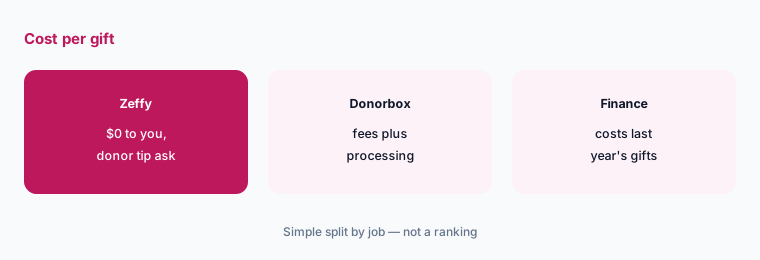
Cost last year's gifts:
Take last year's online gifts: count, average gift, and how many were monthly. Have the finance lead work out what each gift cost the nonprofit and the donor on Zeffy and on each Donorbox plan before anyone moves a form.
2. Test the donor checkout yourself
What it is: Zeffy asks donors for an optional contribution at the payment confirmation step (pricing page; help article). Donorbox lists fee-cover options and QuickDonate on its pricing page.
Some donors give a tip without thinking; others feel misled when they notice it. Test it with your own supporters before switching.
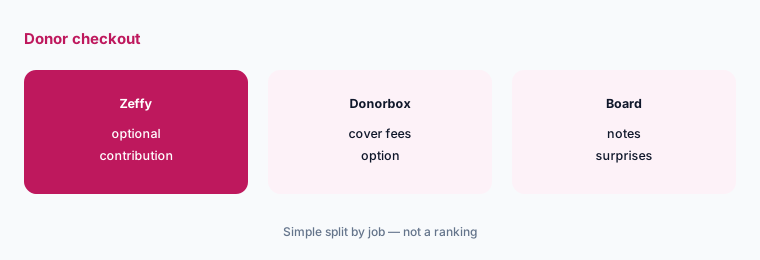
Give $25 on each:
Have five board members make a $25 gift on test forms on each platform and write down anything at checkout that surprised them.
3. Plan monthly giving
What it is: Donorbox Pro adds a recurring donation upsell and DAFpay donations (pricing page). Zeffy's pricing page lists donation forms with no fee to the nonprofit.
Monthly donors are your most valuable online donors. Moving them between platforms risks losing some.
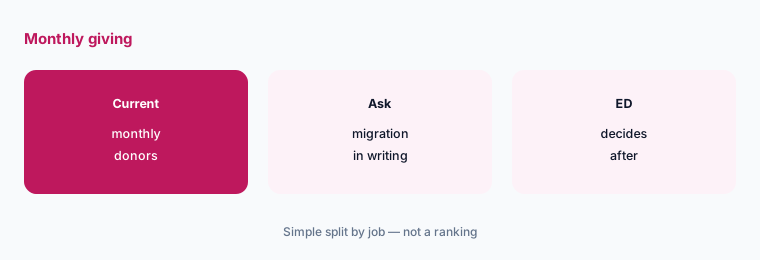
Ask about migration first:
Before switching, ask each platform in writing how existing monthly gifts move over and which donors must re-enter card details.
4. Check Jay·AI drafts before they go out
What it is: Donorbox lists Jay·AI on Pro (pricing page). Zeffy's pricing page does not name an AI feature.
An AI-written appeal can promise outcomes you cannot deliver or misstate how a gift is used.
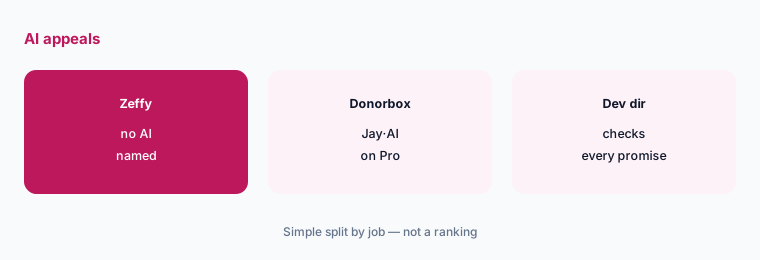
Check every promise:
Have the development director check every number and promise in an AI-drafted appeal against your program data before it is sent.
5. Sell event tickets
What it is: Both platforms include event ticketing: Donorbox on Standard (pricing page), and Zeffy among its free tools (pricing page). For galas with auctions, see OneCause vs GiveSmart.
Ticket receipts need the right deductible amount; the platform does not know what dinner cost.
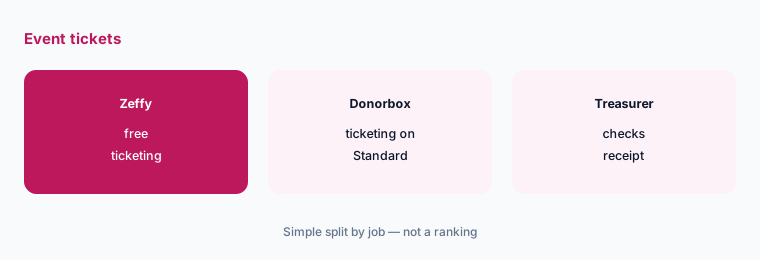
Check the ticket receipt:
Before ticket sales open, buy one test ticket on each platform and have the treasurer check the receipt's deductible amount and wording.
6. Get gifts into your donor records
What it is: Donorbox Pro adds Zapier and API access (pricing page). Zeffy's pricing page lists its free tools; check how its exports fit your CRM.
Gifts that never reach your donor records never get a proper thank-you.
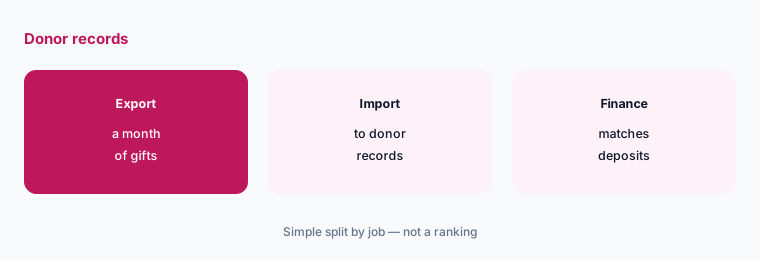
Match to the bank:
Export a month of gifts from each platform, import them into your donor records, and have the finance lead match totals to bank deposits.
Pricing context (October 2026)
Zeffy (pricing page, checked 26 October 2026): $0 to the nonprofit — “100% free, always.” Zeffy relies on optional contributions donors are asked for at the payment confirmation step.
Donorbox (pricing page, checked 26 October 2026): Standard free with fees between 2.95% and 3.95%; Pro $150 per month (discount for yearly billing) with fees between 1.75% and 2% and Jay·AI; Premium by quote with fees between 1.6% and 2%. Card processing is separate; Donorbox's FAQ gives Stripe's US nonprofit rate as typically 2.2% + $0.30 and PayPal's as 1.99% + $0.49. No setup or cancellation fees.
Uncertainty: We did not test either platform. Facts come from vendor pages as read on 26 Oct 2026 and can change. Donorbox's fee ranges may combine platform and other fees; ask which applies to each payment method. Zeffy's donor contribution rate varies by donor and is not printed.
When it’s useful (honest take)
Useful when you are moving or starting online donation forms, the finance lead can cost last year's gifts on both, and you will test the checkout with real supporters.
Less useful when you run a large gala with auctions (OneCause vs GiveSmart), you are also weighing Givebutter (Zeffy vs Givebutter, Donorbox vs Givebutter), or you need corporate matching platforms (Benevity vs YourCause).
Still choosing between Zeffy and Donorbox? The $19 AI toolkit audit gives you a written plan for which tools to keep using and which to drop across your whole AI stack, including this pair.
Prefer to do it yourself? Spreadsheet — $9
Related options (educational)
| Need | Better home | Why |
|---|---|---|
| Free vs fee-based donation forms | Zeffy vs Donorbox (this page) | Cost last year's gifts |
| Zeffy against Givebutter | Zeffy vs Givebutter | Compare |
| Donorbox against Givebutter | Donorbox vs Givebutter | Compare |
| Galas and auctions | OneCause vs GiveSmart | Compare |
| Appeal design for nonprofits | Canva for nonprofits | See review |
| AI-set ask amounts on donation forms | Fundraise Up AI | See review |
FAQ
Is Zeffy really free?
Zeffy says it charges nonprofits $0 and relies on optional contributions donors are asked for at checkout (checked 26 October 2026). Test the checkout so you know what your donors see.
How much does Donorbox cost?
Donorbox Standard is free with fees between 2.95% and 3.95%; Pro is $150 a month with fees between 1.75% and 2%; Premium is by quote with fees between 1.6% and 2%. Card processing is separate (checked 26 October 2026).
Which costs less, Zeffy or Donorbox?
For the nonprofit, Zeffy's printed price is $0. Donorbox's cost depends on your gift volume and plan. Have your finance lead cost last year's gifts on each, and weigh how donors feel about Zeffy's optional contribution request.
Does Donorbox have AI?
Donorbox lists Jay·AI on its Pro plan. Check every AI-drafted appeal against your program data before sending.
Who should decide between Zeffy and Donorbox?
The development lead chooses and tests the donor checkout; the finance lead checks the cost per gift and matches gifts to bank deposits; the treasurer sets receipt wording.
Optional next step (if seats overlap)
If you pay for donation forms, an event tool, and AI seats that write the same appeals, map that overlap before the next renewal. Map the overlap with the $19 AI toolkit audit or the $9 AI toolkit spreadsheet. Email Audit $19 or Toolkit spreadsheet $9.
Checkout is live via Stripe. After you pay, we email delivery (spreadsheet) or intake next steps (audit).