Tool · Nonprofit fundraising ops · Bonterra · Oct 2026
Bonterra Que review (Oct 2026): AI donor segments, campaign plans, email and text drafts, welcome-series automations, and peer-to-peer coaching in EveryAction and DonorDrive
Bonterra makes fundraising and grants software for nonprofits and funders, including EveryAction (CRM and outreach), Network for Good (small nonprofits), and DonorDrive (peer-to-peer events). Bonterra Que, launched in October 2025, is the AI built into those products: it builds donor segments from plain language, plans campaigns, drafts emails, texts, and forms, sets up automations, and coaches peer-to-peer teams. This page is about using Que while a named person still checks every list and reads every message before a donor sees it. Each section has a Try this.
What this Bonterra Que page covers
This page is for a development director, digital fundraising manager, or events lead at a nonprofit that runs on EveryAction, Network for Good, or DonorDrive, or is evaluating them. It is not legal, tax, or fundraising-compliance advice.
Bonterra launched Que on 1 October 2025 with fundraising skills (coaching, donor insights, segmentation, forms, and emails), grantseeking skills, and grantmaking skills, and promised workflow automation, SMS, and event creation in 2026. Since then Bonterra has published a Text Messaging skill (11 Mar 2026), a campaign walkthrough (27 May 2026), Que in DonorDrive (29 Jul 2026), and Workflow Automations in Que (14 Oct 2026).
Ground rules before you rely on it: the development director compares every AI-built segment with a list she can build by hand; every email, text, and form is read before it is sent or published; no automation is switched on until each step has been reviewed. Bonterra’s own principles say “people always make the final decisions.”
Major features (with how someone uses them)
Examples at a glance: each feature has a concrete example from a real job plus a short Try this you can run this week.
1. Plain-language donor segments (primary)
What it is: Bonterra says you “simply describe who you want to reach in plain language and Que builds the list for you, using your organization’s giving history, engagement data, and predictive models” (27 May 2026 walkthrough). In the same post Bonterra quotes one organization that says Que segmentation helped it raise campaign revenue 41% year over year — a customer claim, not our measurement.
“Lapsed” means different things to different teams. If Que’s definition differs from yours, the list will look right and still be wrong.
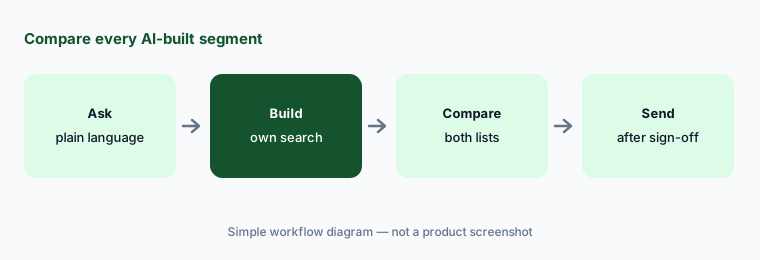
Primary workflow:
Ask Que to build one lapsed-donor segment in plain language. Have the development director compare the list with a saved search she builds by hand before any email goes to it.
2. Campaign coaching and plans
What it is: Que’s personalized coaching skill “reviews your organization’s donor data, past campaign performance, and sector-wide benchmarks” and builds a plan (walkthrough). Bonterra quotes a customer who asked Que for “strategy, a timeline, audience segmentation, messaging themes, and campaign initiatives” for a March campaign.
A plan built on benchmarks can schedule asks that clash with your own calendar, such as a gala week.
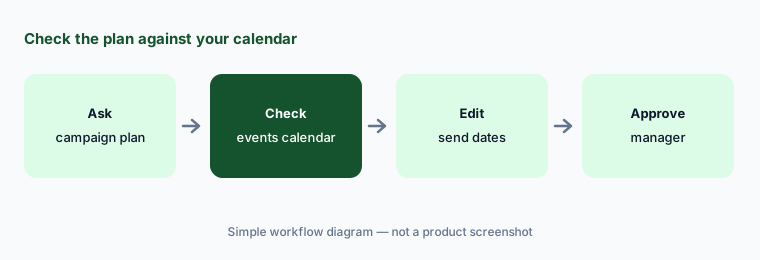
Check against your calendar:
Ask Que for a plan for your next campaign. Have the development manager check every send date against your events calendar and board rules before the plan is approved.
3. Email, text, and donation form drafts
What it is: For emails Bonterra says Que returns “a complete draft with a subject line, pre-header, body copy, and call-to-action” (walkthrough). The Text Messaging skill drafts short campaign reminders, thank-yous, and match messages that you can edit before sending. Que can also build donation forms, per Bonterra’s launch post.
A draft can invent a match deadline or a program number. Facts in donor messages must come from your records.
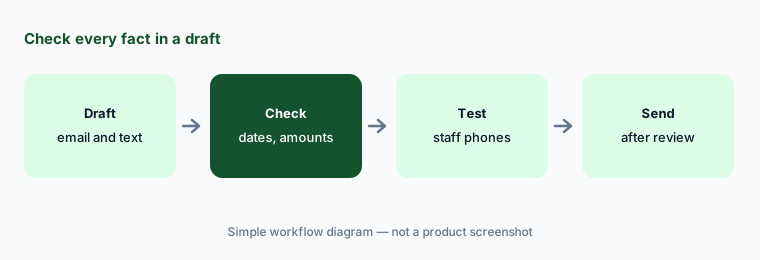
Check every fact:
Ask Que for one campaign email and one text. Have the digital fundraising manager check every date, amount, and program number against your records before anything is sent.
4. Welcome-series and monthly-giving automations
What it is: Bonterra’s 14 October 2026 help article shows Que building automations in EveryAction from a request such as “Help me build a welcome series automation” or moving one-time donors toward monthly giving. Que drafts the entry search, emails, and waits (three days between welcome emails by default), and you review and attach each step; for anything else, such as assigning staff follow-up, Que tells you to finish in the workflow builder.
An entry search that is too wide welcomes long-time donors as if they were new.
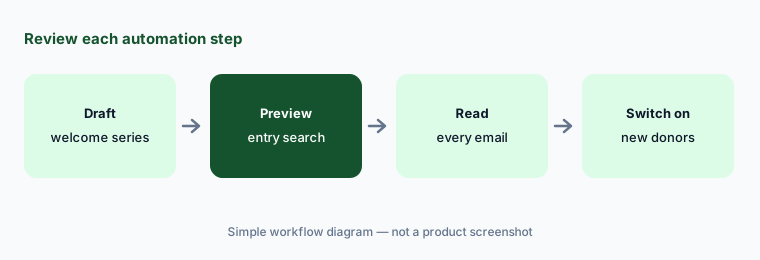
Review every step:
Ask Que to draft a welcome series. Have the development operations lead preview the entry search and read every email before the automation is switched on.
5. Que in DonorDrive for peer-to-peer events
What it is: On 29 July 2026 Bonterra said Que is “live for all DonorDrive customers with no setup required.” Que answers best-practice questions from DonorDrive’s knowledge base and, because it reads your active and archived event data, can flag participants at risk of not fundraising and compare an event’s pace with last year.
Pacing against last year assumes last year was normal. A rained-out walk makes this year look ahead.
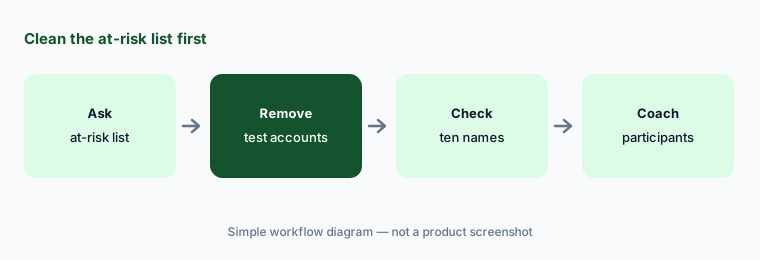
Check the list first:
Ask Que in DonorDrive which participants are at risk of not fundraising. Have the events manager remove test and staff accounts and check ten names before any coaching email goes out.
6. Grant fit analysis, first drafts, and product help
What it is: Bonterra’s fundraising pricing page lists a Que grant skill on Network for Good: “Get an analysis of each grant – eligibility, fit, and application effort – before you commit time. When you’re ready to apply, Que generates a first draft.” The same page lists Que product support in EveryAction, which answers how-to questions “based on help center information.” Bonterra’s launch post also describes grantmaking skills for funders that connect them with nonprofits in the Bonterra Network.
A first draft can borrow outcome numbers from an old proposal. Funders check numbers against your reports.
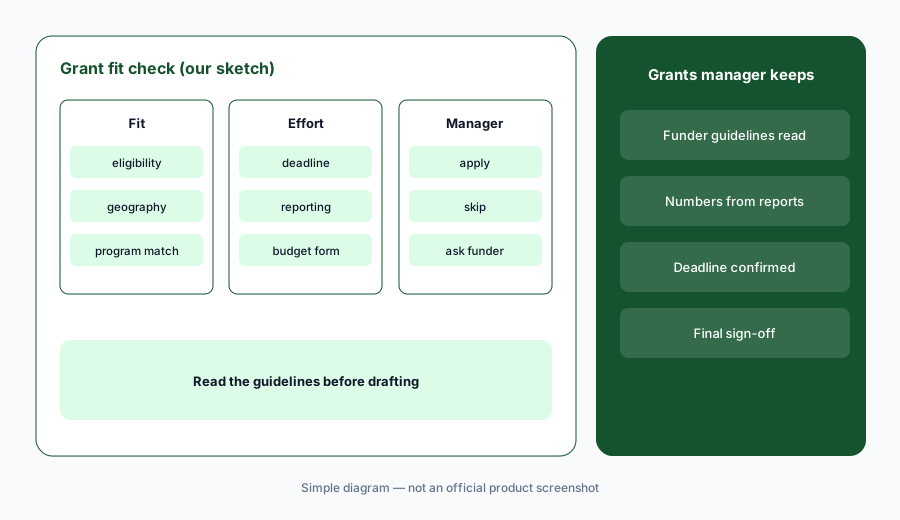
Read the guidelines too:
Ask Que for a fit analysis on five grants you are considering. Have the grants manager read each funder’s current guidelines and mark the analysis right or wrong before any draft is started.
Pricing context (October 2026)
Bonterra prints no list prices. Its fundraising and engagement pricing page (checked 22 Oct 2026) says pricing depends on the product, the size of your organization, and the features you include, and asks you to “reach out to get a pricing quote specific to your organization.” Que skills are listed per product as “Included” or “Based on plan,” so ask which Que skills your plan has.
Bonterra’s pricing FAQ says changes in usage, such as fewer records, are handled at renewal with its contracts team. Ask whether text messaging, payment processing, and any Que skill are priced separately, and get the answer in writing with the quote.
Bonterra calls Que “the first agentic AI platform designed specifically for the social good sector.” That is Bonterra’s description, not our finding.
Uncertainty: We did not test Bonterra Que. Features and dates come from Bonterra’s blog, pricing page, and community help articles as read on 22 Oct 2026 and can change. Which Que skills you get depends on your product and plan; customer results quoted here are Bonterra’s or its customers’ claims. Prices are quote-only.
When it’s useful (honest take)
Useful when your nonprofit already runs on EveryAction, Network for Good, or DonorDrive, building segments and drafting campaign messages eats your week, and a named person will compare every list and read every message before it goes out.
Less useful when your donor records live in Raiser’s Edge NXT (Blackbaud AI), you are a small team that wants printed prices and a daily list of who to call (Bloomerang AI), or nobody has time to review AI output before it reaches donors.
Paying for Bonterra Que and a few other AI tools? The $9 AI toolkit spreadsheet lists every AI subscription you have, what each one costs, and how fast it pays for itself, so you can see which ones are worth the money.
Want someone to do it for you? AI toolkit audit — $19
Related options (educational)
| Need | Better home | Why |
|---|---|---|
| Segments, drafts, automations, peer-to-peer coaching | Bonterra Que (this page) | Quote-only; Que included by plan |
| Donor summaries and agent outreach in Raiser’s Edge NXT | Blackbaud AI | Quote-only |
| Daily recommendations and research for small teams | Bloomerang AI | CRM from $125/month billed annually |
| General drafting without donor data | ChatGPT | No donor data |
| Design for campaign graphics | Canva Magic Studio | Different job |
FAQ
What is Bonterra Que?
Que is the AI built into Bonterra products such as EveryAction, Network for Good, and DonorDrive. Bonterra launched it on 1 October 2025; it builds segments, plans campaigns, drafts emails, texts, and forms, sets up automations, and coaches peer-to-peer teams.
How much does Bonterra Que cost in October 2026?
Bonterra prints no list prices and asks you to request a quote. Its pricing page lists Que skills per product as included or based on plan, so ask which skills your plan includes.
Does Que send emails or texts on its own?
Bonterra’s help articles show Que drafting messages and automation steps that you review and attach. Read every draft and preview every automation step before you switch anything on.
Is Que available in DonorDrive?
Yes. Bonterra said on 29 July 2026 that Que is live for all DonorDrive customers with no setup required, with best-practice and program-specific coaching for peer-to-peer events.
Who should check Bonterra Que output?
The development director for every segment and campaign plan; the digital fundraising manager for emails, texts, and forms; the events manager for peer-to-peer lists; the grants manager for grant fit analysis and drafts.
Optional next step (if seats overlap)
If you pay for Bonterra, a separate email tool, and a general chat seat that all draft the same appeals, that overlap is worth mapping. Map the overlap with the $19 AI toolkit audit or the $9 AI toolkit spreadsheet. Email Audit $19 or Toolkit spreadsheet $9.
Checkout is live via Stripe. After you pay, we email delivery (spreadsheet) or intake next steps (audit).