Compare · Corporate giving · Oct 2026
Benevity vs YourCause (Oct 2026): employee giving, matching, corporate grants, AI application review, quote-only pricing, and who decides every grant
Benevity and YourCause run corporate giving programs: employee donations and matching, volunteering, and corporate grants paid out to nonprofits. Neither prints a price. Benevity quotes each module plus a platform fee scoped to your employee count, countries, and disbursement volume, and lists 2.5M+ validated nonprofits and AI-powered grant application review. YourCause, from Blackbaud, runs CSRconnect for giving and volunteering and GrantsConnect for grants, with complimentary AI Application Summaries once you opt in to generative AI; its Grant Review Agent was announced in April 2026. The fair test is your own program: the corporate giving lead sends both the same one-page program summary and gets a written quote and sample disbursement report before any demo.
What this comparison covers
This page is for a corporate giving or CSR lead choosing a platform for employee giving, matching gifts, volunteering, and corporate grants, and for nonprofit development staff who receive gifts through either. It is not legal, tax, or gift-acceptance advice; a named person owns every donor-facing message, gift record, ask amount, and funder submission.
Benevity facts come from its pricing page. YourCause facts come from its home page, GrantsConnect page, a July 2026 AI update, and Blackbaud's April 2026 announcement. All read on 26 October 2026. We did not test either platform.
Both are enterprise platforms with quote-only pricing, so the decision rests on your program's shape: how many employees and countries, how many grants, and how fast nonprofits need to be paid. Benevity's pricing page says a single-country program with a small employee base may be better served elsewhere.
Ground rules: the corporate giving lead runs the quotes; finance checks the platform fee and payout terms; a person reads every grant application and makes every grant decision, whatever AI summarizes. This comparison is not a ranking.
| Job | Benevity | YourCause (Blackbaud) |
|---|---|---|
| Pricing | Quote-only: each module plus a platform fee scoped to your size | Quote-only: request a demo |
| Employee giving and volunteering | Donate, Volunteer, and Employee Mobilization modules | CSRconnect |
| Corporate grants | Grants Management with AI-powered application review | GrantsConnect with AI Application Summaries and Form Intelligence (opt-in) |
| Nonprofit network and payouts | 2.5M+ validated nonprofits; 150+ countries; typically within 14 days | 1.5M+ charities through its processing services |
| Announced, not yet confirmed live | — | Grant Review Agent (announced April 2026) |
| Who signs off | The corporate giving lead chooses; finance checks the platform fee; a person makes every grant decision | |
Major features (with how someone uses them)
Examples at a glance: each feature has a concrete example from a real job plus a short Try this you can run this week.
1. Get a written quote on your real program
What it is: Benevity's pricing page says each module is quoted independently and the platform fee reflects employee count, countries, disbursement volume, and compliance needs. YourCause's site offers a demo and no printed price.
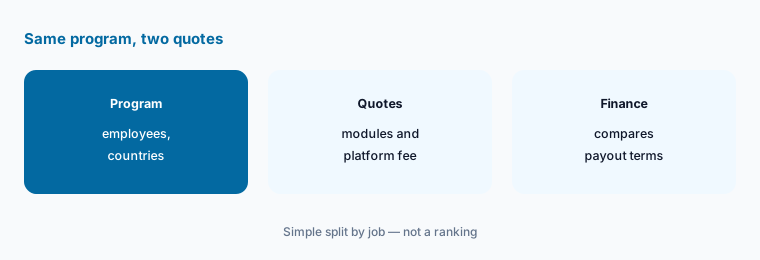
With no printed prices, the only fair comparison is both vendors quoting the same program in writing.
Send one page to both:
Write down last year's employee giving program: employees, countries, match rules, grants made, and volunteer hours. Have the corporate giving lead send that same page to Benevity and YourCause and ask each for a written quote and a sample disbursement report before any demo.
2. Match modules to what you run today
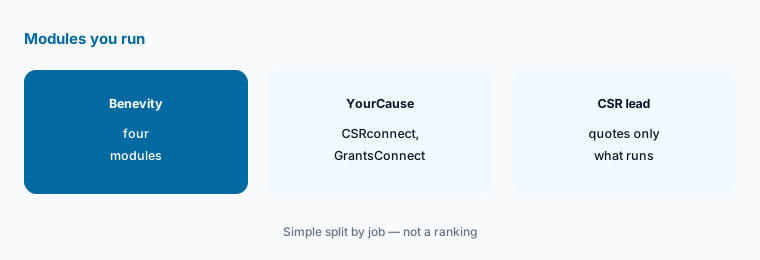
What it is: Benevity sells Donate, Grants Management, Volunteer, and Employee Mobilization as separate modules (pricing page). YourCause groups employee giving and volunteering in CSRconnect, grants in GrantsConnect, and reporting in Impact Edge (home page).
Paying for a volunteer module nobody uses is the easiest money to save. Start with what you run now and add later.
Quote only what you run:
List the programs you run today and have the CSR lead ask both vendors to quote only those, with every other module priced separately.
3. Keep a person on every grant decision
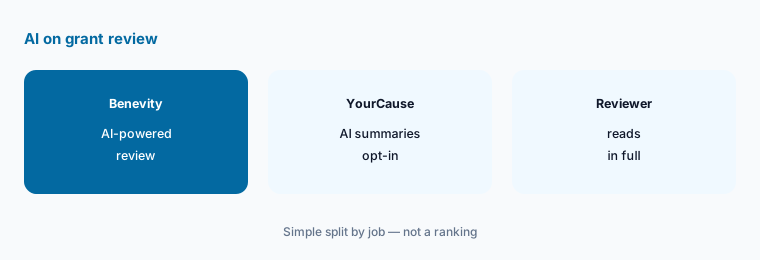
What it is: Benevity's pricing page lists AI-powered application review in Grants Management. YourCause's July 2026 update describes AI Application Summaries and Form Intelligence, complimentary once a customer completes a generative AI opt-in, and says summaries do not replace human review. Blackbaud announced a Grant Review Agent in April 2026; we found no general-availability date.
An AI summary can miss the one detail that makes a small nonprofit the right grantee. The reviewer still reads the application.
Read every application:
Have the grants manager write down that AI summaries never replace a reviewer reading the full application, and log any summary that missed something that mattered.
4. Check how fast nonprofits get paid
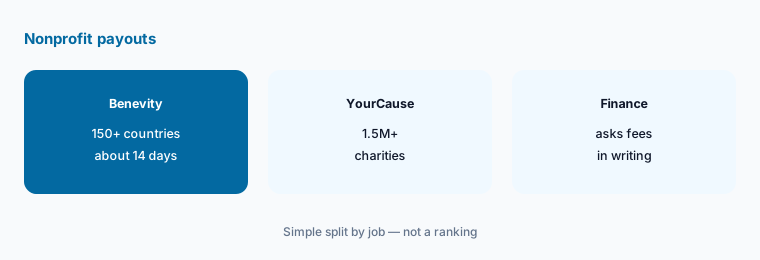
What it is: Benevity's pricing page cites 2.5M+ validated nonprofits in 150+ countries and payouts typically within 14 days once donations are made. YourCause's GrantsConnect page cites 1.5M+ charities through its processing services, and its home page says donations reach causes 95% faster.
Payout speed and fees matter most to the nonprofits your employees support. Ask what a $50 gift looks like when it arrives.
Follow a $50 gift:
Ask both vendors to show, in writing, when and how a nonprofit receives a $50 employee gift and a $5,000 grant, including any fees deducted.
5. If you are the nonprofit receiving gifts
What it is: Both platforms pay nonprofits that register and pass due diligence (Benevity, YourCause).
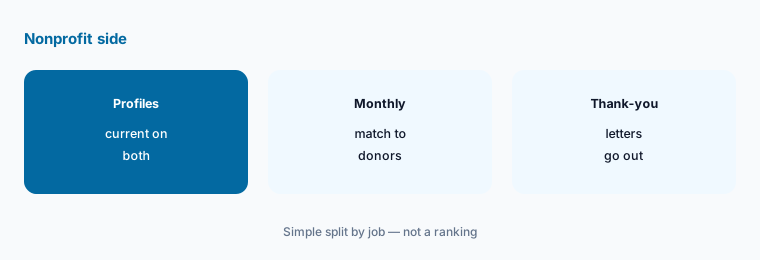
Corporate gifts that arrive without donor details are hard to thank and easy to misrecord.
Match every corporate gift:
Have your finance lead match each month's Benevity and YourCause disbursements to donor records before the development team sends thank-you letters.
6. Check the impact report against your own data
What it is: YourCause includes AI-powered impact reporting in Impact Edge (home page). Benevity's pricing page lists built-in reporting on grant outcomes.
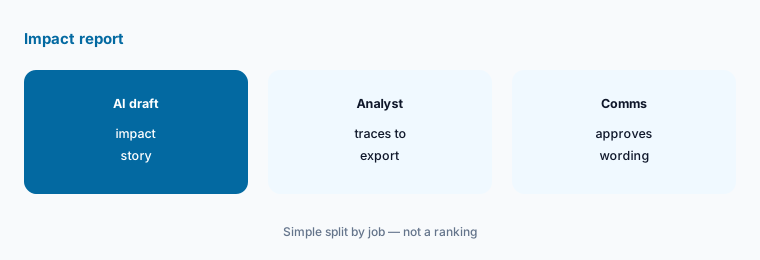
An AI-written impact story goes to executives and sometimes the public. Every number in it should trace to a record.
Trace every number:
Before publishing an impact report, have an analyst trace every total to the platform export and the communications lead approve the wording.
Pricing context (October 2026)
Benevity (pricing page, checked 26 October 2026): quote-only. Each module (Donate, Grants Management, Volunteer, Employee Mobilization) is quoted separately, plus an enterprise platform fee scoped to employee count, countries, disbursement volume, and compliance needs. No printed amounts.
YourCause from Blackbaud (home page and GrantsConnect page, checked 26 October 2026): quote-only; request a demo. AI Application Summaries and Form Intelligence are complimentary for grantmaking customers after a generative AI opt-in (July 2026 update).
Uncertainty: We did not test either platform. Facts come from vendor pages as read on 26 Oct 2026 and can change. Neither vendor prints a price. Blackbaud's Grant Review Agent was announced in April 2026 with no general-availability date we could find; treat it as upcoming. Nonprofit network counts and payout speeds are vendor claims.
When it’s useful (honest take)
Useful when you run employee giving, matching, or corporate grants across hundreds or thousands of employees, and finance will compare written quotes and payout terms.
Less useful when you are a small company with one country and a simple match (Benevity's own pricing page suggests other options), you need a stand-alone grant application tool (Submittable AI review), or you are a nonprofit choosing your own CRM (Blackbaud AI review).
Still choosing between Benevity and YourCause? The $19 AI toolkit audit gives you a written plan for which tools to keep using and which to drop across your whole AI stack, including this pair.
Prefer to do it yourself? Spreadsheet — $9
Related options (educational)
| Need | Better home | Why |
|---|---|---|
| Employee giving, matching, and corporate grants | Benevity vs YourCause (this page) | Quote your program |
| Blackbaud's AI across its products | Blackbaud AI review | See review |
| Stand-alone grant applications and review | Submittable AI review | See review |
| Grant writing tools for the nonprofit side | AI grant writing tools | Read how-to |
| Free donation forms for small nonprofits | Zeffy vs Donorbox | Compare |
| Gala and auction software | OneCause vs GiveSmart | Compare |
FAQ
How much does Benevity cost?
Benevity does not print prices. Its pricing page says each module is quoted separately, plus a platform fee based on employee count, countries, disbursement volume, and compliance needs (checked 26 October 2026).
How much does YourCause cost?
YourCause does not print prices; you request a demo and a quote. Its AI Application Summaries and Form Intelligence are complimentary for grantmaking customers after a generative AI opt-in.
Is YourCause part of Blackbaud?
Yes. The product is branded YourCause from Blackbaud, with CSRconnect for giving and volunteering, GrantsConnect for grants, and Impact Edge for reporting.
Can AI decide which grants to fund?
No. Both vendors describe AI that summarizes or helps review applications. A person should read every application and make every grant decision.
Who should choose between Benevity and YourCause?
The corporate giving or CSR lead runs the quotes and the decision; finance checks the platform fee and payout terms; the grants manager owns review rules; communications approves impact reports.
Optional next step (if seats overlap)
If your company pays for a giving platform, a separate grants tool, and AI seats that summarize the same applications, map that overlap before the next renewal. Map the overlap with the $19 AI toolkit audit or the $9 AI toolkit spreadsheet. Email Audit $19 or Toolkit spreadsheet $9.
Checkout is live via Stripe. After you pay, we email delivery (spreadsheet) or intake next steps (audit).