Compare · Gala and auction software · Oct 2026
OneCause vs GiveSmart (Oct 2026): gala and auction software, mobile bidding, pricing, AI features, and which one fits your next event
OneCause and GiveSmart both run nonprofit galas and auctions: ticketing, mobile bidding on guests' phones, live and silent auctions, and checkout. Both now offer a choice between a flat yearly fee and paying as you raise. OneCause, owned by Bonterra since October 2025, prints a $2,995 Professional Auction & Event package for a year, or 5% of funds raised, capped, and includes Auction AI on every auction plan. GiveSmart, from Momentive Software, offers an Annual Fee Subscription with no per-transaction fees (price by quote) or Pay-As-You-Go with $0 upfront, launched in September 2026, and includes MomentiveIQ Analytics. Printed prices do not tell you what your gala will cost, so the events lead gets an all-in written quote on your last event and the finance lead checks the fee math before any demo counts.
What this comparison covers
This page is for an events lead, development director, or volunteer gala chair choosing software for a gala, auction, golf outing, or luncheon. It is not legal, tax, or gift-acceptance advice; a named person owns every donor-facing message, gift record, ask amount, and funder submission.
OneCause facts come from its plans page, pay-as-you-go page, and auction and event plans page, plus Bonterra's October 2025 announcement. GiveSmart facts come from its plans page, Momentive's September 2026 pay-as-you-go announcement, and its MomentiveIQ Analytics page. All read on 26 October 2026. We did not test either product.
The real difference is how you pay and who owns the product. Both run the same core gala jobs. OneCause prints one flat price and a percentage with a cap it does not print; GiveSmart prints neither its annual fee nor its pay-as-you-go rate. A percentage model is cheap for a small event and expensive for a big one, so run your own numbers.
Ground rules for either choice: the events lead runs the quote and the demo; the finance lead checks every fee against last year's gross; the development director checks every AI-written item description and donor message before guests see it. This comparison is not a ranking.
| Job | OneCause | GiveSmart |
|---|---|---|
| Owner | Bonterra (acquired October 2025) | Momentive Software |
| Flat yearly option | $2,995 Professional Auction & Event package for a year | Annual Fee Subscription; fixed fee, no per-transaction fees; amount not printed |
| Pay as you raise | 5% of funds raised, capped; “starting at $200” or “as little as $500 down” (two pages differ) | $0 to start; transaction rate disclosed at signup (launched September 2026) |
| Auctions | Mobile bidding, silent and live auctions, paddles, raffles | Mobile bidding and silent auctions, ticketing, guest management |
| AI | Auction AI on every auction plan | MomentiveIQ Analytics: dashboards, plain-language reporting |
| Who signs off | The events lead chooses; the finance lead checks the fee math on your real event | |
Major features (with how someone uses them)
Examples at a glance: each feature has a concrete example from a real job plus a short Try this you can run this week.
1. Get an all-in quote on your last gala
What it is: OneCause's plans page prints a $2,995 flat Professional package and a 5% pay-as-you-go fee on funds raised. GiveSmart's plans page offers a fixed annual fee or a transaction rate disclosed at signup, with no amounts printed. Neither page lists card processing for your exact mix of tickets, bids, and donations.
A written quote on a real event is the only fair comparison. Ask each vendor to include software fees, card processing, donor-cover options, and any hardware or onsite staff.
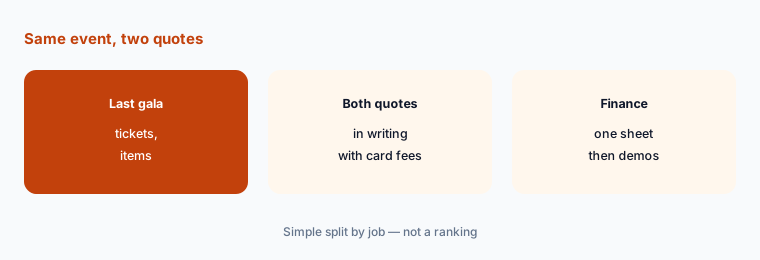
Quote the same event:
Take your last gala's item list and ticket count. Have the events lead ask OneCause and GiveSmart in writing for an all-in quote on that exact event, including card fees, before any demo counts.
2. Check the pay-as-you-go math
What it is: OneCause's pay-as-you-go page says a 5% fee applies to proceeds “with a maximum cap,” that it suits organizations raising $50,000 or less a year, and that you can start with “as little as $500 down”; its plans page says plans start “at just $200.” GiveSmart's pay-as-you-go is $0 to start, with a transaction fee charged to the organization at a rate disclosed before signup.
The two OneCause figures differ, and neither page prints the cap. Get the down payment, the cap, and whether card fees sit inside or on top of the 5% in writing.
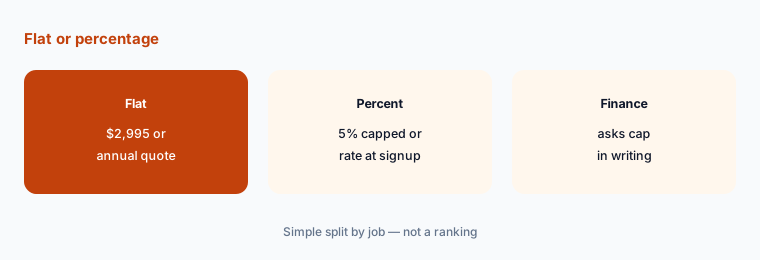
Run the percentage:
Multiply last year's event gross by each pay-as-you-go rate and compare it with each flat price. Have the finance lead get the cap, down payment, and card fees in writing.
3. Test mobile bidding with real guests
What it is: OneCause's auction plans list silent and live auctions, paddles, raffles, fixed-price items, and digital wallets. Momentive's announcement lists mobile bidding and silent auctions, online ticketing, and guest management for GiveSmart on both payment plans.
Gala guests are not software testers. Bidding that confuses a 70-year-old board member at table six costs you more than any fee difference.
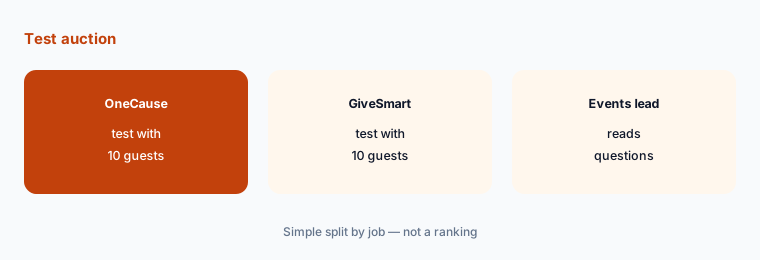
Run a test auction:
Have the events lead run a 10-person test auction in each product on volunteers' own phones, including people who rarely use apps, and write down every question they ask.
4. Check the AI features against your event
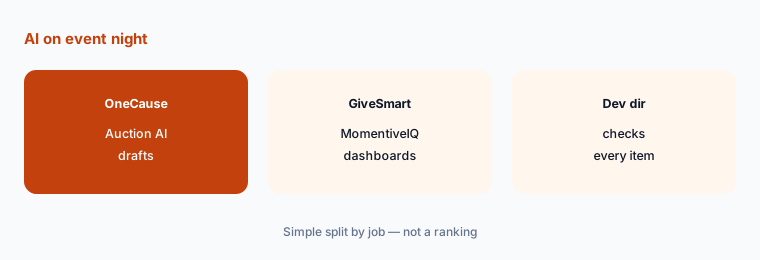
What it is: OneCause lists Auction AI on every auction plan (plans page). GiveSmart includes MomentiveIQ Analytics: Momentive's analytics page describes automatic dashboards, anomaly alerts, and plain-language questions about your data, and says base Analytics is in every Momentive subscription, with custom dashboards as a paid add-on.
AI that writes item descriptions can overstate value or invent details about a donated trip. AI dashboards can flag a trend from incomplete data. Both need a person.
Check AI copy against the source:
Have the development director check every AI-written auction description against the donor's item form before the catalog goes live, and log every correction.
5. Know who owns the product
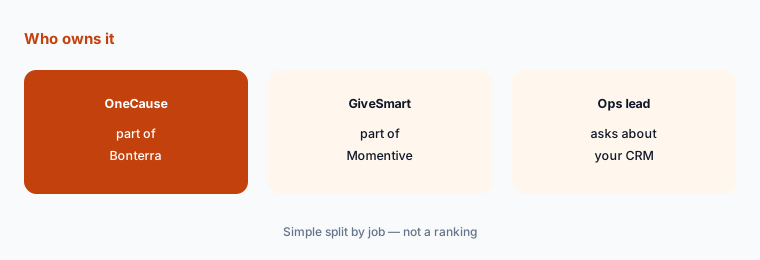
What it is: Bonterra announced it acquired OneCause on 15 October 2025, and OneCause's site now carries a “joined forces with Bonterra” banner. GiveSmart is part of Momentive Software, which also sells association and nonprofit tools.
Ownership changes can bring new integrations and new contract terms. If you already use Bonterra or Momentive products, ask what connects today; if you do not, ask what changes at renewal.
Ask about your CRM:
Have the operations lead ask each vendor in writing how guests, bids, and gifts get into your donor CRM today, and what changes at renewal.
6. Plan checkout, receipts, and the morning after
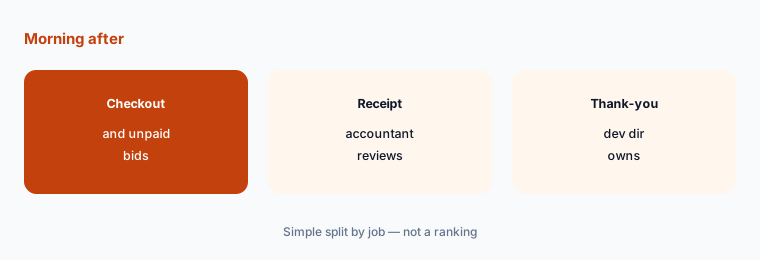
What it is: Both platforms handle checkout and post-event reporting (GiveSmart per Momentive's announcement; OneCause lists reconciliation and reporting on its auction plans).
Gala night ends; the work does not. Receipts, the fair-market value of each item, unpaid bids, and the thank-you list all start the next morning.
See the receipt:
Ask each vendor for a sample donor receipt for an auction item. Have your accountant review the wording and the finance lead own unpaid-bid follow-up.
Pricing context (October 2026)
OneCause (plans page and pay-as-you-go page, checked 26 October 2026): a flat $2,995 Professional Auction & Event package for a year, or pay-as-you-go with a 5% fee on funds raised and a maximum cap that is not printed. The plans page says plans start “at just $200”; the pay-as-you-go page says “as little as $500 down” and that it suits organizations raising $50,000 or less a year. Enterprise and Nationals plans are by quote. OneCause has been part of Bonterra since October 2025.
GiveSmart (plans page, checked 26 October 2026): Flex Pricing with two options on the same platform. Annual Fee Subscription: a fixed yearly fee with no per-transaction fees; the amount is not printed. Pay-As-You-Go: $0 to start, with a per-transaction percentage fee charged to the organization at a rate disclosed before signup. Momentive launched pay-as-you-go on 2 September 2026.
Uncertainty: We did not test either product. Facts come from vendor pages as read on 26 Oct 2026 and can change. OneCause shows two different pay-as-you-go entry figures ($200 and $500) and does not print its cap. GiveSmart prints neither its annual fee nor its pay-as-you-go rate. Card processing is not printed for either; ask whether it is inside or on top of each fee. Auction AI and MomentiveIQ descriptions are vendor claims.
When it’s useful (honest take)
Useful when you run at least one ticketed gala or auction a year, the events lead can send both vendors last year's real numbers, and the finance lead will check the fee math before anyone books a demo.
Less useful when you mostly need online donation forms (Zeffy vs Donorbox, Donorbox vs Givebutter), you want a free platform with optional donor tips (Zeffy vs Givebutter), or you are choosing a donor CRM first (Blackbaud vs Bonterra).
Still choosing between OneCause and GiveSmart? The $19 AI toolkit audit gives you a written plan for which tools to keep using and which to drop across your whole AI stack, including this pair.
Prefer to do it yourself? Spreadsheet — $9
Related options (educational)
| Need | Better home | Why |
|---|---|---|
| Gala and auction software with a flat or capped fee | OneCause vs GiveSmart (this page) | Quote your last event |
| Bonterra's AI across its fundraising suite | Bonterra Que review | Owner of OneCause |
| Free donation and event forms | Zeffy vs Donorbox | Compare |
| Donation forms and simple events with tips | Givebutter AI | See review |
| Donor CRM choice first | Blackbaud vs Bonterra | Compare |
| AI-set ask amounts on your website | Fundraise Up AI | See review |
FAQ
How much does OneCause cost?
OneCause prints a $2,995 Professional Auction & Event package for a year, or pay-as-you-go with a 5% fee on funds raised and a cap it does not print. Its pages give two entry figures — “starting at just $200” and “as little as $500 down” — so ask for the figure in writing (checked 26 October 2026).
How much does GiveSmart cost?
GiveSmart does not print prices. Its plans page offers an Annual Fee Subscription with a fixed yearly fee and no per-transaction fees, or Pay-As-You-Go with $0 upfront and a transaction rate disclosed before signup.
Do OneCause and GiveSmart have AI features?
OneCause lists Auction AI on every auction plan. GiveSmart includes MomentiveIQ Analytics, which Momentive describes as automatic dashboards, anomaly alerts, and plain-language reporting, with base Analytics in every subscription. Check every AI-written description and chart before guests or the board see it.
Is OneCause part of Bonterra now?
Yes. Bonterra announced it acquired OneCause on 15 October 2025, and OneCause's site says it has joined forces with Bonterra.
Who should decide between them?
The events lead runs the quotes, the test auction, and the decision; the finance lead checks every fee against last year's gross; the development director checks every AI-written description and donor message; your accountant reviews receipt wording.
Optional next step (if seats overlap)
If you pay for gala software, a separate donation form tool, and AI seats that write the same item descriptions and thank-you emails, map that overlap before the next event contract. Map the overlap with the $19 AI toolkit audit or the $9 AI toolkit spreadsheet. Email Audit $19 or Toolkit spreadsheet $9.
Checkout is live via Stripe. After you pay, we email delivery (spreadsheet) or intake next steps (audit).