Compare · Grant writing · Oct 2026
Claude vs ChatGPT for grant writing (Oct 2026): nonprofit pricing, projects, funder research, and the grants manager who checks every draft
Grant writers already use both. On price they are close: Claude's nonprofit Team plan is $8 per user per month ($3 for nonprofits in low- or middle-income countries, 2–150 seats), and ChatGPT Business Standard is $8 per user per month for nonprofits billed annually or $10 monthly. Both keep a proposal's files and instructions together in Projects. Claude's nonprofit page lists a connector to Candid for funder research. OpenAI is retiring custom GPTs on Dec 11, 2026, so a new grant-writing workflow belongs in a Project, not a new GPT. The real test is your own proposal: give both tools the same funded proposal and have the grants manager mark every unsupported fact before the team picks one.
What this comparison covers
This page is for a grants manager, development director, or executive director at a small nonprofit choosing one general AI assistant for proposals, reports, and funder research. It is not legal, tax, or gift-acceptance advice; a named person owns every donor-facing message, gift record, ask amount, and funder submission.
Claude facts come from its nonprofit page and Projects help article. ChatGPT facts come from OpenAI's nonprofit help article, Projects help article, and custom GPT retirement FAQ. All read on 26 October 2026. We did not test either tool on a live grant.
On price and basic features the two are close. The differences that matter for grants are where funder research comes from, how the team shares a proposal's files, and whether a workflow you build this autumn will still exist next year. Neither tool knows your programs, your outcomes, or your funder's unwritten preferences.
Ground rules for either tool: no donor names, gift amounts, or client stories without permission go in; the grants manager checks every fact, number, and promise in every draft; the executive director approves what is submitted. Treat budgets and client data as confidential. This comparison is not a ranking.
| Job | Claude | ChatGPT |
|---|---|---|
| Nonprofit price | Team $8/user/month; $3 in low- or middle-income countries; 2–150 seats | Business Standard $8/user/month annual or $10 monthly; Enterprise up to 75% off via sales |
| Proposal workspace | Projects with their own knowledge base (new version in beta) | Projects with chats, files, and instructions; 40 files per project on Business |
| Funder research | Connector to Candid listed on the nonprofit page | Web search and connected apps; no Candid connector listed on the nonprofit page |
| Reusable assistants | Projects and skills | Custom GPTs retire Dec 11, 2026; plan around Projects |
| Who signs off | The grants manager checks every fact, number, and promise before any funder sees it | |
Major features (with how someone uses them)
Examples at a glance: each feature has a concrete example from a real job plus a short Try this you can run this week.
1. Test both on the same funded proposal
What it is: Both tools draft grant sections from files you upload. OpenAI's nonprofit help article suggests uploading a draft proposal and the funder's criteria; Claude's nonprofit page shows a sample budget narrative.
A proposal that was already funded is the fairest test: you know what a good answer looks like, and every invented fact stands out.
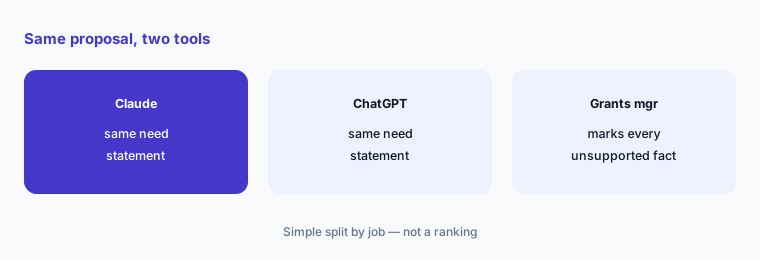
Run the same test:
Give Claude and ChatGPT the same funded proposal and funder guidelines, with no donor names or gift amounts, and ask each for the same need statement. Have the grants manager mark every unsupported fact in both drafts before choosing which tool the team uses.
2. Compare the nonprofit price for your team
What it is: Claude's nonprofit page lists Team at $8 per user per month, or $3 for nonprofits in low- or middle-income countries, for 2–150 seats, with Goodstack verification for organizations under 20 people. OpenAI's help article lists ChatGPT Business Standard at $8 per user per month billed annually or $10 monthly; Premium seats get no discount; Enterprise can be up to 75% off through sales; there is no API discount.
For most small teams the price is a wash. The deciding cost is usually the seats you buy for people who will not use them.
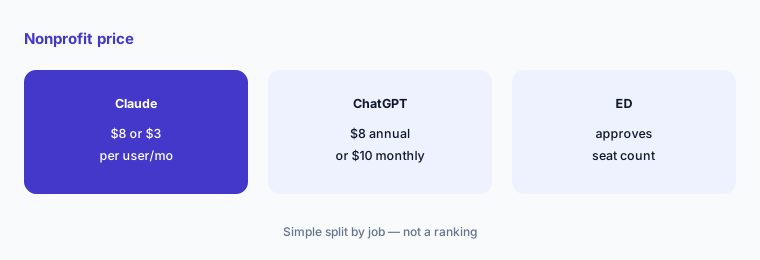
Count the seats:
List who writes or edits grants each month and price only those seats on each nonprofit plan. Have the executive director approve the seat count.
3. Set up one Project per proposal
What it is: Claude's Projects are workspaces with their own chats and knowledge base; a new version is rolling out in beta. ChatGPT's Projects keep chats, files, and instructions together; Business allows 40 files per project, and shared projects use project-only memory.
One Project per proposal keeps the funder's guidelines, your logic model, and last year's report together, and keeps one funder's details out of another's draft.
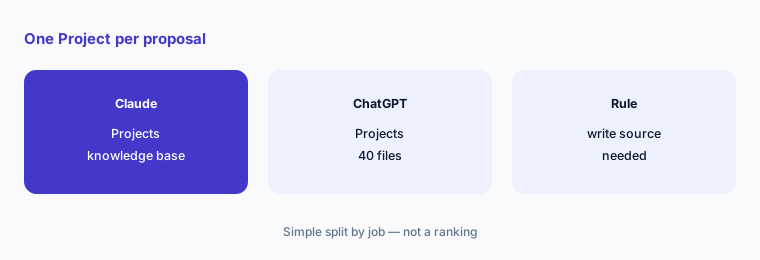
Build one Project:
Create one Project for your next proposal with the funder's guidelines, your outcomes, and the approved budget, and tell it to write “source needed” instead of guessing.
4. Check funder research against the source
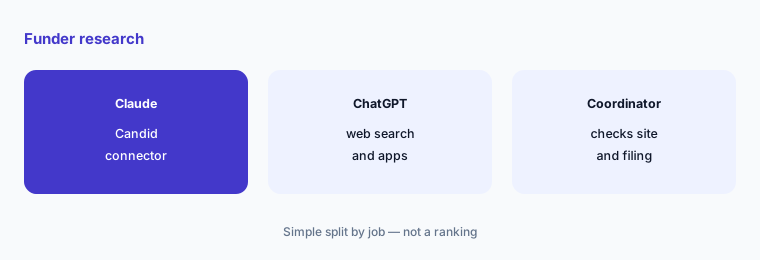
What it is: Claude's nonprofit page says Claude connects to Blackbaud, Benevity, and Candid to research foundations. ChatGPT can search the web and use connected apps in projects (help article); OpenAI's nonprofit article does not list a Candid connector.
Funder research is where AI errors are most expensive: a wrong deadline, an outdated program officer, or a priority the funder dropped two years ago.
Verify every prospect:
Have the grants coordinator open each AI-suggested funder's own website and latest filing before it goes on the prospect list, and note what changed.
5. Do not build a new custom GPT
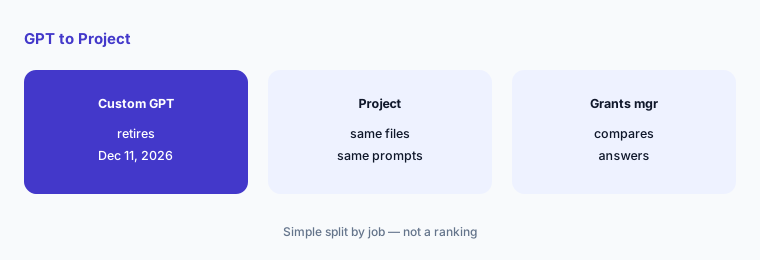
What it is: OpenAI's retirement FAQ says custom GPTs are scheduled to retire on Dec 11, 2026 (Feb 11, 2027 for Enterprise workspaces with an approved deferral), that creation of new custom GPTs is planned to end Oct 26, 2026, and that GPTs migrate to plugins, with custom actions not transferring automatically.
A “Grant Writer GPT” built this autumn would have weeks to live. Put the same instructions in a Project, where they keep working.
Move it to a Project:
If your team uses a custom GPT for grants, copy its instructions and files into a Project now, test the same prompts, and have the grants manager compare the answers.
6. Draft the grant report from your own data
What it is: Both tools can draft from uploaded spreadsheets and documents. Claude's nonprofit page lists file creation (docs, slides, spreadsheets, PDFs); OpenAI's help article says it does not train on Business data.
Grant reports promise outcomes to a funder. A wrong number in a report damages a relationship more than a weak proposal does.
Check every number:
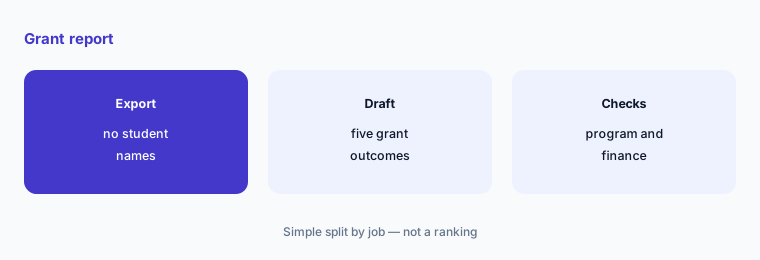
Draft your next grant report from a de-identified export, then have the program director check every outcome and the finance lead check every dollar before submission.
Pricing context (October 2026)
Claude (nonprofit page, checked 26 October 2026): Team for organizations buying 2–150 seats at $8 per user per month (nonprofit standard), or $3 per user per month for nonprofits in low- or middle-income countries; minimum two seats; verification through Goodstack for organizations under 20 people, sales for larger ones; Enterprise by quote.
ChatGPT (OpenAI for Nonprofits help article, checked 26 October 2026): Business Standard seats at $8 per user per month billed annually or $10 per user per month billed monthly; Business Premium seats are not discounted; Enterprise up to 75% off through sales; no nonprofit discount on the API; no BAA on Business.
Uncertainty: We did not test either tool on a live grant. Prices and features come from vendor pages as read on 26 Oct 2026 and can change. Claude's new version of Projects is in beta. OpenAI's custom GPT dates are planned and may differ for your workspace. Neither vendor guarantees accurate funder facts; check every one against the funder's own site.
When it’s useful (honest take)
Useful when one to five people write or edit grants, you can remove donor and client details before uploading, and the grants manager will check every draft against a source.
Less useful when you need a dedicated grant database and pipeline (Instrumentl vs Candid, AI grant writing tools how-to), a grant-specific writing tool (Grantable AI), or you run the grant program as a funder (Submittable AI).
Still choosing between Claude and ChatGPT? The $19 AI toolkit audit gives you a written plan for which tools to keep using and which to drop across your whole AI stack, including this pair.
Prefer to do it yourself? Spreadsheet — $9
Related options (educational)
| Need | Better home | Why |
|---|---|---|
| General AI assistant for proposals and reports | Claude vs ChatGPT for grant writing (this page) | Same-proposal test |
| Claude plans and connectors for nonprofits | Claude for nonprofits | See review |
| ChatGPT plans and Projects for nonprofits | ChatGPT for nonprofits | See review |
| Grant-specific drafting tool | Grantable AI | See review |
| Funder database and grant pipeline | Instrumentl vs Candid | Compare |
| Which grant tools to combine | AI grant writing tools | Read how-to |
FAQ
Is Claude or ChatGPT better for grant writing?
Neither is better for every team. Give both the same funded proposal and funder guidelines, ask for the same section, and have your grants manager mark every unsupported fact. Pick the one whose drafts need fewer corrections for your work.
How much do Claude and ChatGPT cost for nonprofits?
Claude's nonprofit Team plan is $8 per user per month, or $3 in low- or middle-income countries, for 2–150 seats. ChatGPT Business Standard is $8 per user per month billed annually or $10 monthly for verified nonprofits (both checked 26 October 2026).
Should we build a custom GPT for grant writing?
No. OpenAI plans to retire custom GPTs on Dec 11, 2026 and to stop new custom GPT creation on Oct 26, 2026. Put your grant instructions and files in a Project instead, in either tool.
Can AI research funders for us?
It can suggest funders. Claude's nonprofit page lists a Candid connector; ChatGPT can search the web. Check every funder's own site and latest filing before it goes on your prospect list.
Who should check AI-written grant drafts?
The grants manager checks every fact, number, and promise; the finance lead checks every budget figure; the executive director approves the submission. Keep donor names, gift amounts, and client details out unless your policy allows them.
Optional next step (if seats overlap)
If you pay for Claude, ChatGPT, and a grant tool that all draft the same need statements, map that overlap before the next renewal. Map the overlap with the $19 AI toolkit audit or the $9 AI toolkit spreadsheet. Email Audit $19 or Toolkit spreadsheet $9.
Checkout is live via Stripe. After you pay, we email delivery (spreadsheet) or intake next steps (audit).