Tool · Healthcare ops · AdvancedMD · Oct 2026
AdvancedMD AI review (Oct 2026): ambient and practice-management AI for independent specialty groups
AdvancedMD sells cloud practice management, EHR, patient engagement, and billing services to independent practices; it says it serves 13,000 private practices and 850 billing companies. Its AI is the AI Clinical Assistant — ambient listening that drafts notes, pre-visit summaries, and suggested chart items and orders — plus AI insurance card capture at intake. Unlike most vendors in this pack, it publishes prices, including the AI add-on. This page is about using it while the clinician owns every note and the office manager owns rollout. Each section has a Try this.
What this AdvancedMD page covers
This page is for an office manager, practice administrator, physician owner, or billing lead at an independent practice — AdvancedMD names private practices, mental health, physical therapy, laboratories, and large practice groups among the practices it serves — using or considering AdvancedMD. It is not medical, coding, or billing advice.
Sources, read 19 Oct 2026: AdvancedMD’s AI page, its 2026 Fall Release post (6 October 2026), and its pricing page. AdvancedMD says providers “review, edit and approve all content before signing,” that AI processing happens in its EHR, and that “no patient data is used for any model training” — its statements.
Ground rules: the clinician reviews and signs every note and every suggested order or chart item; the office manager owns which AI features are on for whom; front desk staff verify every AI-read insurance card; and AdvancedMD’s time-saving claims are its own, not our measurement.
Major features (with how someone uses them)
Examples at a glance: each feature has a concrete example from a real job plus a short Try this you can run this week.
1. Ambient Listening & Transcription with five note formats (primary)
What it is: AdvancedMD’s AI Clinical Assistant records the visit (the clinician can record, pause, or stop), filters speech for relevance and speaker changes, and after the visit drafts the transcript into one of five formats: Shareable Visit Summary, SOAP, Psychiatric Evaluation, Medication Management, or Treatment Plan. Each document can be regenerated once; then the clinician reviews, edits, and signs. AdvancedMD says this can turn up to 15 minutes of documentation into “just a few moments” — its claim.
The page is not consistent about where it works: one line says in-office desktop and telehealth now, with mobile “mid-2026”; another says desktop now with mobile and telehealth “coming soon.” Ask which applies to your account.
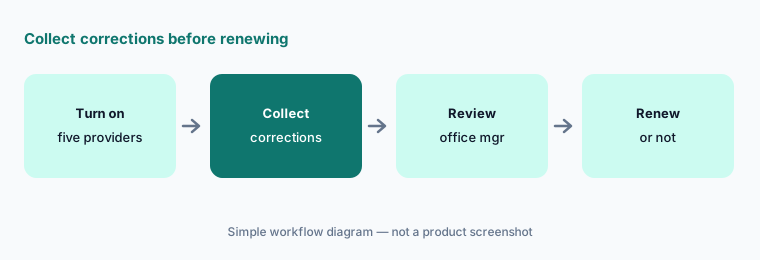
Primary workflow:
Turn on one AdvancedMD AI draft feature for five providers for one week. Have the office manager collect every correction before renewing.
2. AI-assisted Pre-visit Summary
What it is: The Pre-visit Summary pulls together recent notes, labs, medications, allergies, and risk factors into a short view before the appointment, generated from the Timeline view or the EHR Single-column Scheduler; it can be regenerated once.
A summary that leaves out a recent medication change is worse than no summary. Spot-check it against the chart before relying on it.
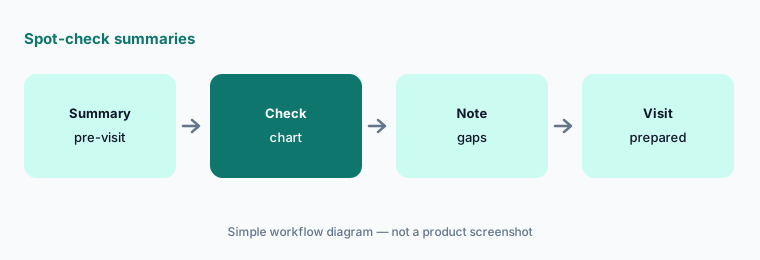
Spot-check:
Have the physician owner compare ten pre-visit summaries with the chart and list anything missing before the team relies on them to prepare visits.
3. AI Clinical Assistant Action Items
What it is: AdvancedMD says the assistant analyses the visit transcript and suggests action items for the chart — problems, medical histories, allergies, medications, and lab orders — to reduce manual entry. Its AI page says action items are available for in-office desktop and telehealth visits.
A suggested allergy or medication written to the chart without review can follow the patient for years. Accept items one at a time.
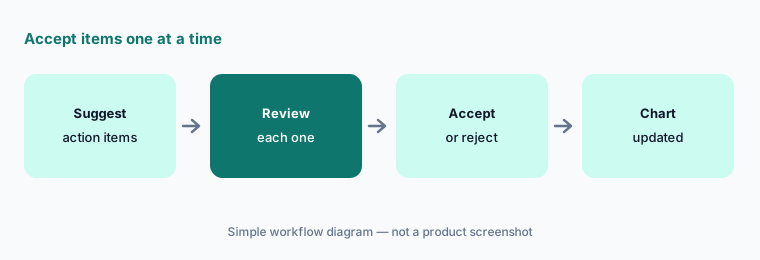
One at a time:
Have the clinical director review fifty suggested action items from one week and record every item that would have entered the chart wrongly before clinicians accept items routinely.
4. AI order suggestions and mobile actions (Fall 2026)
What it is: AdvancedMD’s 2026 Fall Release post (6 October 2026) says the AI Clinical Assistant “can now suggest the order it believes you need,” and that on mobile it can act on medication and allergy suggestions and capture referrals in the moment. The same release moves signing, cancelling, and reviewing orders into one Orders modal.
An order the AI “believes you need” is a draft. The clinician who signs it owns it.
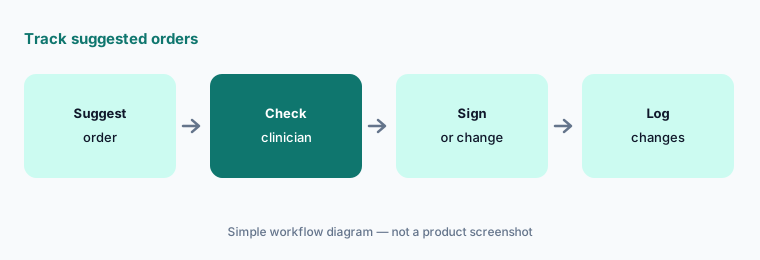
Track suggestions:
Have the medical director track every AI-suggested order for three clinicians for one week and note each one changed before signing.
5. AI insurance card capture and the Insurance Card Worklist
What it is: AdvancedMD’s AI page says staff can scan or import an insurance card and OCR fills the effective start date, carrier, subscriber, subscriber ID, group name, and group number, matching carrier and subscriber records where it can. Patients can upload cards during intake, online scheduling, telehealth, or in the portal, and new uploads land on an Insurance Card Worklist where staff approve or deny coverage. AdvancedMD’s own FAQ says it is “recommended to verify the fields map correctly.”
A wrong subscriber ID becomes a rejected claim weeks later. Check the mapping while the card image is on screen.
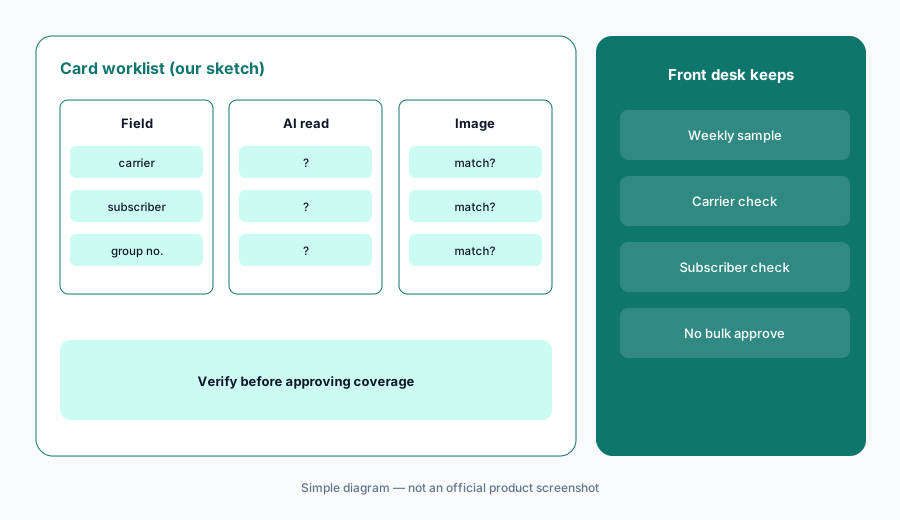
Check the mapping:
Have the front desk lead compare the first thirty AI-read insurance cards with the card images on the worklist and log every wrong carrier, subscriber, or ID before approving coverage in bulk.
6. Per-provider vs per-encounter AI pricing
What it is: AdvancedMD’s pricing page says AI tools — the AI Clinical Assistant and AI insurance card capture — are an add-on “bundled and available for $100/month per provider for unlimited encounters, or $0.99 per encounter.” At those prices the flat fee costs less once a provider has more than about 101 AI encounters a month.
Pick the model from your own visit counts, not from a sales estimate.
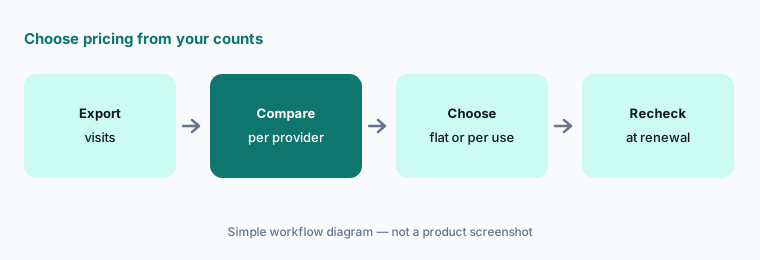
Choose from your counts:
Have the office manager export last month’s visits per provider and choose flat or per-encounter AI pricing provider by provider before signing the add-on.
Pricing context (October 2026)
AdvancedMD publishes price ranges (pricing page, checked 19 Oct 2026), per provider per month, where a provider is a mid-level clinician or higher: medical specialties $429–$1,070; mental health $130–$399; physical medicine $399; addiction medicine $399; MedSpa $278 (an FAQ on the same page says $279); billing services $229–$1,070. RCM services are 4–8% of collections. Encounter pricing is $0.87–$1.74 per claim for practice management, or $1.08–$2.17 with EHR. Bundles are advertised at up to 40% off.
The AI tools add-on is $100 per provider per month for unlimited encounters, or $0.99 per encounter (19 Oct 2026). The page title advertises a three-months-free offer; its terms are not stated on the page, so ask in writing.
Uncertainty: We did not test AdvancedMD. Prices are ranges as published on 19 Oct 2026 and depend on bundle, specialty, and provider count. The AI page is inconsistent about telehealth and mobile availability for ambient listening, and says mobile is “mid-2026”; the Fall Release says some AI actions are now on mobile. Time-saving claims are AdvancedMD’s. Confirm BAA terms and data handling in your contract.
When it’s useful (honest take)
Useful when you are an independent practice that wants practice management, EHR, and ambient notes from one vendor with published prices, and the office manager will own rollout.
Less useful when you are a health system on Epic or Oracle Health (Epic Systems EHR AI, Oracle Health AI), you want a specialist ambient vendor (Abridge AI, Suki AI), or you need enterprise RCM automation (R1 RCM AI).
Paying for AdvancedMD AI and a few other AI tools? The $9 AI toolkit spreadsheet lists every AI subscription you have, what each one costs, and how fast it pays for itself, so you can see which ones are worth the money.
Want someone to do it for you? AI toolkit audit — $19
Related options (educational)
| Need | Better home | Why |
|---|---|---|
| PM, EHR, ambient notes, card capture | AdvancedMD AI (this page) | Public ranges; AI $100/provider/mo or $0.99/encounter |
| Ambulatory EHR with ambient at no additional cost (athena claim) | athenahealth AI | Quote only |
| EHR with Sunoh ambient and public prices | eClinicalWorks AI | Public EHR prices |
| Specialty EHR with tiered mobile AI | NextGen Healthcare AI | Quote only |
| Primary care EHR with Clinical Insights | Elation Health AI | Quote only |
| Intake and check-in | Phreesia AI | Quote only; intake free until spring 2027 per Phreesia |
FAQ
What AI does AdvancedMD offer in October 2026?
The AI Clinical Assistant (ambient listening and transcription into five note formats, pre-visit summaries, suggested action items, and, since the Fall 2026 release, order suggestions) and AI insurance card capture with an Insurance Card Worklist.
How much is AdvancedMD's AI?
Its pricing page says the AI tools add-on is $100 per provider per month for unlimited encounters, or $0.99 per encounter (checked 19 Oct 2026). Core software is priced separately by specialty.
Does ambient listening work on telehealth and mobile?
AdvancedMD's AI page is inconsistent: one section says in-office desktop and telehealth now with mobile mid-2026; another says desktop now with mobile and telehealth coming soon. Ask AdvancedMD which applies to your account.
Does AdvancedMD use patient data to train its AI?
Its AI FAQ says “No patient data is used for any model training” and that processing happens in its EHR. Confirm in your contract and BAA.
Who should check AdvancedMD AI output?
The clinician for every note, action item, and suggested order; the office manager for which features are on; and front desk staff for every AI-read insurance card.
Optional next step (if seats overlap)
If you pay for AdvancedMD's AI add-on, a separate ambient scribe, and chat seats that all draft the same visit notes, that overlap is worth mapping. Map the overlap with the $19 AI toolkit audit or the $9 AI toolkit spreadsheet. Email Audit $19 or Toolkit spreadsheet $9.
Checkout is live via Stripe. After you pay, we email delivery (spreadsheet) or intake next steps (audit).