Tool · Healthcare ops · Microsoft Dragon Copilot · Oct 2026
Microsoft Dragon Copilot AI review (Oct 2026): ambient DAX notes, Dragon Medical dictation, and EHR-integrated clinical documentation
Microsoft Dragon Copilot combines Nuance DAX ambient clinical documentation with Dragon Medical One dictation in one clinical assistant. It markets multi-party ambient capture, specialty notes, EHR integrations including Epic, and ambient audio streaming APIs for partners. This page is about using those drafts for documentation busywork while a licensed clinician still owns every signed note. Each section has a Try this.
What this Microsoft Dragon Copilot page covers
This page is for a CMIO, attending clinician, or clinical informatics lead evaluating ambient documentation when the organization already knows Dragon Medical or Nuance DAX. It is not medical, coding, or billing advice, and it is not a review of Microsoft 365 Copilot for office work.
Dragon Copilot is Microsoft’s clinical documentation assistant: ambient multi-party capture (DAX heritage), specialty note styles, dictation, and EHR write-back paths including Epic. Partner ambient-audio streaming APIs let other apps plug into the same capture stack. Commercial terms sit in Microsoft / Nuance healthcare channels — verify on the day.
Ground rules: the clinician reviews every ambient note against what she intended to document before it becomes part of the legal record; multi-party capture needs clear consent and speaker labeling habits; nobody pastes patient identifiers into a consumer chat tool; and Microsoft’s time-saved figures are its claims, not our measurement.
Major features (with how someone uses them)
Examples at a glance: each feature has a concrete example from a real job plus a short Try this you can run this week.
1. Ambient DAX notes with clinician review (primary)
What it is: Ambient capture (DAX heritage) listens to the visit, drafts a clinical note, and queues it for clinician review before it is part of the legal record. Dragon Copilot’s pitch is that ambient and dictation live in one assistant.
A polished ambient draft can still miss a refusal or invent continuity. Compare the draft with a short voice memo of what you meant to document.
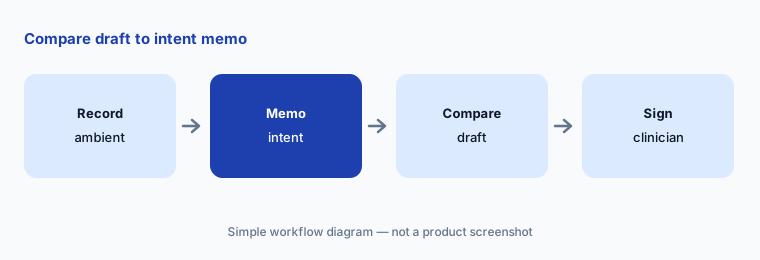
Primary workflow:
Record five ambient visits with Dragon Copilot. Have the clinician compare each draft note with a short voice memo of what she intended to document before signing.
2. Dragon Medical One dictation inside the same assistant
What it is: Dragon Copilot includes Dragon Medical One-style clinical dictation alongside ambient capture, so clinicians who already dictate can stay on one assistant instead of bouncing between tools.
Dictation accuracy still depends on mic, accent, and specialty vocabulary. Spot-check unusual meds and laterality.
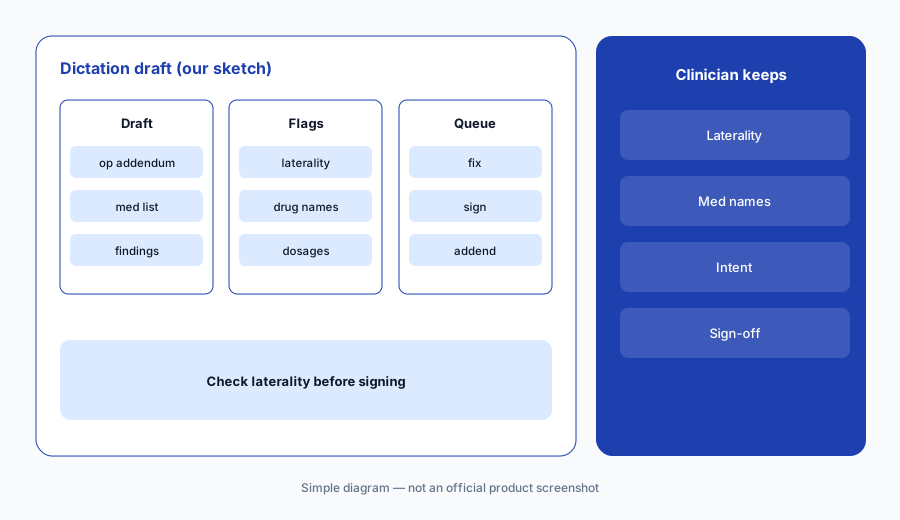
Check laterality:
Dictate five addenda in Dragon Copilot. Have the clinician check every laterality and medication name against intent before signing.
3. Multi-party ambient capture
What it is: Dragon Copilot markets multi-party ambient capture so patient, clinician, and sometimes a caregiver or interpreter can be distinguished in the draft.
Speaker labels can still swap. Confirm who said a refusal or allergy.
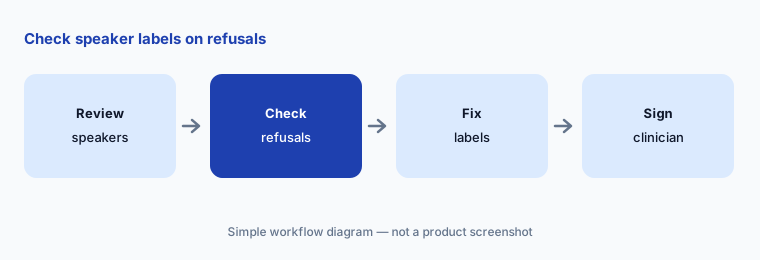
Check speakers:
Review eight multi-party ambient drafts. Have the clinician confirm every allergy and refusal is attributed to the right speaker before signing.
4. Specialty note styles
What it is: Specialty note styles shape how ambient and dictation drafts are structured for different services (for example, inpatient progress vs ambulatory HPI-heavy notes).
A specialty template can still omit the one detail that mattered. Read Assessment and Plan every time.
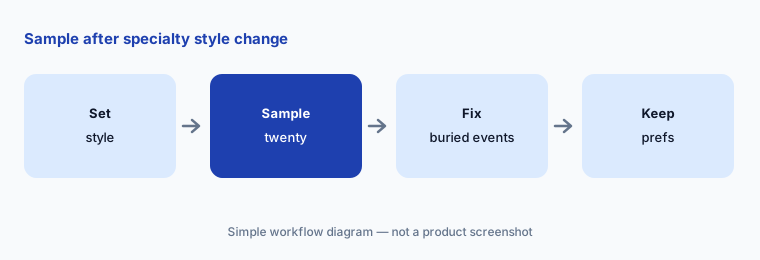
Sample after style change:
After changing specialty note style, have the clinician sample twenty drafts and confirm overnight or visit-critical sections before keeping the prefs.
5. EHR integration including Epic
What it is: Dragon Copilot integrates with major EHRs, including Epic, so drafts land where clinicians already work. Confirm which versions and specialties your IS team has enabled.
Integration does not remove review. A note in the EHR draft folder is still a draft.
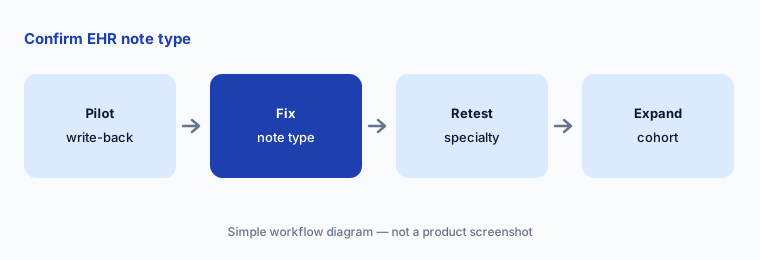
Confirm note type:
Pilot twenty EHR-integrated ambient visits. Have the CMIO confirm every draft lands in the correct note type before expanding specialties.
6. Ambient audio streaming APIs for partners
What it is: Microsoft markets ambient audio streaming APIs so partner applications can plug into Dragon Copilot’s capture stack for specialty or workflow-specific experiences.
Partner apps inherit the same review duty. A partner UI does not make an ambient draft a signed note.
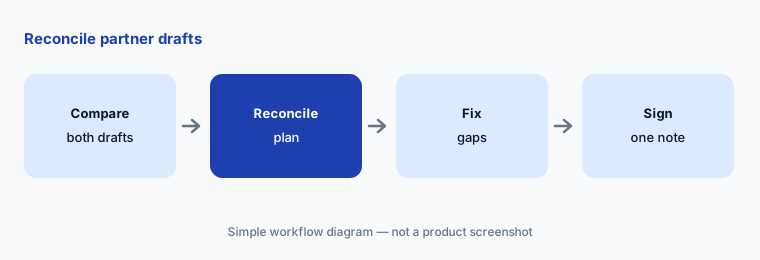
Reconcile partners:
Trial ten visits with a partner ambient app on Dragon Copilot APIs. Have the clinician reconcile any plan disagreement before signing either draft.
Pricing context (October 2026)
Microsoft / Nuance do not publish a simple public retail seat price for Dragon Copilot ambient + dictation as of 19 Oct 2026. Treat commercial terms as quote-only through Microsoft healthcare channels. Terms may sit adjacent to other Microsoft 365 or Nuance agreements — verify on public Microsoft pages and with your representative the day you buy.
Ask whether ambient, dictation, multi-party, Epic integration, and partner API access are bundled or billed separately, and what happens to existing Dragon Medical One contracts.
Uncertainty: We did not test Dragon Copilot. Microsoft Health Beacon / product pages were intermittently rate-limited during the 19 Oct 2026 research pass; confirm current feature lists and commercial terms on Microsoft’s public healthcare pages before purchase. Time-saved figures in Microsoft/Nuance materials are vendor claims, not our measurement. This page is not about Microsoft 365 Copilot for email and docs.
When it’s useful (honest take)
Useful when clinicians already trust Dragon Medical dictation, you want ambient and dictation in one assistant, multi-party visits are common, and someone will compare each ambient draft with intended documentation before signing.
Less useful when you primarily need Linked Evidence sentence→audio audit trails (Abridge AI), your gap is Oracle Foundation nursing agents (Oracle Health AI), or you only need office Copilot (Microsoft 365 Copilot).
Paying for Microsoft Dragon Copilot AI and a few other AI tools? The $9 AI toolkit spreadsheet lists every AI subscription you have, what each one costs, and how fast it pays for itself, so you can see which ones are worth the money.
Want someone to do it for you? AI toolkit audit — $19
Related options (educational)
| Need | Better home | Why |
|---|---|---|
| Ambient DAX + Dragon Medical in one assistant | Microsoft Dragon Copilot AI (this page) | Quote only — verify Microsoft terms |
| Ambient notes with Linked Evidence | Abridge AI | Quote only |
| Art AI Charting inside Epic Systems | Epic Systems EHR AI | Quote only |
| Ambient inside athenaOne | athenahealth AI | Quote only |
| Clinical AI Agent on Oracle Health Foundation | Oracle Health AI | Quote only |
| Office Copilot (email/docs — not clinical ambient) | Microsoft 365 Copilot | Different product |
FAQ
What is Microsoft Dragon Copilot?
Microsoft’s clinical documentation assistant that combines Nuance DAX ambient notes with Dragon Medical One dictation, plus EHR integration and partner audio APIs.
Is this the same as Microsoft 365 Copilot?
No. Dragon Copilot is for clinical documentation. Microsoft 365 Copilot is for office apps. See Microsoft 365 Copilot on this site for the office product.
How much does Dragon Copilot cost in October 2026?
No simple public retail seat price was confirmed on 19 Oct 2026. Treat pricing as quote-only and verify on Microsoft’s public healthcare pages and with your representative.
Can Dragon Copilot sign notes on its own?
Do not configure it that way. The clinician must review every ambient note before it is part of the legal record.
Who should check Dragon Copilot output?
The clinician for ambient notes, dictation, and speaker labels; the CMIO/IS team for EHR note-type write-back; informatics for any partner API apps.
Optional next step (if seats overlap)
If you pay for Dragon Copilot, a second ambient scribe, Epic Art AI Charting, and Microsoft 365 Copilot seats that all touch clinician time, that overlap is worth mapping. Map the overlap with the $19 AI toolkit audit or the $9 AI toolkit spreadsheet. Email Audit $19 or Toolkit spreadsheet $9.
Checkout is live via Stripe. After you pay, we email delivery (spreadsheet) or intake next steps (audit).