Tool · Healthcare ops · NextGen Healthcare · Oct 2026
NextGen Healthcare AI review (Oct 2026): Ambient Assist SOAP notes, suggested ICD-10 and orders, and Enterprise/Office write-back
NextGen Healthcare sells ambulatory EHR and practice-management systems: NextGen Enterprise for practices with ten or more providers and NextGen Office for smaller ones. Its ambient scribe, Ambient Assist (now marketed as NextGen Clinical AI), listens on the NextGen Mobile app and drafts structured SOAP notes into the chart pending provider review, with suggested ICD-10 codes, medications, and orders. This page is about using it for charting busywork while the provider reviews every SOAP note and code before signing. Each section has a Try this.
What this NextGen Healthcare page covers
This page is for a physician, medical director, or practice administrator at an ambulatory practice on NextGen Enterprise or NextGen Office, or one weighing them. It is not medical, coding, or billing advice.
NextGen’s AI page says it has “70+ AI workflows in use or in development,” grouped into the NextGen Intelligent Agent, Patient Access, Clinical AI, Financial AI, and Data & Analytics. Its headline figures — 2.5 hours of charting saved per provider per day, five or more extra patients a day, 95% of incoming calls resolved — are NextGen’s claims. Its own FAQ adds that “clinical validation and oversight are essential.”
Ground rules: the provider reads every SOAP note and every suggested code, medication, and order before signing or accepting; the practice administrator decides which providers get the tier that includes Clinical AI; the front-office lead owns every automated call workflow; the billing lead samples Financial AI appeal drafts; and vendor time-saved figures are not our measurement.
Major features (with how someone uses them)
Examples at a glance: each feature has a concrete example from a real job plus a short Try this you can run this week.
1. Ambient Assist SOAP notes into the chart (primary)
What it is: Ambient Assist turns the visit conversation, captured on the NextGen Mobile app, into a temporary transcript and a structured SOAP note that is “automatically placed in the patient’s NextGen Enterprise EHR chart, pending provider review.” NextGen says that “once reviewed by a physician,” notes transfer to the Enterprise EHR from the app, that macros can trigger favorite templates by voice, and that Spanish-language visits are supported. It claims up to 2.5 hours saved a day.
“Pending provider review” is the safeguard. The Assessment and the codes are where an ambient note most often says more, or less, than the provider meant.
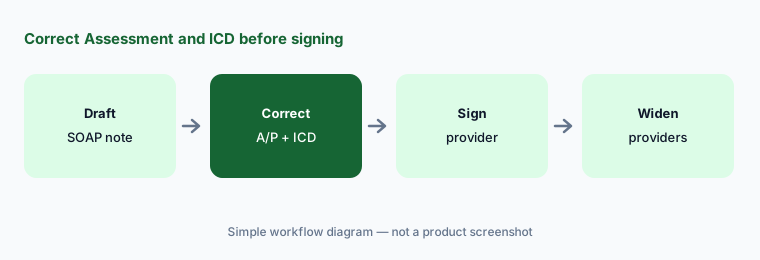
Primary workflow:
Send ten Ambient Assist SOAP notes into the EHR draft. Have the provider correct every assessment and ICD suggestion before signing.
2. Smart suggestions for ICD-10 codes, medications, and orders
What it is: NextGen says Clinical AI suggests relevant ICD-10 codes, medications, and lab and imaging orders based on the visit transcript, which the provider can “implement … with a simple tap” (Ambient Assist page). It also generates patient summaries from chart history before the visit (Clinical AI page).
A one-tap suggestion is easy to accept without reading. Codes and orders need the same attention as anything you type yourself.
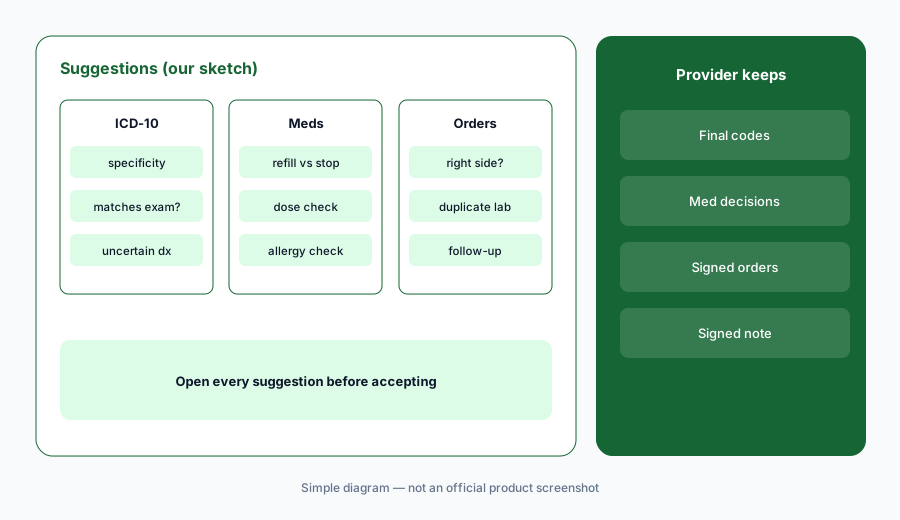
Open every suggestion:
Have the provider review every ICD-10, medication, and order suggestion on ten visits against the conversation before tapping to accept any of them.
3. Mobile, Mobile Plus, and Mobile Pro tiers
What it is: NextGen’s Mobile tiers brochure says all NextGen Enterprise users get NextGen Mobile, which caps orders at 25 a month and speech-to-text at 30 minutes a month. Mobile Plus adds unlimited speech-to-text, charge and diagnosis capture, and macros with dictation and Ambient Assist. Only Mobile Pro lists unlimited NextGen Clinical AI and the AI diagnosis-coding, order, medication, and patient-summary features. The brochure has no prices.
Not every provider needs the top tier. Match the tier to who actually charts ambiently, and recheck after a quarter.
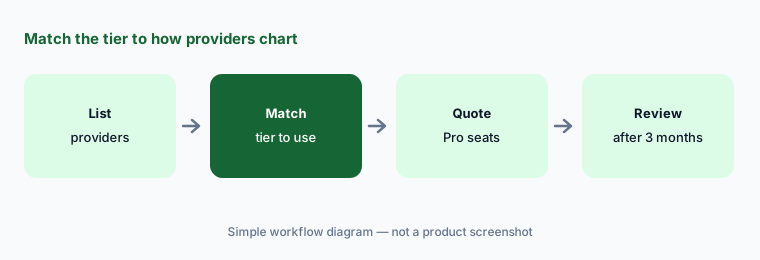
Match tier to use:
Have the practice administrator list each provider’s charting habits and ask NextGen to quote Mobile Pro only for those who will use ambient, with a usage review after three months.
4. NextGen Office Clinical AI for smaller practices
What it is: For practices under ten providers, NextGen says “NextGen Office Clinical AI transforms natural patient-provider conversations into structured SOAP notes that integrate directly into NextGen Office EHR,” generated “within seconds for quick provider review” and saving up to two hours a day — its figure (NextGen Office page). Office bundles EHR, practice management, a patient portal, and a claims clearinghouse.
Office and Enterprise are different products with different setup. Ask which ambient features are live on the one you run.
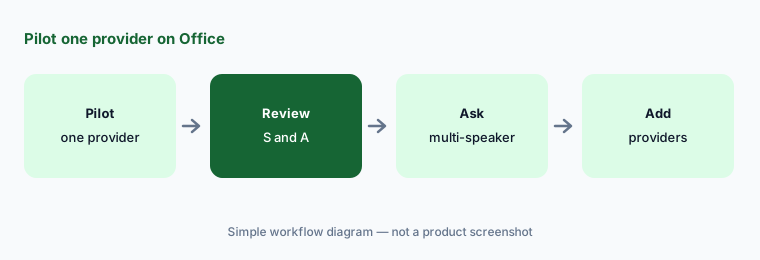
Pilot one provider:
Pilot NextGen Office Clinical AI with one provider for two weeks. Have that provider review every Subjective and Assessment before the other providers start.
5. NextGen Navigator calls and the NextGen Intelligent Agent
What it is: NextGen Navigator handles patient access by call and text — rescheduling, confirmations, cancellations, SMS routing, and “over 15 more workflows now and in development” — and NextGen claims it automates 95% of calls. The NextGen Intelligent Agent (N.I.A.) is described as an orchestrator that gives daily briefings on schedule density, visit reasons, and likely bottlenecks (AI page).
Call automation that cancels or moves appointments needs the same review as staff who do it. Start with confirmations before cancellations.
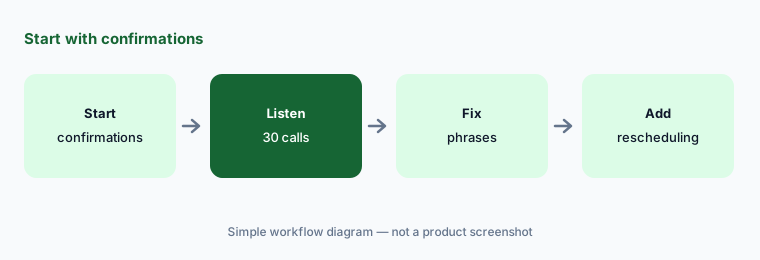
Confirmations first:
Turn on Navigator for appointment confirmations only. Have the front-office lead listen to thirty calls and fix every mishandled request before adding rescheduling or cancellations.
6. Financial AI: denial prediction, appeal letters, and charge review
What it is: NextGen’s Financial AI lists denial prediction, intelligent document processing, appeals management, and appeal letter generation, and claims up to 90% savings on appeal package creation. Its Charge Review Rules Engine applies specialty rules to check and correct charges before they reach practice management (AI page). The time and denial figures are NextGen’s claims.
An appeal letter goes to a payer under your practice’s name. Someone in billing should read every draft before it is sent.
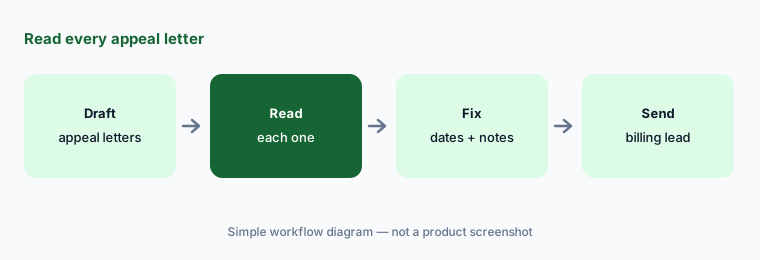
Read every appeal:
Have Financial AI draft appeal letters for fifteen denied claims. Have the billing lead check every date, code, and cited note before any letter is sent.
Pricing context (October 2026)
NextGen Healthcare does not publish prices. Its pricing link (checked 19 Oct 2026) goes to a demo request form, and the Mobile tiers brochure lists features by tier with no prices. Treat NextGen Enterprise, NextGen Office, Mobile Plus and Mobile Pro, Navigator, and Financial AI as quote-only.
Ask whether Clinical AI is priced per provider as part of Mobile Pro, whether Office Clinical AI is a separate add-on, and whether Navigator and Financial AI are bundled or billed by volume.
Uncertainty: We did not test NextGen. Hours saved, extra patients per day, 95% of calls resolved, and appeal-time savings are NextGen claims. Tier contents come from a NextGen brochure and may differ from your contract. NextGen’s AI page describes some workflows as “in development.” Confirm BAA, recording consent, and data handling with NextGen.
When it’s useful (honest take)
Useful when your practice already runs NextGen Enterprise or Office, providers chart late, some already dictate on NextGen Mobile, and a practice administrator will decide who gets Mobile Pro and check usage.
Less useful when you run athenaOne (athenahealth AI), eClinicalWorks (eClinicalWorks AI), or Elation (Elation Health AI), want one ambient scribe across several EHRs (Suki AI), or are a hospital (Oracle Health vs athenahealth).
Paying for NextGen Healthcare AI and a few other AI tools? The $9 AI toolkit spreadsheet lists every AI subscription you have, what each one costs, and how fast it pays for itself, so you can see which ones are worth the money.
Want someone to do it for you? AI toolkit audit — $19
Related options (educational)
| Need | Better home | Why |
|---|---|---|
| Ambient SOAP notes and suggestions on NextGen | NextGen Healthcare AI (this page) | Quote only |
| AI-native ambulatory EHR with athenaAmbient | athenahealth AI | Quote only |
| Primary-care EHR with Note Assist and Actions | Elation Health AI | Quote only; native AI included per Elation |
| Ambulatory EHR with Sunoh and Genie | eClinicalWorks AI | EHR from $499/provider/mo |
| Ambient scribe across several EHRs | Suki AI | Quote only |
| Patient intake and phone agent | Phreesia AI | Quote only |
FAQ
What is NextGen Ambient Assist?
NextGen’s ambient scribe, now marketed as NextGen Clinical AI. It listens on the NextGen Mobile app and drafts a structured SOAP note into the chart pending provider review, with suggested ICD-10 codes, medications, and orders.
Does Ambient Assist work with NextGen Office?
NextGen describes NextGen Office Clinical AI, which drafts SOAP notes that integrate into the NextGen Office EHR. Ambient Assist on NextGen Mobile writes to NextGen Enterprise. Confirm which features are live on your product.
Which NextGen Mobile tier includes Clinical AI?
According to NextGen’s brochure, Mobile Pro includes unlimited NextGen Clinical AI and the AI coding, order, medication, and patient-summary suggestions. Base Mobile caps orders at 25 a month and speech-to-text at 30 minutes.
How much does NextGen Healthcare AI cost in October 2026?
NextGen does not publish prices. Its pricing link is a demo request form, so treat every product and tier as quote-only.
Who should check NextGen AI output?
The provider for every SOAP note and every suggested code, medication, and order; the front-office lead for Navigator call workflows; the billing lead for appeal drafts; the practice administrator for tier choices.
Optional next step (if seats overlap)
If you pay for NextGen Mobile Pro seats, a separate ambient scribe, and a live or remote scribe service for the same providers, that overlap is worth mapping. Map the overlap with the $19 AI toolkit audit or the $9 AI toolkit spreadsheet. Email Audit $19 or Toolkit spreadsheet $9.
Checkout is live via Stripe. After you pay, we email delivery (spreadsheet) or intake next steps (audit).