Compare · Ecommerce ops · Oct 2026
Algolia vs Bloomreach (Oct 2026): AI site search and merchandising for ecommerce compared
Algolia and Bloomreach both decide which products a shopper sees after typing in your search box, and both now add AI ranking and a shopping assistant on top. The practical differences are scope and price: Algolia is a search and discovery service with published usage prices and a free plan, while Bloomreach sells search alongside email, SMS, and journeys on one customer-data platform, priced by quote on an annual contract. This page compares the jobs a merchandiser runs every week, what each vendor publishes, and who owns the ranking rules — it is not a ranking, and each section has a Try this.
What this comparison covers
This page is for an ecommerce merchandiser, head of ecommerce, or product owner choosing between Algolia and Bloomreach for site search, or running one and hearing about the other. The question it answers: by search relevance, merchandising controls, shopping assistants, marketing reach, published prices, and who owns ranking rules, how do the two compare.
Facts align with our Algolia AI and Bloomreach AI reviews (read 16 October 2026), with Algolia pricing, Agent Studio, Bloomreach pricing, Ecommerce Search, and Bloomreach product updates re-read the same afternoon. Algolia publishes usage prices; Bloomreach publishes a typical starting spend and quotes the rest. Bloomreach now calls its products Ecommerce Search (formerly Discovery) and Marketing Automation (formerly Engagement).
Ground rules for either tool: a named merchandiser owns every rule, pinned result, boost, and bury; AI ranking changes are checked against the same list of hard searches before and after; a shopping assistant is tested on real shopper questions before launch; no customer lists go into an outside chat tool; vendor conversion and revenue-per-visit figures are left out or attributed only. This comparison is not a ranking. If recommendations and cart offers are the bigger question, see Rebuy AI or Nosto AI.
| Question | Algolia | Bloomreach |
|---|---|---|
| Published price | Yes: Free plan; Grow $0.50 and Grow Plus $1.75 per 1,000 search requests after 10,000 a month; records $0.40 per 1,000 after 100,000; Elevate custom | No public rate card; “$60K+ a year for most brands”; platform fee plus usage |
| Contract | Grow and Grow Plus pay as you go; Elevate annual | Annual billing |
| AI relevance | Keyword engine on every plan; AI Ranking and AI Synonyms on Grow Plus; NeuralSearch (keyword + vector) on Elevate only | Ecommerce Search with Loomi AI on the platform; self-learning ranking and conversational search |
| Merchandising controls | Rules (10 per index on Grow, 10,000 on Grow Plus); Merchandising Studio and Dynamic Re-ranking on Grow Plus and up | Boost, bury, lock, and block with side-by-side preview; ABR Category ranking (2 Sep 2026) with your rules on top |
| Shopping assistant | Agent Studio, generally available (15 Jul 2026) on all plans; you pick and pay the LLM provider | Shopping Agent 2.0, grounded in the live catalog; sold as an add-on |
| MCP for outside AI | Algolia MCP Server (query, analyze, update an index) | Loomi Connect, limited availability |
| Email, SMS, and journeys | Not in scope (search, browse, and recommendations) | Marketing Automation (formerly Engagement) and the Loomi Marketing Agent |
| Who owns ranking | Merchandiser owns every rule and pinned result | Merchandiser owns every boost, bury, and lock; CRM lead owns segments and sends |
Major features (with how someone uses them)
Examples at a glance: each feature has a concrete example from a real job plus a short Try this you can run this week.
1. Start from your ten hardest searches (primary)
What it is: Before comparing feature lists, write down the ten searches that go wrong most often on your store: misspellings, synonyms your shoppers use and your catalog doesn’t, sizes and colours typed as words, and items that are out of stock. Run the same ten in each vendor’s demo or trial — Algolia has a free plan you can load a sample catalog into; Bloomreach offers an ROI estimate “modeled on a live store with your own products” in about ten days and a shopping agent demo on your own site.
Both tools will get some wrong at first. What matters is how quickly your merchandiser can see why a result appears and fix it with a rule.
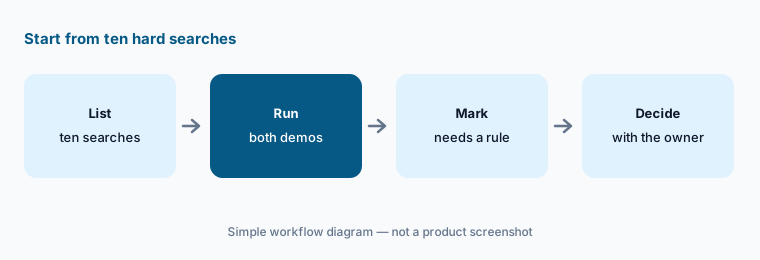
Your ten hardest searches:
Write your ten hardest searches (typos, synonyms, out-of-stock items). Run them in each tool's demo and have the merchandiser mark which results need a rule.
2. Relevance: keyword, AI ranking, and vectors
What it is: Algolia’s keyword engine is on every plan; AI Ranking and AI Synonyms (suggestions you accept or reject) need Grow Plus, and NeuralSearch, which blends keyword and vector search, is only on the custom Elevate plan (Algolia AI). Bloomreach describes its Ecommerce Search as self-learning and powered by Loomi AI, adjusting results from behaviour and adding conversational search, with Loomi included in the platform price (Bloomreach AI).
“AI search” means different plans at each vendor. Ask which relevance features are in the exact plan you’d buy, and test synonyms and long, descriptive queries on that plan.
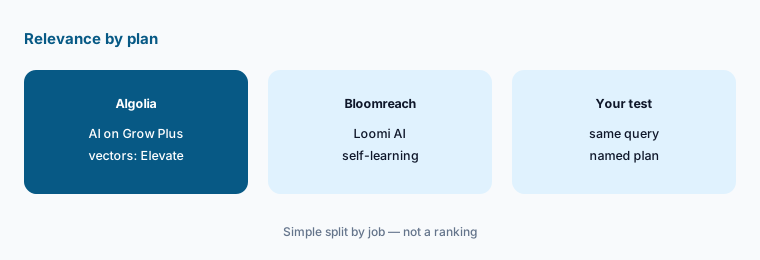
Same long query, named plan:
Run three long, descriptive searches in each tool and write down which plan or package produced each result. Have the merchandiser compare only like-for-like plans.
3. Merchandising rules and who owns them
What it is: Algolia’s Rules let you pin, promote, or demote results for a query: 10 per index on Grow and 10,000 on Grow Plus, which also adds Merchandising Studio and Dynamic Re-ranking (Algolia AI). Bloomreach lets merchandisers boost, bury, lock, and block products and preview grids side by side; its updates page lists ABR Category ranking (2 September 2026) as an automatic baseline “with your rules applied on top”, and a merchandising agent that would write changes is listed with no timeline (Bloomreach AI).
Automatic ranking and hand-written rules can fight each other. Keep a list of every rule, why it exists, who owns it, and when it should be removed.
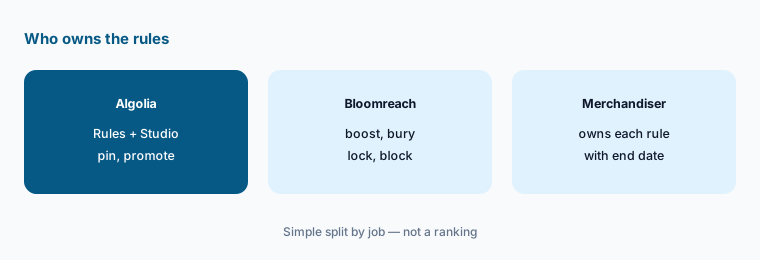
Rule list with owners:
Export every search rule you have today. Have the merchandiser delete expired ones and write an owner and end date for each rule that stays, before switching on AI ranking.
4. Agent Studio vs the Shopping Agent
What it is: Agent Studio became generally available on 15 July 2026 and is listed on all four Algolia plans: you build a shopping assistant grounded in your Algolia index, choose the LLM provider (Anthropic, OpenAI, Azure OpenAI, Gemini, or compatible), and pay that provider separately, while each agent search counts as search usage (Algolia AI). Bloomreach’s Shopping Agent (version 2.0) is grounded in the live catalog and merchandising rules, is sold as an add-on, and can be tried through a Chrome extension built from your catalog (Bloomreach AI).
An assistant that recommends a sold-out or wrong-size product costs more trust than no assistant. Test it on the questions shoppers really type, and set what it must never answer.
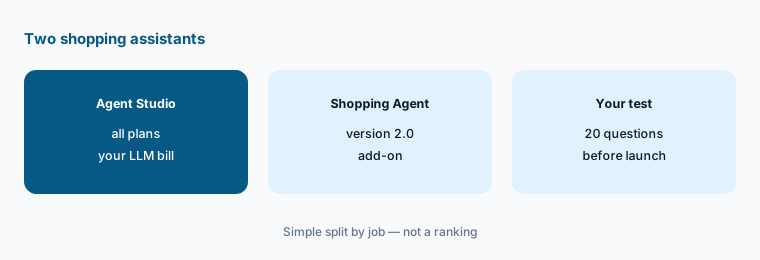
Twenty real questions:
Take twenty real shopper questions from your search logs. Run them through each assistant and have the merchandiser mark every answer with a wrong, out-of-stock, or risky product.
5. Search only, or search plus marketing
What it is: Algolia covers search, browse, and recommendations; email and SMS stay in your other tools. Bloomreach sells Ecommerce Search, Marketing Automation, and the Shopping Agent on one customer-data platform and says you can start with one and add the others; Marketing Automation covers journeys across many channels, and the Loomi Marketing Agent builds campaigns with “nothing launches until you approve it” (Bloomreach AI). If you already run email and SMS elsewhere, compare Attentive vs Postscript.
One platform for search and marketing can mean one customer profile — or paying for a second email tool you won’t switch off. Count what you would keep and what you would replace.
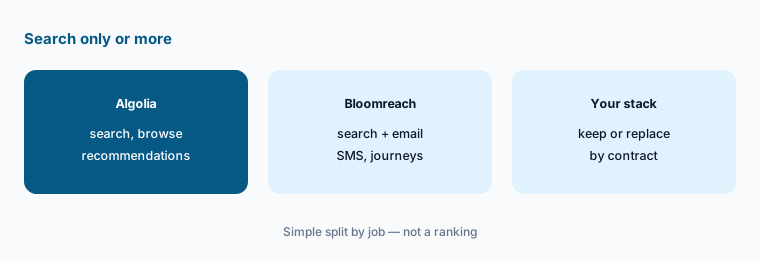
Keep or replace:
List your current search, email, and SMS tools with their contract end dates. Have the head of ecommerce mark which ones each option would replace and which you would keep paying for.
6. Published prices and who signs off
What it is: Algolia publishes usage pricing: a Free plan (10,000 search requests and 50,000 records a month); Grow at $0.50 and Grow Plus at $1.75 per 1,000 search requests after the first 10,000 a month, with records at $0.40 per 1,000 after 100,000; Elevate custom on an annual contract (Algolia AI). Bloomreach has “no public rate card”: a platform fee for the products you choose plus usage, billed annually, with “$60K+ a year for most brands” (Bloomreach AI).
Put both on the same numbers: monthly searches, records, recommendation requests, shopping-assistant conversations, and any LLM costs you pay yourself.
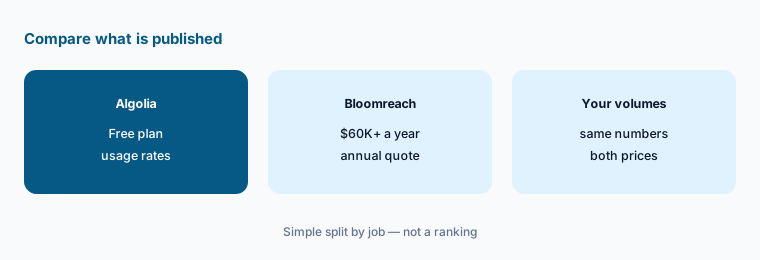
Same volumes, two prices:
Write down your monthly searches, records, and expected assistant conversations. Price Algolia from its published rates and ask Bloomreach for a written annual quote on the same numbers.
Pricing context (October 2026)
Algolia (re-read 16 Oct 2026 via Algolia AI): Free — 10,000 search requests and 50,000 records a month, no card; Grow — $0.50 per 1,000 search requests after 10,000 a month; Grow Plus — $1.75 per 1,000 after 10,000, adding AI Ranking, AI Synonyms, and Merchandising Studio; records $0.40 per 1,000 after 100,000 on both; Elevate — custom, annual contract, the only plan with NeuralSearch. Agent searches count as search usage; the LLM provider bills you separately.
Bloomreach (re-read 16 Oct 2026 via Bloomreach AI): no public rate card; custom pricing from a platform fee plus usage (audience, catalog size, messages, searches); “$60K+ a year for most brands”; Loomi AI included, AI agents and tools as add-ons; annual billing; start with Ecommerce Search, Marketing Automation, or the Shopping Agent.
Uncertainty: Bloomreach’s pricing page gives its typical spend two ways on 16 Oct 2026 — “$60K+ a year for most brands” in the header and FAQ, and “most smaller Bloomreach customers invest $60K+ annually and serve 500K+ monthly visitors” lower down — so treat $60K as a rough floor, not a price. Bloomreach’s Loomi Connect (MCP) is in limited availability and its merchandising agent’s write actions have no timeline. Algolia’s AI Synonyms beta notes that non-Latin languages haven’t been tested. Vendor conversion, revenue-per-visit, and ROI figures are their claims, not our measurement. This page is not a ranking — decide from your ten searches, two prices, and a named rule owner.
When it’s useful (honest take)
Algolia is useful when you want published, usage-based prices, a free plan to test on, and a search service that sits beside the email and SMS tools you already have, with a merchandiser who will maintain rules.
Bloomreach is useful when you want search, email, SMS, and a shopping agent on one customer profile, have the traffic and budget for an annual contract, and have both a merchandiser and a CRM lead to own the output.
Less useful when (either one) your catalog is small enough for your store platform’s built-in search (BigCommerce AI), nobody owns search rules, or the bigger gap is product data quality (Salsify vs Akeneo).
Still choosing between Algolia and Bloomreach? The $19 AI toolkit audit gives you a written plan for which tools to keep using and which to drop across your whole AI stack, including this pair.
Prefer to do it yourself? Spreadsheet — $9
Related options (educational)
| Need | Better home | Why |
|---|---|---|
| Algolia on its own | Algolia AI | Free plan; usage pricing |
| Bloomreach on its own | Bloomreach AI | Custom; $60K+/yr for most brands per Bloomreach |
| Search, recommendations, and personalization agents | Nosto AI | Custom pricing |
| Cart and post-purchase recommendations | Rebuy AI | From $25/mo per package |
| Product data behind search results | Salsify vs Akeneo | Not a ranking |
FAQ
Is Algolia or Bloomreach better for ecommerce search?
Neither is ranked here. Algolia publishes usage prices and focuses on search and discovery; Bloomreach combines search with marketing on one platform under an annual quote. Test your ten hardest searches in both and compare like-for-like plans.
Which one publishes prices?
Algolia does: a Free plan, Grow at $0.50 and Grow Plus at $1.75 per 1,000 search requests after 10,000 a month, and Elevate custom (checked 16 Oct 2026). Bloomreach has no public rate card and says most brands invest $60K or more a year.
Do both have AI shopping assistants?
Yes. Algolia Agent Studio has been generally available since 15 Jul 2026 on all plans, with your own LLM provider billed separately. Bloomreach’s Shopping Agent (2.0) is an add-on grounded in your live catalog.
Does Algolia do email and SMS like Bloomreach?
No. Algolia covers search, browse, and recommendations. Bloomreach also sells Marketing Automation for email, SMS, and journeys, which you can buy with or without Ecommerce Search.
Who should own search rules in either tool?
A named merchandiser owns every rule, pin, boost, and bury and checks AI ranking changes against a fixed list of hard searches; a CRM lead approves any Bloomreach segment or send.
Optional next step (if seats overlap)
If you pay for a search tool, a recommendations app, an email platform, and chat seats your team uses to write synonyms, that overlap is worth mapping. Map the overlap with the $19 AI toolkit audit or the $9 AI toolkit spreadsheet. Email Audit $19 or Toolkit spreadsheet $9.
Checkout is live via Stripe. After you pay, we email delivery (spreadsheet) or intake next steps (audit).