Tool · Ecommerce ops · Narvar · Oct 2026
Narvar AI review (Oct 2026): AI post-purchase tracking, returns, and customer messaging for retailers
Narvar handles what happens after a shopper clicks buy: delivery dates at checkout, branded tracking pages, shipping and delay messages, returns and exchanges, and claims for lost or stolen parcels. Its AI runs through an intelligence layer it calls IRIS, and in January 2026 Narvar introduced NAVI, an agentic assistant that answers order questions and can resolve some issues within the retailer’s policies. This page is about using that automation while the CX lead still owns every promise made to a customer. Each section has a Try this.
What this Narvar page covers
This page is for a CX lead, ecommerce manager, or operations manager at a mid-size or large retailer that ships many orders a day and gets a steady stream of “where is my order” and returns questions, who uses Narvar or is comparing post-purchase tools. The question it answers: what Narvar’s AI does in each product, what it can decide on its own, what Narvar says about price, and who approves the promises and policies it applies.
Narvar’s home page, agentic post-purchase page, the NAVI announcement (12 January 2026, at NRF), and the product pages for Promise, Track, Notify, Shield (returns and exchanges), Assist (delivery claims), and Secure were read on 16 October 2026. Narvar says it works with more than 1,000 carriers and connects to service platforms such as Salesforce, Zendesk, Gladly, Kustomer, and Microsoft Dynamics.
Ground rules: the CX lead owns every delivery date, refund, exchange, and claim decision the system makes in the brand’s name; returns and claims policies are written and approved by people before the agent applies them; SMS and WhatsApp consent is the brand’s to check; no customer addresses or order exports go into an outside chat tool; and Narvar’s accuracy, conversion, and ROI figures are its claims, not our measurement.
Major features (with how someone uses them)
Examples at a glance: each feature has a concrete example from a real job plus a short Try this you can run this week.
1. NAVI and “where is my order” answers (primary)
What it is: NAVI is Narvar’s agent for post-purchase questions. Narvar’s agentic page says it meets shoppers on the retailer’s site, in the app, or inside AI assistants, and returns a tracking card with product details, delivery status, a live map, and next steps. Behind it, what Narvar calls an “MCP Agent” reads the message, checks retailer policies and inventory, and returns a policy-aligned answer. Narvar’s FAQ says the agent can answer delivery questions, offer exchanges, approve or deny claims, and trigger workflows in existing systems. The January 2026 announcement describes NAVI as Narvar “outlining a direction”; ask which actions are switched on for your account.
A delivery date the agent gives a shopper is a promise in your name. Read a sample of real conversations each week and compare every date with the carrier scan.
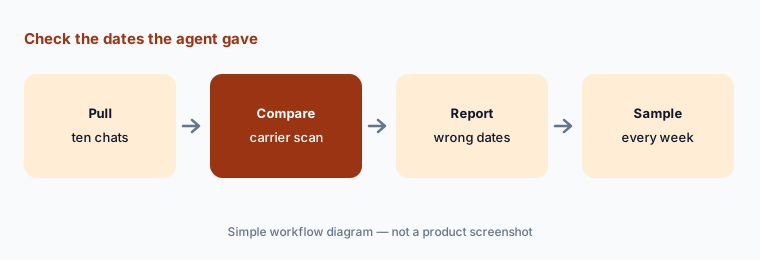
Primary workflow:
Pull ten “where is my order” conversations Narvar's AI handled. Have the CX lead check every delivery date it promised against the carrier scan.
2. Promise: AI delivery dates before checkout
What it is: Narvar Promise shows estimated delivery dates on product pages, in the cart, and at checkout. Narvar’s Promise page says multiple machine-learning models trained on Narvar network data set the dates, that you can define delivery options and date ranges to balance conversion against accuracy, and that Promise may show a specific date, a range, or no date in some cases. Narvar quotes up to 95% delivery date accuracy; that is its claim, not our measurement.
A date shown before purchase is part of the sale. Peak season, weather, and carrier backlogs make dates slip, so check how often the date shown was met, by carrier and by region.
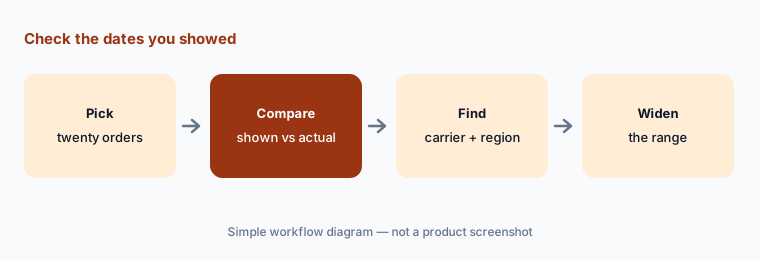
Check the dates you showed:
Take twenty recent orders and compare the delivery date Narvar showed at checkout with the actual delivery date. Have the ecommerce manager widen the range for any carrier or region that misses often.
3. Track and Notify: tracking pages and delivery messages
What it is: Narvar Track gives you branded tracking pages you can customise by shipment status and locale, embed on other pages, and use in service platforms such as Salesforce Service Cloud, Gladly, and Zendesk. Notify sends proactive updates by email, SMS, WhatsApp, and Line, with more than 40 prebuilt messages, shopper-chosen channels, and delay and refund updates. Track also describes SMS order updates for opted-in consumers.
A delay message written once is sent thousands of times. Read every delay and exception template for promises your policies do not make, and keep the opt-in rules for text messages with the brand.
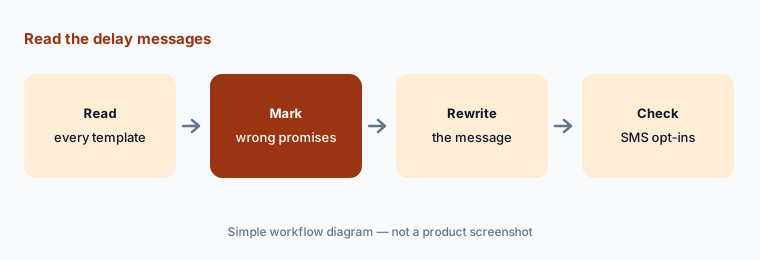
Read the delay messages:
Read every delay and exception message in Narvar Notify. Have the CX lead mark any promise about refunds, calls, or dates your policy does not support, and confirm SMS goes only to opted-in customers.
4. Shield: returns, exchanges, and return-fraud checks
What it is: Narvar Shield is its returns and exchanges product. Narvar’s Shield page says it uses shopper behaviour and AI to enforce eligibility rules, offer automated exchanges and store credit, flag suspicious returns, and — depending on risk — block a return, ask for extra checks, or change refund timing. It also covers return routing, drop-off options, and returns reasons analytics. Narvar’s revenue-retention and fraud figures are its claims.
An automated “no” on a return reaches a real customer. Review a sample of blocked or delayed returns every week, and keep an easy route to a person for anyone who disputes the decision.
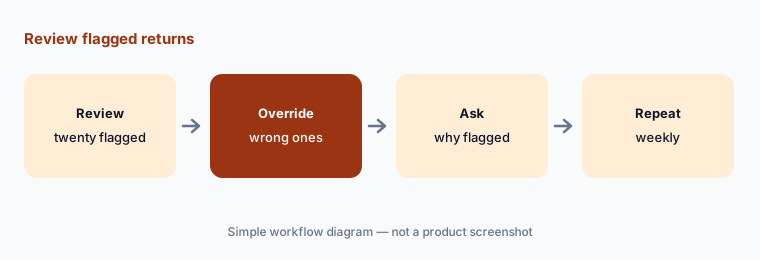
Check the flagged returns:
Review twenty returns Narvar Shield blocked or delayed last week. Have the CX lead override any that were wrong and write down the pattern for Narvar.
5. Assist and Secure: delivery claims for lost or stolen parcels
What it is: Narvar Assist handles delivery claims for lost, stolen, or damaged parcels. It uses Narvar’s risk signal to give high-trust shoppers fast refunds or replacements and to add checks or deny claims from high-risk ones, through a self-service portal and integrations with Salesforce, Zendesk, and Gladly. Narvar Secure is optional shipping protection a shopper can add at checkout; Narvar says it is free for retailers to offer, the shopper pays, and the retailer may cover the cost for some or all orders.
A denied claim from a genuine customer costs more than the parcel. Check a sample of denials by hand, and make sure the customer can reach a person.
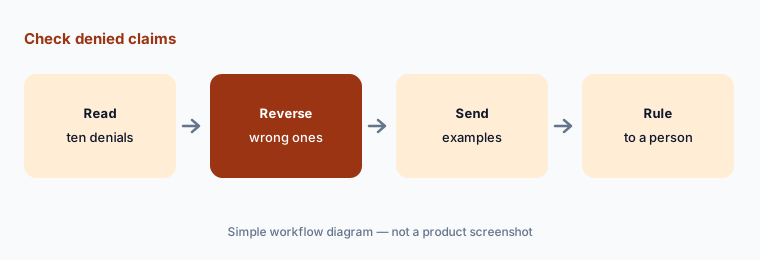
Check the denials:
Read ten delivery claims Narvar denied last month. Have the CX lead reverse any that were wrong and set a rule for which claims always go to a person.
6. Policy control and Narvar’s policy suggestions
What it is: Narvar’s agentic page describes Unified Policy Control, one place to set return, claim, appeasement, and service policies across store, online, and call centre, and says retailers set the policies and risk rules the agent enforces. In Narvar Admin, signals from carriers, returns, and conversations surface suggested policy changes — enabling proactive exchanges, for example — with projected outcomes; Narvar says it compares your policies with other brands’ when making them.
A suggested policy change with a projected result is still a forecast. Write down what it would change for customers and staff, and decide who has to agree before it goes live.
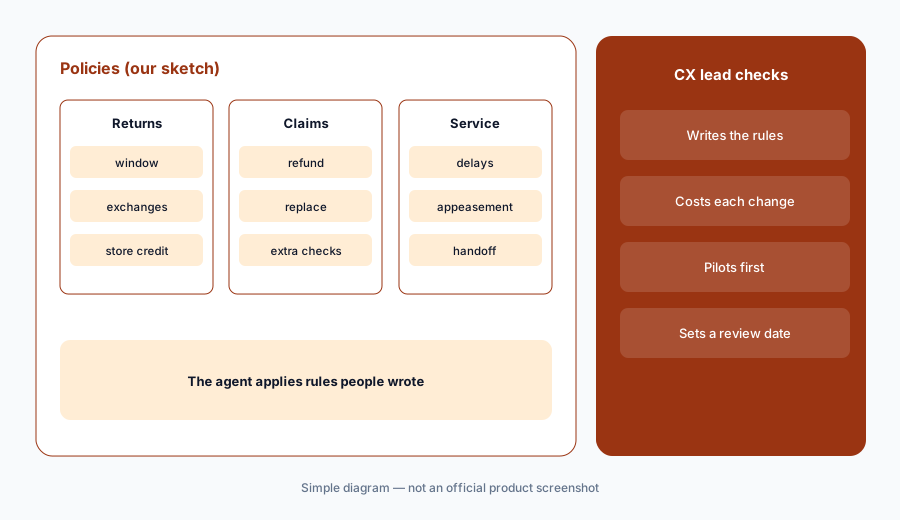
Before you change a policy:
Take one policy change Narvar suggests. Have the CX lead and finance lead write down what it changes for customers, what it costs, and a review date before it goes live.
Pricing context (October 2026)
Narvar publishes no prices on its site (checked 16 Oct 2026). Every product page leads to a demo request, so Promise, Track, Notify, Shield, Assist, and NAVI are quote-only; ask for each product and any per-order or per-message fees as separate lines.
The one pricing statement Narvar makes is for Secure: free for retailers to offer, paid by the shopper as an optional checkout add-on, with the option for the retailer to cover it. Narvar says it is trusted by more than 1,500 brands and integrates with more than 1,000 carriers.
Uncertainty: No published prices on 16 Oct 2026, so cost depends on your quote. NAVI was introduced in January 2026 as Narvar “outlining a direction”; its general availability and which actions it may take on your account are not stated, so ask. Narvar’s pages give two different counts for the consumer interactions behind IRIS, and its agentic page expands MCP differently from the usual meaning, so we do not repeat either. Delivery date accuracy, conversion, ROI, and fraud-reduction figures are Narvar’s claims, not our measurement.
When it’s useful (honest take)
Useful when you ship enough orders that “where is my order”, returns, and parcel claims take up a large share of support time, want delivery dates, tracking, messages, returns, and claims from one vendor, and have a CX lead who will sample the agent’s decisions every week.
Less useful when your order volume is small enough that a help desk handles tracking questions (Gorgias AI, Zendesk AI), the bigger gap is stock and purchasing (Cin7 AI), or post-purchase marketing by text matters more than service (Attentive vs Postscript).
Paying for Narvar AI and a few other AI tools? The $9 AI toolkit spreadsheet lists every AI subscription you have, what each one costs, and how fast it pays for itself, so you can see which ones are worth the money.
Want someone to do it for you? AI toolkit audit — $19
Related options (educational)
| Need | Better home | Why |
|---|---|---|
| Delivery dates, tracking, returns, and claims in one suite | Narvar AI (this page) | Quote only |
| Help desk answering order questions | Gorgias AI | See its review |
| Larger help desk with AI agents | Zendesk AI | See its review |
| Stock, purchasing, and forecasts | Cin7 AI | Core $349 → $1,199/mo; ForesightAI by quote |
| Reviews and loyalty after delivery | Yotpo AI | Free → Starter $89/mo at 500 orders |
FAQ
How much does Narvar cost?
Narvar publishes no prices (checked 16 Oct 2026); its products are sold by quote after a demo. Narvar Secure is free for retailers to offer, with the shopper paying for the protection at checkout.
What is NAVI?
Narvar’s agentic post-purchase assistant, introduced on 12 January 2026. Narvar says it answers order questions on the retailer’s site, in apps, or inside AI assistants, and can offer exchanges, approve or deny claims, and trigger workflows within the retailer’s policies.
Can Narvar’s AI deny a return or a claim?
Yes. Narvar says Shield can block high-risk returns or ask for extra checks, and Assist and NAVI can approve or deny delivery claims based on retailer policies and risk signals. Review a sample of those decisions every week.
Which channels can Narvar message customers on?
Narvar Notify lists email, SMS, WhatsApp, and Line, with shoppers choosing their preferred channel. Consent and opt-in rules for text messages are the brand’s to check.
Who should approve Narvar’s AI decisions?
A named CX lead owns every delivery promise, refund, exchange, and claim decision; the finance lead agrees policy changes that affect cost; and the ecommerce manager owns the delivery date ranges shown at checkout.
Optional next step (if seats overlap)
If you pay for a post-purchase suite, a help desk that also answers tracking questions, and a messaging tool that sends shipping texts, that overlap is worth mapping. Map the overlap with the $19 AI toolkit audit or the $9 AI toolkit spreadsheet. Email Audit $19 or Toolkit spreadsheet $9.
Checkout is live via Stripe. After you pay, we email delivery (spreadsheet) or intake next steps (audit).