Tool · Restaurant ops · BentoBox · Oct 2026
BentoBox AI review (Oct 2026): AI text and image tools for restaurant websites, now part of Clover
BentoBox built websites, online ordering, and marketing tools for restaurants and was acquired by Fiserv. Its site now says “BentoBox is now Clover” and that BentoBox products are only available to Clover POS customers. Its AI pieces — a text generator for website copy and a Magic Image generator — are useful drafting tools, as long as the chef checks every ingredient and allergen line. Each section has a Try this.
What this BentoBox page covers
This page is for a restaurant owner or marketing lead who already has a BentoBox website (often as part of Clover) or is choosing a Clover POS and wants to know what the website tools’ AI does. The question it answers: who can still buy BentoBox, what the AI Text Generator and Magic Image do, what is published on price, and who checks the copy before guests see it.
On getbento.com (read 15 October 2026) the home and pricing pages show the same notice: BentoBox is now part of the Clover ecosystem, and “currently, BentoBox products/services are only available to Clover POS customers.” Existing customers add features through their customer success manager. The AI tools are documented in BentoBox’s help center and in 2024 posts; we found no newer AI announcement on BentoBox’s own pages.
Ground rules: the chef owns every ingredient and allergen line; the owner approves anything sent to the email list; generated images are labeled as illustrations, not dish photos; prices on the website are changed in Clover, not in generated copy. No guest data goes into a prompt.

Major features (with how someone uses them)
Examples at a glance: each feature has a concrete example from a real job plus a short Try this you can run this week.
1. AI Text Generator (primary)
What it is: BentoBox’s help article explains the AI Text Generator: open a page or content box, click Text Generator, describe what you want (for example, “a fast-casual pizza shop in Brooklyn”), pick a tone and length, then Generate and Insert Text. It works on any page or content box with an open text editor — not Galleries or Press boxes — and BentoBox itself warns that AI can make mistakes and you should double-check the text before saving.
The help article does not list individual menu-item fields, so do the rewrite in the text box that introduces a menu section (brunch, desserts, a tasting menu). Ingredients and allergens are where generated copy is most dangerous — it will happily add “house-made” or drop “contains nuts.”
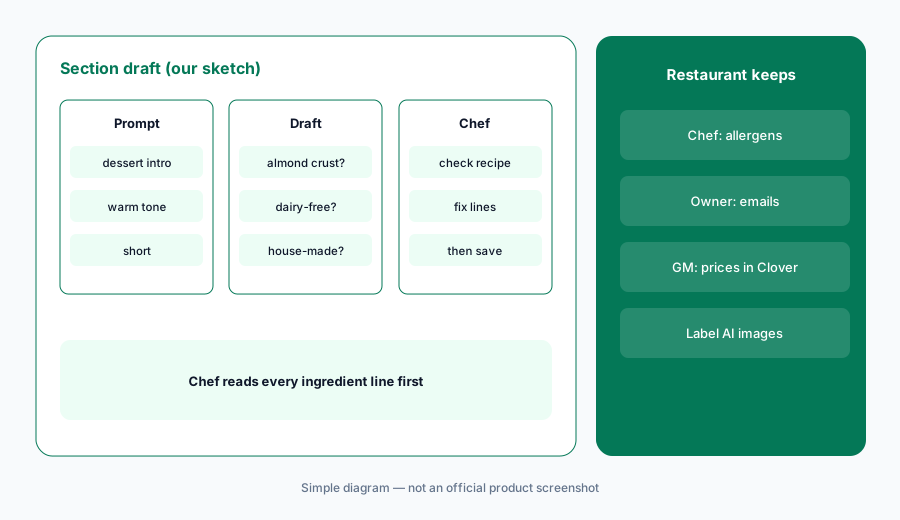
Primary workflow:
Use BentoBox's AI text generator to rewrite one menu section. Have the chef check every ingredient and allergen line before you publish it.
2. AI copy on every content box
What it is: BentoBox’s June 2024 what’s-new post says the AI Text Generator became available on all content boxes in the BentoBox backend — from the About page to a Private Events landing page. The generator’s settings are not saved after you close it, so each run starts fresh.
Good uses: an About page draft, a private-events intro, a holiday hours banner. Poor uses: anything with prices, legal terms, or health claims.
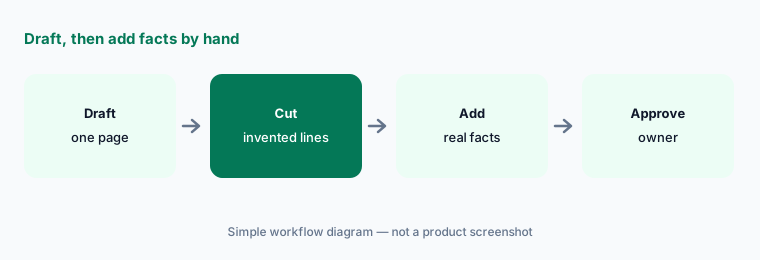
Draft, then add the facts yourself:
Draft your Private Events page intro with the generator. Remove any capacity, price, or policy line it invented and add the real ones by hand.
3. Magic Image: prompt help for generated images
What it is: BentoBox’s guide to prompting AI generators describes Magic Image: you enter a prompt and it suggests more detailed prompts before creating an image (their example: fireworks with a hamburger in the foreground). We found no dedicated help article for Magic Image, so check that it appears in your dashboard.
A generated burger is not your burger. Use generated images for moods and holidays, never as a photo of a dish guests will order.
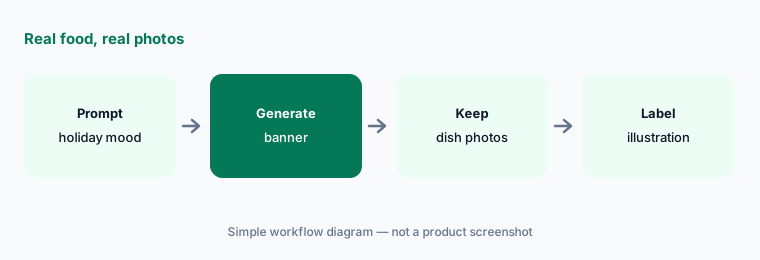
Real food, real photos:
Make one holiday banner with Magic Image. Keep real photos for every dish and label the generated image as an illustration.
4. Email and promo copy
What it is: BentoBox’s AI guide says its text tools draft copy for the website and for promotional emails. The same guide warns, in bold, not to trust facts generated by AI. The owner approves every email before it goes to the guest list.
Dates, prices, and offer terms are the lines to re-type by hand. Generated copy will round, guess, or invent them.
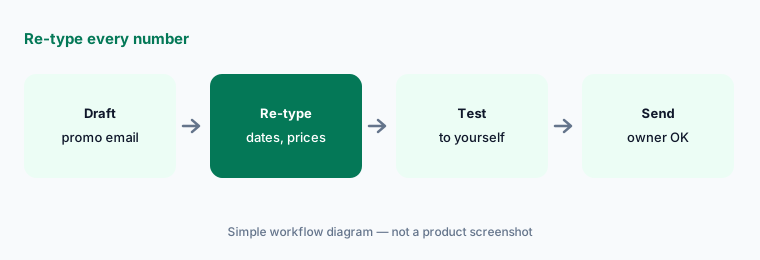
Re-type the numbers:
Draft your next promo email with BentoBox’s text tools. Re-type every date, price, and offer term by hand and send yourself a test first.
5. Clover-only availability and POS sync
What it is: BentoBox now sells only to Clover POS customers (getbento.com). Its Clover integration FAQ says the connection pulls menu categories, items, modifiers, prices, and inventory from Clover, sends online orders to Clover, and makes some synced settings read-only in BentoBox — you change them in Clover. BentoBox advises a final review of online ordering before switching the store on.
If a price is wrong online, fix it in Clover. Editing website copy won’t change what the ordering page charges.
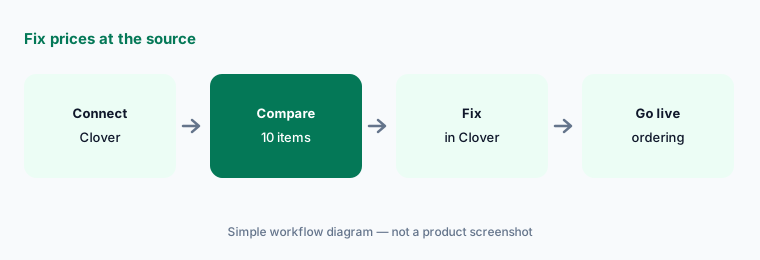
Fix prices at the source:
After connecting Clover, compare ten online menu items and modifiers to Clover. Fix any mismatch in Clover before you turn online ordering on.
6. Price and who approves what
What it is: BentoBox no longer publishes prices: its pricing URL shows the Clover notice. Clover’s full-service restaurant page lists POS bundles (see below) but not a BentoBox website add-on price, so ask Clover or your customer success manager for a written quote. If you are not on Clover, compare Popmenu AI or website tools tied to your own POS such as Toast AI or Square for Restaurants AI.
Approval sheet: chef — ingredients and allergens; owner — emails and offers; GM — online ordering and prices in Clover; marketing — image labels.
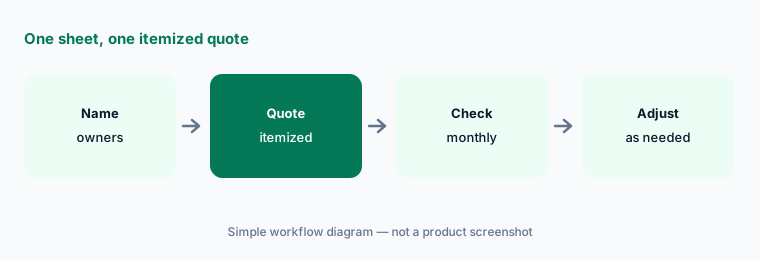
One sheet, one quote:
Make one approval sheet for menu copy, allergens, emails, images, and prices. Ask Clover for a quote that lists the BentoBox website as its own line.
Pricing context (October 2026)
BentoBox publishes no prices as of 15 Oct 2026: getbento.com and its pricing URL show “BentoBox is now Clover,” products are only for Clover POS customers, and existing customers add features through their customer success manager or hello@getbento.com.
Clover’s full-service restaurant page (read 15 Oct 2026) lists POS bundles: Starter $179/month for 36 months (or $1,799 up front + $89.95/month), Standard $239/month for 36 months (or $2,548 + $109.90/month), and Advanced $354/month for 36 months (or $4,447 + $129.85/month), with “prices shown are only available on Clover.com.” These are POS hardware and plan prices, not a BentoBox website price.
Uncertainty: BentoBox’s AI tools are documented in a help article and 2024 posts; we found no 2026 AI update on BentoBox’s own pages, and no dedicated Magic Image help article. BentoBox website pricing is not published — confirm with Clover.
When it’s useful (honest take)
Useful when you run Clover (or are switching to it), want a restaurant website and ordering tied to the POS menu, and will use the AI tools to draft copy that the chef and owner then correct.
Less useful when you are not on Clover (BentoBox isn’t sold to you), you want an AI phone agent (Popmenu AI or Slang AI), or nobody will check ingredient and allergen lines.
Paying for BentoBox AI and a few other AI tools? The $9 AI toolkit spreadsheet lists every AI subscription you have, what each one costs, and how fast it pays for itself, so you can see which ones are worth the money.
Want someone to do it for you? AI toolkit audit — $19
Related options (educational)
| Need | Better home | Why |
|---|---|---|
| Website + ordering for Clover restaurants (this page) | BentoBox AI | Clover customers only · no BentoBox price published |
| Website + AI marketing + phone agent | Popmenu AI | Starter $159 · Essentials $269 · Premier $449 (annual) |
| POS-native marketing and AI assistant | Toast AI · SpotOn AI | See POS reviews |
| Phone agent that books reservations | Slang AI | Quote only |
| Drafting copy in a general chat tool | Claude | General chat; no guest data |
FAQ
Is BentoBox still available?
Yes, but only to Clover POS customers. BentoBox’s site (read 15 Oct 2026) says BentoBox is now Clover and that its products and services are currently only available to Clover POS customers.
What does BentoBox’s AI Text Generator do?
It drafts website copy from a short description, with a tone and length you choose, inside any page or content box that has a text editor. BentoBox warns that AI can make mistakes and you should check the text before saving.
What is BentoBox Magic Image?
An image generator BentoBox described in a 2024 guide: it suggests more detailed prompts and then creates an image. Use generated images for moods and holidays, not as photos of real dishes.
How much does BentoBox cost in October 2026?
BentoBox publishes no prices. Its pricing URL shows the Clover notice. Clover lists POS bundles on its own site, but not a BentoBox website add-on price, so ask Clover for a written quote.
Who should approve BentoBox AI copy?
The chef approves every ingredient and allergen line, the owner approves emails and offers, and the GM keeps prices correct in Clover. Generated text is a draft.
Optional next step (if seats overlap)
If you pay for Clover with BentoBox, a separate email-marketing tool, and another website builder for a second concept, that overlap is worth mapping. Map the overlap with the $19 AI toolkit audit or the $9 AI toolkit spreadsheet. Email Audit $19 or Toolkit spreadsheet $9.
Checkout is live via Stripe. After you pay, we email delivery (spreadsheet) or intake next steps (audit).