Tool · Restaurant ops · Lightspeed · Oct 2026
Lightspeed Restaurant AI review (Oct 2026): Lightspeed AI analytics assistant and Tempo service pacing
Lightspeed Restaurant is a cloud POS for full-service and quick-service restaurants with Lightspeed AI (conversational analytics — labelled in beta on Lightspeed’s AI hub) and Tempo for service pacing. This page is about asking the assistant for sales-by-hour answers you can verify, and using Tempo to coach the floor — while a GM still checks the POS report before anyone changes staffing. Each section has a Try this.
What this Lightspeed Restaurant page covers
This page is for a restaurant GM or owner on Lightspeed Restaurant (K-Series) or comparing POS platforms with AI analytics. The question it answers: what Lightspeed AI and Tempo can do today, which plans list them, what Tempo Alerts cost by package, and who checks AI answers before staffing changes.
Lightspeed’s AI page (read 15 October 2026) labels Lightspeed AI in beta and says you can chat inside Lightspeed Restaurant about sales, menu, staffing, and more. The restaurant pricing page lists Lightspeed AI and Lightspeed Tempo on Starter ($69), Essential ($189), and Premium ($399) USD. Tempo help covers the dashboard, real-time Tempo Alerts on the POS floor plan, and KDS 2.0 served markers.
Ground rules: the GM checks every Lightspeed AI sales or labor answer against the POS report before changing staffing; Tempo Alerts are prompts for the floor manager, not automatic schedule changes; no guest PII in any AI chat; Lightspeed customer quotes and “40% fewer clicks” POS claims are vendor material — we leave the marketing numbers out.
Major features (with how someone uses them)
Examples at a glance: each feature has a concrete example from a real job plus a short Try this you can run this week.
1. Lightspeed AI: ask sales-by-hour questions (primary)
What it is: Lightspeed AI is a conversational analytics assistant built into the POS platform. The AI hub (read 15 Oct 2026) marks it in beta and lists restaurant examples such as spotting high-margin items, finding slow sellers, building charts, reviewing staff performance, scanning a menu photo, and comparing locations. Ask in plain language; treat the answer as a draft until it matches a POS report.
Beta assistants can be wrong on dayparts, voids, or comps. Check two hours by hand before you cut a shift.
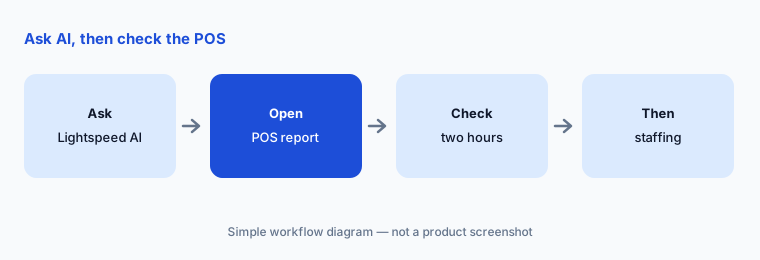
Primary workflow:
Ask Lightspeed AI for last Friday's sales by hour. Check two of those hours against the POS report before you change staffing.
2. Lightspeed Tempo: service pacing dashboard
What it is: Lightspeed Tempo is a table-pacing tool for full-service restaurants: a Back Office dashboard (yesterday through about 89 prior days) shows empty-table time, average table turn, longest-empty tables, and orders with the biggest slowdowns. Tempo updates once per day after Start of day. The pricing page lists Tempo on Starter, Essential, and Premium.
Dashboard data is historical, not a live floor map. Use it the next morning to coach — not to argue with a server mid-service without context.
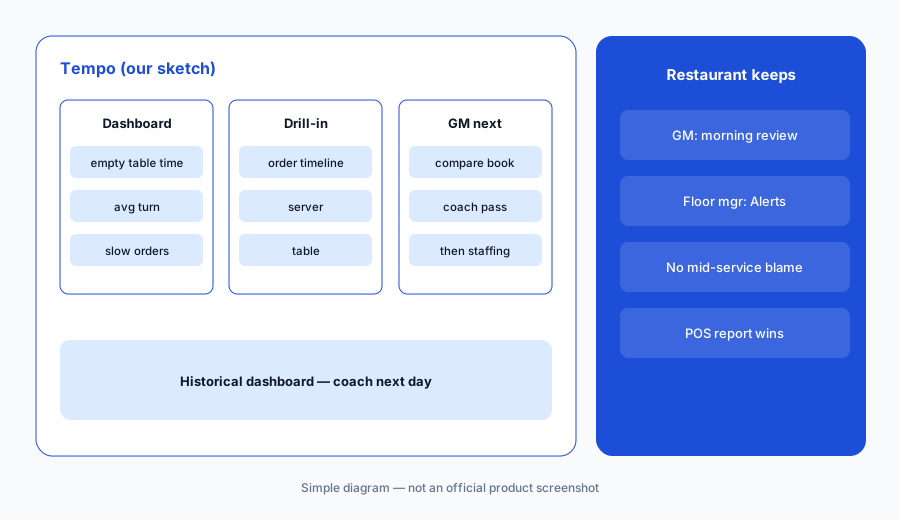
Morning review:
Open Tempo for last Friday. Have the GM pick the two biggest slowdowns and write what actually caused each before changing staffing.
3. Tempo Alerts on the POS floor plan
What it is: Tempo Alerts show real-time pacing issues on the POS floor plan — visit table, take payment, take order (with reservations integrations), and pick up order (with KDS 2.0 Ready to collect). Per Lightspeed’s help article, Alerts are free on Pro/Premium packages, a paid add-on on Core/Essential, and not available on Basic/Starter. They need recent iOS and POS (K) versions.
An alert is a nudge, not proof someone is slow. The floor manager looks at the table before coaching.
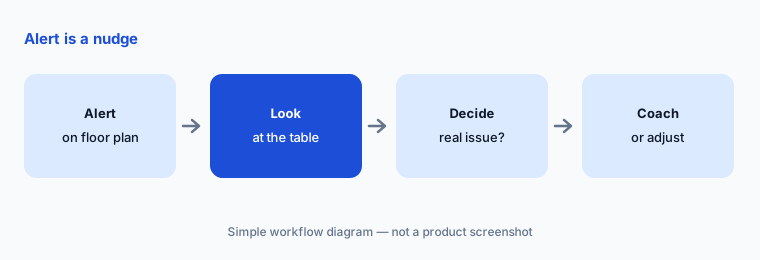
Look before you coach:
For one service, have the floor manager note every Tempo Alert and whether a guest actually needed help before any coaching note is written.
4. Advanced Insights, Benchmarks & Trends
What it is: Lightspeed pairs Lightspeed AI with Advanced Insights and Benchmarks & Trends (called out on the AI page as AI-enhanced). Use them for menu mix and competitor context — then verify any price or item decision against your own sales and food cost, not the benchmark alone.
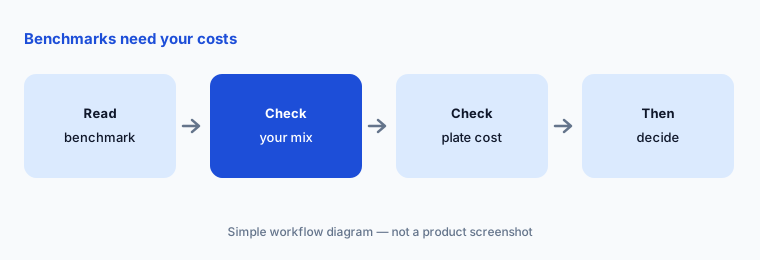
A benchmark that says peers charge more is not a reason to raise prices without checking plate cost and local demand.
Your numbers first:
Pick one benchmark insight this week. Have the GM check it against your item sales and plate cost before any menu price change.
5. Which plans include Lightspeed AI and Tempo
What it is: On the US pricing page (read 15 Oct 2026), Starter $69, Essential $189, and Premium $399 all list Lightspeed AI and Lightspeed Tempo. Kitchen Display System is an add-on at $30 per screen per month. Enterprise is custom. Tempo Alerts packaging (free vs add-on vs unavailable) follows the help article’s Pro/Premium / Core/Essential / Basic/Starter split — confirm your package name on the quote because marketing names and help-article names differ.
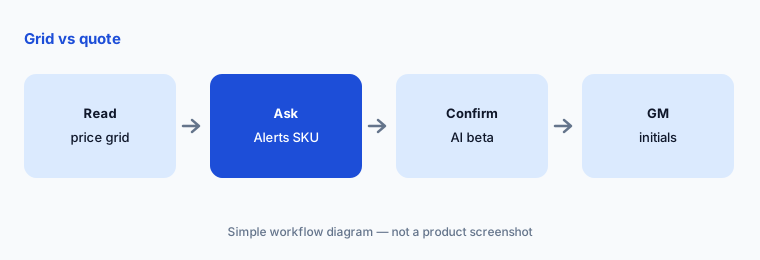
“Listed on the pricing grid” is not the same as “Alerts enabled on your devices.” Ask your account manager which Tempo Alert SKU you have.
Confirm Alerts:
On your Lightspeed quote, highlight whether Tempo Alerts are included, an add-on, or unavailable. Have the GM initial that line before go-live.
6. Who checks AI answers and pacing alerts
What it is: Lightspeed AI does not change schedules by itself; Tempo does not reassign servers by itself. Name a GM for AI sales/labor answers, a floor manager for Tempo Alerts, and keep inventory AI (if any) in MarketMan AI or MarginEdge AI with its own approvers. For POS alternatives see Toast vs Square and OpenTable AI for the reservations layer.
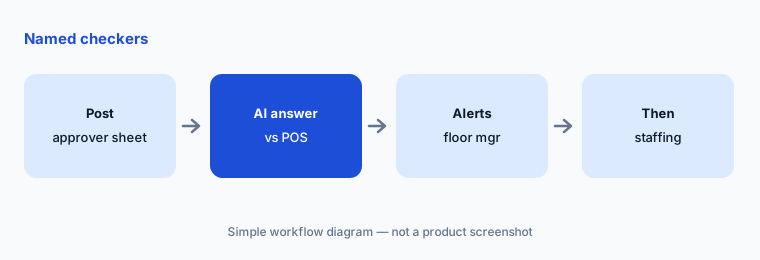
Post a short sheet: GM checks AI vs POS report; floor manager owns Alerts; nobody changes staffing from a single beta answer.
Named checkers:
Write who checks Lightspeed AI answers and who owns Tempo Alerts. Do not change staffing from an AI answer until the GM has compared it to the POS report.
Pricing context (October 2026)
Lightspeed’s restaurant pricing page (read 15 Oct 2026) lists Starter $69/month, Essential $189/month, and Premium $399/month (USD), with Lightspeed AI and Lightspeed Tempo shown on all three. Enterprise is custom. Kitchen Display System is $30 per screen per month. Integrated payments rates vary (default vs custom by plan). The page notes prices may vary by business.
Tempo Alerts: per Lightspeed help (read 15 Oct 2026), free on Pro/Premium, paid add-on on Core/Essential, not available on Basic/Starter — confirm the name on your contract. Lightspeed AI is labelled beta on the AI hub; ask whether beta access is on for your location.
Uncertainty: Lightspeed AI was labelled in beta on 15 Oct 2026. Pricing-page plan names (Starter/Essential/Premium) and Tempo help package names (Basic/Starter, Core/Essential, Pro/Premium) do not match one-to-one — confirm AI and Alerts entitlement on your quote. Hardware, payments, and Pro Services are extra.
When it’s useful (honest take)
Useful when you run Lightspeed Restaurant, want conversational sales answers and a pacing dashboard, and have a GM who will check the POS report before staffing changes.
Less useful when you need Toast IQ Grow marketing agents or Square’s AI ordering channels (Toast vs Square), deep invoice AI (MarketMan AI), or reservations Concierge (OpenTable AI).
Paying for Lightspeed Restaurant AI and a few other AI tools? The $9 AI toolkit spreadsheet lists every AI subscription you have, what each one costs, and how fast it pays for itself, so you can see which ones are worth the money.
Want someone to do it for you? AI toolkit audit — $19
Related options (educational)
| Need | Better home | Why |
|---|---|---|
| Lightspeed AI + Tempo on Lightspeed POS | Lightspeed Restaurant AI (this page) | Starter $69 · Essential $189 · Premium $399 |
| Toast IQ on Toast POS | Toast AI | Starter Kit $0 · Point of Sale $69 · custom |
| Square AI + Managerbot | Square for Restaurants AI | Free $0 · Plus $49 · Premium $149 |
| Toast vs Square compare | Toast vs Square | Not a ranking |
| Inventory AI beside any POS | MarketMan AI | From $249/mo |
FAQ
Is Lightspeed AI generally available?
Lightspeed’s AI hub labelled Lightspeed AI in beta as of 15 Oct 2026, while the restaurant pricing page lists it on Starter, Essential, and Premium. Confirm beta access and entitlement on your account.
How much does Lightspeed Restaurant cost in October 2026?
Published US software prices we read: Starter $69, Essential $189, Premium $399 per month, plus payments, hardware, KDS ($30/screen), and optional Tempo Alerts packaging. Enterprise is custom.
What is Lightspeed Tempo?
Tempo is Lightspeed’s service-pacing product: a Back Office dashboard for prior days and optional real-time Tempo Alerts on the POS floor plan. It helps GMs see empty-table time, slow orders, and where to coach — it does not auto-change schedules.
Do Tempo Alerts work on Starter?
Lightspeed’s help article says Tempo Alerts are not available on Basic/Starter packages, are a paid add-on on Core/Essential, and are included on Pro/Premium. Match that to the plan name on your quote.
Who should approve Lightspeed AI output?
The GM checks every sales or labor answer against the POS report before changing staffing; the floor manager owns Tempo Alerts during service. AI and alerts suggest — people decide.
Optional next step (if seats overlap)
If you pay for Lightspeed AI, a separate labor tool, and a separate inventory app that all answer the same weekly questions, that overlap is worth mapping. Map the overlap with the $19 AI toolkit audit or the $9 AI toolkit spreadsheet. Email Audit $19 or Toolkit spreadsheet $9.
Checkout is live via Stripe. After you pay, we email delivery (spreadsheet) or intake next steps (audit).