Tool · Hospitality ops · HiJiffy · Oct 2026
HiJiffy AI review (Oct 2026): AI guest communication hub and chatbot for hotels
HiJiffy sells a guest communication hub for hotels: an AI assistant (powered by its own Aplysia AI) that answers guests on the website, social media, messaging apps, WhatsApp, SMS, and email, plus a console where staff take over, add notes, and get suggested replies. It is one of the few hotel messaging vendors with published starting prices. This page is about making sure the assistant answers only from approved facts and hands off to a person when it should. Each section has a Try this.
What this HiJiffy page covers
This page is for a guest-services lead, front office manager, or GM choosing a hotel chatbot and messaging hub — or already on HiJiffy and widening it to WhatsApp. The question it answers: what the AI does, what each plan costs and covers, and who approves knowledge sources and hand-off rules.
HiJiffy’s plans page (read 14 October 2026) says rates are progressive by rooms or beds. On yearly billing it showed Basic starting at $109 (€99), Pro at $179 (€159), and Premium at $359 (€319) per month, each plus a setup fee per five properties; monthly billing for Basic showed $115 (€105). Enterprise is through sales. HiJiffy claims Aplysia resolves 90% of guest queries automatically — a vendor figure.
Ground rules: the assistant answers from an approved fact sheet only; refunds, complaints, accessibility, and safety go to a person; a named guest-services lead approves every knowledge source and hand-off rule; no card numbers, ID images, or door codes in any test conversation.
Major features (with how someone uses them)
Examples at a glance: each feature has a concrete example from a real job plus a short Try this you can run this week.
1. Ask the five hardest guest questions (primary)
What it is: HiJiffy is a guest communication hub with an AI assistant across website chat, social and messaging apps, WhatsApp, SMS, and email. Its AI is called Aplysia (the AI page read 14 Oct 2026 shows “Aplysia 3”), which HiJiffy says answers from verified, approved hotel data, detects booking intent, suggests replies to staff, and translates.
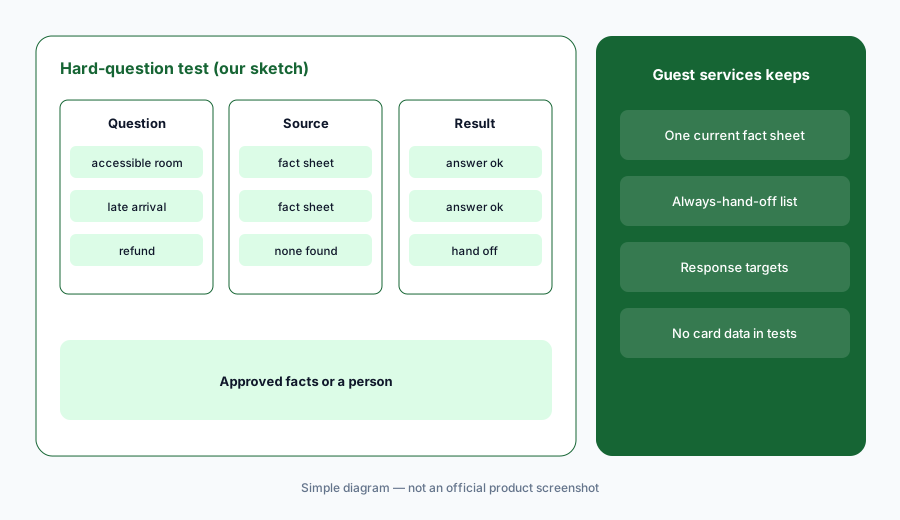
Easy questions prove little. The test that matters is whether the assistant answers hard questions from approved facts — or hands off to a person when it does not know.
Primary workflow:
Ask HiJiffy’s assistant your five hardest guest questions. Check that each one either answers from approved facts or hands off to a person.
2. Approved knowledge sources only
What it is: HiJiffy’s AI page describes answers “from your approved hotel data” with a cited source document. That is only as good as what you upload. Old PDFs, last year’s spa menu, and draft policies all become answers.
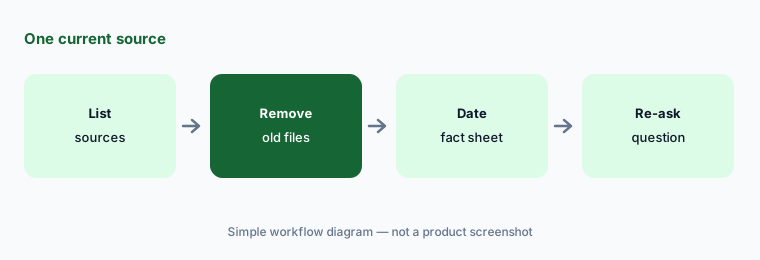
Keep one current fact sheet per property, with a review date, and remove superseded files from the assistant’s sources.
One current source:
List every file HiJiffy’s assistant uses as a source. Remove superseded versions and add a review date to the one fact sheet you keep.
3. Hand-off rules and the staff console
What it is: The HiJiffy console lets staff filter, assign, and take over conversations, add notes, and (on Pro and above) use canned responses and multiple properties. Aplysia suggests replies and checks grammar for agents.
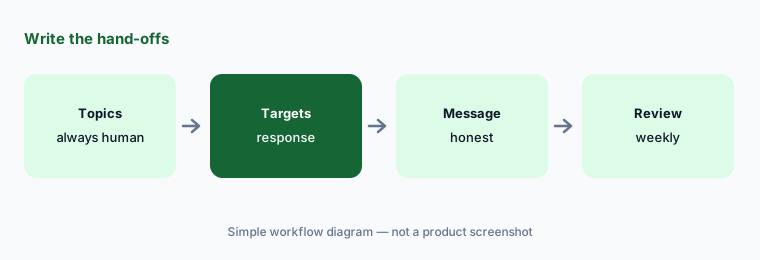
Write which topics always go to a person and how fast someone must answer during and outside reception hours.
Write hand-offs:
Write the topics that must always go to a person and the response time you promise. Check that HiJiffy’s hand-off message tells guests the truth.
4. Channels by plan: website, social, WhatsApp, SMS
What it is: On the plans page, Basic covers the website only (25 standard FAQ topics, 3 languages). Pro adds social and messaging apps and email; Premium adds WhatsApp and SMS and proactive messages across the guest journey. Enterprise adds custom channels and integrations.
WhatsApp and SMS proactive messages are marketing in some places. Consent rules for guest messaging are local; a named person checks them.
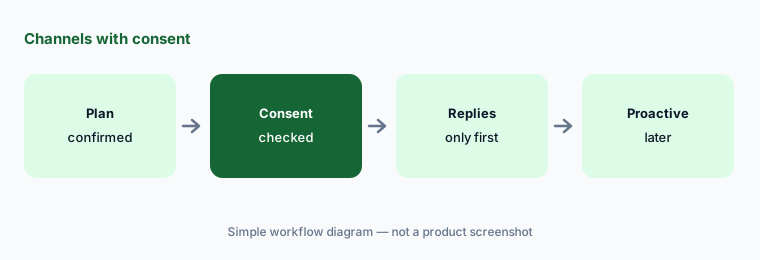
Channels with consent:
Before turning on WhatsApp or SMS in HiJiffy, confirm the plan that includes it and check local consent rules for proactive messages.
5. Published plans and what changes the total
What it is: HiJiffy shows starting prices by plan, which grow with room or bed count, plus a setup fee per five properties (for example $109 on Basic and $449 on Pro, yearly view). Yearly billing is cheaper than monthly.
Get the total for your room count, number of properties, and channels in writing, including setup fees.
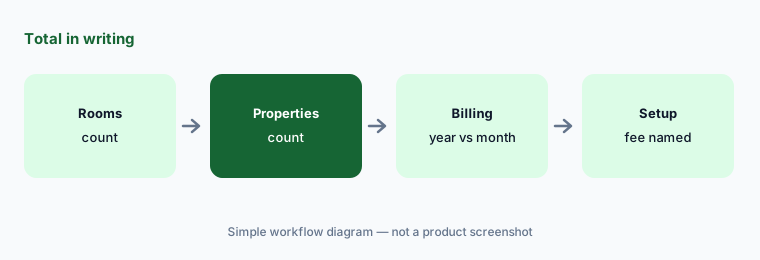
Total in writing:
Ask HiJiffy for a written total for your room count and properties on monthly and yearly billing, including setup fees.
6. The guest-services lead approves sources and hand-offs
What it is: The assistant speaks for the hotel around the clock. A named guest-services lead owns the fact sheet, the always-hand-off list, and the channels the assistant may use; the GM signs off any proactive messaging.
Review a sample of conversations weekly for the first month, then monthly.
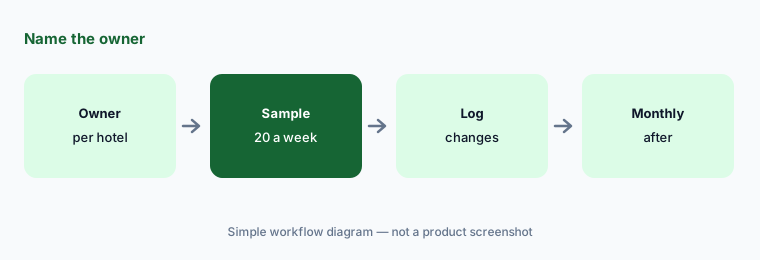
Name the owner:
Name one person per property who approves HiJiffy’s knowledge sources and hand-off rules, and review 20 conversations a week for the first month.
Pricing context (October 2026)
HiJiffy’s plans page (read 14 Oct 2026) lists starting prices that rise with rooms or beds. Yearly billing view: Basic from $109 / €99 / £99, Pro from $179 / €159, Premium from $359 / €319 per month; monthly billing for Basic: $115 / €105. Each plan adds a setup fee per five properties (Basic $109; Pro $449; Premium $699 in the USD yearly view). Enterprise: talk to sales.
Basic: website chat, 25 standard FAQ topics, 3 languages. Pro: social, messaging apps, email, custom tone, unlimited agents, multiple properties. Premium: WhatsApp, SMS, proactive campaigns across the guest journey. HiJiffy’s 85–90% automation figures are vendor claims.
Uncertainty: Starting prices are for the smallest room band; your price depends on rooms, properties, and billing period. WhatsApp and SMS may carry message costs — confirm. Aplysia capabilities differ by plan.
When it’s useful (honest take)
Useful when you want a hotel chatbot and messaging hub with published starting prices, and a named guest-services lead will own the fact sheet and hand-off rules.
Less useful when you want an AI booking agent with voice and group quotes (Asksuite AI), AI phone answering (Canary Technologies AI), or guest data plus email marketing (Revinate AI).
Paying for HiJiffy AI and a few other AI tools? The $9 AI toolkit spreadsheet lists every AI subscription you have, what each one costs, and how fast it pays for itself, so you can see which ones are worth the money.
Want someone to do it for you? AI toolkit audit — $19
Related options (educational)
| Need | Better home | Why |
|---|---|---|
| Chatbot + messaging hub with published prices | HiJiffy AI (this page) | Basic from $109/month (yearly) |
| AI booking agent across chat and WhatsApp | Asksuite AI | Quote |
| AI messaging + AI voice | Canary Technologies AI | Quote |
| Guest data + digital concierge | Revinate AI | Quote |
| Small-hotel all-in-one (its AI guide suggests a chatbot like HiJiffy) | Little Hotelier AI | Basics from $39 / Pro from $179 a month (5-room default) |
FAQ
How much does HiJiffy cost in October 2026?
On 14 October 2026 the plans page showed, on yearly billing, Basic from $109, Pro from $179, and Premium from $359 per month, plus setup fees per five properties; Basic was $115 on monthly billing. Prices rise with rooms or beds. Enterprise is quote-only.
What is Aplysia?
HiJiffy’s AI made for hotels (the AI page shows Aplysia 3). It answers from approved hotel data, detects booking intent, suggests replies to staff, and translates.
Which HiJiffy plan includes WhatsApp?
On the plans page, WhatsApp and SMS appear on Premium (and Enterprise). Basic is website only; Pro adds social, messaging apps, and email.
Can HiJiffy hand conversations to staff?
Yes. Staff can take over in the console. Write which topics always go to a person — refunds, complaints, accessibility, safety — and what response time you promise.
Who should approve HiJiffy’s answers?
A named guest-services lead per property owns the knowledge sources and hand-off rules; the GM signs off proactive WhatsApp or SMS messages.
Optional next step (if seats overlap)
If you pay for a chatbot, a PMS with messaging, and a separate WhatsApp tool that all answer the same guests, that overlap is worth mapping. Map the overlap with the $19 AI toolkit audit or the $9 AI toolkit spreadsheet. Email Audit $19 or Toolkit spreadsheet $9.
Checkout is live via Stripe. After you pay, we email delivery (spreadsheet) or intake next steps (audit).