Tool · Logistics ops · Kinaxis · Oct 2026
Kinaxis AI review (Oct 2026): Maestro AI agents and scenario planning for supply chain teams
Kinaxis makes Maestro (formerly RapidResponse), a supply chain planning platform known for concurrent planning: change one number and the effect flows through demand, supply, inventory, and capacity at once. On top of that it now sells Maestro Agents, Maestro Agent Studio for building your own, and machine learning and optimization for forecasts and plans. This page is about using scenarios and agents to see the impact of a disruption faster while a named supply planner still decides what becomes the plan. Each section has a Try this.
What this Kinaxis AI page covers
This page is for a supply planner, demand planner, or supply chain lead whose company runs Kinaxis Maestro or is comparing planning platforms. It answers: what scenarios and agents actually do, what Kinaxis says has shipped versus what it has only announced, and who signs off before a scenario becomes the plan everyone works to.
Kinaxis’ AI page (read 17 October 2026) describes “composable AI”: agents and agentic workflows, machine learning and optimization, your own models and business rules, a semantic layer, and governed, explainable AI. It says Maestro Agents work inside Maestro and across other enterprise systems, using building blocks that include triggers, tools, and approvals. Kinaxis’ next customer event, Kinexions EMEA 2026, runs 26–28 October 2026 in Barcelona; its 15 September preview describes the agenda, not new features.
Ground rules: a named supply planner approves every scenario before it becomes the plan, a demand planner checks every agent recommendation that touches a forecast, and nobody tells customers, suppliers, or the factory that the plan changed until that check is done. No customer names, supplier contract prices, or full bills of materials go into an outside chat tool, and Kinaxis’ speed figures are its claims, not our measurement.
Major features (with how someone uses them)
Examples at a glance: each feature has a concrete example from a real job plus a short Try this you can run this week.
1. Scenario planning in Maestro: what-ifs in seconds (primary)
What it is: Maestro lets planners copy the live plan into a scenario, change something (a supplier delay, a demand spike, a lost line), and see the effect on orders, inventory, and capacity. Kinaxis says you can run unlimited scenarios in seconds, keep historical context for accountable decisions, and compare outcomes on your own KPIs. In its 16 March 2026 release Kinaxis said customers generate more than 250,000 scenarios a month.
A scenario is only as good as the lead times, safety stocks, and allocation rules behind it. Check the biggest impacts by hand before the result becomes a message to sales or a supplier.
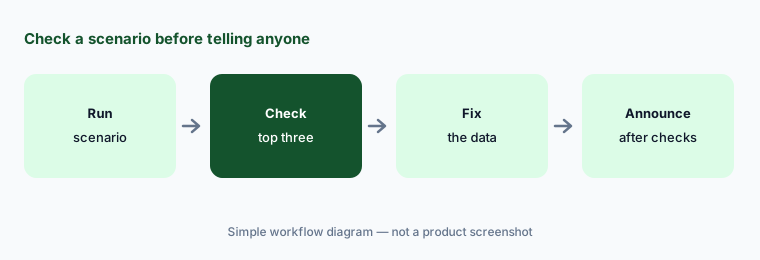
Primary workflow:
Run one what-if scenario in Kinaxis for a two-week supplier delay. Have the supply planner check the three biggest order impacts by hand before anyone is told the plan changed.
2. Maestro Agents: triggers, tools, and approvals in agentic workflows
What it is: The AI page says Maestro Agents “help teams stay ahead of change and reduce manual effort”, working inside Maestro and across enterprise systems through secure, governed connections. Agentic workflows are assembled from building blocks — agents, triggers, automation, tools, and approvals — and respond automatically as conditions change, with reusable skills to spread expertise. Kinaxis’ February 2026 release refers to the earlier launch of prebuilt Maestro Agents; the AI page does not list them by name.
Approvals are one of the building blocks, not a default. Put one in front of any step that changes a plan, an order, or a supplier commitment.
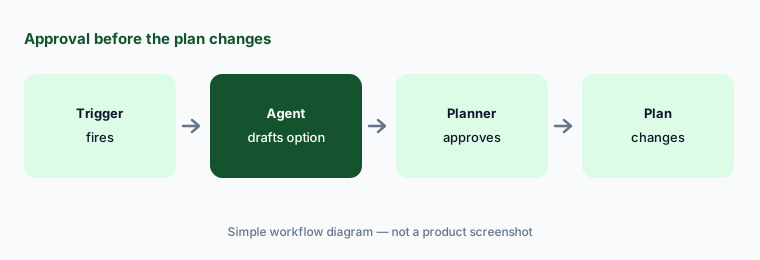
Approval before change:
In your first Maestro agentic workflow, put an approval step before any action that changes the plan. Have the supply planner approve every run for two weeks.
3. Maestro Agent Studio: compose your own agents without code
What it is: Kinaxis announced Maestro Agent Studio on 5 February 2026 as “the next phase” after its prebuilt Maestro Agents. It is a no-code way for supply chain teams to compose agents from the data, workflows, and tools planners already use, and Kinaxis says it works with large language models including OpenAI’s GPT and Google Gemini. Per Kinaxis, the agents evaluate priorities, constraints, and trade-offs, recommend and coordinate actions, and apply “clear reasoning and guardrails with human-in-the-loop oversight”. Its examples: an agent that checks forecast quality across business units, and one that works out how demand delays affect production and distribution. Kinaxis said it planned orchestrator agents, secure connections to outside agents, and wider shared data context “later in 2026”.
Start with an agent that only recommends. Connecting it to automated workflows is a separate decision for the planning lead, once you have seen what it gets wrong.
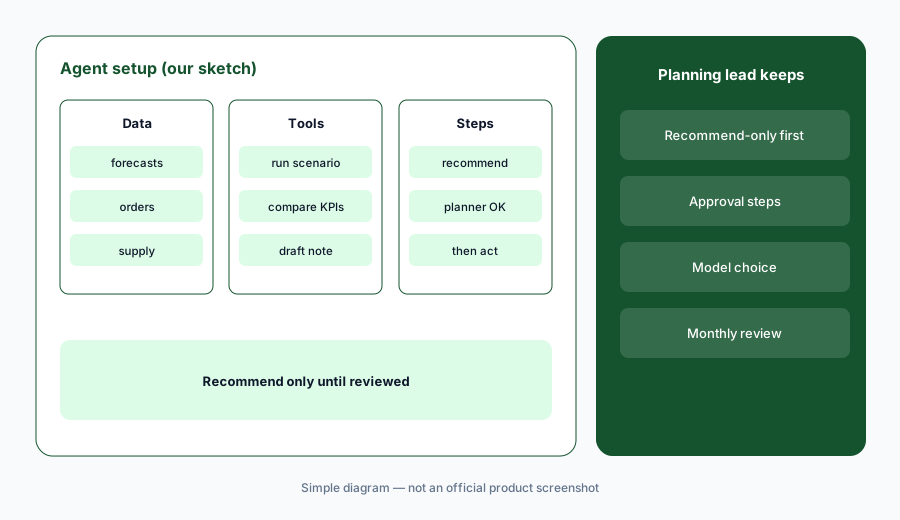
Recommend before you automate:
Build one Maestro Agent Studio agent that only makes recommendations. Have the demand planner review a month of them before it is connected to any automated workflow.
4. Optimization, machine learning, and GPU speed
What it is: Kinaxis combines machine learning, optimization, and simulation for forecasting and planning (AI page), and Maestro Solver Studio lets technical teams add their own heuristics, optimization, and machine learning models that run inside Maestro scenarios. In a 16 March 2026 release Kinaxis reported a test with NVIDIA cuOpt on a semiconductor planning model with nearly 50 million decision variables and more than 40,000 SKUs: up to 12 times faster end to end, with a planning run cut from more than three hours to about 17 minutes.
A faster optimizer gives you more answers, not better priorities. The planner still has to choose between cost, service, and inventory.
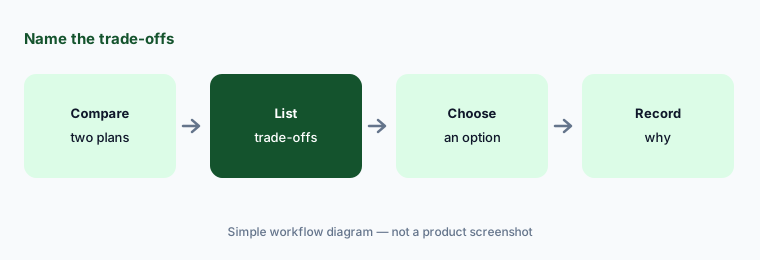
Name the trade-offs:
Compare one optimizer-recommended plan with your current plan for one product family. Have the planner list the trade-offs in cost, service, and inventory before choosing.
5. Semantic graph and governed, explainable AI
What it is: Kinaxis’ semantic graph maps products, suppliers, orders, sites, and constraints into a connected model, makes rules and priorities explicit, and shows “traceable impact paths” from one change to its downstream effects; Kinaxis says AI works inside that governed context. The AI page promises role-based access, auditability, and explainable reasoning so teams can validate recommendations. A Kinaxis-sponsored IDC study (11 August 2026) found that 52% of supply chain leaders surveyed see trust in AI decisions as a top barrier, and 12% say AI planning governance is fully embedded.
An impact path drawn by software is a claim about your network. Trace one by hand now and then to make sure the model matches reality.
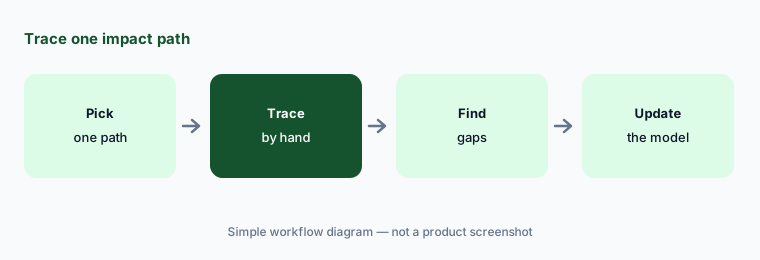
Trace one path:
Pick one impact path Kinaxis shows for a late component. Have the supply planner trace it by hand through the bill of materials and open orders and note anything missing.
6. Forward Deployed Engineering and what is next at Kinexions EMEA
What it is: Kinaxis introduced Forward Deployed Engineering on 2 June 2026 at its Kinexions conference: Kinaxis engineers work with your teams to build and test an agent-driven prototype on your data, then scale it (FDE page). It is offered through account teams for selected customer engagements. A 15 September 2026 release previews Kinexions EMEA, held 26–28 October 2026 in Barcelona, where Kinaxis says it will show what is ahead for Maestro and how FDE teams move agentic AI into real operations. Anything announced there is after this page’s check date.
A prototype built with the vendor’s engineers can look great in a demo. Agree up front how you will measure it and who on your side owns it afterwards.
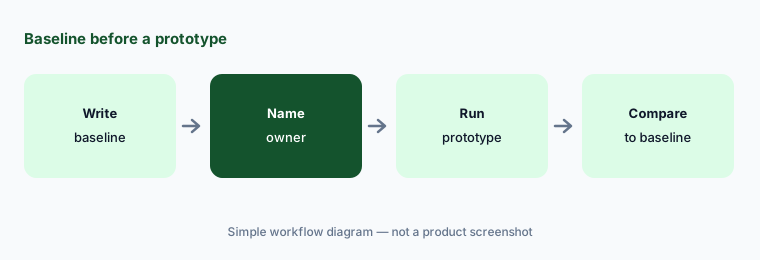
Baseline first:
Before any Kinaxis FDE engagement starts, write down the baseline metric, where it comes from, and the supply planner who signs off on the prototype's recommendations.
Pricing context (October 2026)
Kinaxis does not publish prices; kinaxis.com/en/pricing returns “page not found” and the site offers demo requests only. Pricing is quote-only as of 17 Oct 2026.
Ask whether Maestro Agents and Maestro Agent Studio are included in your Maestro subscription, how large language model usage (Kinaxis names OpenAI’s GPT and Google Gemini) is billed, and what Forward Deployed Engineering costs, since Kinaxis offers it for selected customer engagements through account teams.
Uncertainty: Kinaxis’ Maestro Agent Studio product page (kinaxis.com/en/maestro-agent-studio) now redirects to the general AI page, and the AI page does not name the prebuilt Maestro Agents, so we describe them only in Kinaxis’ general terms. The orchestrator agents and outside-agent connections were planned for “later in 2026” in February; we could not confirm they have shipped. The 15 September 2026 release previews Kinexions EMEA (26–28 October 2026); it does not announce new features. The 12X, 17-minute, and 250,000-scenarios figures are Kinaxis’ own, and the IDC study was sponsored by Kinaxis.
When it’s useful (honest take)
Useful when you plan in Kinaxis Maestro (or are choosing a planning platform), disruptions force constant replanning, and a named supply planner will check scenario results and agent recommendations before they become the plan.
Less useful when your hardest problems are on the warehouse floor or in transportation execution (Manhattan Active AI), you want one suite for planning and execution together (Blue Yonder AI), or your gap is knowing where freight is today (project44 AI, FourKites AI).
Paying for Kinaxis AI and a few other AI tools? The $9 AI toolkit spreadsheet lists every AI subscription you have, what each one costs, and how fast it pays for itself, so you can see which ones are worth the money.
Want someone to do it for you? AI toolkit audit — $19
Related options (educational)
| Need | Better home | Why |
|---|---|---|
| Planning platform with scenarios, agents, and an agent builder | Kinaxis AI (this page) | Quote only |
| Planning and execution suite with domain agents | Blue Yonder AI | Quote only |
| Execution suite with built-in agents | Manhattan Active AI | Quote only |
| Forwarder platform with MCP and booking agents | Flexport AI | Freight and customs quoted |
| Inventory and reordering for smaller brands | Cin7 AI | See its review |
| One-off analysis of a sanitized plan export | Claude (sanitized export) | General chat; no system actions |
FAQ
What are Kinaxis Maestro Agents?
AI agents in Kinaxis Maestro that monitor conditions, investigate exceptions, and coordinate multi-step actions inside Maestro and across other systems. Workflows are built from agents, triggers, automation, tools, and approvals.
What is Maestro Agent Studio?
A no-code tool, announced 5 February 2026, for composing your own agents from Maestro’s data, workflows, and tools. Kinaxis says it works with OpenAI’s GPT and Google Gemini and keeps a human in the loop.
How much does Kinaxis cost in October 2026?
Kinaxis does not publish prices; its pricing URL returns page not found. Treat it as quote-only and ask whether agents, Agent Studio, and model usage are included.
What is Kinexions EMEA 2026?
Kinaxis’ customer conference in Barcelona on 26–28 October 2026. Kinaxis’ 15 September release previews it; any product news from the event is after this page’s 17 October check.
Who should approve Kinaxis scenarios and agent actions?
A named supply planner approves every scenario before it becomes the plan and every agent step that changes it; a demand planner checks recommendations that touch forecasts.
Optional next step (if seats overlap)
If you pay for a planning platform with agents, an execution suite with its own assistant, and chat seats that all answer “what happens if this supplier is late”, that overlap is worth mapping. Map the overlap with the $19 AI toolkit audit or the $9 AI toolkit spreadsheet. Email Audit $19 or Toolkit spreadsheet $9.
Checkout is live via Stripe. After you pay, we email delivery (spreadsheet) or intake next steps (audit).