Alternatives · Meetings & notes · Nov 2026
Otter.ai alternatives (Nov 2026): Fireflies, Fathom, Read AI, and Granola by free plan, minutes and meeting length, bot or no bot, and price
Most people look for an Otter alternative because the free plan ran out: Otter Basic gives 300 transcription minutes a month and stops at 30 minutes per conversation. Otter Pro is $8.49 a user a month billed annually ($16.99 monthly) with 90 minutes per meeting. The alternatives split by job: Fireflies and Fathom have free plans that list unlimited transcription or recordings, Read AI adds meeting reports, and Granola records on your own device with no bot. Check your longest meeting and monthly minutes first, and name an owner for the notes archive.
What this alternatives guide covers
This page is for a founder, consultant, student, or team lead who uses Otter today and wants a tool with more free room, longer meetings, or no bot in the call. A named person owns the meeting notes archive before and after any switch.
Facts come from the pricing pages of Otter, Fireflies, Fathom, Read AI, and Granola, all read on 4 November 2026. We did not record your meetings, so test on your own calls.
The useful split is by free limits and meeting length, then by how each tool joins a call. Paid seat prices sit close together, so your usage decides more than the list price.
Ground rules: every recorded meeting has a stated reason; people outside your company are told when a call is recorded; old transcripts are exported before any account is closed. This page is not a ranking.
| Tool | How it joins meetings | Free option | Entry paid plan |
|---|---|---|---|
| Otter (today) | Notetaker plus in-app recording | Basic: 300 monthly transcription minutes, 30 minutes per conversation | Pro $8.49 billed annually, $16.99 monthly |
| Fireflies | Notetaker joins Zoom, Meet, Teams | Free: unlimited transcription, limited summaries, 400 minutes of storage per team | Pro $10 billed annually, $18 monthly |
| Fathom | Notetaker, or bot-free capture (beta, Mac) | Free plan with unlimited recordings | Premium $16 billed annually, $20 monthly |
| Read AI | Notetaker plus meeting reports | Free: 5 meeting transcripts a month | Pro $15 billed annually, $19.75 monthly |
| Granola | No bot: captures audio on your device | Basic: 30 days of meeting history | Business $14 |
Major features (with how someone uses them)
Examples at a glance: each feature has a concrete example from a real job plus a short Try this you can run this week.
1. Start from your own Otter usage
What it is: Otter lists Basic with 300 monthly transcription minutes, 30 minutes per conversation, and 3 lifetime file imports; Pro at $8.49 a user a month billed annually ($16.99 monthly) with 1,200 minutes and up to 90 minutes per meeting; and Business at $30 a user a month with up to 4 hours per meeting (Otter pricing).
If your calls run longer than 30 minutes, Basic cuts them off. That limit, not the monthly minutes, is often why people look elsewhere.
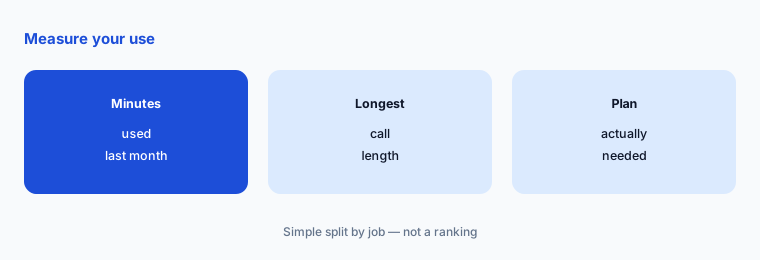
Measure before you switch:
Open Otter and write down three numbers from last month: transcription minutes used, your longest meeting in minutes, and how many files you imported. Compare them with the free limits of each alternative before you start any trial.
2. Fireflies: free transcription with storage limits
What it is: Fireflies lists a free plan with unlimited transcription, limited AI summaries, and 400 minutes of storage per team. Pro is $10 a seat a month billed annually ($18 monthly) with 8,000 minutes of storage per seat, and Business is $19 ($29 monthly) (Fireflies pricing).
The free plan caps how much you keep, not how much you transcribe, so older meetings drop off once storage fills. See Fireflies vs Otter for that pair.
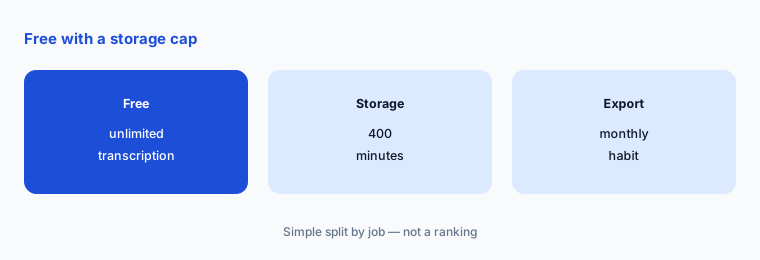
Plan for the storage cap:
If you test a free plan with a storage limit, decide which meetings you will export each month and who does it.
3. Fathom: free unlimited recordings
What it is: Fathom lists a free plan with unlimited recordings and transcriptions, captured bot-free (a beta feature for Mac) or with a bot. Premium is $16 a month billed annually ($20 monthly); Team is $15 a user ($19 monthly) and Business $25 ($34 monthly), both with a 2-user minimum (Fathom pricing).
For one person who mostly needs call notes, the free plan may cover everything Otter Pro did. Teams pay for shared folders and CRM sync. See the Fathom review.
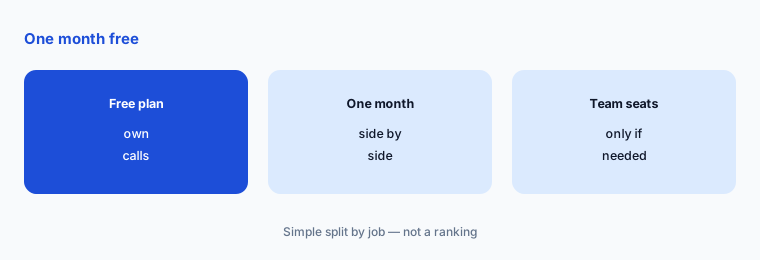
Test one month free:
Run your normal calls through one free plan for a month and keep a short list of anything you missed from Otter.
4. Read AI: reports with a small free tier
What it is: Read AI lists a free plan with 5 meeting transcripts a month and a 1-hour maximum meeting length. Pro is $15 a user a month billed annually ($19.75 monthly) with unlimited transcripts and up to 4 hours per meeting; Enterprise is $22.50 ($29.75 monthly) (Read AI pricing).
Read AI adds meeting reports and coaching on top of transcripts. Its free tier is smaller than Otter Basic for people with many short calls, so it suits a trial of the reports more than a free home for all notes. See the Read AI review.
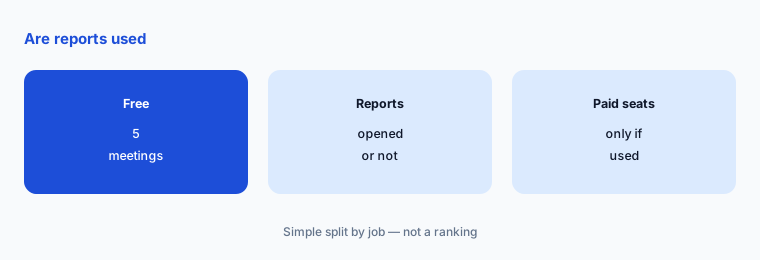
Check if reports get used:
Pick five recurring meetings, record them on the free plan, and ask attendees whether they opened the report at least once.
5. Granola: no bot in the call
What it is: Granola’s pricing page lists bot-free capture of device audio. Basic is $0 with 30 days of meeting history; Business is $14 a user a month with unlimited history and integrations; Enterprise is $35. It lists desktop, iOS, Android, and Apple Watch apps (Granola pricing).
No bot joins the call, which some clients prefer. You still need to tell people the call is transcribed. See the Granola review.
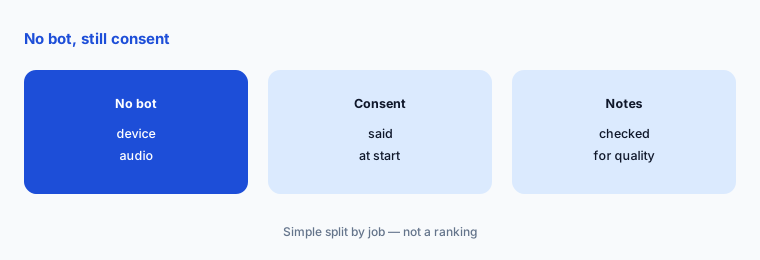
Say it out loud:
Write one sentence you will say at the start of every transcribed call, and use it on every external meeting during the test.
6. Export Otter notes before you cancel
What it is: Otter lists exports as mp3 and txt on Basic, and mp3, txt, pdf, docx, and srt on Pro and higher (Otter pricing). Export the conversations you must keep while you still have access.
We did not find a one-click import of Otter notes into the alternatives on the pages we read, so plan to keep an export archive rather than move every transcript.
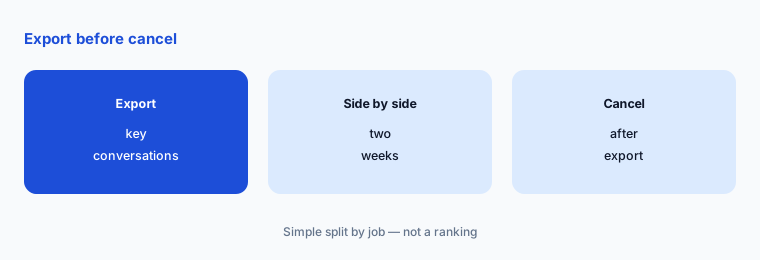
Export first:
List the conversations you must keep (interviews, client calls, lectures), export them, and only then downgrade or cancel Otter.
Pricing context (November 2026)
Otter (pricing page, read 4 Nov 2026): Basic free with 300 monthly minutes and 30 minutes per conversation; Pro $8.49 billed annually or $16.99 monthly; Business $30 a user, shown with a three-month discount.
Fireflies (pricing page): Free; Pro $10 billed annually or $18 monthly; Business $19 or $29 monthly. Fathom (pricing page): Free; Premium $16 or $20 monthly; Team $15 or $19 monthly; Business $25 or $34 monthly.
Read AI (pricing page): Free with 5 transcripts a month; Pro $15 or $19.75 monthly. Granola (pricing page): Basic $0; Business $14; Enterprise $35 a user a month.
Uncertainty: Otter showed a three-month discount on Business, Fathom marks bot-free capture as a beta feature for Mac, Fireflies marks free unlimited transcription with an asterisk, and Granola did not show a monthly and yearly toggle to us. Free-plan limits change often. Check each live pricing page on the day you buy.
When it’s useful (honest take)
Stay on Otter when Pro’s 1,200 minutes and 90-minute meetings cover you and you use in-app recording for in-person conversations. Look at Fireflies or Fathom when you want a bigger free plan, Read AI when meeting reports matter, and Granola when a bot in the call is the problem.
A switch is a poor idea when nobody has exported the old notes, or in the middle of a project that depends on Otter’s search history.
Still choosing between Otter and an alternative? The $19 AI toolkit audit gives you a written plan for which tools to keep using and which to drop across your whole AI stack, including this pair.
Prefer to do it yourself? Spreadsheet — $9
Related options (educational)
| Need | Better home | Why |
|---|---|---|
| Fireflies vs Otter side by side | Fireflies vs Otter | See that page for both plans |
| Recordings and highlights for remote teams | tl;dv | See that review for current plans |
| AI notes inside Zoom | Zoom AI Companion | See that review for current plans |
| Who needs a notes seat at all | Meeting notes seats | See that page |
FAQ
Is there a free alternative to Otter?
Yes. As listed on 4 November 2026, Fireflies has a free plan with unlimited transcription and limited storage, Fathom has a free plan with unlimited recordings, Read AI gives 5 free transcripts a month, and Granola Basic is free with 30 days of history.
Why does Otter stop my meeting at 30 minutes?
Otter Basic lists a 30-minute maximum per conversation. Pro raises it to 90 minutes and Business to 4 hours, as listed on 4 November 2026.
Is there an Otter alternative without a bot?
Granola’s pricing page lists bot-free capture of device audio, and Fathom lists bot-free capture as a beta feature for Mac. You should still tell people the meeting is being transcribed.
Is Otter cheaper than Fireflies?
On list price, Otter Pro is $8.49 a user a month billed annually against Fireflies Pro at $10 a seat; monthly billing is $16.99 and $18. The limits differ, so compare on your own usage.
Can I move my Otter transcripts to another tool?
We did not find a one-click import on the pages we read. Otter lists exports in txt and mp3 on Basic and more formats on Pro, so export what you need before you switch.
Optional next step (if seats overlap)
If you pay for Otter plus Zoom or Teams AI notes and a chat assistant that also summarises calls, map which tool owns meeting notes before the next renewal. Map the overlap with the $19 AI toolkit audit or the $9 AI toolkit spreadsheet. Email Audit $19 or Toolkit spreadsheet $9.
Checkout is live via Stripe. After you pay, we email delivery (spreadsheet) or intake next steps (audit).