Compare · Ops & automation · Nov 2026
Activepieces vs n8n (Nov 2026): credits vs executions, free and self-hosted options, Plus $20 vs Starter €20, users, and who owns each workflow
Activepieces and n8n are both open-source workflow automation tools with a hosted cloud and a free self-hosted Community Edition. They count usage differently: Activepieces charges credits, one per run plus extra for AI steps, with Plus at $20 a month flat for 10,000 credits and up to 5 users. n8n charges by workflow execution regardless of steps, with Starter at €20 a month billed annually for 2,500 executions and unlimited users. Price your busiest workflow on both before you choose, and name one owner for every workflow.
What this comparison covers
This page is for an ops lead, founder, or developer choosing between Activepieces and n8n for business automations: syncing forms to a CRM, routing support emails, or running AI steps on new records. A named person owns each workflow.
Facts come from the Activepieces pricing page and the n8n pricing page, both read on 4 November 2026. We did not build your workflows, so price them with your own run counts.
Both tools can be self-hosted for free. The paid choice is about hosted plans, how usage is counted, how many people need access, and how AI steps are billed.
Ground rules: every workflow has an owner and a written purpose; workflows that email customers or change records get a person checking a sample of runs each week. This page is not a ranking.
| Activepieces | n8n | |
|---|---|---|
| How usage is counted | Credits: one per run, extra for AI steps | Workflow executions, regardless of steps |
| Free option | Free cloud plan, 1,000 credits; self-hosted Community Edition | Self-hosted Community Edition on GitHub; cloud plans have a free trial |
| Entry paid plan | Plus $20 a month flat, 10,000 credits, up to 5 users | Starter €20 a month billed annually, 2,500 executions, unlimited users |
| Next plan | Team $200 a month, 50,000 credits, 25 users, SSO | Pro €50 a month billed annually, 10,000 executions |
| Going over | Plus and Team: $0.007 per extra credit | Move up a plan |
Major features (with how someone uses them)
Examples at a glance: each feature has a concrete example from a real job plus a short Try this you can run this week.
1. Credits vs executions
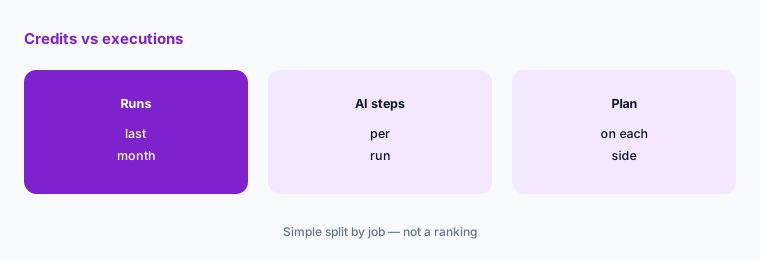
What it is: Activepieces says a run is one credit however many steps it has, and AI steps cost extra: 2 credits on a fast model, 10 on a smart model, and 20 on a frontier model (Activepieces pricing). n8n says pricing is based on monthly workflow executions, regardless of complexity, with unlimited steps (n8n pricing).
For plain workflows the two counts are close: one run equals one credit or one execution. AI-heavy workflows cost more credits on Activepieces unless you connect your own AI keys.
Price one real workflow:
Pick one workflow you run today and count last month’s runs and how many of its steps call an AI model. Price it on both pricing pages: Activepieces counts one credit per run plus extra credits for AI steps, and n8n counts one execution per run whatever the number of steps.
2. Free cloud plan vs self-hosting
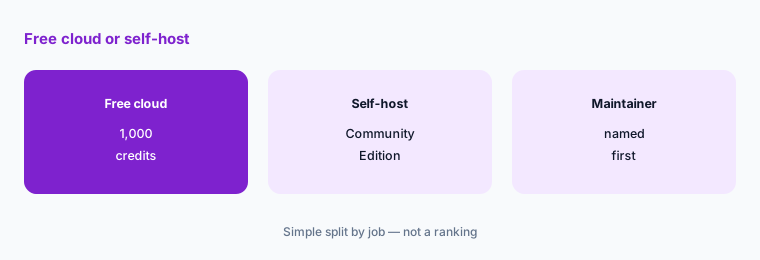
What it is: Activepieces lists a Free plan at $0 with 1,000 credits a month, up to 5 users, and unlimited flows; its FAQ says Free credits refresh the next day when used up. It also offers a self-hosted Community Edition. n8n lists a self-hosted Community Edition on GitHub, and its cloud plans offer a free trial with no credit card (Activepieces pricing; n8n pricing).
If you want a hosted plan without paying, Activepieces Free is the option here. Self-hosting either one moves the cost to your server and the time of whoever maintains it.
Name the maintainer:
Before you self-host, write down who will update the server, back it up, and fix it when a workflow stops. If nobody can, use a hosted plan.
3. Users and projects
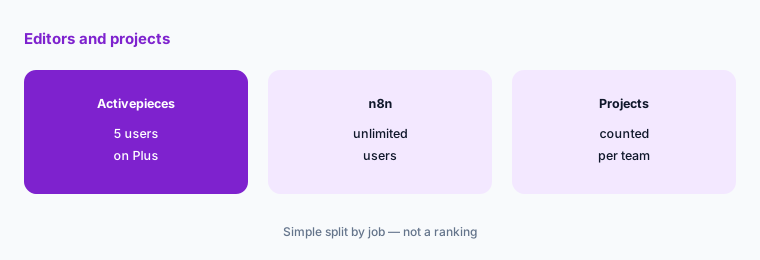
What it is: Activepieces Free and Plus allow up to 5 users, and Team allows 25 users with unlimited projects and SSO. n8n says all plans include unlimited users and workflows; Starter has 1 shared project and Pro 3 shared projects (Activepieces pricing; n8n pricing).
A team of eight people who all edit workflows outgrows Activepieces Plus, while n8n Starter has no user cap but limits shared projects.
Count editors and projects:
List everyone who will build or edit workflows and the separate groups (departments or clients) that need their own space. Match both to each plan.
4. AI steps and your own keys
What it is: Activepieces says that on Plus and higher you can connect your own AI provider keys, which drops every AI step to 1 credit and moves the model cost to your provider bill (Activepieces pricing). n8n Starter lists agents, MCP and AI nodes, 1,600 Assistant credits a month, and AI models without API keys (n8n pricing).
AI steps are where the bills differ most. Count how many AI steps run each month and who pays the model provider before comparing list prices.
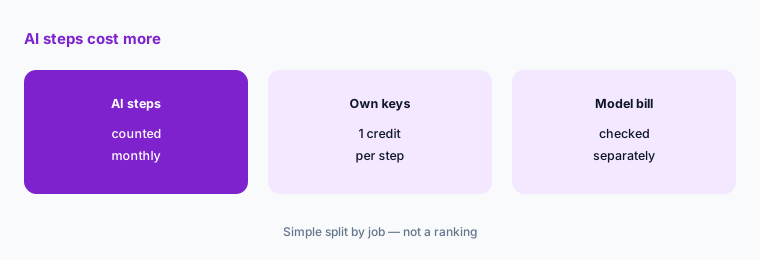
Count AI steps:
For each workflow, write down how many steps call an AI model and how many times it runs a month. Price those steps with and without your own keys.
5. What happens when you run out
What it is: Activepieces says that on Free, flows wait when credits run out and refresh the next day, and on Plus and Team they keep running at $0.007 per extra credit. n8n plans list a fixed number of executions, and higher plans add more (Activepieces pricing; n8n pricing).
Pay-as-you-go overage keeps workflows running in a busy month but makes the bill vary. A fixed allowance keeps the bill steady but needs someone watching usage.
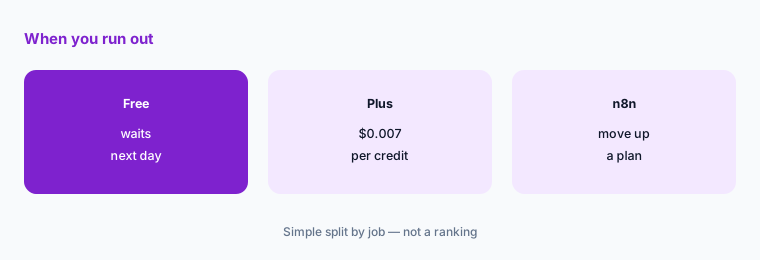
Set a usage check:
Pick a day each month to check runs or credits used against the plan, and write down who decides whether to upgrade or trim workflows.
6. One owner per workflow
What it is: Activepieces Team adds SSO and Ultimate adds audit logs; n8n Pro adds admin roles and workflow history, and Business adds SSO, Git version control, and environments (Activepieces pricing; n8n pricing).
Admin features help, but a named owner matters more. A workflow nobody owns keeps running after the process it served has changed.
List owners:
Write a one-line list of every workflow, its owner, and what breaks if it stops. Review it monthly, whichever tool you choose.
Pricing context (November 2026)
Activepieces (pricing page, read 4 Nov 2026): Free $0 with 1,000 credits a month and up to 5 users; Plus $20 a month flat with 10,000 credits and up to 5 users, then $0.007 per credit; Team $200 a month flat with 50,000 credits and 25 users; Ultimate custom. Annual billing gives 2 months free.
n8n (pricing page, read 4 Nov 2026): Starter €20 a month billed annually with 2,500 executions; Pro €50 a month billed annually with 10,000 executions; Business €667 a month billed annually with 40,000 executions and self-hosting; Enterprise custom. Annual billing saves 17%; all plans include unlimited users and workflows.
Both offer a self-hosted Community Edition without a license fee. n8n lists a Startup plan with 50% off Business for companies under 20 employees.
Uncertainty: Activepieces prices are in US dollars and n8n prices are in euros, so compare after currency conversion. We quote n8n’s annual prices; monthly billing costs more. Activepieces’ AI credit rates depend on the model. Check both live pricing pages on the day you buy.
When it’s useful (honest take)
Activepieces fits a small team that wants a free hosted plan, flat monthly pricing, and pay-as-you-go overage. n8n fits a team with many editors, workflows with lots of steps, or a developer comfortable with its node-based builder.
Neither helps if nobody owns the workflows. If you only need a few simple connections between common apps, compare with Zapier or Make too.
Still choosing between Activepieces and n8n? The $19 AI toolkit audit gives you a written plan for which tools to keep using and which to drop across your whole AI stack, including this pair.
Prefer to do it yourself? Spreadsheet — $9
Related options (educational)
| Need | Better home | Why |
|---|---|---|
| n8n against Make | n8n vs Make | See that page for both plans |
| Other Make options | Make alternatives | See that page |
| Simple app-to-app automations | Zapier | See that review for current plans |
| Microsoft automation side by side | Make vs Power Automate | See that page for both plans |
FAQ
Is Activepieces cheaper than n8n?
It depends on your runs and users. As listed on 4 November 2026, Activepieces Plus is $20 a month for 10,000 credits and up to 5 users; n8n Starter is €20 a month billed annually for 2,500 executions with unlimited users.
Are Activepieces and n8n free to self-host?
Both offer a self-hosted Community Edition. You still pay for the server and the time of whoever maintains it.
How does Activepieces count usage compared with n8n?
Activepieces counts one credit per run plus extra credits for AI steps. n8n counts one workflow execution per run, regardless of the number of steps.
Does Activepieces have a free cloud plan?
Yes. Activepieces Free lists 1,000 credits a month, up to 5 users, and unlimited flows. Its FAQ says credits refresh the next day when used up.
Who should own workflows in Activepieces or n8n?
One named person per workflow, with a written purpose and a monthly check that it still matches the process it serves.
Optional next step (if seats overlap)
If you pay for Zapier or Make and are testing Activepieces or n8n, map which automations move over and who owns each before you switch. Map the overlap with the $19 AI toolkit audit or the $9 AI toolkit spreadsheet. Email Audit $19 or Toolkit spreadsheet $9.
Checkout is live via Stripe. After you pay, we email delivery (spreadsheet) or intake next steps (audit).