Alternatives · Ops & automation · Nov 2026
Make alternatives (Nov 2026): Zapier, n8n, Activepieces, and Power Automate by usage, price, and self-hosting, and who owns each flow after a switch
People look for a Make alternative for three reasons: the credit bill grew, the team wants to host automations on its own servers, or the company already pays for Microsoft 365. Make itself starts at $9 a month for 10,000 credits with a free plan of 1,000. The main alternatives count usage differently: Zapier counts tasks, n8n counts whole workflow executions, Activepieces counts one credit per run, and Power Automate charges per user. The cheapest choice depends on your own volume, so count last month’s usage before you open a trial, and name an owner for every flow you move.
What this alternatives guide covers
This page is for an ops lead, founder, or freelancer who runs automations in Make today and is checking whether another tool would cost less or fit better. It is not a migration service; a named person owns every flow before and after any switch.
Make facts come from Make’s comparison page (its pricing page plan cards did not load for us). Zapier, n8n, Activepieces, Power Automate, and Gumloop facts come from each vendor’s pricing page. All were read on 3 November 2026. We did not move your scenarios, so test on your own.
The honest split is by unit. Make and Activepieces sell credits, Zapier sells tasks, n8n sells executions, and Power Automate sells user licences. A flow with many steps can be cheap in one unit and expensive in another.
Ground rules: every flow has a written owner; nothing that sends money, emails customers, or edits records goes live in a new tool without a week of side-by-side runs. This page is not a ranking.
| Tool | How it counts usage | Free option | Entry paid plan |
|---|---|---|---|
| Make (today) | Credits: each step usually uses at least one | Free, 1,000 credits a month | Core $9 a month, starting at 10,000 credits |
| Zapier | Tasks: each action step counts | Free, 100 tasks a month, two-step Zaps | Professional from $19.99 a month |
| n8n | Workflow executions, however many steps | Community Edition you host yourself | Starter €20 a month billed annually, 2,500 executions |
| Activepieces | Credits: one per run, AI steps cost more | Free, 1,000 credits, up to 5 users | Plus $20 flat a month, 10,000 credits |
| Power Automate | Per user licence | 30-day trial | Premium $15 a user a month, paid yearly |
Major features (with how someone uses them)
Examples at a glance: each feature has a concrete example from a real job plus a short Try this you can run this week.
1. Count last month’s volume first
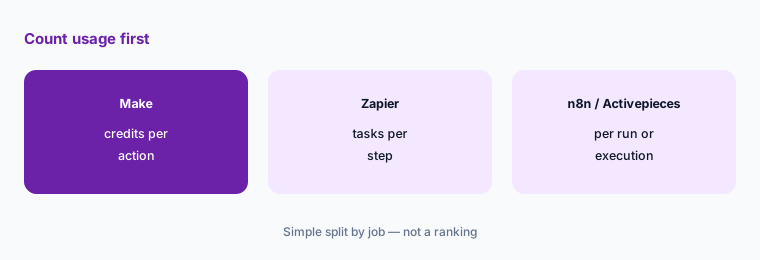
What it is: Make says each step that processes data typically uses at least one credit (AI steps can use more), and paid plans start at 10,000 credits a month (Make comparison page). Zapier counts tasks, n8n counts workflow executions “regardless of complexity” (n8n pricing), and Activepieces says a run is one credit however many steps it has (Activepieces pricing).
A ten-step flow that runs 500 times is about 5,000 actions in step-based units, but only 500 executions or runs in the per-run units. That gap decides the bill more than any feature list.
Count before you compare:
Open Make’s usage page and write down last month’s credits, the number of active scenarios, and the three busiest scenarios. Then estimate the same month in each alternative’s own unit (tasks, executions, or runs) before you open a single trial.
2. Zapier: the easiest start and the most apps
What it is: Zapier’s pricing page lists a Free plan with 100 tasks a month and two-step Zaps, Professional from $19.99 a month with multi-step Zaps and webhooks, and Team from $69 a month with 25 users and shared connections; it says it connects to 9,000+ apps (Zapier pricing).
Zapier is often the simpler builder for one-path automations. Because each action step counts as a task, long flows use up a plan faster than on per-run tools.
Test your shortest flows:
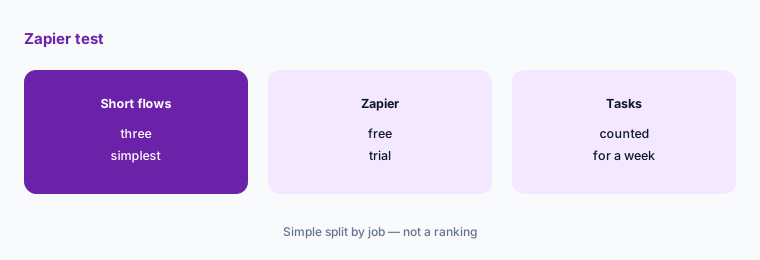
Rebuild your three simplest Make scenarios in Zapier, run them for a week, and compare the task count to your Make credits for the same week.
3. n8n: pay per execution or host it yourself
What it is: n8n says all plans include unlimited users, unlimited workflows, and every integration, priced by monthly workflow executions. On the page we read, Starter was €20 a month billed annually for 2,500 executions and Pro €50 for 10,000; a self-hosted Community Edition is on GitHub (n8n pricing).
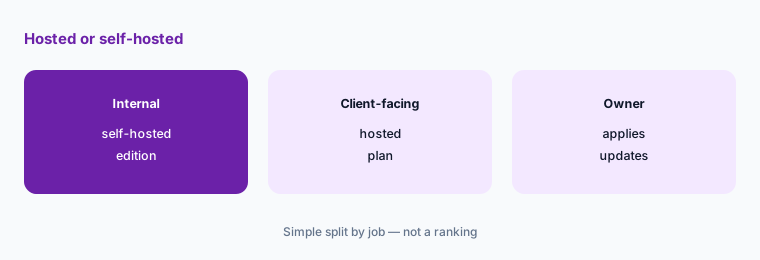
Self-hosting removes the subscription but adds a server, updates, and backups that someone must own. n8n also lists Business as self-hosted only.
Price the hidden work:
If you consider self-hosting, write down the server cost, who applies updates, and who restores a backup, then compare that monthly total to the hosted plan price.
4. Activepieces: flat price, per-run credits
What it is: Activepieces lists Free with 1,000 credits and up to 5 users, Plus at $20 flat a month with 10,000 credits, and Team at $200 flat a month with 50,000 credits and 25 users. AI steps cost 2, 10, or 20 credits by model unless you bring your own AI keys on Plus and up (Activepieces pricing).
Per-run credits make multi-step flows cheap, but AI-heavy flows can use credits quickly. It can also run on your own servers. See our Activepieces review.
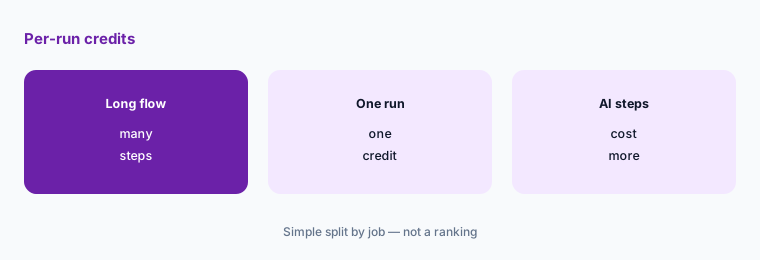
Try your longest flow:
Rebuild your longest Make scenario in Activepieces, note how many credits one run uses, and multiply by last month’s run count.
5. Power Automate: if you already live in Microsoft 365
What it is: Microsoft lists Power Automate Premium at $15 a user a month, paid yearly, with cloud flows and attended desktop flows, and offers a 30-day free trial (Power Automate pricing).
Per-user pricing suits a few builders who automate Outlook, SharePoint, and Teams. It costs more when many people each need a licence. See Make vs Power Automate for that pair.
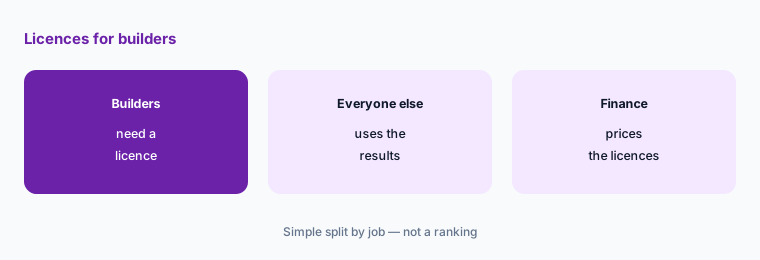
Count your builders:
List who builds or edits automations today, and price Power Automate licences for those people only, not for everyone who benefits from a flow.
6. Move one flow before you cancel anything
What it is: Make’s own comparison page says there is no automated import from Zapier to Make; scenarios are rebuilt by hand (Make comparison page). We did not find a one-click import out of Make on the vendor pages we read, so plan to rebuild each flow.
Rebuilt flows break in small ways: a date format, a missing filter, a field that maps differently. Running old and new side by side catches these before customers see them.
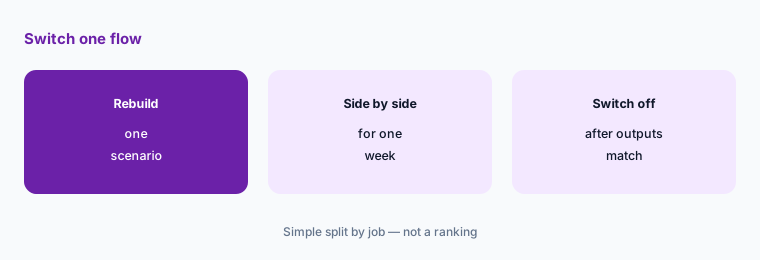
Run them side by side:
Pick one scenario, rebuild it in the alternative, run both for a week with the new one writing to a test destination, and compare every output before switching.
Pricing context (November 2026)
Make (comparison page, read 3 Nov 2026): Free $0 with 1,000 credits a month; Core $9, Pro $16, and Team $29 a month, each starting at 10,000 credits a month. Make says annual payment costs less than monthly.
Zapier (pricing page): Free with 100 tasks a month; Professional from $19.99 a month; Team from $69 a month with 25 users; the page offers yearly billing at a 33% saving. n8n (pricing page): Starter €20 and Pro €50 a month billed annually; self-hosted Community Edition. Activepieces (pricing page): Free, Plus $20, Team $200 flat a month. Power Automate (pricing page): Premium $15 a user a month paid yearly.
Agent-first tools are a different job: Gumloop lists Pro from $37 a month with 20,000 credits and a 14-day trial. Compare them only if you want AI agents to do the work, not fixed flows.
Uncertainty: Zapier’s pricing page shows a monthly and yearly toggle, and the figures we saw may reflect yearly billing; n8n showed euro prices to us. Make’s own pricing cards did not load, so its figures come from its comparison page. Check each live pricing page in your currency on the day you buy.
When it’s useful (honest take)
Stay on Make when your flows are complex and visual, your credit use fits a plan, and the person who built them is still there. Look at Zapier for short flows across many apps, n8n or Activepieces when per-run pricing or self-hosting matters, and Power Automate when most flows live in Microsoft 365.
A switch is a poor idea in the month before a busy season, or when nobody can rebuild and test the flows. Saving a few dollars is not worth a broken invoice or onboarding flow.
Still choosing between Make and an alternative? The $19 AI toolkit audit gives you a written plan for which tools to keep using and which to drop across your whole AI stack, including this pair.
Prefer to do it yourself? Spreadsheet — $9
Related options (educational)
| Need | Better home | Why |
|---|---|---|
| Make vs one open option, side by side | n8n vs Make | See that page for both plans |
| AI assistant that runs tasks across apps | Lindy | See that review for current plans |
| Simple flows with human approval steps | Relay.app | See that review for current plans |
| Zapier’s AI agents | Zapier Central | See that review for current plans |
FAQ
Is there a free alternative to Make.com?
Yes, several have free options: Zapier Free has 100 tasks a month with two-step Zaps, Activepieces Free has 1,000 credits a month for up to 5 users, and n8n has a Community Edition you host yourself. Make’s own free plan has 1,000 credits a month.
Is there an open-source or self-hosted alternative to Make?
n8n and Activepieces both offer a Community Edition you can run on your own server. Read each project’s licence before relying on it, and budget for the server, updates, and backups.
Is Zapier cheaper than Make?
Not usually by list price: Make Core starts at $9 a month for 10,000 credits, while Zapier Professional starts from $19.99 a month. But the units differ, so count your real usage in each tool’s unit before deciding.
Can I import my Make scenarios into another tool?
We did not find a one-click import on the vendor pages we read. Plan to rebuild each scenario by hand and run old and new side by side for a week before switching off Make.
Who should own automations after a switch?
One named person per flow. They check that outputs match during the side-by-side week and are the contact when a flow fails after the switch.
Optional next step (if seats overlap)
If you pay for Make plus Zapier, an AI agent tool, and chat seats that also automate tasks, map which tool owns each job before the next renewal. Map the overlap with the $19 AI toolkit audit or the $9 AI toolkit spreadsheet. Email Audit $19 or Toolkit spreadsheet $9.
Checkout is live via Stripe. After you pay, we email delivery (spreadsheet) or intake next steps (audit).