Compare · Automation · Nov 2026
Make vs Power Automate (Nov 2026): credits vs per-user pricing, Microsoft 365 fit, desktop flows, and who owns each workflow
Make and Power Automate both connect your apps so a form, an email, or a new row starts a chain of steps without anyone copying data. They charge differently. Make starts free with 1,000 credits a month, and paid plans start at $9 a month (Core) with 10,000 credits, shared across the account. Power Automate Premium is $15 per user a month, paid yearly, after a 30-day trial, and adds desktop flows; unattended bots are $150 a bot a month. If your team lives in Microsoft 365, Power Automate sits closer to it; if you mix many web apps, Make is often simpler to price. Either way, one named person owns each workflow and checks its runs.
What this comparison covers
This page is for an ops lead, office manager, or founder at a small team choosing one automation tool. It is not legal or procurement advice; a named person owns every workflow, every connected account, and every message a workflow sends.
Make facts come from its plan comparison page (its pricing page did not show plan cards when we read it). Power Automate facts come from Microsoft's pricing page. Both read on 2 November 2026. We did not build your workflows in either.
The biggest difference is the pricing model. Make charges by credits used across the account, so cost follows volume. Power Automate charges per user (Premium) or per bot (Process), so cost follows headcount. Count both before choosing.
Ground rules: one owner per workflow; test on a copy of real data; check who can edit flows and which accounts they connect to. This comparison is not a ranking.
| Job | Make | Power Automate |
|---|---|---|
| Free start | Free plan, $0, 1,000 credits a month | 30-day free trial with cloud flows and standard connectors |
| Paid entry | Core $9/month, Pro $16, Team $29, each from 10,000 credits a month | Premium $15/user/month, paid yearly |
| How you pay | By credits used across the account | Per user (Premium) or per bot (Process) |
| Desktop automation | Not listed on the plans we read | Attended desktop flows on Premium; unattended on Process ($150/bot/month) or Hosted Process ($215/bot/month) |
| Who signs off | The process owner checks every run for a week; IT checks connector access and who owns each flow | |
Major features (with how someone uses them)
Examples at a glance: each feature has a concrete example from a real job plus a short Try this you can run this week.
1. Build your most common workflow in both
What it is: Make's Free plan includes 1,000 credits a month (plan comparison). Power Automate offers a 30-day free trial with cloud flows and standard connectors (pricing page).
One real workflow tells you more than a feature list. Build the same one in both and run it on real inputs.
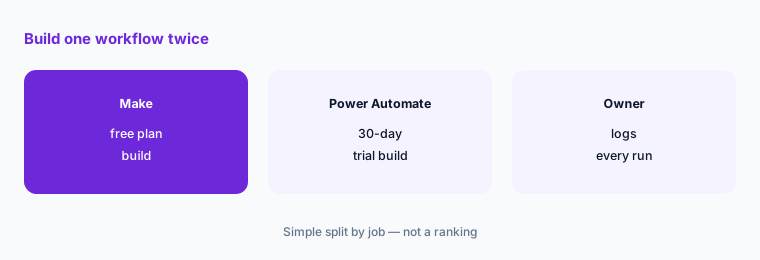
Build one workflow twice:
Pick the one workflow your team repeats most each week. Build it once in Make on the free plan and once in a Power Automate trial, then have the person who does it today run both for a week and log every failed or wrong run.
2. Price by volume and by headcount
What it is: Make paid plans are Core $9, Pro $16, and Team $29 a month, each starting at 10,000 credits a month (plan comparison). Power Automate Premium is $15 per user a month, paid yearly (pricing page).
Five people building flows on Power Automate Premium is $75 a month. On Make, five people can share one plan if credits cover the volume.
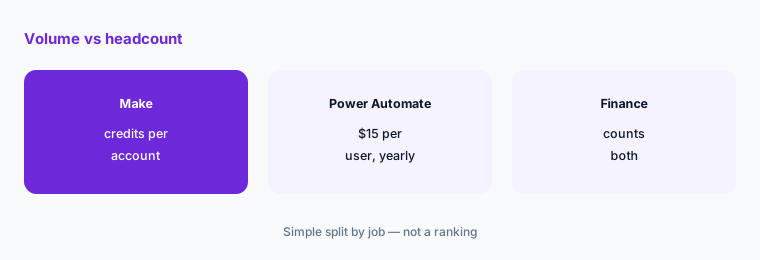
Count runs and builders:
Estimate how many times each workflow runs in a month and how many people need to build or edit flows, then price both tools on those two numbers.
3. Check Microsoft 365 fit
What it is: Power Automate is Microsoft's automation product on the Power Platform (pricing page). Make connects to Microsoft apps alongside many other web apps (Make).
If your files, email, and approvals live in Outlook, SharePoint, and Teams, Power Automate's approvals and admin controls sit inside the tools your IT team already manages.
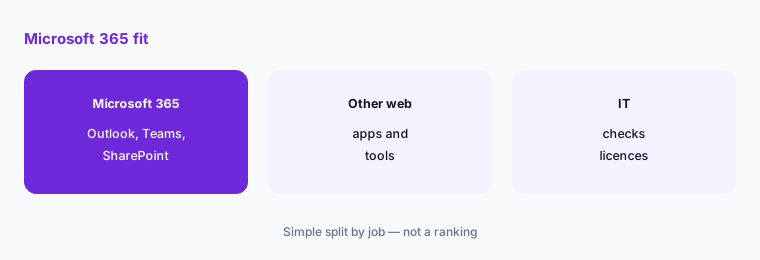
Map where data lives:
List the apps each workflow touches. If most are Microsoft 365, check with your IT admin what your licences already include before buying anything.
4. Decide if you need desktop automation
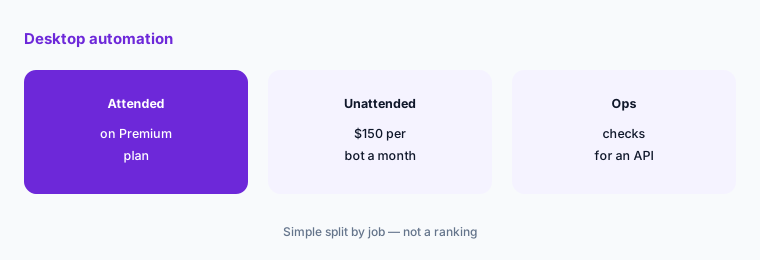
What it is: Power Automate Premium includes desktop flows in attended mode; Process ($150 a bot a month) and Hosted Process ($215 a bot a month) run unattended (pricing page). We did not see desktop automation on the Make plans we read.
Desktop flows click through old Windows software that has no API. If you need that, it changes the choice.
Find apps with no API:
List any step someone does by clicking through desktop software every day, and check whether it has an API before paying for desktop automation.
5. Name an owner for every workflow
What it is: Both tools let several people build and edit automations; Make's Team plan and Power Automate's per-user licences are aimed at shared use (vendor pages, 2 Nov 2026).
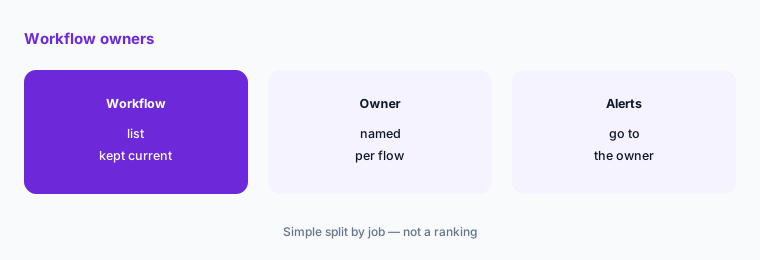
Workflows break quietly when an app changes or the builder leaves. An owner who gets the error emails fixes them.
Write the owner list:
Make a list of every workflow with its owner, the accounts it connects to, and who gets the error alert, and review it monthly.
6. Check AI steps before they send
What it is: Both vendors now add AI steps to workflows; check each plan's current AI features and limits on the Make comparison page and Microsoft's page.
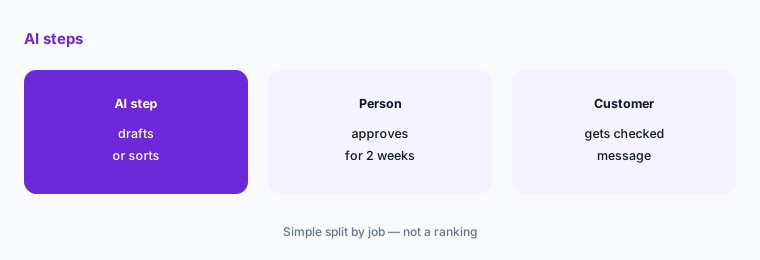
An AI step that drafts an email or sorts a ticket can be wrong. Add a review step before anything goes to a customer.
Add a review step:
For any workflow with an AI step that writes to a customer, add an approval step for two weeks and log every case the person had to correct.
Pricing context (November 2026)
Make (plan comparison, read 2 Nov 2026): Free $0 with 1,000 credits a month; Core $9 a month, Pro $16, and Team $29, each starting at 10,000 credits a month; Enterprise custom. Annual billing is cheaper than monthly.
Power Automate (pricing page, read 2 Nov 2026): 30-day free trial; Premium $15.00 per user a month, paid yearly, with cloud flows, attended desktop flows, and process mining with 50 MB of data; Process $150.00 per bot a month; Hosted Process $215.00 per bot a month; Process Mining add-on $5,000.00 per tenant a month.
For three people building flows, Power Automate Premium is $45 a month. Make Pro starts at $16 a month for the whole account if 10,000 credits cover your volume.
Uncertainty: Make's pricing page did not display plan cards when we read it, so Make figures come from its own plan comparison page. Credit use per run depends on how you build each workflow. Microsoft prices vary by market and some Microsoft 365 licences include limited automation; check with your admin.
When it’s useful (honest take)
Make fits when you connect many web apps, have a few builders, and want cost to follow volume. Power Automate fits when your work lives in Microsoft 365, IT wants one admin console, or you need desktop flows.
Neither helps if nobody owns the workflows. An unowned automation that fails silently costs more than doing the task by hand.
Still choosing between Make and Power Automate? The $19 AI toolkit audit gives you a written plan for which tools to keep using and which to drop across your whole AI stack, including this pair.
Prefer to do it yourself? Spreadsheet — $9
Related options (educational)
| Need | Better home | Why |
|---|---|---|
| Many simple app-to-app links | Zapier | Simple trigger-and-action setup for many apps |
| Self-hosting or developer control | n8n | Open-source option you can run yourself; see n8n vs Make |
| One app's own automations | The app's built-in rules | Often enough for one tool's internal steps |
FAQ
Is Make cheaper than Power Automate?
It depends on volume and headcount. Make paid plans start at $9 a month for the account with 10,000 credits. Power Automate Premium is $15 per user a month, paid yearly (vendor pages, 2 Nov 2026).
Does Make have a free plan?
Yes. Make's Free plan is $0 with 1,000 credits a month. Power Automate offers a 30-day free trial.
Can Power Automate automate desktop apps?
Yes. Premium includes attended desktop flows. Unattended desktop automation is on Process at $150 a bot a month or Hosted Process at $215.
Should a Microsoft 365 team use Power Automate?
Often it fits, because approvals and admin controls sit inside Microsoft 365. Ask your admin what your current licences include before buying.
Who should own an automation?
One named person per workflow. They get the error alerts, check runs after changes, and hand it over when they leave.
Optional next step (if seats overlap)
If you pay for an automation tool plus AI seats that do similar steps, check for overlap before the next renewal. Map the overlap with the $19 AI toolkit audit or the $9 AI toolkit spreadsheet. Email Audit $19 or Toolkit spreadsheet $9.
Checkout is live via Stripe. After you pay, we email delivery (spreadsheet) or intake next steps (audit).