Compare · SEO · Nov 2026
Surfer SEO vs Semrush (Nov 2026): content writing vs keyword research, plan prices, AI search visibility, and who checks every edit
Surfer and Semrush overlap less than their names suggest. Surfer helps you write and update pages against content guidelines built from what already shows up in search. Semrush helps you find keywords, follow your positions, audit your site, and study competitors. Surfer starts at $49 a month billed yearly (Discovery); Semrush's SEO plan is $139 a month, or $117.33 billed annually. Both now report how often brands show up in AI answers. Neither tool writes accurate pages for you, so an editor checks every suggested change before it goes live.
What this comparison covers
This page is for a founder, marketer, or content lead at a small team deciding where to spend an SEO budget. It is not a promise of traffic; a named editor owns every claim on every page you publish.
Surfer facts come from its pricing page (prices shown billed yearly) and Semrush facts from its pricing page, both read on 2 November 2026. We did not run either tool on your site.
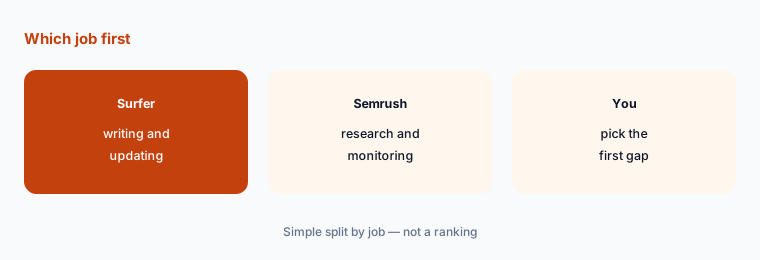
The main question is which job you need first. If you already know your keywords and need better pages, Surfer is shaped for writing. If you don't know what to write or where you stand, Semrush is shaped for research and monitoring. Some teams use both.
Ground rules: write for the reader first; an editor checks facts, prices, and claims before publishing; measure with your own search clicks, not tool estimates. This comparison is not a ranking.
| Job | Surfer SEO | Semrush |
|---|---|---|
| Main job | Writing and updating pages against content guidelines | Keyword research, position tracking, site audits, competitor data |
| Entry paid plan | Discovery $49/month billed yearly: 120 documents, 10 pages monitored | SEO $139/month monthly or $117.33 billed annually: 5 websites, 500 keywords tracked daily |
| Mid plan | Standard $99/month: 360 documents, plagiarism check, team collaboration | Starter SEO + AI Search $199 monthly or $165.17 annually: 50 AI prompts tracked daily |
| AI search visibility | Tracks prompts in ChatGPT, Perplexity, Google AI Mode, AI Overviews, and Gemini on Standard and up | AI visibility reports on SEO; prompt tracking on Starter SEO + AI Search and up |
| Who signs off | The editor checks every suggested change for accuracy; the marketing lead decides which pages to work on | |
Major features (with how someone uses them)
Examples at a glance: each feature has a concrete example from a real job plus a short Try this you can run this week.
1. Decide which job comes first
What it is: Surfer's plans are counted in documents and pages monitored (pricing page). Semrush's plans are counted in websites and keywords tracked daily (pricing page).
Those units show the difference. Surfer is built around pages you write; Semrush is built around keywords and sites you watch.
Write down what you know:
List the ten keywords you care about most. If you can't, research comes first. If you can and the pages are weak, writing help comes first.
2. Test on three real pages
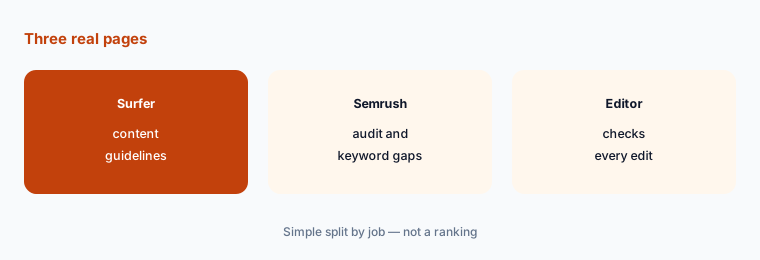
What it is: Surfer Standard adds 1-click optimization and rank drop detection; Semrush SEO includes Position Tracking and Site Audit (vendor pricing pages, 2 Nov 2026).
Real pages with some traffic show whether suggestions help. A brand-new page takes too long to tell you anything.
Test on pages with traffic:
Pick three pages that already get some search traffic. Use a Surfer trial on one and a Semrush trial on another, follow each tool's suggestions, and have your editor check every change for accuracy before it goes live. Compare search clicks after six weeks.
3. Price the plan you would actually use
What it is: Surfer: Discovery $49, Standard $99, Pro $182, and Peace of Mind $299 a month, billed yearly. Semrush: SEO $139 monthly or $117.33 annually; Starter SEO + AI Search $199 or $165.17; Pro+ $299 or $248.17 (vendor pricing pages, 2 Nov 2026).
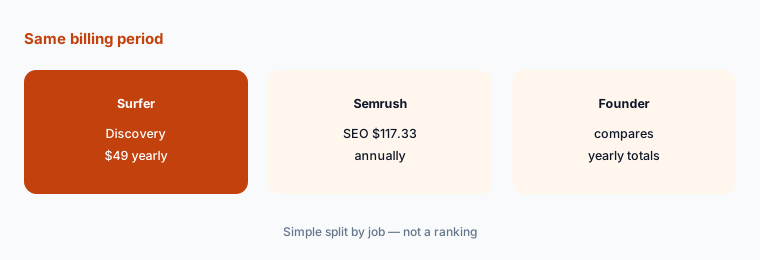
Surfer's page shows yearly prices; Semrush shows both. Compare the same billing period.
Compare yearly totals:
Write down the yearly cost of the one plan you would actually use on each tool, using the same billing period for both.
4. Check AI search visibility features
What it is: Surfer lists AI visibility for ChatGPT, Perplexity, Google AI Mode, AI Overviews, and Gemini, with prompt limits by plan and a separate AI Search Analytics plan at $82 a month billed yearly (pricing page). Semrush lists AI visibility reports on SEO and prompt tracking from Starter SEO + AI Search (pricing page).
These reports show how often your brand appears in AI answers. They are new and change often, so treat them as a signal, not a promise.
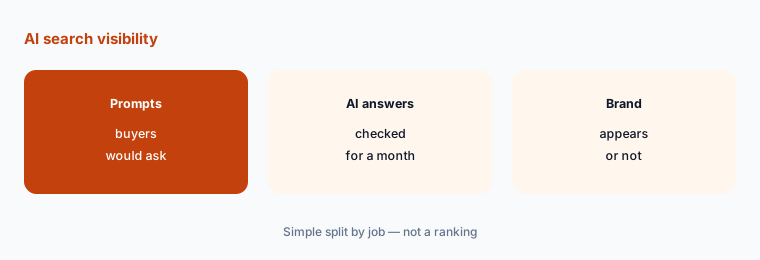
Track ten prompts:
Write ten questions your buyers would ask an AI assistant and check for a month whether your brand appears, before paying for a bigger plan.
5. Keep an editor on every change
What it is: Surfer Standard adds a plagiarism check and Surfer includes a Humanizer feature (pricing page). Semrush Pro+ adds content optimization and keyword cannibalization reports (pricing page).
Suggestions can push in more keywords or claims than a page can support. A person who knows the subject checks every change.
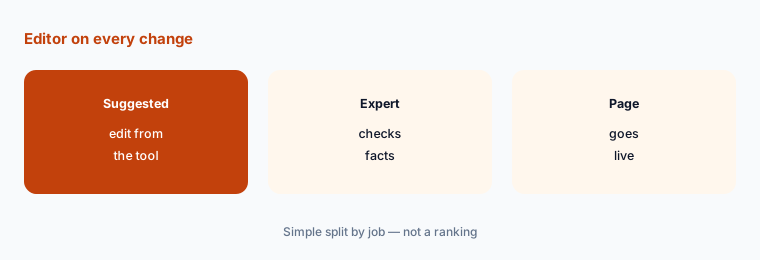
Set an edit rule:
Write one rule: no suggested change goes live until a named editor checks its facts, prices, and claims.
6. Measure with your own clicks
What it is: Both tools show their own estimates and position data (vendor pricing pages, 2 Nov 2026). Your search console shows actual clicks and impressions for your site.
Tool estimates are useful for direction. Your own click data tells you whether the work paid off.
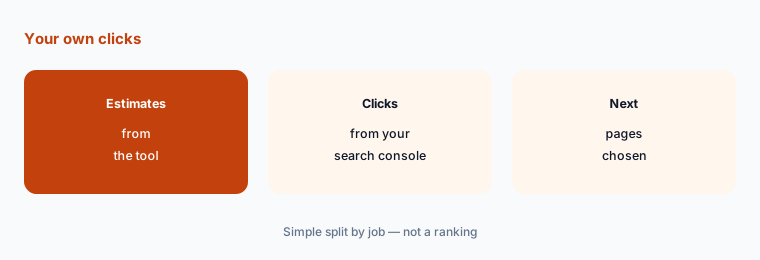
Measure six weeks:
Record search clicks for each updated page for six weeks before and after the change, and decide on the next pages from that.
Pricing context (November 2026)
Surfer SEO (pricing page, read 2 Nov 2026, billed yearly): Discovery $49 a month with 120 documents; Standard $99 with 360 documents; Pro $182 with 50 AI prompts tracked daily and internal linking; Peace of Mind $299 with unlimited documents and API; AI Search Analytics $82 for AI visibility only; Enterprise custom.
Semrush (pricing page, read 2 Nov 2026): Free $0 with 10 reports a day; SEO $139 monthly or $117.33 billed annually; Starter SEO + AI Search $199 or $165.17; Pro+ $299 or $248.17; Advanced custom. Additional users from $45 a month.
For one person on yearly billing, Surfer Discovery is about $588 a year and Semrush SEO about $1,408 a year, from the prices above.
Uncertainty: Surfer's page shows yearly prices; monthly billing costs more. Semrush adds charges for extra users and some reports. AI visibility features are new and change often. Check the live pricing pages on the day you buy.
When it’s useful (honest take)
Surfer fits when you know your keywords and need help writing and updating pages. Semrush fits when you need keyword research, position monitoring, site audits, or competitor data.
Neither is useful without an editor and a list of pages to work on. More tool output without a review step can make pages worse.
Still choosing between Surfer and Semrush? The $19 AI toolkit audit gives you a written plan for which tools to keep using and which to drop across your whole AI stack, including this pair.
Prefer to do it yourself? Spreadsheet — $9
Related options (educational)
| Need | Better home | Why |
|---|---|---|
| Free click data for your own site | Google Search Console | Actual clicks and impressions, no estimates |
| Backlink research | Ahrefs | Another research suite with its own plans |
| Drafting with a general assistant | ChatGPT or Claude | Useful for outlines; an editor still checks facts |
FAQ
Is Surfer or Semrush cheaper?
Surfer Discovery is $49 a month billed yearly. Semrush SEO is $139 a month, or $117.33 billed annually (vendor pricing pages, 2 Nov 2026).
What is the difference between Surfer and Semrush?
Surfer is built around writing and updating pages. Semrush is built around keyword research, position monitoring, site audits, and competitor data.
Do Surfer and Semrush track AI search?
Both list AI visibility features. Surfer covers ChatGPT, Perplexity, Google AI Mode, AI Overviews, and Gemini; Semrush adds prompt tracking from its Starter SEO + AI Search plan.
Does Semrush have a free plan?
Yes. Semrush Free is $0 with one project and 10 reports a day.
Who should check SEO tool suggestions?
A named editor who knows the subject checks every suggested change for facts, prices, and claims before it goes live.
Optional next step (if seats overlap)
If you pay for an SEO suite, a writing tool, and AI seats that overlap, check for duplicate spend before the next renewal. Map the overlap with the $19 AI toolkit audit or the $9 AI toolkit spreadsheet. Email Audit $19 or Toolkit spreadsheet $9.
Checkout is live via Stripe. After you pay, we email delivery (spreadsheet) or intake next steps (audit).