Tool · Meetings & notes · Read AI · Nov 2026
Read AI review (Nov 2026): meeting reports, Ask Read search, pricing from $15 a seat, and what a team lead still checks
Read AI is a meeting assistant that joins Zoom, Microsoft Teams, and Google Meet calls and writes a meeting report: summary, topics, action items, key questions, and a transcript. Ask Read then searches across your meetings, email, and messages. The free plan covers 5 meetings a month; Pro is $15 a seat a month billed yearly ($19.75 monthly). This page is about using it while the meeting owner checks each report before it is shared. Each section has a Try this.
What this Read AI page covers
This page is for a team lead, ops manager, or founder who runs many internal and client calls and is weighing Read AI or already has it joining meetings. It is not legal or privacy-law advice; a named person decides which meetings may be recorded and who sees each report.
Facts come from Read AI's pricing page and home page, read on 2 November 2026. We did not test the product on your meetings, so run it on a few of your own first.
Ground rules before you rely on it: tell everyone on the call that Read is there; the meeting owner reads the report before it goes out; action items are checked against what people actually agreed.
Major features (with how someone uses them)
Examples at a glance: each feature has a concrete example from a real job plus a short Try this you can run this week.
1. Meeting reports on real meetings (primary)
What it is: Read's pricing page says each meeting report is an “automatically generated meeting summary, topics, action items, and key questions,” with a transcript broken out by speaker. The free plan includes 5 transcripts a month and meetings up to 1 hour; paid plans include unlimited transcripts and reports (pricing page).
A summary reads well even when it is wrong. The most common miss in any meeting tool is an action item given to the wrong person or a decision written down that nobody actually made.
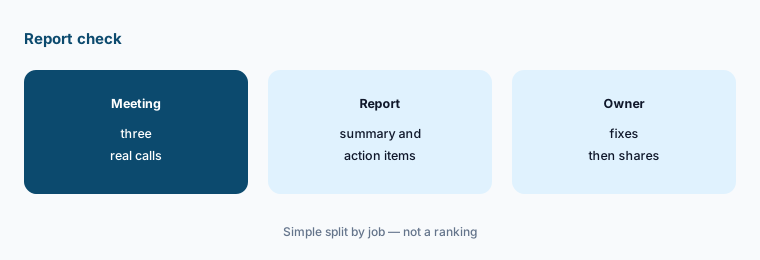
Primary workflow:
Run Read AI's free plan on three real internal meetings this week. Have the meeting owner read each report before it is shared and mark every action item that is wrong, missing, or assigned to the wrong person.
2. Decide which meetings Read joins
What it is: Read's home page says “everyone in the meeting knows Read is there” and that attendance is optional: its agent can summarize a meeting you skip. Paid plans include Workspace access, which the pricing page says lets a team “control which meetings Read joins” and set sharing rules (pricing page).
People search for how to remove Read AI from Teams calls because an assistant joined a meeting they did not expect. Set the rule before it joins client calls.
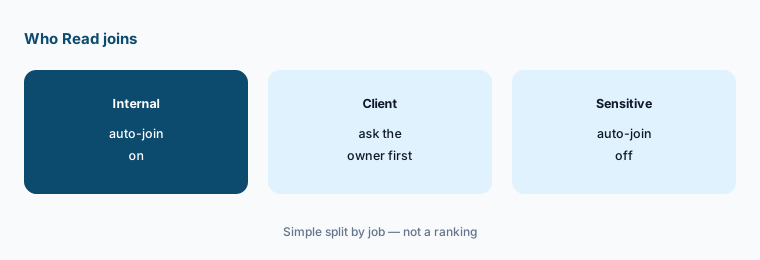
Set the rule first:
List your recurring meetings and mark each one internal, client, or sensitive. Turn auto-join off for client and sensitive meetings until the person who owns each one says yes.
3. Ask Read across meetings, email, and messages
What it is: Ask Read is Read's search. The home page says you can ask “what was decided, who owns it, and what's still open — with citations,” and the pricing page says it connects meetings, emails, and messages. Read is also offered as a Claude connector, a ChatGPT app, and an MCP server (home page).
Search that cites the source is only useful if someone opens the source. An answer stitched from three meetings can drop the one meeting where the plan changed.
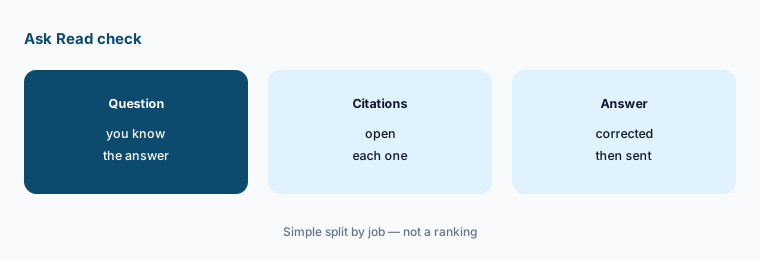
Open the sources:
Ask Read three questions you already know the answers to from last month. Open every citation and note any answer that missed a later change.
4. Send action items to the tools you use
What it is: The home page says action items are “routed to the tools your team already works in.” Free includes basic integrations; Pro adds premium ones: Notion, Salesforce, HubSpot, Jira, Confluence, Zapier, and webhooks (pricing page).
Automatic tasks in Jira or a CRM look official. A wrong owner or date copied into a system of record is harder to spot than a wrong line in a summary.
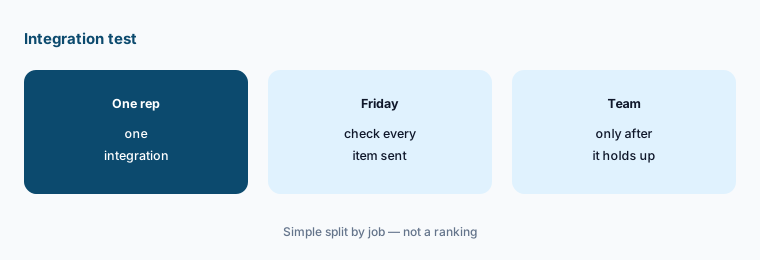
Start with one person:
Connect one integration for one person for two weeks, and check every item Read sends there each Friday before turning it on for anyone else.
5. Use the speaker coach carefully
What it is: Each report can include a personalized coaching section with metrics such as “talking speed, filler words, bias, and charisma,” according to the pricing page (pricing page).
Coaching numbers are private feedback for the person who spoke. Shown to a manager without context, they can feel like surveillance.
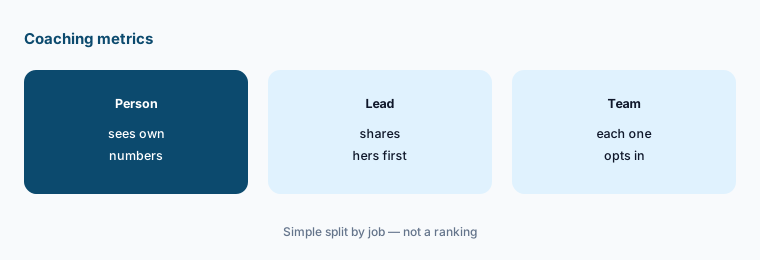
Keep it personal:
Write down who may see coaching metrics for each person, and agree on it with the team before anyone shares them.
6. Pick a plan by seat count and data needs
What it is: Pro is $15 a seat a month billed yearly or $19.75 monthly; Enterprise adds audio and video playback and highlights at $22.50 yearly or $29.75 monthly; Enterprise+ needs 5 or more licenses and adds HIPAA compliance, SAML and SCIM, and custom data retention at $29.75 yearly or $39.75 monthly (pricing page). The home page says Read is SOC 2 Type 2 certified and does not train on your data by default.
Playback, retention rules, and SSO are where meeting tools get expensive. Most small teams need only transcripts and search.
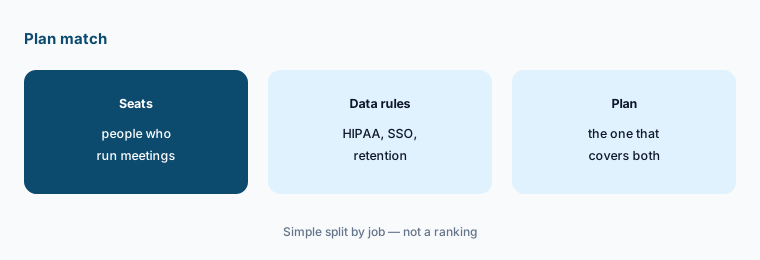
Match plan to need:
Count who actually runs meetings each week, list the data rules you must meet, and price only the plan that covers both.
Pricing context (November 2026)
Read AI (pricing page, read 2 Nov 2026): Free $0 with 5 meeting transcripts a month and meetings up to 1 hour; Pro $15 a seat a month billed yearly or $19.75 monthly, unlimited transcripts, meetings up to 4 hours, 100 minutes of file uploads a month, premium integrations; Enterprise $22.50 yearly or $29.75 monthly with audio and video playback; Enterprise+ $29.75 yearly or $39.75 monthly, 5+ licenses, HIPAA, SAML and SCIM, meetings up to 8 hours.
The page shows a 25% saving for yearly billing. For five people on Pro, that is about $75 a month billed yearly or about $99 monthly, before tax.
Uncertainty: Plan names, upload minutes, and meeting-length limits change often. Read's pricing page also lists “30 meetings measured per month” under each plan without explaining it. Check the live page and ask Read about nonprofit or education pricing before you buy.
When it’s useful (honest take)
Useful when your team runs many internal meetings on Zoom, Teams, or Meet, someone reads each report before it is shared, and you want one search across meetings, email, and messages.
Less useful when most of your calls are sales calls that need deal tooling (Gong), your video platform's own assistant already covers notes (Zoom AI Companion), or nobody will check reports before they go out.
Paying for Read AI and a few other AI tools? The $9 AI toolkit spreadsheet lists every AI subscription you have, what each one costs, and how fast it pays for itself, so you can see which ones are worth the money.
Want someone to do it for you? AI toolkit audit — $19
Related options (educational)
| Need | Better home | Why |
|---|---|---|
| Meeting reports plus search across email and messages | Read AI (this page) | Free for 5 meetings; Pro from $15 a seat yearly |
| Two popular note-takers side by side | Fireflies vs Otter | See that page for current plans |
| Note-taker with a generous free plan | Fathom | See that review for current plans |
| Notes inside your video platform | Zoom AI Companion | Included with many paid Zoom plans |
| Recording library for client calls | tl;dv | See that review for current plans |
FAQ
How much does Read AI cost in November 2026?
As printed on 2 Nov 2026: Free for 5 meetings a month; Pro $15 a seat a month billed yearly or $19.75 monthly; Enterprise $22.50 or $29.75; Enterprise+ $29.75 or $39.75 with at least 5 licenses.
Is Read AI free?
Yes, there is a free plan with 5 meeting transcripts a month, summaries, search, and basic integrations. Meetings are capped at 1 hour on the free plan.
How do I stop Read AI joining my Teams or Zoom meetings?
Change the auto-join setting in your Read account, and on paid plans use Workspace controls for which meetings Read joins. Decide the rule for client and sensitive meetings before it joins them.
Does Read AI train on my meeting data?
Read's home page says it does not train on your data by default and that it is SOC 2 Type 2 certified. Ask for the terms in writing if your meetings include client or health data.
Should we share Read AI summaries as they are?
No. The meeting owner should read each report and check action items, owners, and dates against what people agreed before it is shared.
Optional next step (if seats overlap)
If you pay for a meeting note-taker, a video platform with its own AI notes, and chat seats that summarize the same calls, that overlap is worth mapping. Map the overlap with the $19 AI toolkit audit or the $9 AI toolkit spreadsheet. Email Audit $19 or Toolkit spreadsheet $9.
Checkout is live via Stripe. After you pay, we email delivery (spreadsheet) or intake next steps (audit).