Tool · Sales & marketing · Creatify · Nov 2026
Creatify review (Nov 2026): AI video ads from a product link, AI actors, credits from $10 a month, and what a marketer still checks before ads run
Creatify makes short video and image ads with AI. You paste a product link, pick a template or an AI actor, and it drafts the ad; paid plans add an Ad Agent that suggests campaign changes for you to approve. Everything runs on credits: the free plan has 10 a month, and Standard is $10 a month billed yearly ($15 monthly) for 55. This page is about using it while a named person checks every claim before an ad runs. Each section has a Try this.
What this Creatify page covers
This page is for a small-business owner, e-commerce marketer, or agency lead who needs more short video ads than they can film. It is not legal advice on likeness, music, or ad rules; a named person approves every ad before it runs.
Facts come from Creatify's pricing page and home page, read on 2 November 2026. We did not make ads with it for your products, so start on the free plan with your own.
Ground rules: the product owner checks every claim, price, and spoken line; you follow each ad platform's rules on AI-made people; nobody approves an agent's campaign change without reading it.

Major features (with how someone uses them)
Examples at a glance: each feature has a concrete example from a real job plus a short Try this you can run this week.
1. Turn a product page into draft ads (primary)
What it is: Creatify lists URL to Video, AdFlow templates, image ads, and a model playground among its creation tools. The free plan gives 10 credits a month, which it says is up to 2 video ads or 20 image ads, with a watermark (pricing page).
A draft built from your product page can still invent a benefit, round a price, or read an old offer aloud. The fix is a line-by-line check by someone who knows the product.
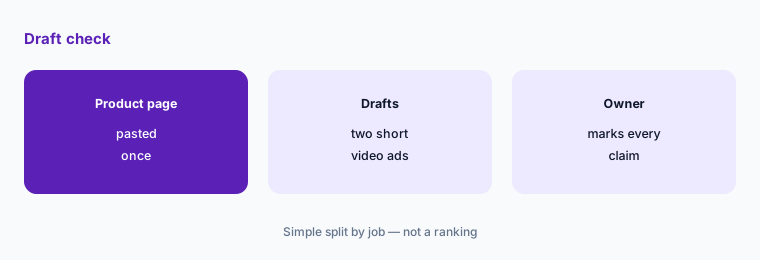
Primary workflow:
Paste one real product page into Creatify's free plan and make two short video ads. Before anything runs, have the person who owns the product check every claim, price, and spoken line against the product page and mark what must change.
2. Use AI actors and avatars with care
What it is: Paid plans list 300 AI actors on Standard and 1,500 plus 3 custom avatars on Pro. The pricing page's content rules say to “obey IP & likeness laws” and follow each ad platform's ad and community policies (pricing page).
An AI actor speaking for your brand is still an endorsement in your ad. Some platforms and buyers expect AI-made people to be disclosed.
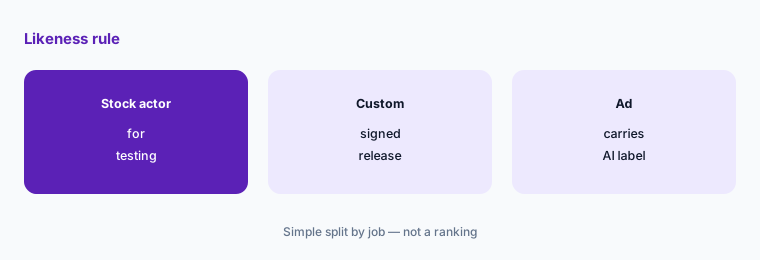
Write the likeness rule:
Write two lines before your first custom avatar: whose likeness may be used and with what signed permission, and how ads with AI-made people are labeled.
3. Do the credit math before you pick a plan
What it is: Standard is $15 a month or $10 billed yearly for 55 credits; Pro is $55 or $38 for 280; Max is $95 or $66 for 730 with 3 seats. Creatify says cost depends on the model and output, that you see the credit cost before confirming any generation, and that credits expire after 2 months (pricing page).
Credits make the real price per ad hard to see. Premium video models and longer clips use more, and unused credits do not roll over forever.
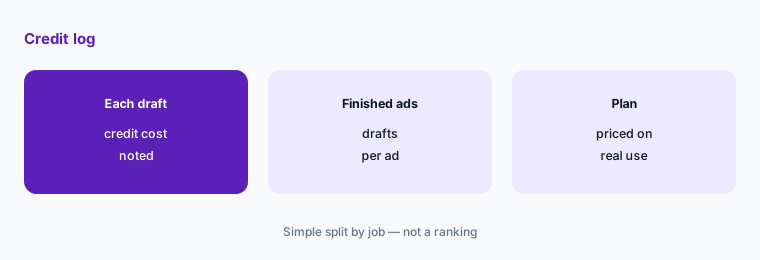
Log one week:
For one week, write down the credit cost Creatify shows before each generation and how many drafts it took to get one ad you would run.
4. Ad Clone and the competitor ad library
What it is: Pro adds Ad Clone, which the pricing page says can “remake any ad from a URL,” and a competitor ad library covering 10M+ Meta ads (pricing page).
Studying what competitors run is normal research. Copying their script, music, or look can cross into someone else's work, which the same page tells you to avoid.
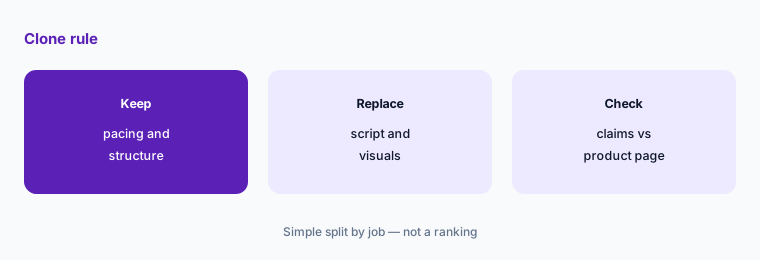
Set the copy rule:
Before cloning any ad, list what you will keep (pacing, structure) and what must be replaced with your own material (script, visuals, claims, music).
5. Read every Ad Agent suggestion before approving
What it is: Pro adds the Ad Agent and automations. On the home page, the agent shows recommended actions under “These need your approval” with the note “Review each before approving. AI can make mistakes.” Creatify also lists an Ad Launcher for pushing ads to ad accounts (home page).
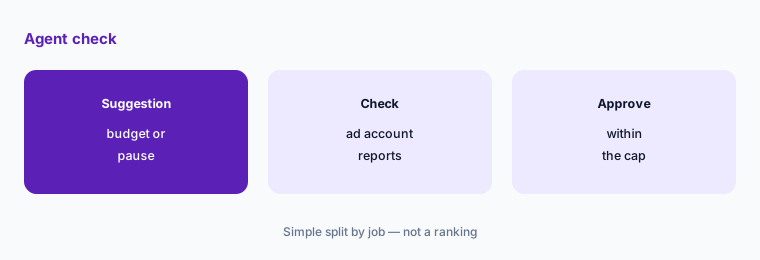
A suggestion to shift budget or pause an ad set is a spending decision. It deserves the same check as a change made by a person.
Set a budget cap:
Write the largest budget change anyone, human or agent, may make without a second person's OK, and check each suggestion against your ad account's own reports first.
6. Pick seats and brand spaces for a team
What it is: Max includes 3 seats and 3 brand spaces; Business is $195 a month or $136 billed yearly for 1,500 credits, 10 seats, and 10 brand spaces with “no per-seat fees.” API plans start at $99 a month for 500 credits. The pricing page says you own all your creatives, even after your plan ends (pricing page).
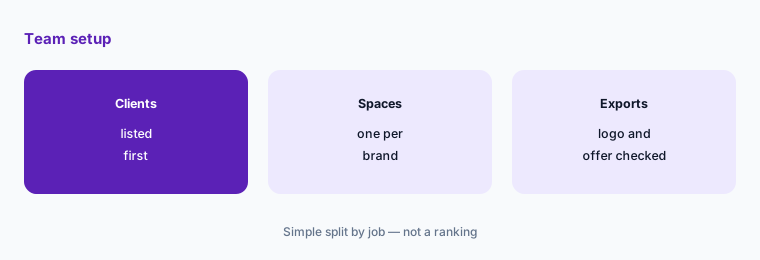
Brand spaces keep each client's logos and rules apart. Mixing them up is the fastest way to ship the wrong logo.
Map your brands:
List every brand or client you make ads for, and count how many brand spaces and seats you need before choosing between Max and Business.
Pricing context (November 2026)
Creatify (pricing page, read 2 Nov 2026): Free 10 credits a month with a watermark; Standard $15 a month or $10 billed yearly for 55 credits; Pro $55 or $38 for 280 credits; Max $95 or $66 for 730 credits and 3 seats; Business $195 or $136 for 1,500 credits and 10 seats; Enterprise custom. API plans: $99 a month for 500 credits and $299 for 2,000.
The page shows a 30% saving on yearly plans and says credits expire after 2 months, so yearly billing pays off only if you use most credits each month.
Uncertainty: Credit costs per model, the list of video models, and plan limits change often. Creatify's home page also prints user counts and case-study results; those are the vendor's own figures, which we did not verify. Check the live pricing page and the credit cost shown before each generation.
When it’s useful (honest take)
Useful when you need many short product ads, you have a product page to start from, and someone checks every claim and spoken line before ads run.
Less useful when you need mostly static ads (AdCreative.ai or Canva Magic Studio), you want a presenter video for training rather than ads (Synthesia or HeyGen), or nobody owns the approval step.
Paying for Creatify and a few other AI tools? The $9 AI toolkit spreadsheet lists every AI subscription you have, what each one costs, and how fast it pays for itself, so you can see which ones are worth the money.
Want someone to do it for you? AI toolkit audit — $19
Related options (educational)
| Need | Better home | Why |
|---|---|---|
| Short video ads from a product link | Creatify (this page) | Free 10 credits; Standard from $10 a month yearly |
| Static ad sets and banners | AdCreative.ai | See that review for current plans |
| Ad creative vs a design tool | AdCreative.ai vs Canva | Comparison by job |
| Presenter-style AI video | HeyGen | See that review for current plans |
| Training and explainer video | Synthesia | See that review for current plans |
FAQ
How much does Creatify cost in November 2026?
As printed on 2 Nov 2026: Free with 10 credits a month; Standard $15 a month or $10 billed yearly; Pro $55 or $38; Max $95 or $66; Business $195 or $136; Enterprise custom.
Is Creatify free?
There is a free plan with 10 credits a month, which Creatify says is up to 2 video ads or 20 image ads, with a watermark.
Do Creatify credits roll over?
Creatify's pricing page says credits expire after 2 months. You see the credit cost before confirming each generation.
Who owns ads made with Creatify?
The pricing page says you own all of your creatives, even after your plan ends. You are still responsible for following likeness, copyright, and ad platform rules.
Should we let the Ad Agent change campaigns on its own?
No. Creatify's own screen asks you to review each recommended action before approving. Check each one against your ad account's reports and set a budget cap.
Optional next step (if seats overlap)
If you pay for an AI ad tool, a design suite, and a video editor that all make the same short ads, that overlap is worth mapping. Map the overlap with the $19 AI toolkit audit or the $9 AI toolkit spreadsheet. Email Audit $19 or Toolkit spreadsheet $9.
Checkout is live via Stripe. After you pay, we email delivery (spreadsheet) or intake next steps (audit).