Compare · Ad creative · Nov 2026
AdCreative.ai vs Canva (Nov 2026): ad batches vs design seats, credit pricing, brand kits, and who picks what launches
AdCreative.ai and Canva can both produce ad images, but they are different kinds of tools. AdCreative.ai generates batches of ad variants and charges by credits, one per downloaded creative, with Starter plans from $39 a month for 20 credits. Canva is a general design tool with AI features built in, priced by seat: Pro is $18 a month or $144 a year. If you already pay for Canva, the question is whether a separate ad generator gives you creatives you would really launch, and the person who runs the ad account decides that from a side-by-side test.
What this comparison covers
This page is for a small business owner, marketer, or agency lead deciding whether to add an AI ad generator or keep making ads in Canva. It is not advertising or legal advice; a named person checks every claim, price, and logo before an ad runs.
AdCreative.ai facts come from the plans section of its website, read on 2 November 2026. Canva facts come from its pricing page as we last read it on 17 Oct 2026; Canva's page did not load for a plain read today, so confirm it before you buy. We did not run ad campaigns with either tool.
The real difference is how you pay and what you get. AdCreative.ai charges for downloaded creatives and is built around ad sizes and variants. Canva charges per person and covers far more than ads, so many teams already have it.
Ground rules: never let a generated ad make a claim you cannot back up; check logos and product photos on every variant; the ad account owner decides what launches. This comparison is not a ranking.
| Job | AdCreative.ai | Canva |
|---|---|---|
| What it is built for | Generating batches of ad creatives, banners, and ad videos from your product and brand | General design: social posts, ads, decks, and print, with Magic Studio AI tools inside |
| Free option | Free trial with 20 credits | Free plan: templates, 5GB storage, a small AI allowance |
| Entry paid plan | Starter from $39 a month for 20 credits, up to $189 for 120 credits | Pro $18 a month or $144 a year for one person |
| Team plan | Professional from $249 a month for 300 credits, up to $400 for 600 credits; Ultimate and tailored credits above that | Business $25 a person a month or $250 a person a year |
| How usage is counted | One credit per downloaded creative; credits renew monthly | Seats, plus a monthly AI use allowance per plan |
| Who signs off | The person who runs the ad account picks what launches; a brand owner checks logos, claims, and offers on every creative | |
Major features (with how someone uses them)
Examples at a glance: each feature has a concrete example from a real job plus a short Try this you can run this week.
1. Make the same ad in both
What it is: AdCreative.ai gives 20 credits in its free trial to generate ads, banners, and videos (website). Canva Free includes templates and a small AI allowance; Pro adds brand kits and a larger AI allowance (pricing page).
A side-by-side test on your own product tells you more than any feature list. The useful measure is how many variants you would actually launch.
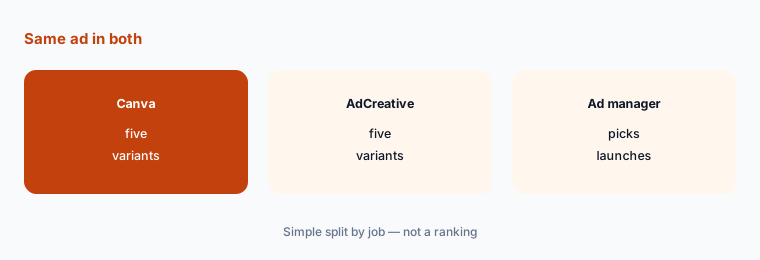
Make five variants in each:
Pick one product and one ad size you run every month. Make five ad variants in Canva with your brand kit and five in the AdCreative.ai trial, then have the person who runs the ad account choose which ones they would actually launch.
2. Work out cost per launched ad
What it is: AdCreative.ai uses one credit when you download a generated creative; Starter runs from $39 for 20 credits to $189 for 120 credits a month, and credits renew monthly (website). Canva Pro is a flat $18 a month for one person (pricing page).
Credits make AdCreative.ai cheaper or dearer depending on volume. Divide the plan price by the ads you actually launch, not the ones you download.
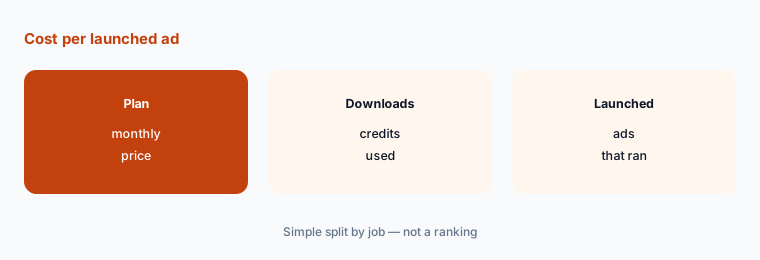
Count your monthly ads:
Count how many new ad creatives you launched last month, then divide each plan's monthly price by that number to get a cost per launched ad.
3. Check your brand on every variant
What it is: Canva Pro includes 5 brand kits and Business 100 brand kits with approvals (pricing page). AdCreative.ai builds creatives around your brand colors, fonts, and logo, as described on its website.
Generated ads can drift from your brand: wrong logo version, off colors, or a product photo cropped badly. Someone has to check each one.
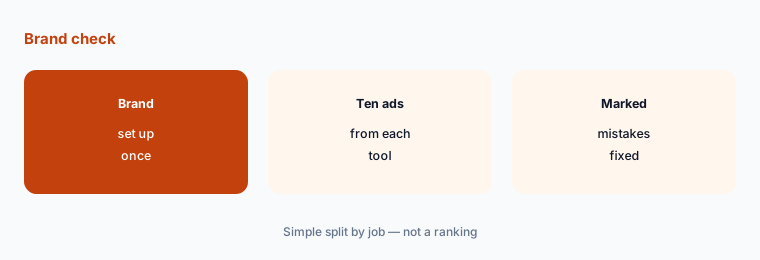
Mark brand mistakes:
Set up one brand in each tool, generate ten ads, and mark every ad with a wrong logo, color, font, or cropped product before anyone else sees them.
4. Check every claim before it runs
What it is: Both tools can write headline and button text for ads. Neither pricing page promises the text is accurate, and ad platforms reject ads with claims you cannot support.
A generated headline that promises a result or a discount you do not offer is a real problem once the ad is live.
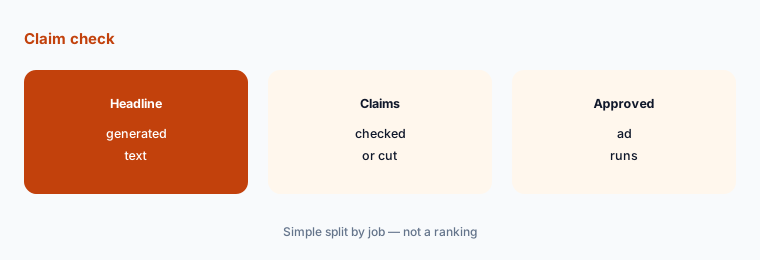
Read every headline:
Read every generated headline and button, delete anything that promises a result or an offer you do not have, and check every price against your store.
5. Decide who needs a seat
What it is: Canva Business is $25 a person a month or $250 a year and adds team collaboration (pricing page). AdCreative.ai Professional plans start at $249 a month with 300 credits (website).
If most of your team already designs in Canva, adding an ad generator is an extra subscription, not a replacement.
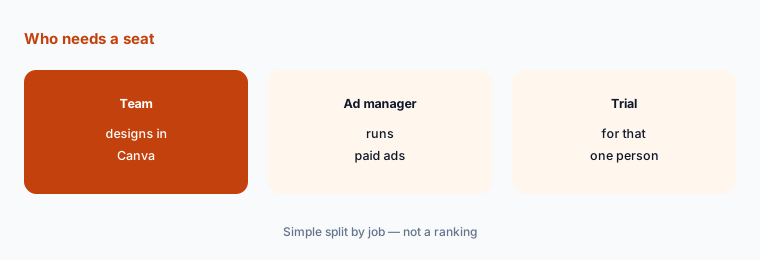
List who makes ads:
List everyone who makes visuals and mark the ones who make paid ads each week. Price an ad generator only for those people.
6. Review downloads before renewal
What it is: AdCreative.ai lists yearly billing at a discount and offers refunds within 7 days on monthly plans and 30 days on yearly plans if the platform has not been used (website). Canva Pro is $144 a year on yearly billing (pricing page).
Credits that renew monthly do not roll up into savings if they go unused. Check usage before moving to yearly.
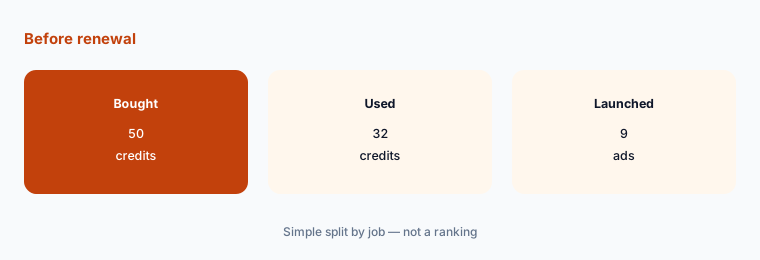
Check one month of credits:
After one month, compare credits bought, credits used, and ads launched, and only move to yearly billing if most credits turned into live ads.
Pricing context (November 2026)
AdCreative.ai (website plans section, read 2 Nov 2026): Starter plans $39 a month for 20 credits, $89 for 50, $139 for 85, $189 for 120; Professional plans $249 a month for 300 credits, $339 for 450, $400 for 600; Ultimate plans and tailored credit packs above that. One credit is used per downloaded creative. Yearly billing was listed at 50% off and a free trial includes 20 credits.
Canva (pricing page, US prices read 17 Oct 2026): Free $0 with templates, 5GB storage, and a small AI allowance; Pro $18 a month or $144 a year for one person with 5 brand kits; Business $25 a person a month or $250 a year with 100 brand kits and approvals; Enterprise by quote.
For one person making 50 ads a month, that is $89 a month on AdCreative.ai's 50-credit Starter plan next to $18 a month for Canva Pro, before anyone's design time.
Uncertainty: AdCreative.ai's site showed a sale banner and yearly discounts that change often, and some Ultimate prices did not show in a plain page read. Canva's prices are from 17 Oct 2026 and vary by region. Check both live pages on the day you buy.
When it’s useful (honest take)
AdCreative.ai fits when someone launches and tests many ad variants every week and wants sizes and versions generated in bulk. Canva fits when the same people make ads, social posts, decks, and print, and ad volume is modest.
Either is a poor fit if nobody checks claims and brand before ads run. A wrong offer in a live ad costs more than either subscription.
Still choosing between AdCreative.ai and Canva? The $19 AI toolkit audit gives you a written plan for which tools to keep using and which to drop across your whole AI stack, including this pair.
Prefer to do it yourself? Spreadsheet — $9
Related options (educational)
| Need | Better home | Why |
|---|---|---|
| You already pay for a chat assistant | The image tools in that assistant | Fine for one-off concepts; check its image limits first |
| You need ad video more than images | An AI ad video tool | Built around short video formats rather than static banners |
| You run few ads but want them polished | A freelance designer | Paid per project; no subscription to manage |
FAQ
Is AdCreative.ai cheaper than Canva?
Not usually for one person. Canva Pro was $18 a month or $144 a year (read 17 Oct 2026). AdCreative.ai Starter plans start at $39 a month for 20 credits (read 2 Nov 2026).
How do AdCreative.ai credits work?
AdCreative.ai says one credit is used when you download a generated ad creative, and each plan's credits renew monthly.
Does AdCreative.ai have a free trial?
Yes. Its site lists a free trial with 20 credits to generate ads, banners, and videos.
Can Canva make ads with AI?
Yes. Canva's Magic Studio AI tools are included in its plans with a monthly AI use allowance; Pro and Business get more than Free.
Who should approve AI-generated ads?
The person who runs the ad account decides what launches, and someone checks every claim, price, logo, and product photo first.
Optional next step (if seats overlap)
If you pay for Canva plus an AI ad generator and a chat assistant that also makes images, check what overlaps before the next renewal. Map the overlap with the $19 AI toolkit audit or the $9 AI toolkit spreadsheet. Email Audit $19 or Toolkit spreadsheet $9.
Checkout is live via Stripe. After you pay, we email delivery (spreadsheet) or intake next steps (audit).