Tool · SEO & research · NeuronWriter · Nov 2026
NeuronWriter review (Nov 2026): content editor term suggestions, competitor analysis, AI search monitoring, plans from $23 a month, and what an editor still checks
NeuronWriter is a content optimization tool. You enter a keyword, it studies the pages that rank for it, and its editor suggests terms, questions, and headings your article may be missing; newer plans also monitor answers in AI search such as Google AI Overviews and ChatGPT. Plans run from $23 a month (Bronze) to $117 (Diamond), with 2 months free on yearly billing and a 7-day trial. This page is about using it while an editor decides which suggestions actually help readers. Each section has a Try this.
What this NeuronWriter page covers
This page is for a content lead, freelance writer, or small-business owner who writes articles for search and wants a cheaper content editor than the big SEO suites. A named editor approves every change before it is published.
Facts come from NeuronWriter's pricing page and home page, read on 2 November 2026. The tool is run by Conti sp. z o.o. in Poland and is part of Contadu, according to its site. We did not test it on your articles, so start with the trial.
Ground rules: suggested terms are hints, not a checklist; a subject expert checks facts in any AI draft; measure results in Search Console, not in the tool's own meter.

Major features (with how someone uses them)
Examples at a glance: each feature has a concrete example from a real job plus a short Try this you can run this week.
1. Improve one existing article with term suggestions (primary)
What it is: NeuronWriter's home page describes NLP-based term recommendations, competitor analysis, and a content meter in its editor. The pricing page says the free trial runs 7 days under the Gold plan terms after you create an account (pricing page).
Term suggestions push every article toward the same words the top pages use. Adding terms that do not fit makes an article worse for readers, even if the meter goes up.
Primary workflow:
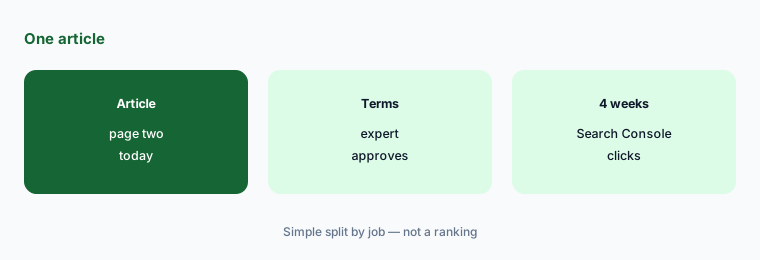
Pick one existing article that gets some search traffic but sits below the top results. Open it in NeuronWriter's 7-day trial for its main keyword, add only the suggested terms a subject expert agrees belong, and log the date so you can compare Search Console clicks four weeks later.
2. Read the competitor analysis yourself
What it is: The home page says you submit a target keyword and “quickly uncover your competitors' strengths,” and its Content Ideas feature suggests topics based on search intent (home page).
The tool summarizes what ranking pages have in common. It cannot tell you which of those pages are actually trusted by readers or why.
Read the top five:
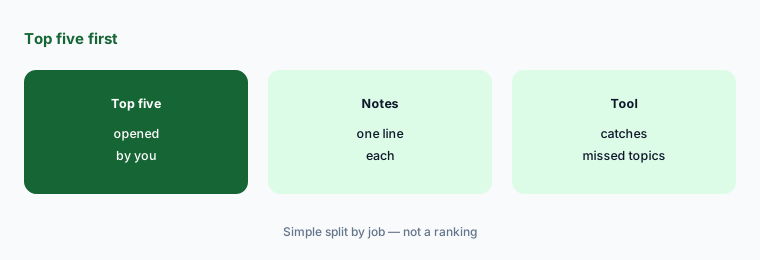
For your next article, open the top five results yourself and write one line on what each does well, before you look at NeuronWriter's suggestions.
3. Use AI drafts and credits with an expert check
What it is: Each plan includes AI credits, from 15,000 on Bronze to 75,000 on Diamond, and Gold and above add custom AI templates and the option to use your own OpenAI key (pricing page).
AI drafts written to match term lists can sound right and still get facts wrong. In regulated topics such as tax or health, that is a real risk.
Set the draft rule:
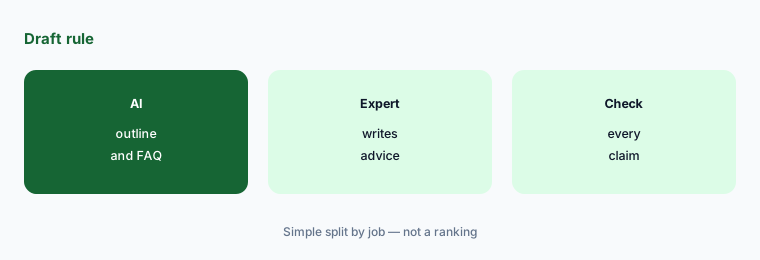
Write down which parts of an article AI may draft (outline, first pass of a FAQ) and which a subject expert must write or check line by line.
4. Monitor answers in AI search
What it is: Plans include AI-monitored questions, from 5 on Bronze to 20 on Diamond. The pricing page lists monitoring in Google AI Overviews, AI Mode, ChatGPT, and Perplexity (pricing page).
Seeing whether your brand appears in AI answers is useful. The answers change often, so a single check tells you little.
Pick five questions:
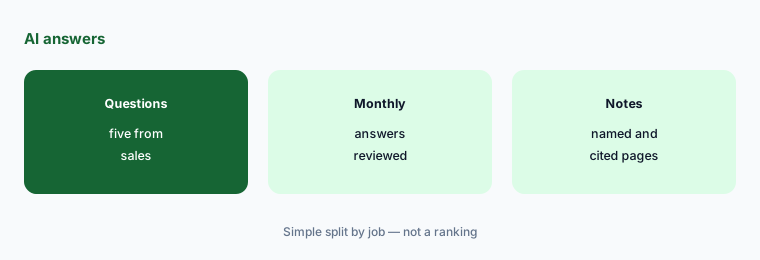
Choose five questions real buyers ask before purchasing, set them up for monitoring, and review the answers once a month rather than daily.
5. Internal links and WordPress or Search Console
What it is: NeuronWriter lists internal link suggestions and integrations with WordPress and Google Search Console; the pricing table shows GSC, WordPress, and Shopify integrations, plagiarism checks, and an API with MCP from the Gold plan up (pricing page).
Automatic link suggestions can point to the wrong page or overload an article with links. Publishing straight from the tool skips your normal review.
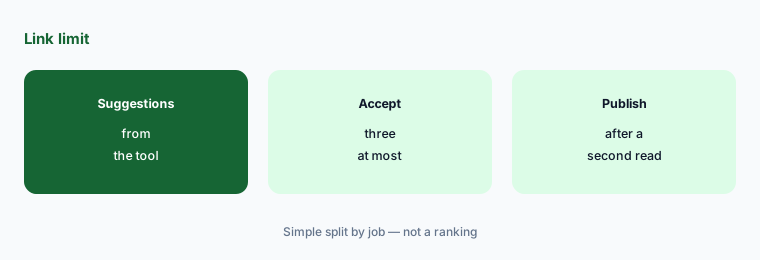
Cap the links:
Set a limit for internal links you accept per article from the tool, and check that each linked page is current before you save.
6. Pick a plan by projects and documents
What it is: Bronze is $23 a month or $230 a year for 2 projects and 25 documents; Silver $45 or $450 for 5 and 50; Gold $69 or $690 for 10 and 75 with unlimited team members; Platinum $93 or $930; Diamond $117 or $1,170 for 50 projects and 150 documents. The pricing page says you can request a refund on your first plan within 30 days (pricing page).
Document limits decide the real cost. A team that optimizes 40 articles a month will outgrow Bronze in the first month.

Count your volume:
Count how many articles and separate sites you optimize each month, then pick the smallest plan that covers both, on monthly billing until the volume holds.
Pricing context (November 2026)
NeuronWriter (pricing page, read 2 Nov 2026): Bronze $23 a month or $230 a year (2 projects, 25 documents, 5 AI-monitored questions, 15,000 AI credits); Silver $45 or $450 (5 projects, 50 documents); Gold $69 or $690 (10 projects, 75 documents, unlimited team members, integrations, own OpenAI key); Platinum $93 or $930 (25 projects, 100 documents); Diamond $117 or $1,170 (50 projects, 150 documents).
Yearly billing shows 2 months free. The trial is 7 days on Gold terms, and the first plan can be refunded within 30 days.
Uncertainty: Document limits, AI credit amounts, and monitoring questions change often. NeuronWriter's site prints user counts and review-site figures; those are the vendor's own claims, which we did not verify. We did not find a lifetime deal on the pricing page on 2 Nov 2026, so treat any offer elsewhere as separate terms.
When it’s useful (honest take)
Useful when you update or write a steady flow of search articles, you want a lower-cost content editor, and an editor decides which suggestions belong.
Less useful when you need full keyword research and backlink data (Semrush), your team already pays for Surfer SEO or Frase, or you publish a few articles a year.
Paying for NeuronWriter and a few other AI tools? The $9 AI toolkit spreadsheet lists every AI subscription you have, what each one costs, and how fast it pays for itself, so you can see which ones are worth the money.
Want someone to do it for you? AI toolkit audit — $19
Related options (educational)
| Need | Better home | Why |
|---|---|---|
| Lower-cost content editor with AI search monitoring | NeuronWriter (this page) | From $23 a month; 7-day trial |
| Widely used content editor | Surfer SEO | See that review for current plans |
| Briefs and research for writers | Frase | See that review for current plans |
| Content editor vs full SEO suite | Surfer SEO vs Semrush | Comparison by job |
| Keyword research and backlinks | Semrush | See that review for current plans |
FAQ
How much does NeuronWriter cost in November 2026?
As printed on 2 Nov 2026: Bronze $23 a month, Silver $45, Gold $69, Platinum $93, and Diamond $117, with yearly prices of $230 to $1,170 (2 months free).
Does NeuronWriter have a free trial?
Yes. The pricing page says you can test it free for 7 days under the Gold plan terms after creating an account.
Is NeuronWriter cheaper than Surfer SEO?
NeuronWriter starts at $23 a month. Check our Surfer SEO review and Surfer's live pricing page for its current plans, and compare document limits, not just price.
Does NeuronWriter track AI Overviews and ChatGPT answers?
Its plans include AI-monitored questions, and the pricing page lists Google AI Overviews, AI Mode, ChatGPT, and Perplexity.
Should we add every term NeuronWriter suggests?
No. Add only terms an editor or subject expert agrees help the reader, and judge results by Search Console clicks rather than the tool's own meter.
Optional next step (if seats overlap)
If you pay for a content editor, an SEO suite, and a chat assistant that all draft the same articles, that overlap is worth mapping. Map the overlap with the $19 AI toolkit audit or the $9 AI toolkit spreadsheet. Email Audit $19 or Toolkit spreadsheet $9.
Checkout is live via Stripe. After you pay, we email delivery (spreadsheet) or intake next steps (audit).