Tool · Construction ops · Procore · Oct 2026
Procore AI review (Oct 2026): AI agents for RFIs, submittals, daily logs, and construction workflows
Procore is a construction management platform used by general contractors, specialty contractors, and owners. Procore AI puts agents inside it that read your drawings, specs, RFIs, and submittals and draft work — the RFI Agent, Submittal Review Agent, Daily Log Agent, Deep Search Agent, and more — with citations back to the source file. This page is about using those drafts while a named project engineer, superintendent, or project manager still reviews every line before it goes out. Each section has a Try this.
What this Procore page covers
This page is for a project manager, project engineer, superintendent, or operations lead at a construction company that runs Procore or is evaluating its AI. The question it answers: which construction documents Procore’s agents draft or check, how the review step works, and how the AI is sold.
Procore’s AI page (read 12 October 2026) says agents can use over 150 built-in actions to create or update records “such as RFIs, Change Events, Daily Logs, and Action Plans,” can be triggered by project events or run on a schedule, cite their sources, follow your existing Procore permissions, and “never take action without sign-off.” The AI plans page sells this as Digital Coworker Starter Pack, Pro, and Enterprise — none with a public price.
A naming change to know about: Procore’s support FAQ says Procore Assist and Agent Builder, its first-generation AI products, are now in maintenance mode and no longer accept new customers; Assist updates stopped in January 2026 and it will be retired after a 60-day notice. Ground rules for the new agents: an AI-drafted RFI, submittal review, or daily log isn’t accurate until the responsible person has edited it; no draft is issued to a sub, architect, or owner without that review; and contract or payment details stay out of general chat tools. Procore’s customer time-saving figures are not repeated here.

Major features (with how someone uses them)
Examples at a glance: each feature has a concrete example from a real job plus a short Try this you can run this week.
1. RFI Agent: a draft the project engineer edits (primary)
What it is: The RFI Agent uses team input and project records to draft RFIs “ready for review” — turning rough field observations into pre-populated drafts, checking against drawings, specs, and past records, and keeping RFI fields such as schedule impact up to date. It is one of the five agents in the Starter Pack.
The draft can cite the wrong revision or miss what was agreed on site last week. The project engineer owns the question, the reference, and the proposed answer.
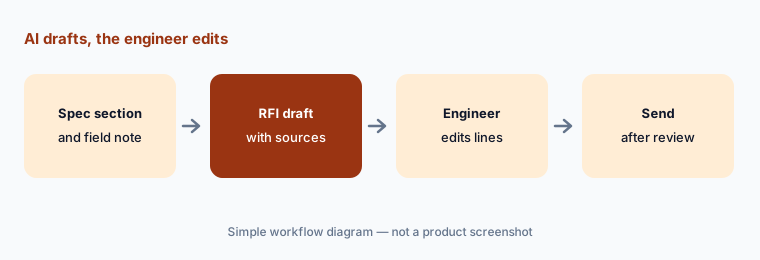
Primary workflow:
Let Procore AI draft one RFI from a spec section. Have the project engineer edit every line before sending it to the sub.
2. Submittal Review Agent: flagged gaps a person confirms
What it is: The Submittal Review Agent cross-checks incoming submittals against your spec book and contracts and flags possible compliance gaps. A flag is a place to look; a missing flag doesn’t mean the submittal complies. The reviewer’s stamp still carries the responsibility.
Have the reviewer open the cited spec paragraph for every flag, and spot-check at least one section the agent did not flag.
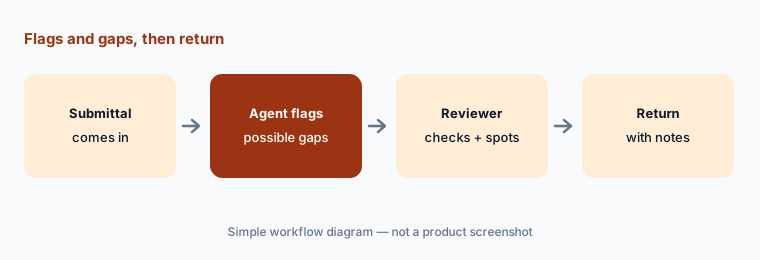
Check flags and gaps:
Run the Submittal Review Agent on one incoming submittal. Have the reviewer confirm each flag against the spec and spot-check one section it did not flag before returning it.
3. Daily Log Agent: field notes into a log the super verifies
What it is: The Daily Log Agent turns field photos, notes, emails, audio, and video into structured daily logs, drafted “for final human verification.” Superintendents can log by speech. Daily logs can end up as evidence in a delay or claims dispute, so accuracy matters more than speed.
Have the superintendent read every entry — manpower, weather, deliveries, delays, visitors — before the log is saved.
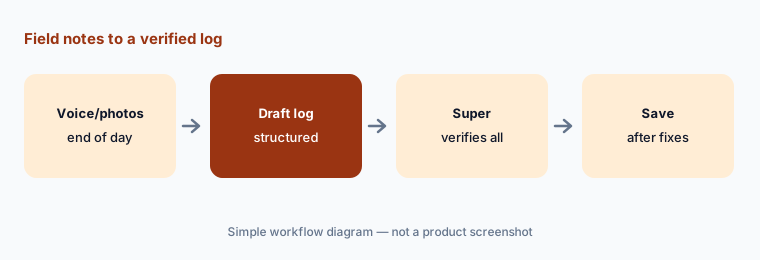
Verify every entry:
For one day, let the Daily Log Agent draft the log from voice notes and photos. Have the superintendent check manpower, weather, deliveries, and delays line by line before saving.
4. Deep Search: answers with citations and your permissions
What it is: The Deep Search Agent answers plain-English questions across specs, drawings, RFIs, and submittals with numbered citations and previews of the source file. Procore says AI access mirrors each user’s Procore permissions, so people only see data they can already see, and that customer data is not used to train outside models.
Open the cited page before you answer a foreman. A citation to an old drawing revision is still a wrong answer.
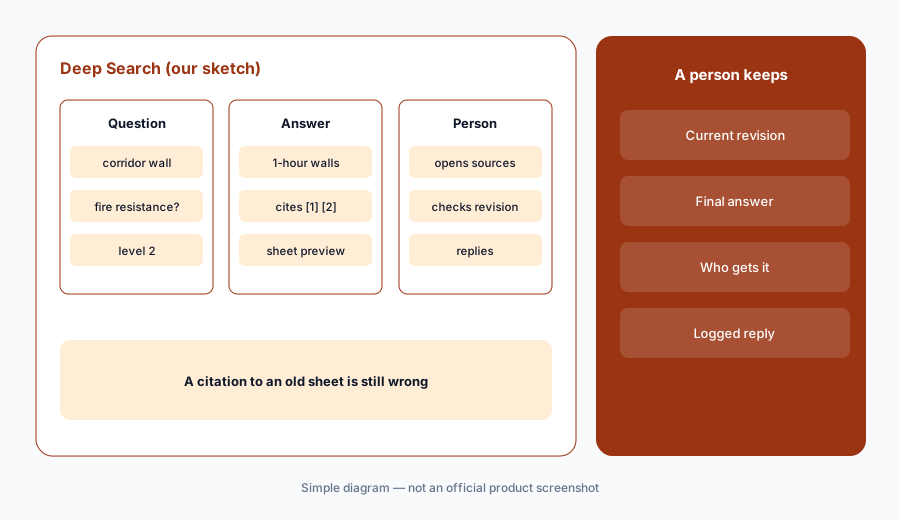
Open the citation:
Ask Deep Search one spec or drawing question your field team asked this week. Open every cited source and confirm the revision before you send the answer.
5. Built-in actions, triggers, and Agent Studio
What it is: Beyond the five Starter agents, Procore’s agent library lists about twenty more, including Change Analysis, Schedule Analyst, Financial Analyst, Site Safety, Field Observations, Bid Leveling, and Meeting Minutes Publisher. Agents can create or update records through built-in actions and can run on project events or a schedule. Agent Studio (Enterprise) lets teams describe custom agents in natural language. Procore says agents draft and propose but don’t make final decisions on their own, and its support FAQ says proposed changes are staged for human review.
Before you turn on any trigger or schedule, write down which records each agent can touch and who approves its changes.
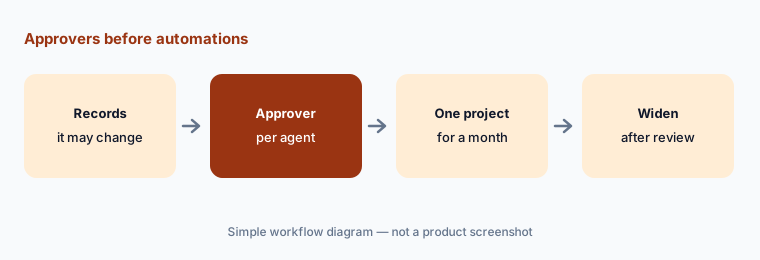
Approver per agent:
List every Procore agent that can create or update records (RFIs, change events, daily logs, action plans) and name the approver for each before you turn on any trigger or schedule.
6. Digital Coworker plans, credits, and the quote
What it is: Procore AI is sold separately from the core platform as Digital Coworker plans: a Starter Pack (six-month term, flat rate, up to three projects, five agents), Pro (twelve-month term, credit-based, twenty agents, video analysis, scheduled automations), and Enterprise (twelve-month term, credit-based, Agent Studio, support from a Procore specialist). Credits are used when data is ingested and when agents do tasks. Procore itself is priced as an annual fee per product based on your annual construction volume.
Ask the quote to state the credit allowance, what one RFI draft or daily log typically uses, and what happens when credits run out.
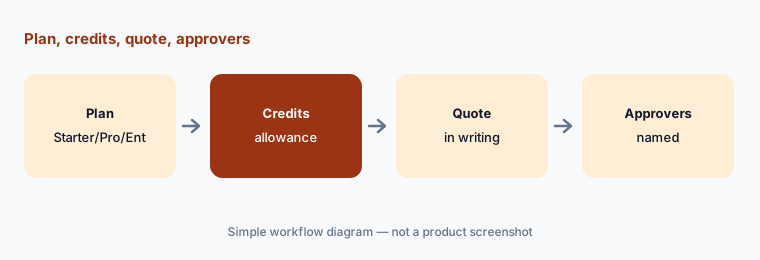
Credits in writing:
Request a written Procore AI quote that names the plan, term, number of projects, included agents, credit allowance, and what happens when credits run out.
Pricing context (October 2026)
Procore publishes no prices (checked 12 Oct 2026). Its pricing page says the platform is an upfront annual fee by product based on your Annual Construction Volume, with unlimited users. Procore AI is sold on the AI plans page as Digital Coworker Starter Pack (six-month term, flat-rate, up to three projects, five agents), Pro (twelve-month term, credit usage-based, twenty agents), and Enterprise (twelve-month term, credit usage-based, Agent Studio) — each “Request a demo,” no dollar amounts. Procore says it does not charge by the seat for AI.
Existing customers with Procore Assist or Agent Builder in their contract can keep using them for now without credits, per Procore’s support FAQ, but neither accepts new customers.
Uncertainty: Procore and Procore AI are quote-only, so the cost of the core platform, each Digital Coworker plan, and credits is unknown until you get a quote; how many credits a typical RFI or daily log uses isn’t published. Agent names and which agents sit in which plan may change. Procore Assist will be retired after a 60-day notice, with no date published. Procore’s customer time-saving figures are not repeated here.
When it’s useful (honest take)
Useful when your projects already live in Procore and you want drafts of RFIs, submittal checks, and daily logs with citations — and a project engineer and superintendent who review every draft before it goes out.
Less useful when your drawings and specs aren’t in Procore, you need a published price before talking to sales, or the job is facilities maintenance rather than construction (see Limble AI or Fiix AI).
Paying for Procore AI and a few other AI tools? The $9 AI toolkit spreadsheet lists every AI subscription you have, what each one costs, and how fast it pays for itself, so you can see which ones are worth the money.
Want someone to do it for you? AI toolkit audit — $19
Related options (educational)
| Need | Better home | Why |
|---|---|---|
| RFI, submittal, and daily log agents | Procore AI (this page) | Quote-only; credits |
| Maintenance PMs from manuals | Limble AI | CMMS, not projects |
| Plant CMMS assistant | Fiix AI | Rockwell Automation |
| Trade service booking and quotes | ServiceTitan vs Jobber | Customer jobs |
| Spec questions in a general tool | Claude Projects · ChatGPT | Sanitized docs only |
| Spreadsheet trackers with AI | Google Sheets + Gemini | Logs outside Procore |
FAQ
What AI features does Procore have in October 2026?
Procore AI: agents including the RFI Agent, Submittal Review Agent, Daily Log Agent, Deep Search Agent, and Contract Review Agent, plus about twenty more on Pro, built-in actions that create or update records, event and scheduled triggers, and Agent Studio for custom agents on Enterprise.
How much does Procore AI cost?
Procore publishes no prices. Procore AI is sold as Digital Coworker Starter Pack (flat-rate, six months, up to three projects), Pro, or Enterprise (credit-based, twelve months). The core platform is an annual fee based on construction volume (checked 12 October 2026).
Does Procore AI send RFIs on its own?
Procore says agents draft and propose but don’t make final decisions on their own, and that teams review and approve every RFI draft, submittal review, and daily log. Have the project engineer edit every line before anything is sent.
What happened to Procore Assist and Agent Builder?
Procore’s support FAQ says both are in maintenance mode and closed to new customers. Assist updates stopped in January 2026 and Assist will be retired after a 60-day notice; Procore recommends moving agent work to Procore AI.
Does Procore AI respect project permissions?
Procore says its AI mirrors your existing role-based Procore permissions, so users only see data they can already see, and that customer data is not used to train outside models.
Optional next step (if seats overlap)
If you pay for Procore AI credits, a separate document AI tool, and chat seats that all answer spec questions, that overlap is worth a look. Map the overlap with the $19 AI toolkit audit or the $9 AI toolkit spreadsheet. Email Audit $19 or Toolkit spreadsheet $9.
Checkout is live via Stripe. After you pay, we email delivery (spreadsheet) or intake next steps (audit).