Feature how-to · Claude
Claude Projects how-to (Oct 2026): files + instructions for recurring ops/finance work
Feature how-to linked from the Claude deep-dive — set up a Project as the reusable ops/finance workspace (knowledge files + custom instructions), not one-off chat paste. Concrete weekly-close setup with Try this.
What Projects are
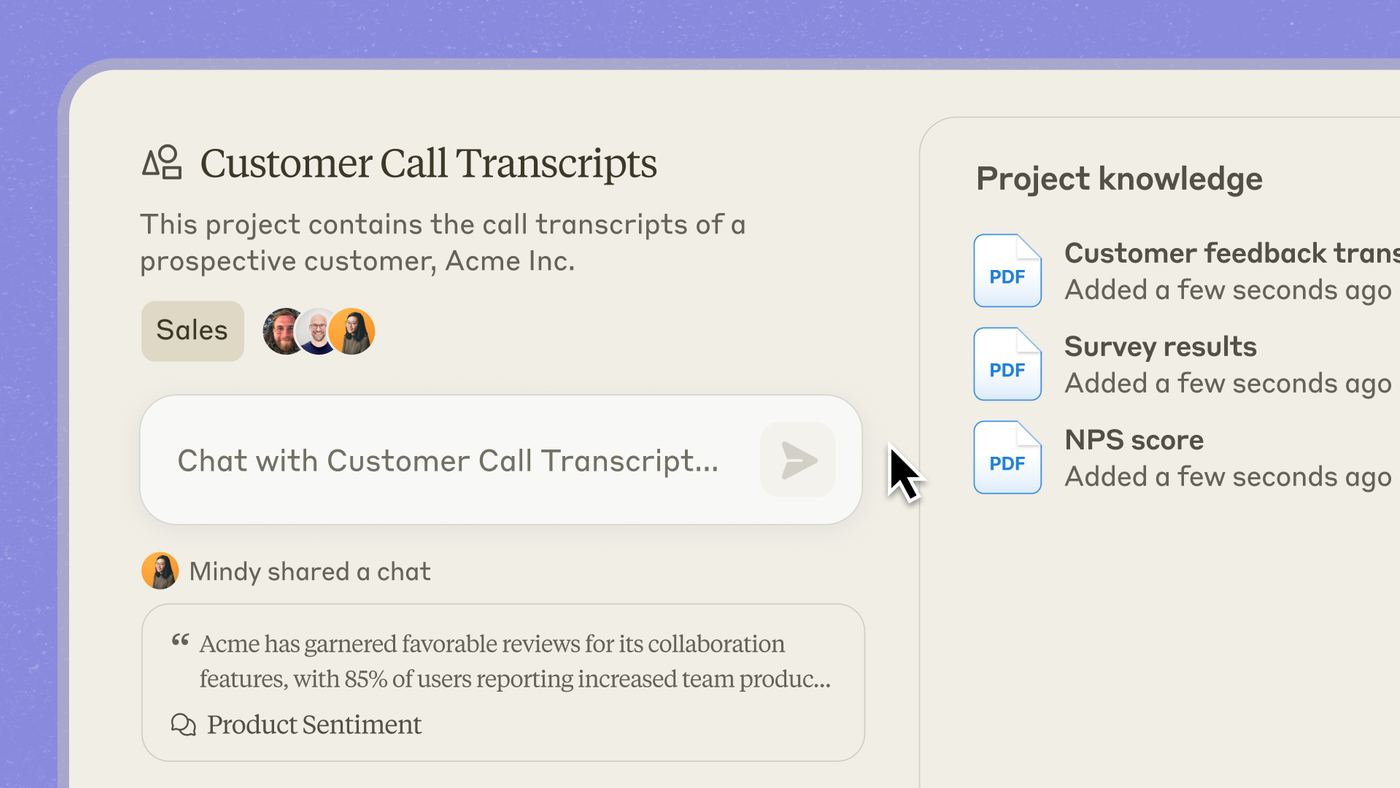
A Claude Project groups chats, project knowledge files, and optional custom instructions so Claude behaves the same way every time in that workspace. Full product context: Claude review. Ops weekly loop: Claude for ops.
When to use a Project (vs blank chat)
Use a Project when the work repeats weekly or monthly with the same rules and files (close, vendor review, meeting→action). Stay in blank chat for one-off asks. If you re-paste the same SOP every Monday, you wanted a Project.
Set up a recurring ops/finance Project
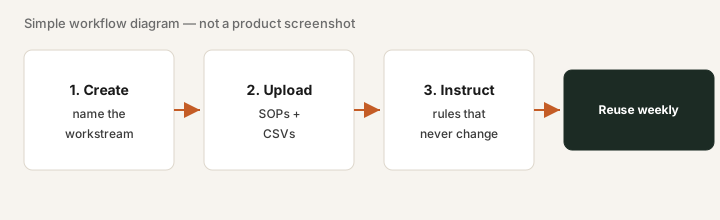
1. Create & name the workstream
What to do: Create a Project named for the recurring job (“Weekly close,” “Vendor review,” “Weekly ops”).

Create Project Weekly close. Upload last month’s P&L export + close checklist. Set instructions, then prompt:
Answer only from Project files; flag missing owners; never invent journal entries.
Then:
Produce this week’s close checklist with status blanks and a 5-line variance draft from the P&L.
2. Upload the files that recur
What to do: Add the SOP/checklist, latest CSV/PDF exports, and any standing notes into Project knowledge. Prefer files over paste.
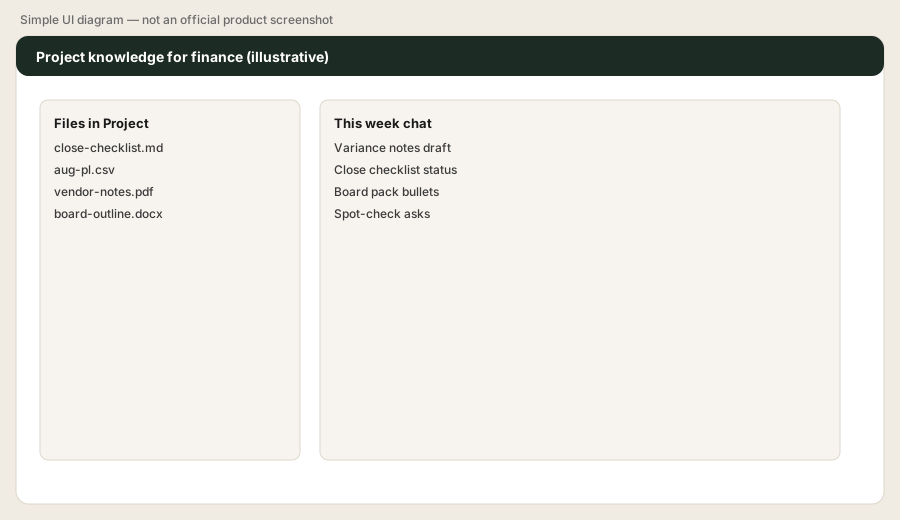
List every file in this Project and which close step each supports. If a required checklist step has no file, say Missing.
3. Pin instructions that never change
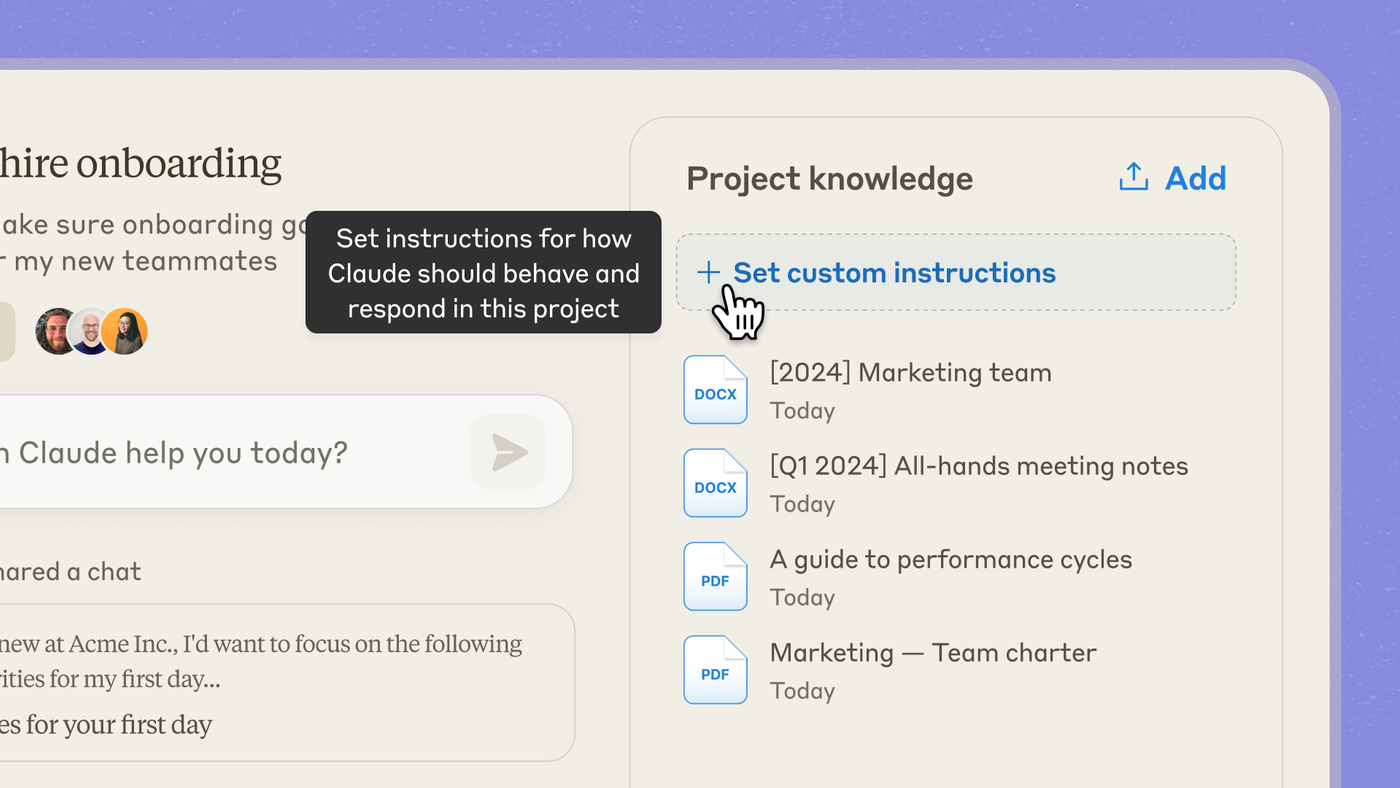
What to do: Custom instructions should force “only Project files,” “Unknown if missing,” and ban invented totals or journal entries.
Instructions template:
Only use Project files. Every action needs owner + date or say Unknown. Never invent journal entries, GL codes, or totals. Flag variance >10%.
4. Reuse weekly (and open Artifacts when needed)
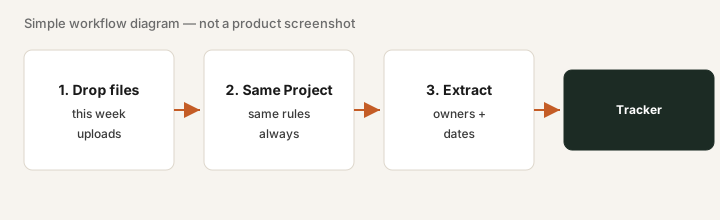
What to do: Drop this week’s exports into the same Project. Ask for checklist status + variance draft. For tables/charts you’ll paste into a memo, open an Artifact.
Create an Artifact: this week’s close checklist as a clean table with Status / Owner / Blocker columns, plus a 5-line variance draft. Leave blanks where files are silent.
Pricing context (October 2026)
Projects are available with Claude; paid plans increase usage and collaboration features. Public list: Pro about $20/month; Team from about $25/member/month monthly. Confirm claude.com/pricing. Full dated notes on the Claude deep-dive.
Uncertainty: Usage limits and Team sharing details change — verify live.
Paying for Claude Projects and a few other AI tools? The $9 AI toolkit spreadsheet lists every AI subscription you have, what each one costs, and how fast it pays for itself, so you can see which ones are worth the money.
Want someone to do it for you? AI toolkit audit — $19
FAQ
What is a Claude Project?
A workspace that groups chats, knowledge files, and custom instructions so you stop re-pasting context.
How do I set up weekly close?
Create the Project, upload P&L + checklist, pin instructions that ban invented journal entries, then ask for checklist + variance draft.
Projects vs Artifacts?
Projects hold context; Artifacts are editable outputs beside chat. See Artifacts how-to.
Where is the full Claude review?
/reviews/claude.html — this page is the Projects how-to.