Role guide · Ops leads · Claude
Claude for ops leads (Oct 2026): Projects, files, and meeting → action
Role guide — how an ops lead actually runs Claude week-to-week (Projects as the knowledge base, uploads instead of re-pasting, meeting notes → owners/dates). Soft CTA to toolkit audit/sheet only if you’re juggling multiple AI seats with the same job.
Who this guide is for
Ops leads (and founder-operators wearing the ops hat) who already have or are considering Claude and need a repeatable weekly workflow — not another generic “use AI for productivity” list. Product deep-dive and alternatives live on claude.html.
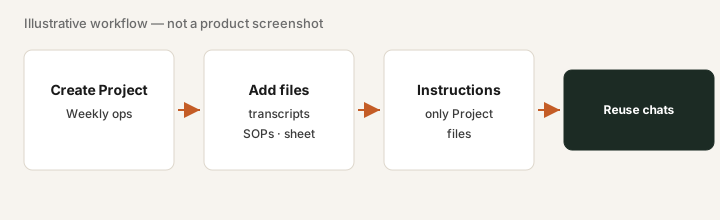
The weekly ops loop (picture)
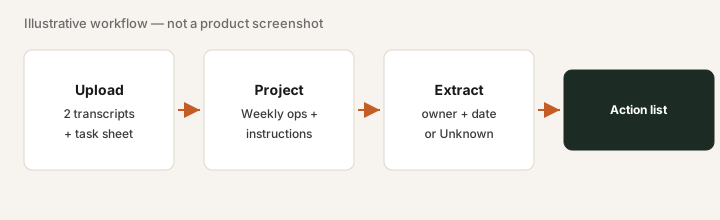
How an ops lead actually runs Claude
1. Projects as the knowledge base
What it is: A Claude Project groups chats, project knowledge files, and custom instructions so you stop re-pasting context every Monday.
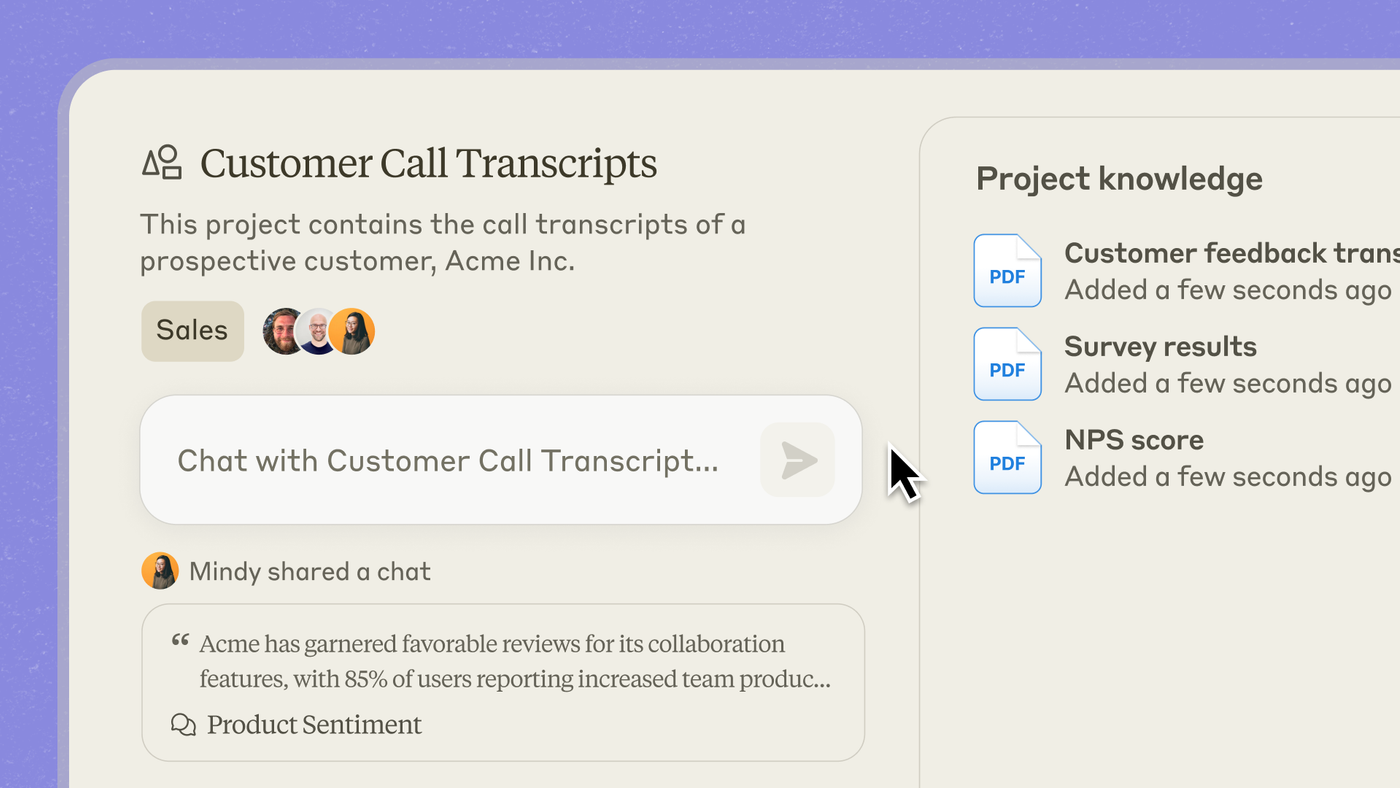
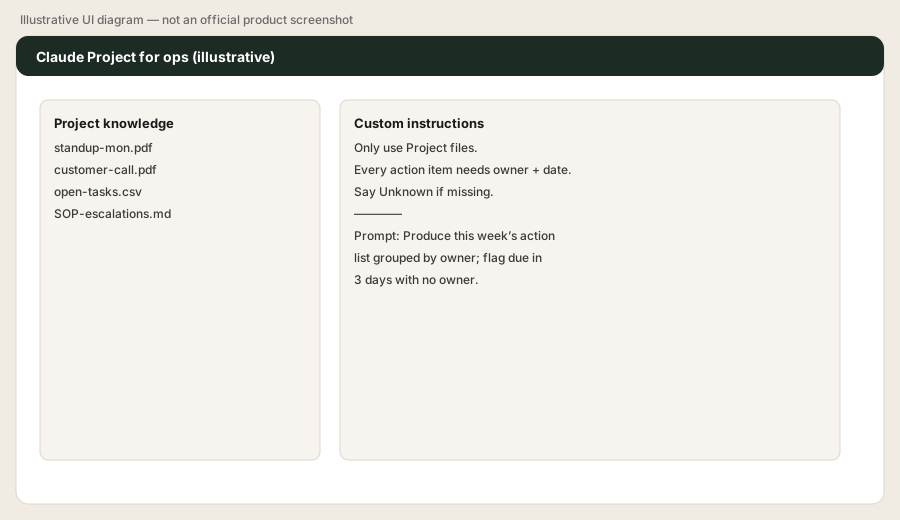
Create a Project “Weekly ops.” Upload 2 meeting transcripts + your open-tasks sheet. Custom instructions:
Only use Project files; every action item needs owner + date; say Unknown if missing.
Then prompt:
Produce this week’s action list grouped by owner; flag anything due in 3 days with no owner.
2. Files instead of re-pasting
What it is: Upload PDFs, transcripts, and CSVs into the Project (or chat) once. Ask Claude to use only those files so answers stay grounded.
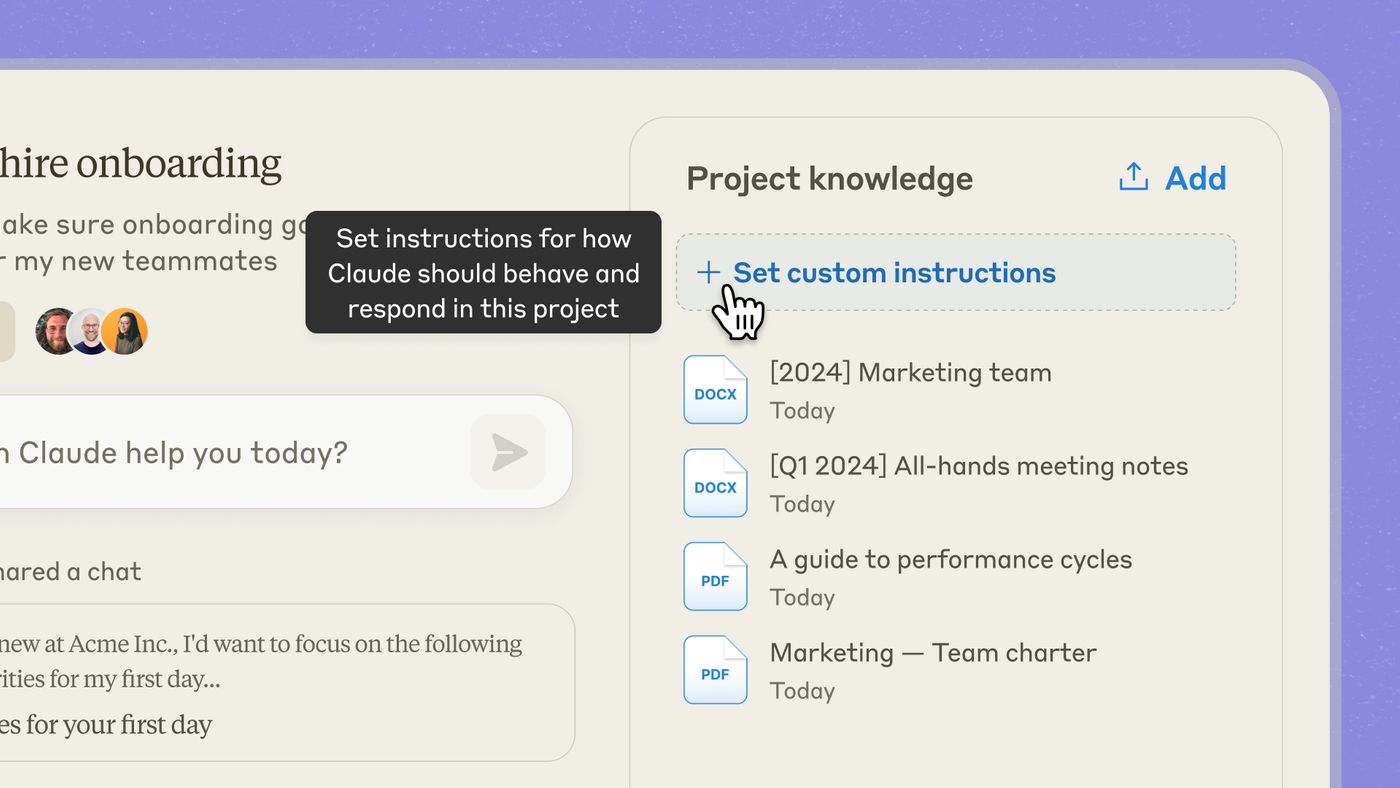
In the Weekly ops Project:
Using only Project files, list decisions made in the uploaded meetings that are not yet reflected in the open-tasks sheet. Mark each as Add / Already tracked / Unknown.
3. Meeting → action (owners & dates)
What it is: The core ops job: turn talk into assigned work. Force Unknown instead of invented owners.
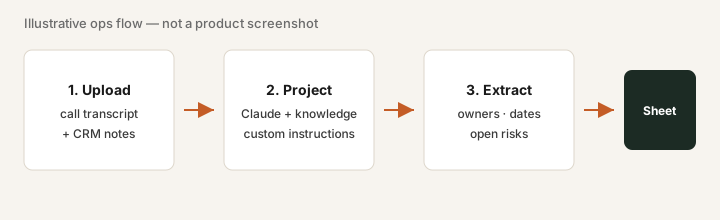
After a standup transcript lands in the Project:
Extract action items only. Columns: action, owner, due date, source quote. Use Unknown for missing owner or date. Do not invent names.
4. Artifacts for the memo (optional)
When the output is a table or chart for a weekly memo, open an Artifact instead of drowning in chat paste — step-by-step on Claude Artifacts how-to.
Create an Artifact: this week’s action list as a clean table grouped by owner, plus a 3-bullet risk caption for the ops memo.
When seats sprawl (soft next step)
If Claude Projects already cover meeting→action and you still pay for overlapping notetaker + writing AI seats for the same job, fix the overlap before adding more. Optional help: $19 AI toolkit audit or $9 AI toolkit spreadsheet — only if you are juggling multiple seats with the same job.
Checkout is live via Stripe. After you pay, we email delivery (spreadsheet) or intake next steps (audit). Soft offer — this role guide stands alone.
Pricing context (October 2026)
Ops leads usually need Pro or Team if Projects + higher usage matter. Public list: Pro ~$20/mo monthly; Team Standard ~$25/member/mo monthly (~$20 annual). Confirm claude.com/pricing. Full dated notes on the Claude deep-dive.
Paying for Claude and a few other AI tools? The $9 AI toolkit spreadsheet lists every AI subscription you have, what each one costs, and how fast it pays for itself, so you can see which ones are worth the money.
Want someone to do it for you? AI toolkit audit — $19
FAQ
How should an ops lead set up Claude?
Create a Project for the recurring work, upload real transcripts and task sheets, set custom instructions that require owner + date, then reuse that Project instead of blank chats.
What is the meeting → action workflow?
Upload transcripts into a Project, ask for action items with owner and date (Unknown if missing), then paste into your tracker and assign humans.
When should we buy another AI seat?
Only when a clear job remains uncovered after Claude Projects/files. If multiple seats draft the same meeting notes, fix sprawl first.
Where is the full Claude product review?
See /reviews/claude.html for features, pricing, and alternatives. This page is the ops-lead role guide.
Same job, two products: Claude vs ChatGPT for ops.