Pricing · Ops & automation · TalentLMS · Nov 2026
TalentLMS pricing (Nov 2026): Free for 5 users, Core from $119, Grow from $229, Pro from $449 a month billed yearly ($149, $299, $579 monthly), Enterprise from 1,000 users — how active-user brackets set the bill
TalentLMS lists a Free plan for up to 5 users, then Core from $119, Grow from $229, and Pro from $449 a month billed yearly ($149, $299, and $579 billed monthly), with Enterprise from 1,000 users. The price is set by the number of unique users who log in each month, not your headcount. Check your busiest training month before you pick a bracket.
What this TalentLMS pricing page covers
This page is for HR, L&D, and ops leads pricing TalentLMS for employee, customer, or partner training. It explains how the user brackets work, what each plan adds, and how to size the bill before you talk to sales.
Facts come from the TalentLMS pricing page, read on 9 November 2026, including the plan cards, the per-bracket yearly and monthly prices, and the FAQ.
The bill depends on three things: how many different people log in during your busiest month, whether you need more than one training portal (branches), and how much AI course building you plan to do.
Ground rules: one admin owns users, branches, and course assignments; courses get a named owner before rollout. See the TalentLMS review for what the product does day to day, and Docebo pricing if you are also pricing Docebo.
Major features (with how someone uses them)
Examples at a glance: each feature has a concrete example from a real job plus a short Try this you can run this week.
1. Active users set the price
What it is: TalentLMS says pricing is based on the number of unique users who log in to your portal each month, and that users above your plan’s limit are charged at the plan’s per-user rate (TalentLMS pricing).
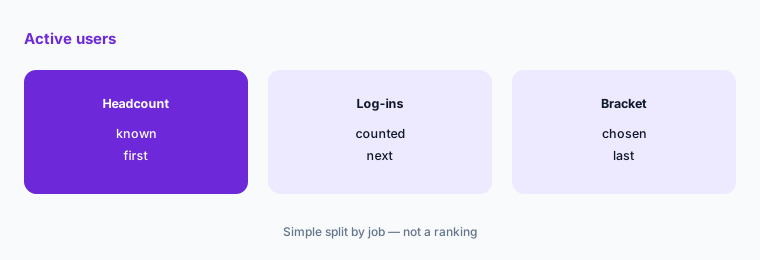
Training log-ins spike around onboarding waves and compliance deadlines. Size the plan on your peak month, not your average.
Find your peak month:
Before you pick a plan, pull last quarter’s numbers: how many different people logged in to training each month, and the highest month. TalentLMS prices by unique monthly log-ins, so that peak month, not your headcount, sets the bracket.
2. Free: 5 users, 10 courses
What it is: The Free plan covers up to 5 users and up to 10 courses, has no time limit, needs no credit card, and has a 100MB upload limit per file (TalentLMS pricing).
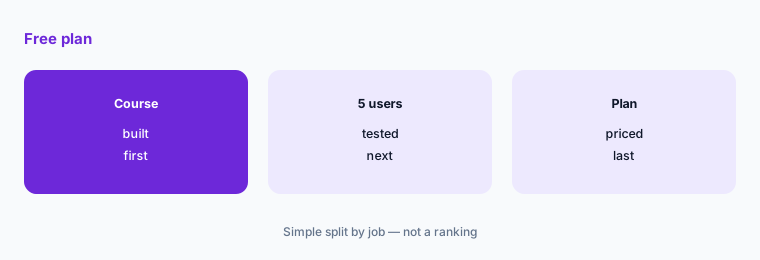
Free is enough to build two or three real courses and test them with a small group. It is not enough to roll training out to a team.
Build one course first:
On the Free plan, build your most-used onboarding course and run it with up to 5 people. Note what you had to work around before choosing a paid plan.
3. Core and Grow brackets
What it is: Core is $119 a month billed yearly for 1-40 users ($149 monthly), $159 for 41-70 ($219 monthly), and $219 for 71-100 ($279 monthly), with 1 branch. Grow is $229 billed yearly for 1-70 users ($299 monthly), rising to $369 for 401-500 ($489 monthly), with 3 branches (TalentLMS pricing).
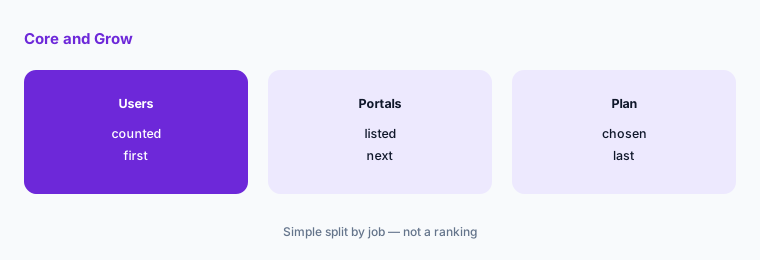
Core stops at 100 users and one portal. If you train customers or partners in a separate portal, you need Grow or above.
Count your portals:
List every audience you train (staff, customers, partners) and whether each needs its own portal. If you need more than one, start pricing at Grow.
4. Pro and Enterprise
What it is: Pro is $449 a month billed yearly for 1-100 users plus $6 per additional user ($579 monthly), rising to $779 for 801-1,000 users ($969 monthly), with 15 branches and 15,000 TalentCraft AI credits a month. Enterprise starts at 1,000 users and is quoted by sales (TalentLMS pricing).
Pro is for larger programs with many portals. Above 1,000 active users, you are in a quote conversation either way.
Price the top bracket:
Find your bracket on the Pro plan for yearly and monthly billing. If you are near 1,000 active users, ask for an Enterprise quote at the same number and compare.
5. AI course credits by plan
What it is: Core includes TalentCraft with 5,000 AI credits one time; Grow includes TalentCraft premium with 10,000 credits a month; Pro gives 15,000 credits a month. AI course translation into 40+ languages and AI Coach appear in the plan feature lists (TalentLMS pricing).
If you plan to generate or translate many courses, credits run out faster on Core because they do not refill. Estimate how many courses you will build in year one.
Estimate AI use:
Count the courses you plan to build and translate in the first year. Ask TalentLMS how many credits one course and one translation use, then compare that with each plan’s credits.
6. Yearly versus monthly billing
What it is: TalentLMS says annual pricing secures your plan for a year at a 20% discount against monthly pricing, has no setup fees, and lets you upgrade, downgrade, or cancel at any time, with the portal staying active to the end of the billing cycle (TalentLMS pricing).
Monthly billing costs more but lets you stop after a pilot. Yearly makes sense once you know your peak bracket.
Pilot monthly first:
Run your first 2-3 months on monthly billing, track the peak unique log-ins, then move to yearly billing at the bracket you actually reached.
Pricing context (November 2026)
Free: up to 5 users, up to 10 courses, no time limit (pricing page, read 9 Nov 2026).
Core (1 branch, up to 100 users): $119 / $159 / $219 a month billed yearly for 1-40 / 41-70 / 71-100 users; $149 / $219 / $279 billed monthly.
Grow (3 branches, up to 500 users): from $229 a month billed yearly for 1-70 users ($299 monthly) to $369 for 401-500 ($489 monthly). Pro (15 branches, up to 1,000 users): from $449 billed yearly for 1-100 users plus $6 per additional user ($579 monthly) to $779 for 801-1,000 ($969 monthly).
Enterprise: starts at 1,000 users, quoted by sales. Prices in USD; annual billing is 20% off monthly; no setup fees.
Uncertainty: Prices are as shown on the TalentLMS pricing page and in its per-bracket price data on 9 November 2026. The page also mentions a Pro-related option it calls ProFlex with 25,000 credits a month but shows no price for it in the text we read, so ask sales. Plans and brackets can change, so check the live page and get your bracket in writing.
When it’s useful (honest take)
Useful when you want published prices you can size yourself, fewer than about 1,000 active learners a month, and a simple way to test on a free plan first. Pricing by monthly log-ins suits teams whose training comes in waves.
Less useful if you need a large enterprise LMS with complex compliance reporting; compare with Docebo pricing or the Cornerstone review for that.
Paying for TalentLMS pricing and a few other AI tools? The $9 AI toolkit spreadsheet lists every AI subscription you have, what each one costs, and how fast it pays for itself, so you can see which ones are worth the money.
Want someone to do it for you? AI toolkit audit — $19
Related options (educational)
| Need | Better home | Why |
|---|---|---|
| TalentLMS day to day | TalentLMS review | See that review |
| TalentLMS against an onboarding tool | Trainual vs TalentLMS | See that page |
| Enterprise LMS pricing | Docebo pricing | See that page |
| Mid-market LMS | Absorb LMS review | See that review for current plans |
FAQ
Is TalentLMS free?
Yes, for small use. The Free plan covers up to 5 users and 10 courses with no time limit and no credit card.
How much does TalentLMS cost?
On 9 November 2026, Core started at $119 a month billed yearly for 1-40 users ($149 monthly), Grow at $229 for 1-70 users ($299 monthly), and Pro at $449 for 1-100 users plus $6 per extra user ($579 monthly). Enterprise starts at 1,000 users and is quoted.
How does TalentLMS count users?
By the number of unique users who log in to your portal each month. Users above your plan’s limit are charged at the plan’s per-user rate.
Does TalentLMS charge setup fees?
No. The pricing page says there are no setup fees, and annual billing is 20% cheaper than monthly.
Which TalentLMS plan do I need for customer training?
If customers need their own portal separate from staff, you need more than one branch. Core has 1 branch, Grow has 3, and Pro has 15.
Optional next step (if seats overlap)
If you pay for an LMS, a separate onboarding tool, and a course library, list where they overlap before adding TalentLMS. Map the overlap with the $19 AI toolkit audit or the $9 AI toolkit spreadsheet. Email Audit $19 or Toolkit spreadsheet $9.
Checkout is live via Stripe. After you pay, we email delivery (spreadsheet) or intake next steps (audit).