Tool · Ops & automation · Notta · Nov 2026
Notta review (Nov 2026): AI meeting transcription with a bot or bot-free recorder — Free 120 minutes, Pro $8.17 and Business $16.67 a month billed annually, Enterprise from 51 seats, plus translation add-ons
Notta records and transcribes meetings either through a bot that joins the call or a bot-free recorder on your computer, then writes AI notes. Plans run from Free (120 minutes a month, 3 minutes per conversation) to Pro at $8.17 and Business at $16.67 a month billed annually, with Enterprise from 51 seats. Count your monthly meeting minutes before picking a plan.
What this Notta page covers
This page is for consultants, sales and customer-success teams, and ops managers who want meeting transcripts and notes without typing them. It covers how Notta records, what each plan includes, the add-ons, and what to test first.
Facts come from the Notta pricing page, read on 9 November 2026, including the plan cards, the comparison table, the add-ons, and the FAQ.
Notta helps when someone reads the notes and acts on them. It does not fix meetings that end without a decision or an owner.
Ground rules: tell people when a meeting is recorded; one owner decides which calls get recorded and who can see the transcripts. See the Meeting-notes seats guide if you already pay for more than one note taker.
Major features (with how someone uses them)
Examples at a glance: each feature has a concrete example from a real job plus a short Try this you can run this week.
1. Free versus Pro: count your minutes
What it is: Free includes 1 seat, 120 transcription minutes a month, up to 3 minutes per conversation, 50 file uploads, and 10 AI summaries a month. Pro includes 1,800 minutes a month, up to 5 hours per recording, 100 uploads, and 100 AI summaries, plus export, transcript translation, and custom vocabulary (Notta pricing).
The 3-minute limit per conversation makes Free a trial, not a plan for real meetings. Pro’s 1,800 minutes is about 30 hours a month.
Count your minutes:
Before you pay, add up last month’s recorded meeting time for one person. Free covers 120 transcription minutes a month and only 3 minutes per conversation; Pro covers 1,800 minutes. If your total sits between the two, Pro is the plan to test.
2. Bot or no bot
What it is: Notta can record through a bot that joins Zoom, Microsoft Teams, Google Meet, or Webex calls, or record on your own device with a bot-free desktop recorder for Mac and Windows; it also lists on-device transcription, screen recording, a Chrome extension, and mobile apps (Notta pricing).
Some clients object to a note-taking bot joining their call. A bot-free recorder avoids that, but you still need to tell people you are recording.
Pick a recorder per meeting:
List your three most common meeting types. For each, decide bot or bot-free recorder, and write the one sentence you will say at the start to tell people it is recorded.
3. Business for teams
What it is: Business is $16.67 a month billed annually ($199.99 a year) and adds unlimited transcription, 200 uploads and 200 AI summaries a month, meeting video recording, advanced data security controls, a usage report, and CRM and Zapier connections; members of a team workspace can view and work on each other’s content (Notta pricing).
A shared workspace is the main reason to move a team to Business. Decide who can see which transcripts before you invite anyone.
Set access first:
Before inviting a team, decide which folders hold sensitive calls and who can open them. Write that down and set it up on day one.
4. Translation and bilingual meetings
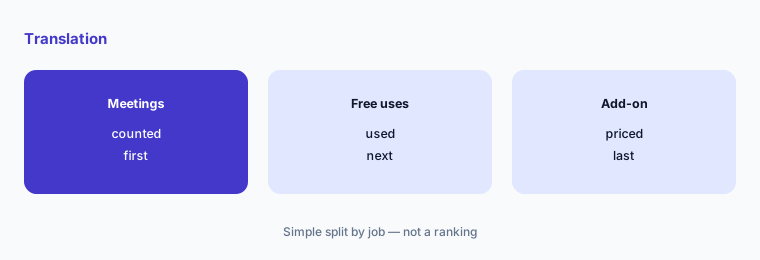
What it is: Notta lists real-time and bilingual transcription and translation. Every plan includes up to 4 bilingual uses and 2 real-time translations a month; add-ons cost $6 a month billed annually for monolingual translation ($10 monthly) and $9 for bilingual transcription and translation ($15 monthly) (Notta pricing).
If you run meetings in two languages every week, the free uses run out quickly. Price the add-on before you count on it.
Check your translation needs:
Count how many meetings a month need translation or two languages. If it is more than the free uses, add the add-on’s cost to the plan price.
5. Security and enterprise controls
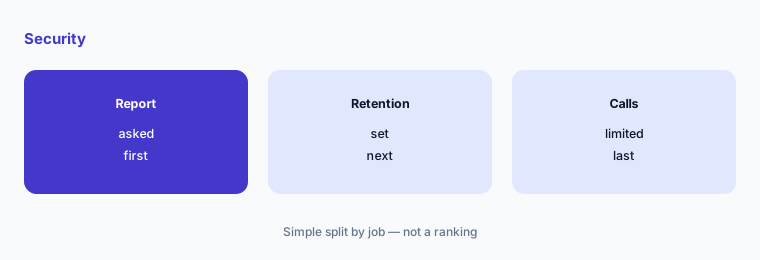
What it is: Notta says it is SOC 2 Type II and ISO 27001 certified and hosts data on AWS. Enterprise starts from 51 seats and adds SAML SSO, full data access control, audit logs, flexible payments, and priority support (Notta pricing).
Meeting transcripts often hold client and staff details. Check where they are stored and how long they are kept before recording sensitive calls.
Ask three security questions:
Ask Notta for its SOC 2 report, how long recordings and transcripts are kept, and whether you can auto-delete them. Decide which call types are never recorded.
6. One owner and the plan rules
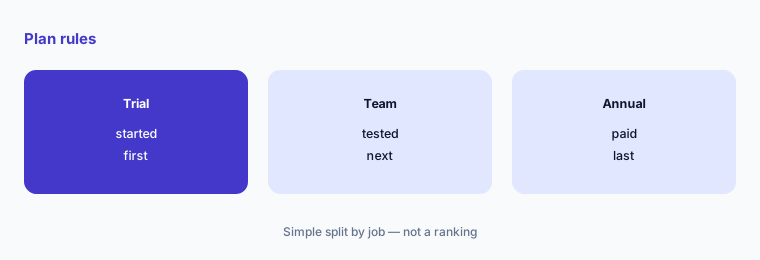
What it is: Notta’s FAQ says moving from Pro to Business, or from annual to monthly billing, means cancelling and subscribing again, with the new plan starting from the next billing period; it also offers a 7-day Business trial and 50% off for education (Notta pricing).
Because plan changes wait for the next billing period, choose the right plan before paying for a year. Use the Business trial to test team features first.
Use the trial first:
Start the 7-day Business trial with two or three people. At the end, decide whether you need the shared workspace before paying for a year of Pro or Business.
Pricing context (November 2026)
Free (pricing page, read 9 Nov 2026): 1 seat, 120 transcription minutes a month, up to 3 minutes per conversation, 10 AI summaries a month.
Pro: $8.17 a month billed annually ($97.99 a year); 1,800 minutes a month, up to 5 hours per recording. Business: $16.67 a month billed annually ($199.99 a year); unlimited transcription. The page shows annual billing at 40% off.
Enterprise: custom, from 51 seats. Add-ons: monolingual translation $6 a month billed annually ($10 monthly), bilingual transcription and translation $9 ($15 monthly), Notta Brain Pro $93.59 a year for 8,000 AI credits a month.
Other meeting-notes pages on this site: Otter review, Fathom review, Fireflies review, and Meeting-notes seats guide.
Uncertainty: Prices are as displayed on 9 November 2026 in US dollars for annual billing; the monthly-billing price for Pro and Business was not in the page text we read, so check it on the live page. The Business card has a seat selector, so confirm whether the price is per seat. Features and limits can change; check the live page before buying.
When it’s useful (honest take)
Useful when you need low-cost transcription for one person, bilingual meetings, or the option to record without a bot joining the call. Pro’s annual price is low enough to test for a year without a big decision.
Less useful if your team already pays for another note taker; compare with the Fathom review or Otter review and drop one rather than paying for two.
Paying for Notta and a few other AI tools? The $9 AI toolkit spreadsheet lists every AI subscription you have, what each one costs, and how fast it pays for itself, so you can see which ones are worth the money.
Want someone to do it for you? AI toolkit audit — $19
Related options (educational)
| Need | Better home | Why |
|---|---|---|
| Long-running transcription app | Otter review | See that review |
| Free-first meeting notes | Fathom review | See that review |
| Bot-based note taker with CRM sync | Fireflies review | See that review |
| Paying for two note takers? | Meeting-notes seats guide | See that guide |
FAQ
Is Notta free?
Notta has a free plan with 120 transcription minutes a month, but each conversation is limited to 3 minutes, so it is best used as a trial.
How much does Notta cost?
On 9 November 2026 Pro was $8.17 a month billed annually ($97.99 a year) and Business was $16.67 a month billed annually ($199.99 a year). Enterprise is custom from 51 seats.
Can Notta record without a bot joining the meeting?
Yes. Notta lists a bot-free recorder for Mac and Windows and on-device transcription, as well as a bot that joins Zoom, Teams, Google Meet, and Webex calls.
Does Notta translate meetings?
Yes. Every plan includes a few free translation uses a month, and add-ons cost $6 a month billed annually for monolingual translation and $9 for bilingual transcription and translation.
Is Notta secure?
Notta says it is SOC 2 Type II and ISO 27001 certified and hosts data on AWS. Enterprise adds SAML SSO and audit logs.
Optional next step (if seats overlap)
If your team pays for more than one note taker or a transcription add-on inside a video tool, list where they overlap before adding Notta. Map the overlap with the $19 AI toolkit audit or the $9 AI toolkit spreadsheet. Email Audit $19 or Toolkit spreadsheet $9.
Checkout is live via Stripe. After you pay, we email delivery (spreadsheet) or intake next steps (audit).