Pricing · Ops & automation · Docebo · Nov 2026
Docebo pricing (Nov 2026): no public price list — Elevate and Enterprise plans, billing by active learners (monthly, yearly, or registered), usage-based AI credits, and what to ask before you sign
Docebo does not publish prices. Its pricing page shows two plans, Elevate and Enterprise, both with a “Get Your Pricing” button. Pricing is based on active learners, not accounts, with a choice of Monthly Active User, Yearly Active User, or Registered Active User models, and AI features draw on usage-based AI credits. Know your active-learner numbers before the first call, because they drive the quote.
What this Docebo pricing page covers
This page is for L&D, HR, and customer-education leads pricing Docebo as their learning platform. It explains how Docebo builds a quote, what each plan includes, which items cost extra, and what to ask before you sign.
Facts come from the Docebo pricing page, read on 9 November 2026. The page lists plans, features, add-ons, and an FAQ, but no dollar amounts, so this page has none either. Treat any price you see quoted elsewhere as unverified until Docebo puts it in writing.
The bill depends on three things you can measure before talking to sales: how many learners are active, which billing model suits how often they log in, and how much AI usage you expect. Integrations and add-ons come next.
Ground rules: one owner for the contract and renewal date; usage limits and AI credit caps get set by an admin before rollout. See the Docebo review for what the platform does.
Major features (with how someone uses them)
Examples at a glance: each feature has a concrete example from a real job plus a short Try this you can run this week.
1. Billing by active learners
What it is: Docebo says pricing is based on active learner usage, not the number of accounts, and offers Monthly Active User, Yearly Active User, and Registered Active User models (Docebo pricing).
If many learners log in once a year for compliance training, a yearly model may cost less than a monthly one; if a smaller group learns every week, monthly may fit. Ask for both quotes.
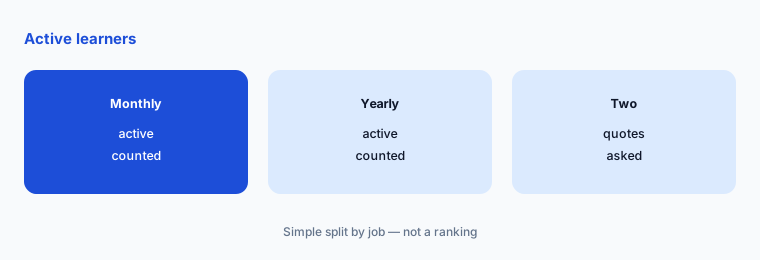
Count active learners:
Before the first sales call, write how many learners you expect to log in each month, how many are registered but rarely active, and whether any are customers or partners outside your company. Ask Docebo to quote the same audience on the Monthly Active User and Yearly Active User models so you can compare them.
2. Elevate vs Enterprise
What it is: Elevate covers multi-audience learning, white-labeled design, certification and compliance tracking, AI-powered content creation, instant translations, an AI assistant, reporting, and up to 4 included integrations. Enterprise adds advanced analytics, up to 6 integrations, extended enterprise (up to 10 domains), 2 sandbox environments, a branded mobile app, API access at 100 calls a minute, a dedicated database, elite support, and a named account manager, success manager, and solution engineer (Docebo pricing).
Most of the Enterprise list is about scale and support. If you do not need a second sandbox, a dedicated database, or more than 4 integrations, start the conversation with Elevate.
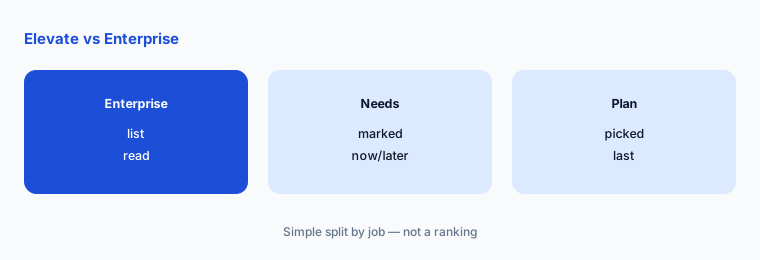
Check the Enterprise extras:
Go through the Enterprise list (advanced analytics, 6 integrations, 10 domains, 2 sandboxes, branded app, dedicated database, elite support). Mark each as needed now, later, or never, and ask for Elevate if nothing is needed now.
3. AI credits
What it is: Docebo says usage-based AI features such as the AI Assistant, Docebo Agents, and AI Video Presenter draw on AI credits, offered as a shared AI Credit Pool or a Per-Seat option; core AI experiences, including the AI assistant, stay included, and admins can set access, limits, and monitor use in a Usage Dashboard (Docebo pricing).
Credits are a second meter on top of learners. Ask how many credits come with your plan, what one credit buys, and what happens when the pool runs out.
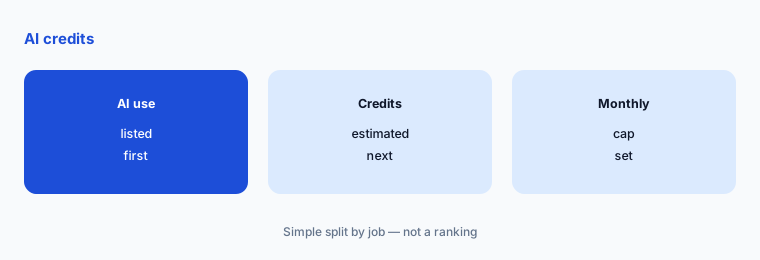
Estimate AI credit use:
List the AI features you plan to use in year one and roughly how often. Ask Docebo to estimate the credits, choose pool or per-seat, and set a monthly limit in the Usage Dashboard on day one.
4. Paid add-ons
What it is: The pricing page lists paid add-ons including Advanced Analytics (on Elevate), Docebo Roleplay, extra AI credits, extra connected data for Docebo Knowledge (50GB is included for all customers), a branded mobile app, extended enterprise, a firewall solution, third-party content from 150+ publishers, communities, gamified and immersive learning, e-commerce, hands-on labs, and Microsoft Teams and Salesforce apps (Docebo pricing).
Add-ons are where a quote grows after the demo. Decide which ones you need before the call, not during it.
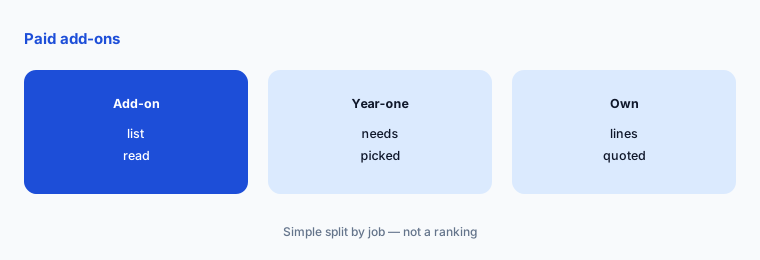
Pick add-ons in advance:
Read the add-on list and pick only the ones your year-one plan depends on. Ask for each as its own line in the quote so you can drop one later without renegotiating everything.
5. Contract, overage, and growth
What it is: Docebo says commercial terms, term lengths, billing cadence, renewal, and any price protection are set in your agreement; extra users beyond your plan are handled per the agreement; and you can start smaller and add users, modules, or integrations later. Proofs of concept depend on your use case (Docebo pricing).
The overage rule and the renewal terms matter as much as the first-year price. Get both in writing.
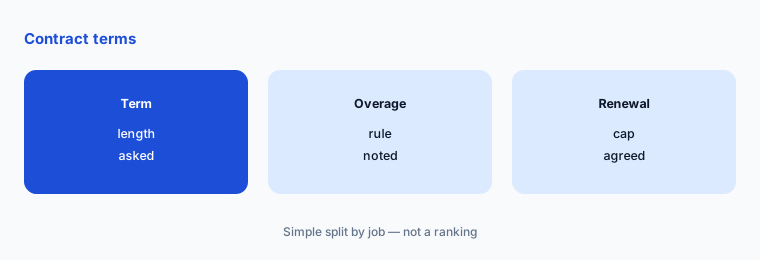
Ask four contract questions:
Ask in writing: the term length, the overage rule if active learners exceed plan, any cap on the renewal increase, and whether a proof of concept is available before signing.
6. One owner for the contract
What it is: Docebo bills on active learners and AI usage, so the bill moves with how your platform is used (Docebo pricing).
An unwatched learner count or AI credit pool grows quietly, and a renewal date missed by a month can lock in another term. A named owner matters more than the plan name.
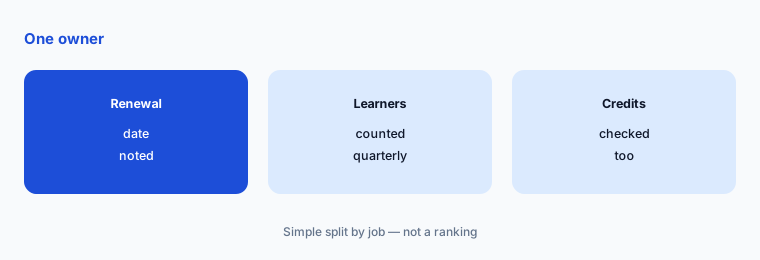
Set a renewal check:
Write the renewal date and notice period in your calendar 90 days early. Each quarter, record active learners and AI credits used, and compare them with what the contract assumes.
Pricing context (November 2026)
Elevate and Enterprise: price on request through sales; the pricing page (read 9 Nov 2026) shows no dollar amounts.
Billing unit: active learners, with Monthly Active User, Yearly Active User, or Registered Active User models. Administrators and instructors are accounted for when choosing the model.
AI credits: usage-based features draw on a shared credit pool or a per-seat option; core AI features including the AI assistant stay included. 50GB of connected data for Docebo Knowledge is included for all customers.
Integrations: up to 4 included on Elevate and up to 6 on Enterprise; Docebo lists 400+ integrations, and some needs may require an add-on or professional services.
Uncertainty: Docebo publishes no prices, so this page gives none. Anything you read elsewhere about Docebo’s cost per user is not confirmed by the vendor page we read on 9 November 2026. Plan contents and add-ons can change; check the live page and get every number in writing.
When it’s useful (honest take)
Useful when you know your active-learner numbers, have one or two audiences to train, and want to compare billing models before the first call. Asking for two quotes on the same audience is the simplest way to see the difference.
Less useful if you need a price today without talking to sales, or if a small team only needs a handful of courses; a tool with public prices may be quicker to evaluate.
Paying for Docebo pricing and a few other AI tools? The $9 AI toolkit spreadsheet lists every AI subscription you have, what each one costs, and how fast it pays for itself, so you can see which ones are worth the money.
Want someone to do it for you? AI toolkit audit — $19
Related options (educational)
| Need | Better home | Why |
|---|---|---|
| What Docebo does | Docebo review | See that review |
| Docebo against one rival | Docebo vs 360Learning | See that page |
| Learning platform for growing teams | TalentLMS review | See that review for current plans |
| Enterprise learning suite | Cornerstone review | See that review for current plans |
FAQ
How much does Docebo cost?
Docebo does not publish prices. On 9 November 2026 its pricing page showed Elevate and Enterprise plans with a “Get Your Pricing” button and no dollar amounts, so you need a quote.
How does Docebo charge for users?
By active learners, not accounts. Docebo offers Monthly Active User, Yearly Active User, and Registered Active User models.
What is the difference between Docebo Elevate and Enterprise?
Enterprise adds advanced analytics, up to 6 integrations instead of 4, extended enterprise for up to 10 domains, 2 sandboxes, a branded mobile app, faster API access, a dedicated database, elite support, and named account, success, and solution contacts.
Do Docebo AI features cost extra?
Core AI experiences, including the AI assistant, are included. Usage-based features such as Docebo Agents and AI Video Presenter draw on AI credits, offered as a shared pool or per seat.
Who should own the Docebo contract?
One named person who tracks the renewal date, the notice period, active learners, and AI credits used, and checks them each quarter.
Optional next step (if seats overlap)
If you already pay for an LMS, a content library, or a separate AI course tool, list what Docebo would replace before you ask for a quote. Map the overlap with the $19 AI toolkit audit or the $9 AI toolkit spreadsheet. Email Audit $19 or Toolkit spreadsheet $9.
Checkout is live via Stripe. After you pay, we email delivery (spreadsheet) or intake next steps (audit).