Alternatives · Ops & automation · Nov 2026
UserTesting alternatives (Nov 2026): Lyssna free or Growth $166 a month, Userlytics from $699 a month or pay per session, and Maze, against UserTesting’s quote-only plans — how each charges for studies, seats, and participants
UserTesting lists no public prices: every edition is request pricing, sold either per test used or as a team-based unlimited plan. Lyssna has a free plan and Growth at $166 a month, and Userlytics lists Premium at $699 a month paid annually or pay-per-session testing. Count your studies, viewers, and recruiting method first, then price two of them. This page is not a ranking.
What this guide covers
This page is for product managers, designers, researchers, and ops or finance leads who pay for UserTesting, were quoted for it, or are deciding whether a smaller research tool would do. One named person owns the research budget and the participant panel settings on whichever tool you pick.
Facts come from vendor pages read on 9 November 2026: UserTesting plans, Lyssna pricing, Userlytics pricing, and Maze pricing. Maze’s page lists features by plan, but no prices appeared in the page text we read, so we give no Maze prices here.
Teams usually look past UserTesting for one of three reasons: the quote is large for the number of studies they run, they recruit their own participants and do not need a big panel, or only a few people ever watch the sessions. Each alternative answers a different one.
Ground rules: one owner for the research budget; no study moves until a pilot study runs cleanly on the new tool. This page is not a ranking. See the UserTesting review for what UserTesting includes, Maze vs UserTesting for that pair head to head, and the Dovetail review if your real need is storing and tagging research you already have.
| Tool | Public price | How you pay |
|---|---|---|
| UserTesting | Request pricing for every edition (Advanced, Ultimate, Ultimate+) | Test-based (pay per test used, unlimited users) or Team-based Unlimited (unlimited tests within an agreed scope) |
| Lyssna | Free; Growth $166 a month; Enterprise by quote | Plan by seats and studies; panel responses priced separately on every plan |
| Userlytics | Premium $699 a month paid annually; Advanced $999 a month; Enterprise custom | Subscription, or pay per participant session with no subscription (5-session minimum) |
| Maze | No prices in the page text we read | Free to try; many features listed as Enterprise only |
Major features (with how someone uses them)
Examples at a glance: each feature has a concrete example from a real job plus a short Try this you can run this week.
1. Start with your real research volume
What it is: UserTesting sells each edition (Advanced, Ultimate, Ultimate+) as request pricing, on either a Test-based Consumption plan that charges for tests used across the team or a Team-based Unlimited plan with unlimited tests inside an agreed scope (UserTesting plans).
Because there is no list price, your usage is the only fair basis for comparison. A team running two studies a quarter is in a very different place from one running two a week.
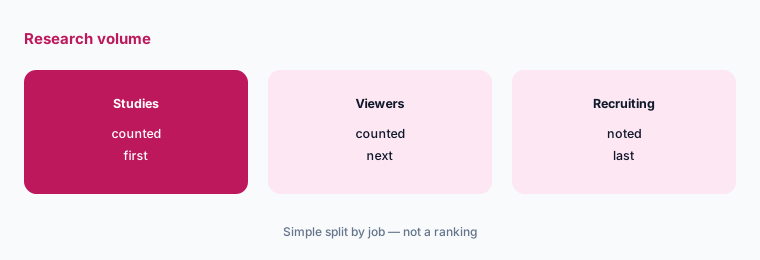
Count your research:
Write down how many studies your team ran in the last 6 months, how many people saw each one, and whether you recruited participants yourself or used a panel. Price two alternatives against those three numbers before you ask UserTesting for a renewal quote.
2. Seats against unlimited users
What it is: UserTesting says its plans have unlimited users with no per-seat charges (UserTesting plans). Lyssna’s Free plan includes 3 seats and Growth includes 5, with unlimited seats on Enterprise (Lyssna pricing). Userlytics lists seat counts by plan (Userlytics pricing).
Unlimited users matters when dozens of people watch sessions. If only three people ever build and review studies, a seat-based plan can cost much less.
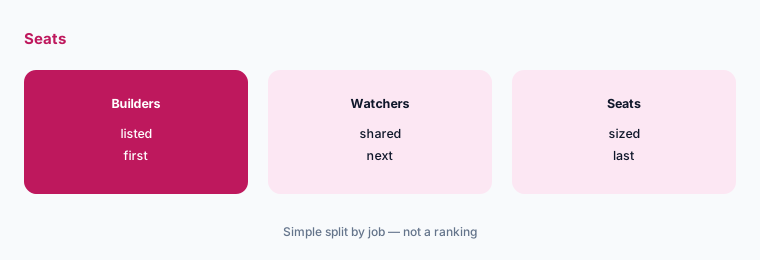
Count who builds studies:
Pull last year’s list of people who created or edited a study. Everyone else can usually watch shared clips or reports, so size seats to the builders only.
3. Who pays for participants
What it is: Lyssna prices responses from its participant panel separately on every plan, and Growth includes unlimited self-recruited test and survey responses (Lyssna pricing). Userlytics offers pay-per-session testing with no subscription and a 5-session minimum (Userlytics pricing). Maze lists a panel of over 5 million participants, with limits by plan (Maze pricing).
If you recruit your own customers, panel pricing barely matters. If you need strangers who match a profile, panel cost can be larger than the platform fee.
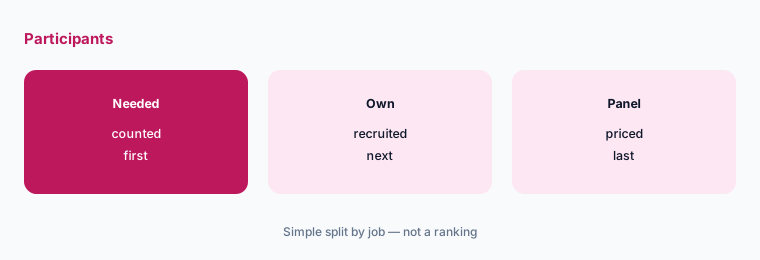
Split your recruiting:
For your next three studies, write how many participants come from your own customers and how many you need from a paid panel. Price only the panel share at each vendor.
4. Match the study types you run
What it is: UserTesting’s editions include unmoderated tests, surveys, think-out-loud tests, moderated live conversations, click maps, and, on Ultimate, card sorting and tree testing (UserTesting plans). Lyssna Growth adds think-aloud recordings, live website testing, mobile testing, and AI summaries (Lyssna pricing).
Most teams use two or three methods over and over. Pay for the tool that does those well, not for the longest feature list.
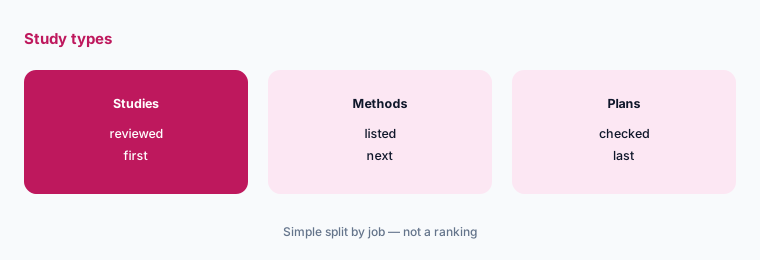
List your three methods:
Look at your last 10 studies and write the three methods you used most. Cross out any tool or plan that does not include all three.
5. Security and data rules
What it is: UserTesting lists SOC 2, ISO 27001, GDPR, and HIPAA support (UserTesting plans). Lyssna’s Enterprise plan adds single sign-on and a SOC 2 report (Lyssna pricing). Maze says it is SOC 2 Type II certified (Maze pricing).
Session videos can show customer faces, screens, and account details. Check where recordings live and how long they are kept before you test with real customers.
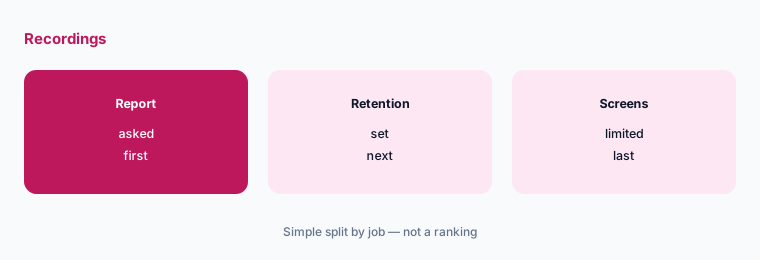
Ask about recordings:
Ask each vendor where session recordings are stored, how long they are kept, and whether you can delete them on a schedule. Write the answers next to the price.
6. One owner and a pilot study
What it is: Each of these tools runs studies from the screener, tasks, and questions you set up (Lyssna pricing; UserTesting plans).
A rushed move can lose templates, screeners, and past clips that people still reference. A pilot study shows whether the new tool fits before the old contract ends.
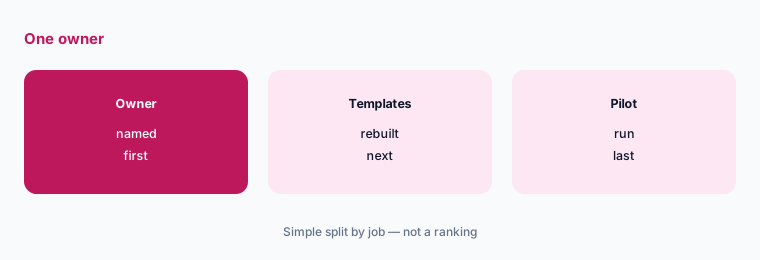
Run one pilot study:
Name one owner. Rebuild your two most-used study templates in the new tool, run one real study with 5 participants, and decide before your current renewal notice date.
Pricing context (November 2026)
UserTesting (plans page, read 9 Nov 2026): Advanced, Ultimate, and Ultimate+ editions, all request pricing; Test-based Consumption or Team-based Unlimited plans; unlimited users with no per-seat charges.
Lyssna (pricing page): Free ($0, 3 seats, 15 self-recruited responses); Growth $166 USD a month (5 seats, 5 in-depth studies a month); Enterprise by quote; panel responses priced separately on all plans.
Userlytics (pricing page): Premium $699 a month paid annually, Advanced $999 a month, Enterprise custom; or pay per participant session with no subscription (5-session minimum). Maze (pricing page): no prices in the page text we read.
Other research pages on this site: UserTesting review, Maze vs UserTesting, Maze review, and Dovetail review.
Uncertainty: Prices are as displayed on 9 November 2026 in US dollars. Lyssna’s page has an annual and a monthly billing toggle, and the text we read did not make clear which one the $166 reflects, so confirm the billing basis. UserTesting and Maze prices come only from a sales quote. Panel and per-session costs change with participant profile.
When it’s useful (honest take)
Look at Lyssna when a small team builds the studies and you want a public price, at Userlytics when you want either a set annual platform fee or pay-per-session testing, and at Maze when prototype testing is the main job. Stay on UserTesting when many teams watch sessions and the unlimited-user plan is the point.
None of them fixes research nobody acts on. Keep one owner and run a pilot study before you switch.
Still choosing between UserTesting and another research tool? The $19 AI toolkit audit gives you a written plan for which tools to keep using and which to drop across your whole AI stack, including this pair.
Prefer to do it yourself? Spreadsheet — $9
Related options (educational)
| Need | Better home | Why |
|---|---|---|
| UserTesting on its own | UserTesting review | See that page |
| Maze and UserTesting side by side | Maze vs UserTesting | See that page |
| Prototype-first testing | Maze review | See that review |
| Storing and tagging research | Dovetail review | See that review |
FAQ
What is a cheaper alternative to UserTesting?
It depends on how much research you run. On 9 November 2026 Lyssna had a free plan and Growth at $166 a month, and Userlytics listed Premium at $699 a month paid annually or pay-per-session testing. UserTesting does not publish prices. This page is not a ranking.
How much does UserTesting cost?
UserTesting does not list prices. Every edition (Advanced, Ultimate, Ultimate+) is request pricing, sold per test used or as a team-based unlimited plan.
Is there a free UserTesting alternative?
Lyssna’s Free plan includes 3 seats, unlimited quick studies, and 15 self-recruited responses. Maze also lets you try it for free.
Do UserTesting alternatives include participants?
Not always. Lyssna prices panel responses separately on every plan, and Userlytics sells participant sessions on their own. If you recruit your own customers, you may not need a panel.
How do I switch away from UserTesting safely?
Check your renewal notice date, name one owner, export the clips people still use, rebuild your main study templates, and run one pilot study on the new tool first.
Optional next step (if seats overlap)
If you pay for a research platform, a separate survey tool, and a video tool for interviews, list where they overlap before you switch. Map the overlap with the $19 AI toolkit audit or the $9 AI toolkit spreadsheet. Email Audit $19 or Toolkit spreadsheet $9.
Checkout is live via Stripe. After you pay, we email delivery (spreadsheet) or intake next steps (audit).