Pricing · Ops & automation · Fathom · Nov 2026
Fathom pricing (Nov 2026): Free with unlimited recordings, Premium $16, Team $15, Business $25 per user a month billed annually ($20, $19, $34 monthly), Enterprise $35 annual only — what each plan adds and how to pick
Fathom’s Free plan keeps unlimited recordings and transcription. Paid plans are per user: Premium $16, Team $15, and Business $25 a month billed annually ($20, $19, and $34 billed monthly), with a 2-user minimum on Team and Business, and Enterprise at $35, annual only. Split your people into solo users and team users before you pick a plan.
What this Fathom pricing page covers
This page is for founders, sales and customer-success leads, and ops or finance managers deciding which Fathom plan to buy, or whether Free is enough. It covers each plan, the billing rules, the discount programs, and what to check before paying.
Facts come from the Fathom pricing page, read on 9 November 2026, including the plan cards with the monthly and annual toggle, the feature comparison table, and the program offers.
Fathom’s pricing is unusual because the Free plan does not cap recordings. Most of the paid value is in shared team features, CRM updates, and admin controls, not in more minutes.
Ground rules: tell people when a meeting is recorded; one owner decides who gets a paid seat and which calls are shared. See the Fathom review for how Fathom works and the Meeting-notes seats guide if you already pay for more than one note taker.
Major features (with how someone uses them)
Examples at a glance: each feature has a concrete example from a real job plus a short Try this you can run this week.
1. Solo users or team users
What it is: Fathom shows Free and Premium for individuals, and Team, Business, and Enterprise for teams. Team and Business have a 2-user minimum (Fathom pricing).
Many people only need their own notes, so not everyone needs a team seat. Paying team prices for solo users is the most common overspend.
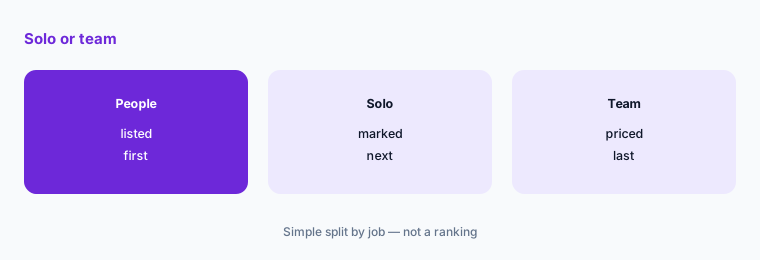
Split your users:
List everyone who would get a Fathom seat and mark who only needs their own notes (Free or Premium) and who needs a shared team workspace (Team or Business). Price the team group at the 2-user minimum and annual rate, then compare with what you pay for note takers today.
2. What Free already covers
What it is: Free includes unlimited recordings and transcription, a choice of bot capture or bot-free capture (in beta on Mac), instant AI call summaries, clips, playlists, and search across your calls (Fathom pricing).
Because Free has no recording cap, start there and upgrade only when you hit a feature you need, such as AI action items or a shared workspace.
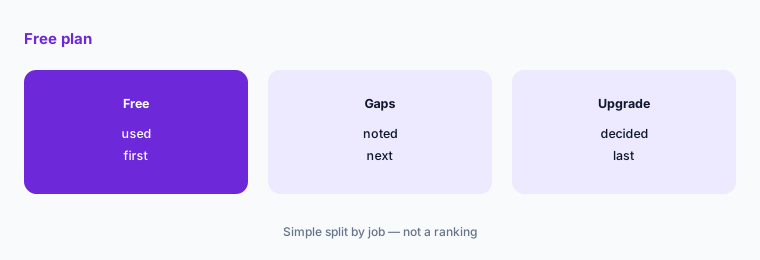
Try Free for a month:
Use Free for a month on real calls. Write down each time you wanted a feature it lacked. Upgrade only if that list is longer than one item.
3. Premium and Team
What it is: Premium is $16 per user a month billed annually or $20 monthly and adds advanced call summaries, AI action items, a conversational meeting assistant, and a custom meeting bot. Team is $15 annually or $19 monthly per user and adds a shared workspace with folders, comments, mentions, and playlists, search across team calls, and team security controls with HIPAA compliance under a standard BAA (Fathom pricing).
Team costs slightly less per user than Premium on the page, but needs at least 2 users. If two or more people share calls, Team is usually the plan to price first.
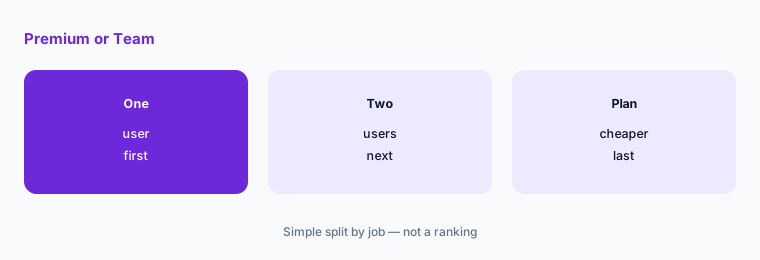
Compare Premium and Team:
If two or more people need paid features, price them on Team at the 2-user minimum. Compare that total with the same people on Premium.
4. Business and Enterprise
What it is: Business is $25 per user a month billed annually or $34 monthly and adds CRM field sync, a deal view of every call on a deal, coaching metrics, and custom summaries for your organization. Enterprise is $35 per user a month, annual only, and adds hands-on setup, SSO and SCIM provisioning, custom data retention, eligibility for a custom BAA, and a dedicated success manager (Fathom pricing).
Business is for sales teams that want the CRM updated after each call. Enterprise is mostly about security and admin control.
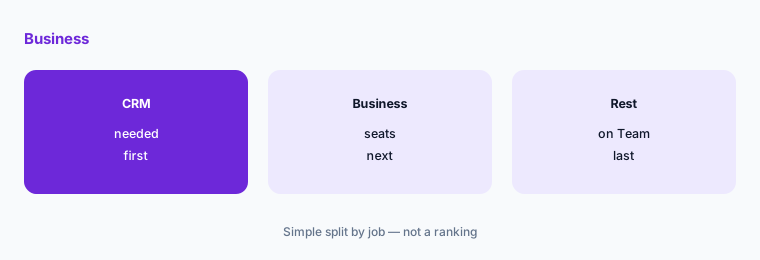
Price CRM sync separately:
List the people whose calls must update CRM fields. Price only them on Business, and everyone else who shares calls on Team.
5. Billing and guarantees
What it is: The page shows a monthly and an annual toggle, with annual described as saving 25% or more. Every plan card shows a 90-day guarantee (Fathom pricing).
Annual billing is cheaper but locks in the seat count. A monthly start lets you confirm who uses it before committing.
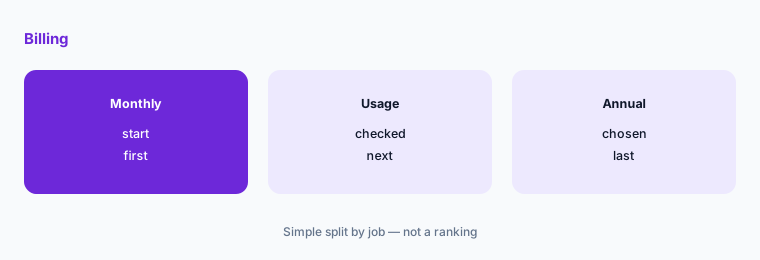
Start monthly, then commit:
Pay monthly for the first two months. Check how many seats recorded at least four calls a month, and move only those seats to annual billing.
6. Programs that lower the price
What it is: Fathom lists 10 free seats for nonprofits, up to 2 years of Fathom Team free for startups backed by select investors and accelerators, and Fathom Business free through your current contract, plus data migration, for teams switching from Gong or a similar tool (Fathom pricing).
These programs can matter more than the list price. Check eligibility before you pay anything.
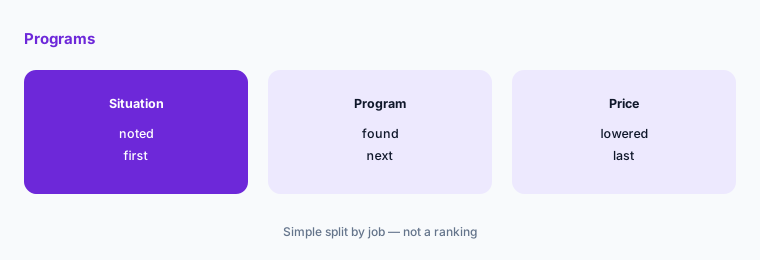
Check the programs:
Before paying, check whether you are a nonprofit, a startup backed by a listed investor, or under contract with another call recorder. Apply for the matching program first.
Pricing context (November 2026)
Free (pricing page, read 9 Nov 2026): unlimited recordings and transcription, instant AI call summaries, clips, playlists, and search.
Premium: $16 per user a month billed annually ($20 monthly). Team: $15 annually ($19 monthly), 2-user minimum. Business: $25 annually ($34 monthly), 2-user minimum.
Enterprise: $35 per user a month, annual only. Every plan card shows a 90-day guarantee. Programs: 10 free seats for nonprofits; up to 2 years of Team free for eligible startups; Business free through a current Gong-type contract for switchers.
Other meeting-notes pages on this site: Fathom review, Fireflies vs Fathom, Notta review, and Meeting-notes seats guide.
Uncertainty: Prices are as displayed on 9 November 2026 in US dollars. The page text shows each paid price twice for the monthly and annual toggle; we read the lower figure as the annual rate, so confirm on the live page. The comparison table shows some limits (for example on CRM sync users per domain) that vary by plan; check the plan you pick.
When it’s useful (honest take)
Useful when you want unlimited recordings at no cost, or a low per-user team plan with shared notes, CRM updates, or HIPAA terms. Programs for nonprofits, startups, and switchers can bring the price to zero.
Less useful if your team already pays for another note taker; compare with the Notta review or see Fireflies vs Fathom and drop one rather than paying for two.
Paying for Fathom pricing and a few other AI tools? The $9 AI toolkit spreadsheet lists every AI subscription you have, what each one costs, and how fast it pays for itself, so you can see which ones are worth the money.
Want someone to do it for you? AI toolkit audit — $19
Related options (educational)
| Need | Better home | Why |
|---|---|---|
| How Fathom works | Fathom review | See that review |
| Fathom against Fireflies | Fireflies vs Fathom | See that page |
| Low-cost transcription with a bot-free recorder | Notta review | See that review |
| Paying for two note takers? | Meeting-notes seats guide | See that guide |
FAQ
Is Fathom free?
Yes. Fathom’s Free plan includes unlimited recordings and transcription, instant AI summaries, clips, and search, with no recording cap shown on the pricing page on 9 November 2026.
How much does Fathom cost?
On 9 November 2026 Premium was $16, Team $15, and Business $25 per user a month billed annually ($20, $19, and $34 monthly). Enterprise was $35 per user a month, annual only.
Do Fathom Team and Business have a minimum?
Yes. Team and Business each have a 2-user minimum on the pricing page.
Which Fathom plan syncs with my CRM?
Business adds CRM field sync and a deal view. Lower plans list CRM syncs with limits shown in the comparison table, so check the plan you pick.
Does Fathom offer discounts?
Fathom lists 10 free seats for nonprofits, up to 2 years of Team free for eligible startups, and Business free through your current contract if you switch from Gong or a similar tool.
Optional next step (if seats overlap)
If your team pays for Fathom, another note taker, and a video tool’s AI add-on, list where they overlap before adding seats. Map the overlap with the $19 AI toolkit audit or the $9 AI toolkit spreadsheet. Email Audit $19 or Toolkit spreadsheet $9.
Checkout is live via Stripe. After you pay, we email delivery (spreadsheet) or intake next steps (audit).