Compare · Meetings & notes · Nov 2026
Fireflies vs Fathom (Nov 2026): free plans, Pro $10 vs Premium $16 billed annually, team minimums, storage, CRM sync, and who owns the notes
Fireflies and Fathom both join your calls, record them, and write summaries, and both have a free plan. The prices are close: Fireflies Pro is $10 per seat a month billed annually ($18 monthly), and Fathom Team is $15 per user billed annually ($19 monthly) with a 2-user minimum. The differences that matter are storage on the free plan, recording length, and how notes reach your CRM. Count who records meetings and where the notes need to go first, and name one person who owns the recordings.
What this comparison covers
This page is for a founder, sales lead, office manager, or team lead choosing one AI note taker for calls on Zoom, Google Meet, or Microsoft Teams. A named person owns the recordings and decides who can see them.
Facts come from the Fireflies pricing page and the Fathom pricing page, both read on 4 November 2026. We did not record your meetings, so test both on your own calls.
The useful split is by team size and where notes go after the call. Both tools record and summarize; storage limits, minimum seats, and CRM sync change the real cost.
Ground rules: everyone on a call knows it is recorded; recordings with client or health details stay on a plan with the security terms you need; one person owns who can see shared meetings. This page is not a ranking.
| Plan level | Fireflies | Fathom |
|---|---|---|
| Free | $0: unlimited transcription, limited AI summaries, 400 minutes of storage per team | $0: unlimited recordings and transcription, instant AI summaries |
| Entry paid | Pro $18 monthly or $10 billed annually, 8,000 minutes of storage per seat | Premium $20 monthly or $16 billed annually, one user |
| Team | Business $29 monthly or $19 billed annually, unlimited storage | Team $19 monthly or $15 billed annually, 2-user minimum |
| Sales and CRM | Business adds conversation intelligence and team analytics | Business $34 monthly or $25 billed annually, CRM field sync and deal view |
| Enterprise | $39, annual only, SSO, SCIM, HIPAA | $35, annual only, SSO, SCIM, custom BAA |
Major features (with how someone uses them)
Examples at a glance: each feature has a concrete example from a real job plus a short Try this you can run this week.
1. Start from who records and where notes go
What it is: Fireflies prices per seat and Fathom per user, and Fathom’s Team and Business plans list a 2-user minimum (Fireflies pricing, Fathom pricing).
A solo user and a team of eight land on different plans in each tool. Count the people who need their own recordings, not everyone who reads a summary.
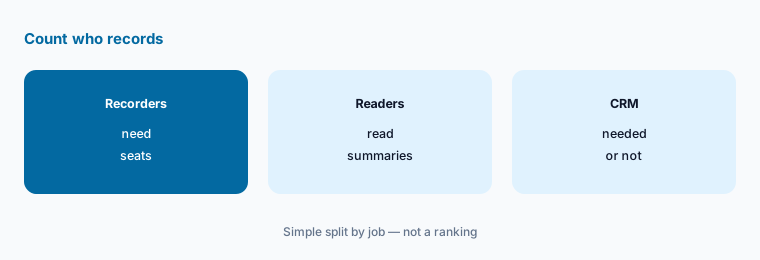
Count recorders, not readers:
Before you compare plans, count three things from last month: how many people on your team record meetings, how many of those meetings were longer than 2 hours, and whether anyone needs the notes pushed into a CRM. Those three numbers decide most of the price gap between Fireflies and Fathom.
2. Free plans: storage versus recordings
What it is: Fireflies Free lists unlimited transcription, limited AI summaries, 400 minutes of storage per team, and a 2-hour recording limit. Fathom Free lists unlimited recordings and transcription, instant AI summaries, and clips and search across calls (Fireflies pricing, Fathom pricing).
400 minutes is about seven hour-long calls, so Fireflies Free fills up fast for a busy user. Fathom Free keeps recordings without that cap, but advanced summaries and action items sit on Premium. See the Fathom review.
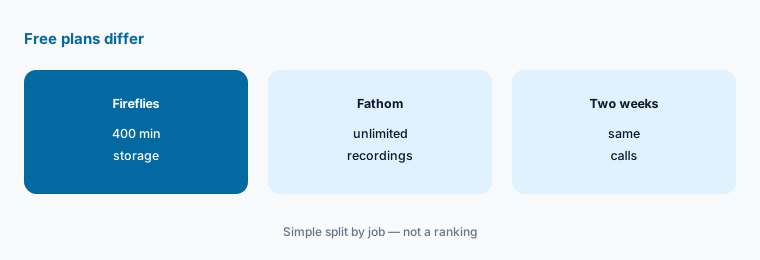
Test both for two weeks:
Run both free plans on the same two weeks of calls. Note when Fireflies storage fills and which summaries you would actually send to a client.
3. One person: Fireflies Pro or Fathom Premium
What it is: Fireflies Pro is $18 a month or $10 per seat billed annually, with unlimited summaries, 8,000 minutes of storage per seat, video recording, and downloads. Fathom Premium is $20 a month or $16 billed annually, with advanced summaries, AI action items, and a custom meeting bot (Fireflies pricing, Fathom pricing).
On annual billing Fireflies is cheaper for one person; on monthly billing the two are within $2. Test which summaries you edit less before you pay for a year. See the Fireflies review.
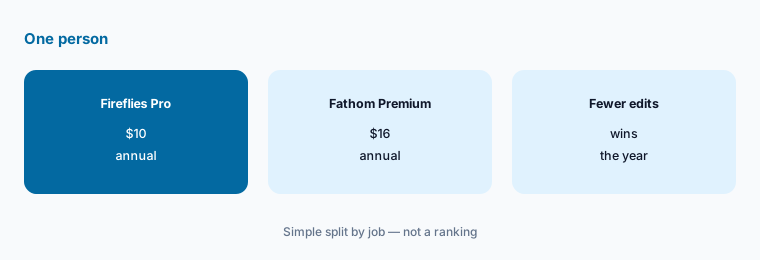
Pay monthly first:
Start on monthly billing in the tool you pick. Switch to annual only after a month in which you used it on most of your calls.
4. Teams: shared workspace and minimum seats
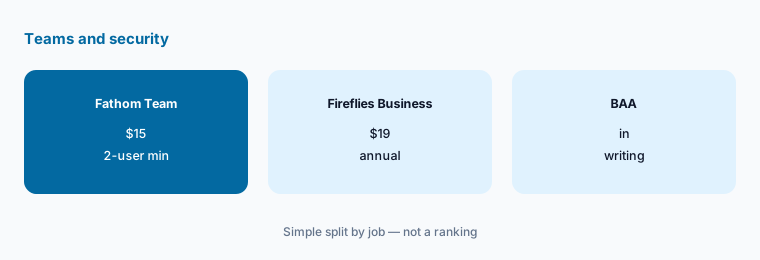
What it is: Fathom Team is $19 a month or $15 per user billed annually with a 2-user minimum, a shared workspace, and HIPAA compliance with a standard BAA. Fireflies Business is $29 a month or $19 per seat billed annually with unlimited storage, team analytics for admins, and a 3-hour recording limit (Fathom pricing, Fireflies pricing).
If you need a BAA, Fathom lists one on Team, while Fireflies lists HIPAA on Enterprise. Check this with each vendor before you record any health details.
Check security terms first:
If your calls include health, legal, or financial details, ask each vendor which plan includes the agreement you need, and get it in writing before you record.
5. Sales teams: CRM sync and deal view
What it is: Fathom Business is $34 a month or $25 per user billed annually and lists CRM field sync and a deal view that groups every call on a deal. Fireflies lists unlimited integrations from Pro and conversation intelligence on Business (Fathom pricing, Fireflies pricing).
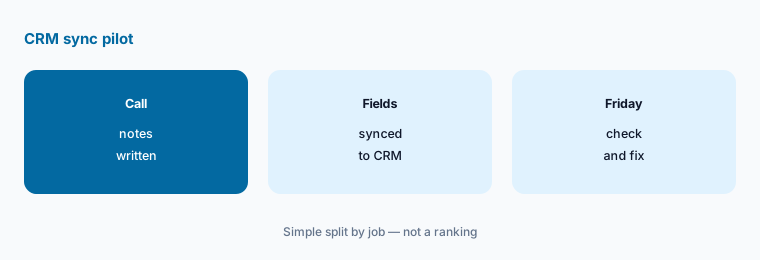
Field sync only helps if someone checks what lands in the CRM. Map which fields the tool writes and who fixes a wrong value before you switch it on for the whole team.
Pilot sync with two reps:
Turn on CRM sync for two people for one month. Each week, check the fields it wrote against the call and fix anything wrong before widening it.
6. Switching between the two
What it is: Fireflies lists downloads of transcripts, summaries, and recordings from Pro. Fathom lists unlimited call downloads and clips on its plans (Fireflies pricing, Fathom pricing).
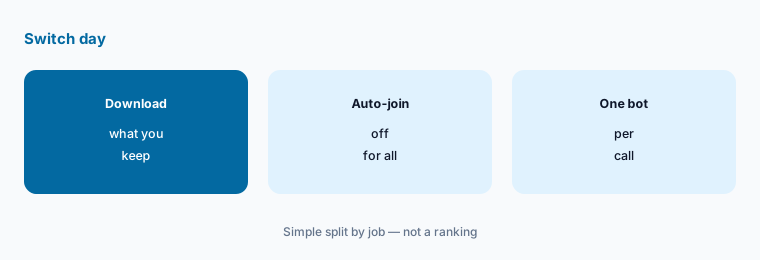
Download the recordings you must keep before you cancel the old tool, and turn off its calendar auto-join so two bots do not join the same call. See Fireflies alternatives for other options.
One bot per call:
On switch day, download what you must keep, turn off the old tool’s calendar auto-join for everyone, and check that next week’s calls show only one note taker.
Pricing context (November 2026)
Fireflies (pricing page, read 4 Nov 2026), per seat a month: Free $0 (400 minutes of storage per team, 2-hour recording limit); Pro $18 monthly or $10 billed annually (8,000 minutes per seat); Business $29 monthly or $19 billed annually (unlimited storage, 3-hour limit); Enterprise $39, annual only. The page says annual billing saves up to 44%.
Fathom (pricing page), per user a month: Free $0; Premium $20 monthly or $16 billed annually; Team $19 monthly or $15 billed annually, 2-user minimum; Business $34 monthly or $25 billed annually, 2-user minimum; Enterprise $35, annual only. The page lists a 90-day guarantee.
Fathom lists 10 free seats for nonprofits and free time for startups backed by select investors; the Fireflies FAQ covers volume discounts. Ask each vendor if either applies to you.
Uncertainty: Both pages show monthly and annual prices side by side, AI credit rules differ, and features labelled beta can change. Fathom’s Enterprise card showed two figures; we list the annual-only $35. Check each live pricing page on the day you buy.
When it’s useful (honest take)
Look at Fireflies when you want the lowest annual price for one person, transcription in many languages, or downloads and integrations from the first paid plan. Look at Fathom when you want a free plan without a storage cap, a standard BAA on a team plan, or CRM field sync for a sales team.
A switch is a poor idea in the middle of a busy sales quarter, or before recordings you must keep are downloaded.
Still choosing between Fireflies and Fathom? The $19 AI toolkit audit gives you a written plan for which tools to keep using and which to drop across your whole AI stack, including this pair.
Prefer to do it yourself? Spreadsheet — $9
Related options (educational)
| Need | Better home | Why |
|---|---|---|
| Fireflies and Otter side by side | Fireflies vs Otter | See that page for both plans |
| Fireflies and Read AI side by side | Fireflies vs Read AI | See that page for both plans |
| Notes without a bot on the call | Granola | See that review for current plans |
| Count seats before you add one | Meeting notes seats | Educational guide |
FAQ
Is Fathom cheaper than Fireflies?
It depends on billing and team size. As listed on 4 November 2026, Fireflies Pro is $10 per seat a month billed annually and Fathom Premium is $16. For teams, Fathom Team is $15 per user billed annually with a 2-user minimum and Fireflies Business is $19.
Which free plan is better, Fireflies or Fathom?
They limit different things. Fireflies Free caps storage at 400 minutes per team and has limited AI summaries; Fathom Free lists unlimited recordings and instant summaries, with advanced summaries on Premium.
Do Fireflies and Fathom offer HIPAA?
Fathom lists HIPAA compliance with a standard BAA from its Team plan. Fireflies lists HIPAA compliance on Enterprise. Confirm the agreement in writing before recording health details.
Can Fathom update my CRM?
Fathom Business lists CRM field sync that writes meeting details into specific CRM fields, at $34 a month or $25 per user billed annually. Check the fields it writes before turning it on for a whole team.
How long can a Fireflies recording be?
As read on 4 November 2026, Fireflies lists a 2-hour recording limit on Free and 3 hours on Business. Check the live plan table for Pro and Enterprise before you record long workshops.
Optional next step (if seats overlap)
If your team pays for two note takers plus a video tool that also transcribes, map which one owns meeting notes before the next renewal. Map the overlap with the $19 AI toolkit audit or the $9 AI toolkit spreadsheet. Email Audit $19 or Toolkit spreadsheet $9.
Checkout is live via Stripe. After you pay, we email delivery (spreadsheet) or intake next steps (audit).