Tool · Sales & marketing · ManyChat · Nov 2026
ManyChat review (Nov 2026): Free plan, Essential $14–$17, Pro, Business $69–$99, active-contact charges, channels, and who answers what the bot can’t
ManyChat runs automated chats in Instagram and Facebook DMs, WhatsApp, SMS, and email, so a comment or a message can get an instant reply and a link. There is a Free plan with no card, Essential at $17 a month ($14 on the lower listed rate) with 2 channels, and Business at $99 ($69) with unlimited channels. On top of the plan, you pay per active contact above your plan’s allowance. Count last month’s conversations first, and name one person who answers anything the bot can’t.
What this ManyChat page covers
This page is for a shop owner, coach, creator, or small marketing team that gets questions in Instagram or Facebook DMs, WhatsApp, or texts and wants instant first replies. One person owns the flows and reads the chats the bot hands over.
Facts come from the ManyChat pricing page, read on 4 November 2026. The Pro plan’s price was not shown to us that day, so we say so instead of guessing. We did not build flows on your account.
The useful split is by channel and volume. Plans set how many channels and team members you get; active contacts set the rest of the bill.
Ground rules: tell people they are chatting with an automated reply; only message people who contacted you or agreed to hear from you; a person answers refunds, complaints, and anything about health or money. This page is not a ranking.
Major features (with how someone uses them)
Examples at a glance: each feature has a concrete example from a real job plus a short Try this you can run this week.
1. Start from last month’s conversations
What it is: ManyChat lists plan prices plus charges per active contact above the plan, with rates that fall as volume grows (ManyChat pricing).
A shop with 200 DMs a month and one with 20,000 pay very different bills on the same plan. Count conversations and the top questions before you build anything.
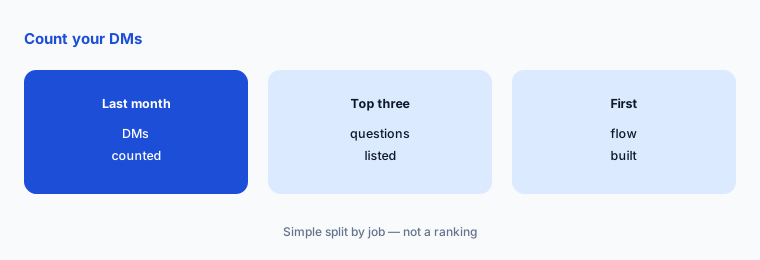
Count and sort your DMs:
Before you pick a plan, open your Instagram, Facebook, or WhatsApp inbox and count last month’s new conversations, then write down the three questions people ask most. ManyChat prices by plan and by active contacts, so that count, not the number of features, decides what you pay.
2. Free plan and the 14-day trial
What it is: The pricing page lists a Free plan that needs no card, a 14-day free trial of Essential or Pro, and a refund if you cancel within 30 days (ManyChat pricing).
Build one flow on Free, then use the trial to test the paid features you actually need. Write the trial end date on your calendar the day you start.
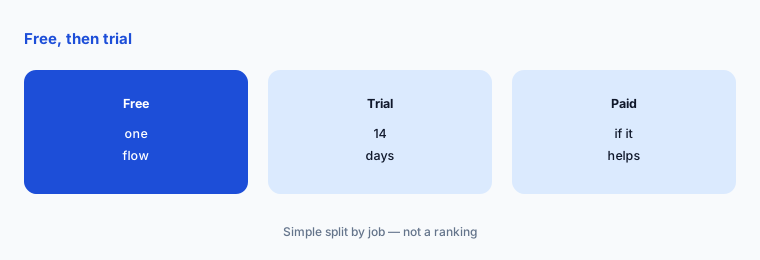
One flow, then trial:
Build one comment-to-DM or keyword flow on Free and run it for a week. Start the trial only when you know which paid feature you need to test.
3. Essential, Pro, Business, and Advanced
What it is: Essential is listed at $17 or $14 a month with 2 channels and 2 users. Pro adds a third channel among WhatsApp, SMS, and email, Manychat AI, and 3 users, but its price was not shown to us. Business is $99 or $69 a month with unlimited channels and 5 users, and Advanced is $199 or $139 (ManyChat pricing).
The page says prices depend on your billing country and exclude tax. Pick the plan by channels and team members, then check your own price on the live page.
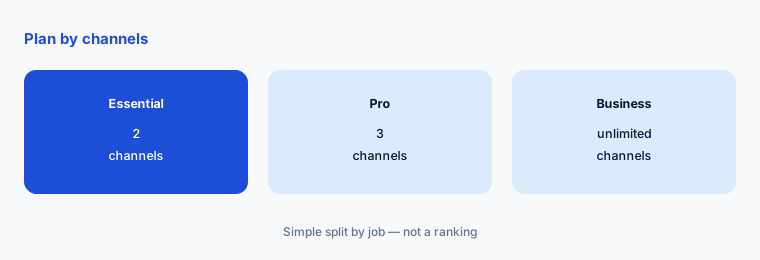
Plan by channels and people:
List the channels you need and how many people must log in. Choose the smallest plan that covers both, then read the price shown for your billing country.
4. Active-contact charges
What it is: Above your plan’s allowance, ManyChat lists a per-contact charge that starts at $0.10 and falls to $0.004 on monthly billing, and from $0.082 to $0.0028 on annual billing (ManyChat pricing).
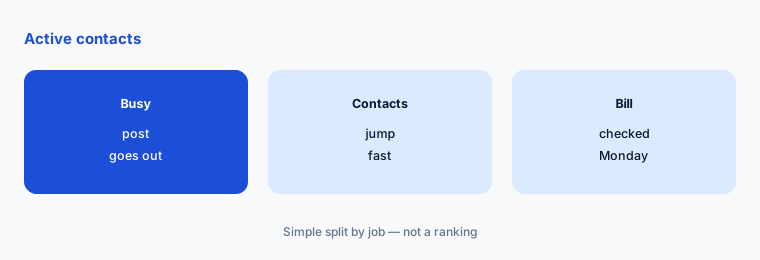
This is where a viral post can raise the bill. Check the billing page every week for the first month and clean out contacts who never replied.
Watch contacts weekly:
For the first month, check the active-contact count every Monday. Write down the number so a jump after a busy post is caught before the bill closes.
5. Hand chats to a person
What it is: ManyChat lists team members on its plans, from 2 users on Essential to 5 on Business (ManyChat pricing).
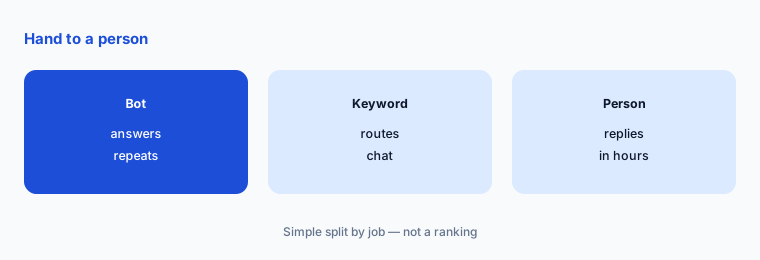
Automated replies handle repeat questions well; refunds, complaints, and custom orders need a person. Every flow needs a clear way to reach one, and a set time to reply.
Name the hand-off rule:
Write down which words or buttons send a chat to a person, who that person is each day, and how fast they reply. Test it from your own phone.
6. Tools you already pay for
What it is: ManyChat focuses on chat flows. Tools such as GoHighLevel review bundle a CRM with messaging, and social schedulers like Predis.ai review cover posts rather than replies.
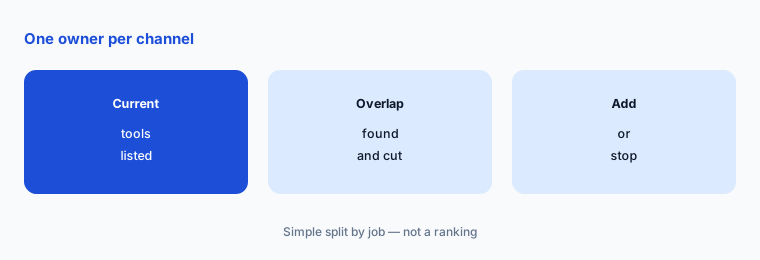
If your CRM or website already answers chats, adding ManyChat can mean two bots for the same customer. Pick one owner for each channel.
One owner per channel:
List every tool that replies to customers and which channels each covers. Make sure each channel has exactly one tool replying before you add ManyChat.
Pricing context (November 2026)
ManyChat (pricing page, read 4 Nov 2026): Free plan, no card; Essential $17 or $14 a month (2 channels, 2 users, no ManyChat branding); Pro, price not shown to us (3 channels including WhatsApp, SMS, or email, Manychat AI, 3 users); Business $99 or $69 a month (unlimited channels, 5 users); Advanced $199 or $139 a month.
Active contacts above the plan allowance: from $0.10 down to $0.004 each on monthly billing, and from $0.082 down to $0.0028 on annual billing.
14-day free trial of Essential or Pro, a refund if you cancel within 30 days, and annual plans that cannot be downgraded mid-term.
Uncertainty: The pricing page shows two figures per plan; we read the lower one as the annual rate, so confirm before you buy. Pro’s price was not shown to us, prices depend on billing country, and tax is extra. WhatsApp and SMS may carry their own message fees; check before you send at volume.
When it’s useful (honest take)
ManyChat fits when the same questions arrive in DMs every day, you post content that invites comments, or you want WhatsApp or SMS replies without a full CRM. It is a weaker fit when you get only a few messages a week, or every chat needs a custom answer from a person.
Skip the paid plan until one free flow has run for a week and you have counted how many chats it answered without help.
Paying for ManyChat and a few other AI tools? The $9 AI toolkit spreadsheet lists every AI subscription you have, what each one costs, and how fast it pays for itself, so you can see which ones are worth the money.
Want someone to do it for you? AI toolkit audit — $19
Related options (educational)
| Need | Better home | Why |
|---|---|---|
| CRM, funnels, and messaging in one | GoHighLevel review | See that review for current plans |
| Social posts from one brief | Predis.ai review | See that review for current plans |
| Funnels and email for one offer | ClickFunnels | See that review for current plans |
| Connect chats to other apps | Zapier | See that review for current plans |
FAQ
How much is ManyChat a month?
As read on 4 November 2026, Essential is $17 or $14 a month, Business $99 or $69, and Advanced $199 or $139. Pro’s price was not shown to us. Prices depend on billing country and exclude tax, and active contacts above the plan cost extra.
Is ManyChat free?
There is a Free plan that needs no card. Paid features can be tested with a 14-day free trial of Essential or Pro.
Does ManyChat work with WhatsApp?
The pricing page lists WhatsApp, SMS, and email as channels from the Pro plan, which includes 3 channels. Check WhatsApp’s own message fees before sending at volume.
What is an active contact in ManyChat?
ManyChat charges per active contact above your plan’s allowance, from $0.10 down to $0.004 each on monthly billing. Watch the count after a busy post or giveaway.
Can I get a ManyChat refund?
The pricing page lists a refund if you cancel within 30 days. Annual plans cannot be downgraded mid-term, so start monthly if you are unsure.
Optional next step (if seats overlap)
If your shop pays for a CRM, a scheduler, and a chat tool that all reply to customers, map which one owns each channel before the next renewal. Map the overlap with the $19 AI toolkit audit or the $9 AI toolkit spreadsheet. Email Audit $19 or Toolkit spreadsheet $9.
Checkout is live via Stripe. After you pay, we email delivery (spreadsheet) or intake next steps (audit).