Compare · Meeting notes · Nov 2026
Fireflies vs Read AI (Nov 2026): free plans, seat prices, meeting length limits, search, and who checks the action items
Fireflies and Read AI both join your Zoom, Teams, or Google Meet calls and hand back a transcript, a summary, and action items. They differ on what the free plan allows and what you pay for. Fireflies Free transcribes with 400 minutes of storage per team; Read AI Free covers 5 meetings a month up to an hour each. Entry paid seats run $10–$18 on Fireflies Pro and $15–$19.75 on Read AI Pro, depending on yearly or monthly billing. Read leans into search across meetings, email, and messages plus speaker coaching; Fireflies leans into storage and team analytics. Neither summary is right every time, so the person who ran the meeting checks the action items before they go out.
What this comparison covers
This page is for an ops lead, team manager, or founder choosing one AI note-taker for a small team. It is not legal or privacy advice; a named person owns every summary, action item, and recording that leaves the meeting.
Fireflies facts come from its pricing page and Read AI facts from its pricing page, both read on 3 November 2026. We did not run either tool on your meetings, so test on your own calls.
The real differences are limits and extras: how many meetings the free plan covers, how long one meeting can run, whether you need search across email and chat, and which plan adds admin and privacy controls.
Ground rules: tell people when a bot is recording; the meeting owner checks every summary before it is shared; keep client calls confidential and check who can open recordings. This comparison is not a ranking.
| Job | Fireflies | Read AI |
|---|---|---|
| Free plan | $0: transcription, limited AI summaries, 400 minutes of storage per team, 20 AI credits | $0: 5 meeting transcripts a month, meetings up to 1 hour, basic integrations |
| Entry paid seat | Pro $18 monthly or $10 a seat a month billed annually | Pro $19.75 monthly or $15 a seat a month billed yearly; meetings up to 4 hours |
| Team tier | Business $29 monthly or $19 annually; unlimited storage, conversation intelligence, team analytics | Enterprise $29.75 monthly or $22.50 yearly; audio and video playback and highlights |
| Top tier | Enterprise $39 a seat a month, annual only; SSO, SCIM, HIPAA, custom retention | Enterprise+ $39.75 monthly or $29.75 yearly, 5+ licenses; HIPAA, SAML and SCIM, custom retention |
| Who signs off | The meeting owner checks every summary; the ops lead checks cost per seat and who can open recordings | |
Major features (with how someone uses them)
Examples at a glance: each feature has a concrete example from a real job plus a short Try this you can run this week.
1. Test both on five real meetings
What it is: Fireflies Free includes transcription and limited AI summaries (pricing page). Read AI Free includes 5 meeting transcripts a month with summaries and search, for meetings up to 1 hour (pricing page).
Both free plans are enough to compare summaries on your own calls. Accents, cross-talk, and jargon change results more than the brand does.
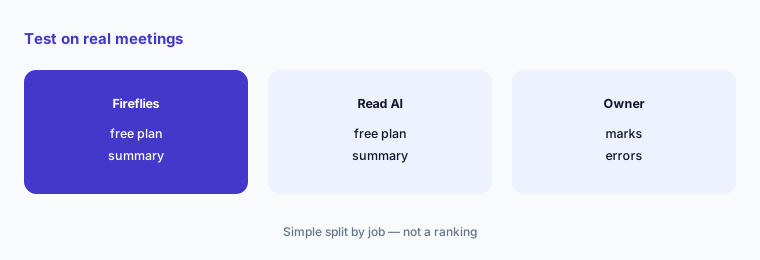
Run five meetings through both:
Pick five meetings you have on the calendar this week. Record each with the free plan of both tools, then have the person who ran each meeting mark every wrong action item, owner, or date in both summaries before anyone buys a seat.
2. Check meeting length and free limits
What it is: Read AI lists meetings up to 1 hour on Free, up to 4 hours on Pro, and up to 8 hours on Enterprise+ (pricing page). Fireflies lists recording limits by plan in its comparison table and 400 storage minutes on Free (pricing page).
If your board meetings or workshops run long, the free plan on either tool may not cover them, and Read's free plan stops after 5 meetings a month.
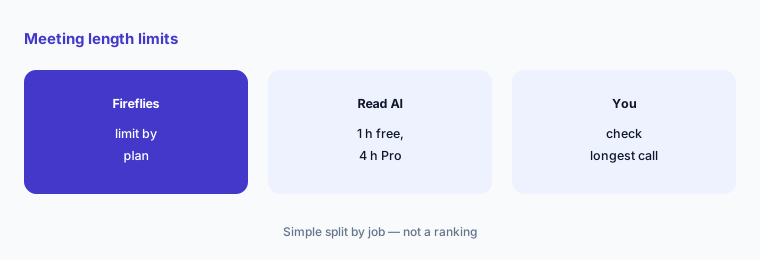
Check your longest meeting:
Find the longest recurring meeting on your calendar and the number of meetings you record a month, and check both against each free and paid plan.
3. Count who actually needs a seat
What it is: Fireflies prices Pro at $10 a seat a month billed annually or $18 monthly; Read AI Pro is $15 a seat a month billed yearly or $19.75 monthly (vendor pricing pages, 3 Nov 2026).
Many people only read summaries. Paying for a seat for every reader adds up quickly.
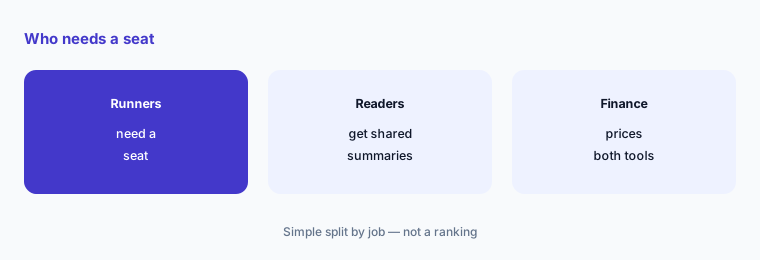
List meeting runners:
List who runs meetings each week and who only reads notes, then price seats for the runners on each tool's yearly and monthly rates.
4. Decide whether you need search beyond meetings
What it is: Read AI's pricing page says Ask Read connects meetings, emails, and messages, and Pro adds premium integrations such as Notion, Salesforce, HubSpot, Jira, Confluence, and Zapier (pricing page). Fireflies lists integrations on every plan and conversation intelligence on Business (pricing page).
Search that pulls from email and chat is useful only if someone opens the cited source. An answer built from three meetings can miss the one where the plan changed.
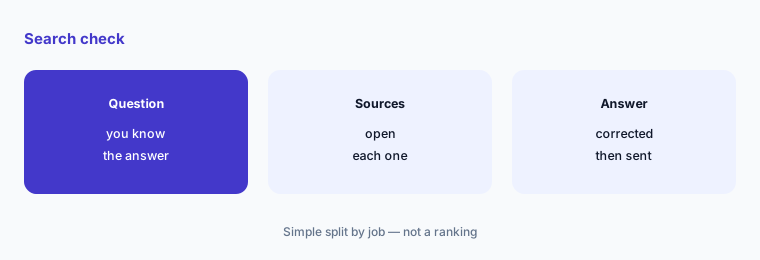
Open the sources:
Ask each tool three questions you already know the answers to from last month, open every cited source, and note any answer that missed a later change.
5. Set who can see recordings
What it is: Fireflies Enterprise adds SSO, SCIM, HIPAA compliance, and custom data retention (pricing page). Read AI Enterprise+ needs 5 or more licenses and adds HIPAA compliance, SAML and SCIM, and custom data retention (pricing page).
Recordings of client and hiring calls are sensitive. Retention and access settings matter more than summary style, and both tools put HIPAA terms on their top tier.
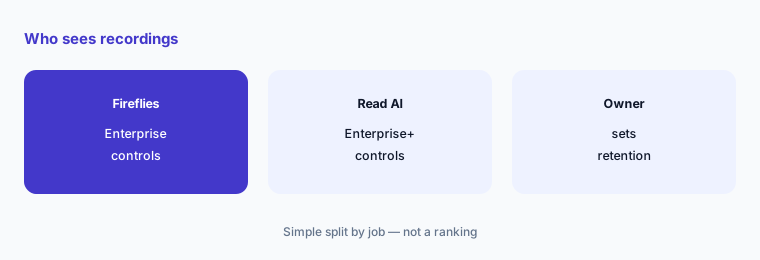
Write your recording rules:
Write three lines: which meetings may be recorded, who can open the recordings, and how long they are kept. Check each tool's plan against them.
6. Review usage before renewal
What it is: Both vendors sell monthly and yearly billing; Read AI shows a 25% saving for yearly billing and Fireflies shows annual savings on its pricing page.
Yearly billing is cheaper only if people keep using it. Check usage after the first month before committing.
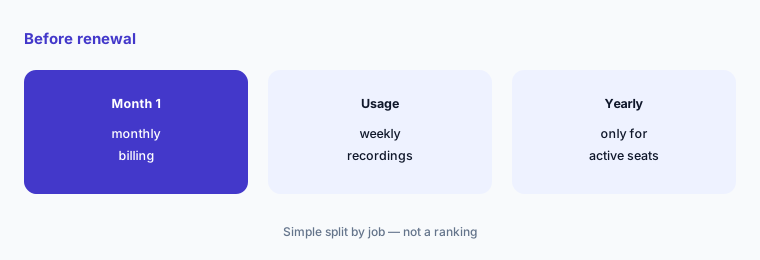
Check one month of use:
After one month on monthly billing, count which seats recorded at least one meeting a week, and move only those to yearly billing.
Pricing context (November 2026)
Fireflies (pricing page, read 3 Nov 2026): Free $0 with 400 minutes of storage per team and 20 AI credits; Pro $18 a seat monthly or $10 billed annually; Business $29 monthly or $19 billed annually with unlimited storage; Enterprise $39 a seat a month, annual only.
Read AI (pricing page, read 3 Nov 2026): Free $0 with 5 meeting transcripts a month and meetings up to 1 hour; Pro $15 a seat a month billed yearly or $19.75 monthly; Enterprise $22.50 yearly or $29.75 monthly with audio and video playback; Enterprise+ $29.75 yearly or $39.75 monthly with at least 5 licenses.
For a team of five on yearly billing, entry seats are about $50 a month on Fireflies Pro and about $75 on Read AI Pro before tax, from the prices above.
Uncertainty: Both pages show promotions, AI credit limits, and meeting caps that change often. Read's page also lists a monthly measured-meetings figure on each plan without explaining it. Check the live pricing page on the day you buy.
When it’s useful (honest take)
Fireflies fits when you want a low yearly Pro price, generous storage, and team analytics on Business. Read AI fits when you want one search across meetings, email, and messages, or personal speaker coaching.
Either is a poor fit if nobody will check summaries. The cost of a wrong action item sent to a client is higher than a seat.
Still choosing between Fireflies and Read AI? The $19 AI toolkit audit gives you a written plan for which tools to keep using and which to drop across your whole AI stack, including this pair.
Prefer to do it yourself? Spreadsheet — $9
Related options (educational)
| Need | Better home | Why |
|---|---|---|
| Two other popular note-takers side by side | Fireflies vs Otter | See that page for current plans |
| Notes inside your video platform | Zoom AI Companion | Check what your current Zoom plan includes |
| Note-taker with a generous free plan | Fathom | See that review for current plans |
FAQ
Is Fireflies or Read AI cheaper?
On yearly billing, Fireflies Pro is $10 a seat a month and Read AI Pro is $15. On monthly billing, Fireflies Pro is $18 and Read AI Pro is $19.75 (vendor pricing pages, 3 Nov 2026).
Do Fireflies and Read AI have free plans?
Yes. Fireflies Free includes transcription with limited AI summaries and 400 minutes of storage per team. Read AI Free includes 5 meeting transcripts a month for meetings up to 1 hour.
How long can a meeting be on Read AI?
Read AI's pricing page lists up to 1 hour on Free, up to 4 hours on Pro, and up to 8 hours on Enterprise+.
Which one has HIPAA terms?
Both list HIPAA compliance on their top tier: Fireflies Enterprise and Read AI Enterprise+, which needs at least 5 licenses. Ask for the agreement in writing before recording patient details.
Who should check AI meeting summaries?
The person who ran the meeting checks every action item, owner, and date before the summary is shared outside the team.
Optional next step (if seats overlap)
If you pay for a note-taker plus AI in Zoom, Teams, or your workspace suite, check for overlap before the next renewal. Map the overlap with the $19 AI toolkit audit or the $9 AI toolkit spreadsheet. Email Audit $19 or Toolkit spreadsheet $9.
Checkout is live via Stripe. After you pay, we email delivery (spreadsheet) or intake next steps (audit).