Pricing · Meetings & notes · Otter.ai · Nov 2026
Otter.ai pricing (Nov 2026): Basic free, Pro $8.33 a user a month billed annually ($16.99 monthly), Business $19.99 annually ($30 monthly) — the minute, meeting-length and team-size limits that decide which plan you need
Otter.ai lists Basic free, Pro at $8.33 per user a month billed annually ($16.99 monthly), Business at $19.99 billed annually ($30 monthly), and Enterprise at custom pricing. The price matters less than the limits: Pro allows up to 5 workspace members and 90 minutes per meeting, so count your people and your longest meeting first.
What this Otter.ai pricing page covers
This page is for team leads, founders, and ops managers deciding which Otter.ai plan to buy, or whether the free plan is enough. It covers the four plans, the limits that push you up a tier, and what to ask before you pay.
Facts come from the Otter.ai pricing page, read on 10 November 2026 in both the monthly and annual views. Prices are shown in US dollars. The page also shows lower prices marked as valid only with an India-issued card; those are left out here.
Otter is useful when people actually read and share the notes it writes. It does not decide what happens after a meeting, and a recorded meeting is still sensitive data that needs rules.
Ground rules: one owner for the workspace, the plan, and the recording settings; people in a meeting know it is being recorded. For the product itself see the Otter.ai review.
Major features (with how someone uses them)
Examples at a glance: each feature has a concrete example from a real job plus a short Try this you can run this week.
1. Check the limits before the price
What it is: The plan table lists up to 5 workspace members on Basic and Pro, up to 25 on Business, and unlimited on Enterprise. Each conversation can run 30 minutes on Basic, 90 minutes on Pro, and 4 hours on Business and Enterprise (Otter.ai pricing).
A team of eight cannot sit on Pro even if the minutes would fit, and a weekly two-hour workshop is cut off on Pro. Those two limits decide more purchases than the monthly price.
Count before you compare:
Write how many people need Otter, how many hours of meetings each records in a month, and the longest meeting you usually have. Check those three numbers against the plan limits (members, minutes, and length per meeting) before you look at price.
2. Basic: free, with tight caps
What it is: Basic is free and includes 300 transcription minutes per user a month (no rollover), 30 minutes per conversation, 3 lifetime audio or video file imports, the 25 most recent conversations in history, and 20 AI Chat questions a month. It joins Zoom, Microsoft Teams, and Google Meet (Otter.ai pricing).
Basic is a real trial of the note quality, but the 30-minute cap and the 25-conversation history make it hard to run a team on it.
Test on short calls first:
Record five real meetings under 30 minutes on Basic. For each, mark whether the summary and action items were right enough to send without editing. Decide on a paid plan only after that.
3. Pro: $8.33 annually or $16.99 monthly
What it is: Pro is $8.33 per user a month billed annually (the page says this saves 51%) or $16.99 billed monthly. It includes 1,200 minutes per user a month, 90 minutes per meeting, 10 file imports a month, unlimited conversation history, 50 AI Chat questions a month, and Salesforce or HubSpot note sync for 1 user (Otter.ai pricing).
1,200 minutes is 20 hours a month per person. Someone in back-to-back client calls can pass that, so check last month’s calendar before buying.
Check your monthly hours:
Add up the hours of meetings you recorded or would record last month. If it is under 20 hours and no meeting runs past 90 minutes, Pro fits; otherwise price Business.
4. Business: $19.99 annually or $30 monthly
What it is: Business is $19.99 per user a month billed annually or $30 billed monthly; the monthly view also showed $24 for the first 3 months for first-time subscribers. It includes unlimited meetings and in-app recordings, 4 hours per meeting, 6,000 import minutes a month, 3 meetings at once, 200 AI Chat questions, admin activity logs and usage analytics, and CRM sync for up to 5 users (Otter.ai pricing).
Business is the plan for teams of 6 to 25. Annual billing saves about $120 per user a year against monthly, so decide how sure you are before committing.
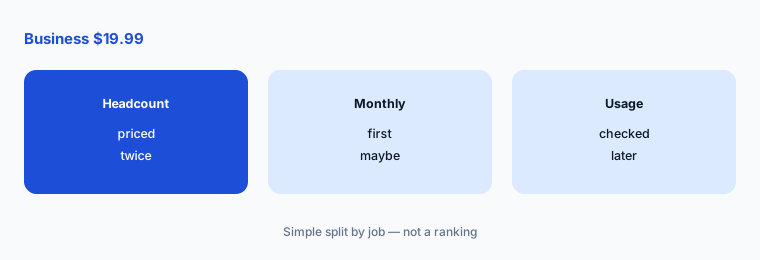
Price annual against monthly:
Multiply your headcount by $19.99 and by $30. Write both monthly totals and the date you will check usage before switching to annual.
5. Enterprise: custom pricing and security controls
What it is: Enterprise is custom priced through a demo. It adds SSO, SCIM user provisioning, and domain capture (SSO and SCIM need a minimum 100-user license), HIPAA compliance as an add-on, the Otter API and webhooks, custom data retention, and recording and sharing permissions (Otter.ai pricing).
If you need SSO, you are buying at least 100 licenses. Smaller teams that need sign-in controls should ask what Business includes before booking a demo.
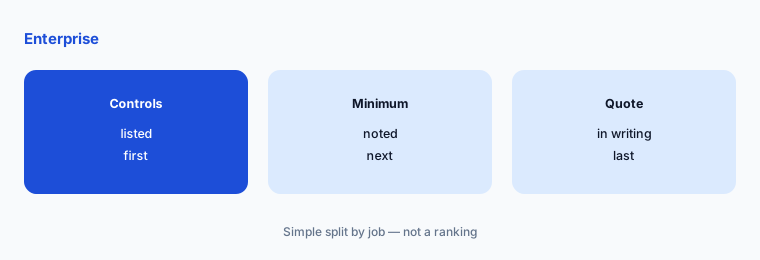
List your must-have controls:
Write the controls your company requires (SSO, user provisioning, data retention, HIPAA). If any are Enterprise-only, ask sales for a written quote at your real headcount, including the 100-user minimum.
6. Student discount and how you pay
What it is: Students and teachers with a .edu email get 20% off Pro: $6.67 a month billed $79.99 annually, or $13.59 monthly. Otter takes credit and debit cards on its website and in-app purchases through the Apple App Store or Google Play; PayPal is not accepted yet (Otter.ai pricing).
Buying through an app store puts the subscription under someone’s personal Apple or Google account. A business plan is easier to manage on a company card from the website.
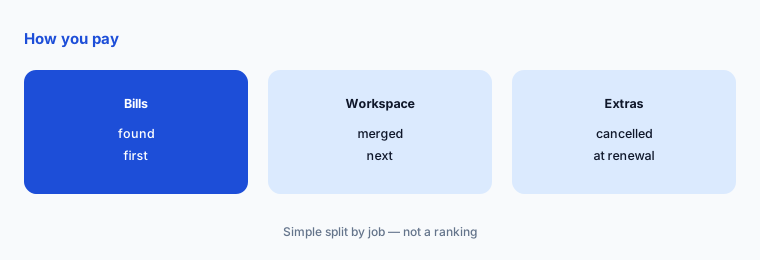
Find every Otter bill:
Search expense reports and card statements for Otter, including app-store charges. List each subscription, who pays, and its renewal date, then move them into one workspace.
Pricing context (November 2026)
Basic free: 300 minutes per user a month, 30 minutes per conversation, 3 lifetime imports, 25 most recent conversations, 20 AI Chat questions a month, up to 5 members (pricing page, read 10 Nov 2026, USD).
Pro $8.33 per user a month billed annually, $16.99 monthly: 1,200 minutes, 90 minutes per meeting, 10 imports a month, up to 5 members. Business $19.99 billed annually, $30 monthly ($24 for the first 3 months for first-time subscribers): unlimited meetings, 4 hours per meeting, up to 25 members.
Enterprise custom: SSO and SCIM (minimum 100-user license), HIPAA add-on, API and webhooks. Student and teacher discount: Pro $79.99 a year or $13.59 a month with a .edu email.
Minute limits are a shared pool across transcription types with no rollover, per the page. Ask Otter about volume pricing above 25 people.
Uncertainty: Prices are as displayed on Otter.ai’s pricing page on 10 November 2026 in US dollars. The page also shows India-card offer prices, which we left out, and a first-time Business offer that may change. Check the live page and your checkout total, including tax, before buying.
When it’s useful (honest take)
Useful when you know your headcount, your monthly meeting hours, and your longest meeting, and someone owns the workspace. Those three numbers pick the plan for you.
A poor fit if nobody reads the notes, or if meetings often run past the plan’s length limit. Cancel seats nobody used in the last month before renewal.
Paying for Otter.ai pricing and a few other AI tools? The $9 AI toolkit spreadsheet lists every AI subscription you have, what each one costs, and how fast it pays for itself, so you can see which ones are worth the money.
Want someone to do it for you? AI toolkit audit — $19
Related options (educational)
| Need | Better home | Why |
|---|---|---|
| Otter on its own | Otter.ai review | See that page |
| Other note takers | Otter.ai alternatives | See that page |
| Fathom plans | Fathom pricing | See that page |
| Two note takers side by side | Fireflies vs Otter | See that page |
FAQ
How much does Otter.ai cost?
On 10 November 2026 Otter.ai listed Basic free, Pro at $8.33 per user a month billed annually or $16.99 monthly, Business at $19.99 billed annually or $30 monthly, and Enterprise at custom pricing, all in US dollars.
What are the limits of Otter.ai’s free plan?
Basic includes 300 transcription minutes per user a month, 30 minutes per conversation, 3 lifetime file imports, the 25 most recent conversations, and 20 AI Chat questions a month.
How many people can use Otter.ai Pro?
The plan table lists up to 5 workspace members on Pro, up to 25 on Business, and unlimited on Enterprise.
Does Otter.ai have a student discount?
Yes. Students and teachers with a .edu email get 20% off Pro: $6.67 a month billed $79.99 annually, or $13.59 monthly.
Who should own Otter.ai at a company?
One named person who manages the workspace, the plan and seats, and the recording and sharing settings, and who removes seats nobody uses.
Optional next step (if seats overlap)
If your team pays for Otter, another note taker, and a video tool’s AI add-on, list where they overlap before adding seats. Map the overlap with the $19 AI toolkit audit or the $9 AI toolkit spreadsheet. Email Audit $19 or Toolkit spreadsheet $9.
Checkout is live via Stripe. After you pay, we email delivery (spreadsheet) or intake next steps (audit).