Tool · Meetings & notes · Krisp · Nov 2026
Krisp AI review (Nov 2026): bot-free meeting notes and noise cancellation — Core $8 a user a month billed annually ($16 monthly), Advanced $15 ($30), a 7-day free trial, and what to test before your team records every call
Krisp started as noise cancellation and now sells a bot-free AI note-taker as well. It lists a 7-day free trial, Core at $8 per user a month billed annually ($16 monthly), Advanced at $15 ($30 monthly), and Enterprise at custom pricing. Pick the one job you want it for (clean audio, notes, or accent conversion) and test only that during the trial.
What this Krisp AI page covers
This page is for team leads, sales and support managers, and remote workers looking at Krisp for meeting notes, cleaner call audio, or accent conversion. It covers the plans, the limits, and what to test first.
Facts come from the Krisp pricing page, read on 10 November 2026, including its plan comparison table and FAQ.
Krisp records and transcribes without sending a bot into the meeting, which some teams prefer. That also means people on the call may not see that notes are being taken, so recording rules matter more, not less.
Ground rules: one owner for the workspace and recording settings; people are told when a call is recorded; transcripts stay visible only to the people who need them.
Major features (with how someone uses them)
Examples at a glance: each feature has a concrete example from a real job plus a short Try this you can run this week.
1. Pick the one job first
What it is: Krisp’s Meeting AI plans bundle an AI note-taker, transcription, audio and video recording, AI notes and action items, and noise cancellation. Noise cancellation is built into every plan, and the FAQ says you can turn the meeting assistant off if you only want clean audio (Krisp pricing).
If you only want noise cancellation, you do not need the note features switched on. If you want notes, compare Krisp with the note takers you already pay for.
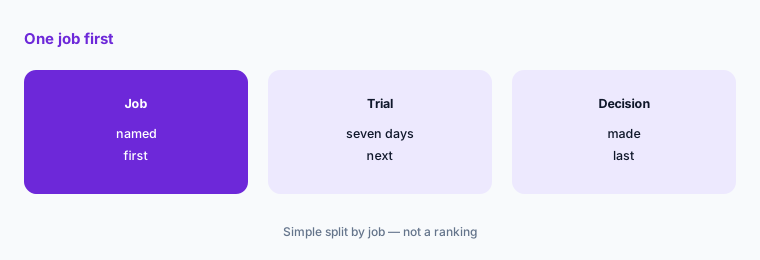
Name the job:
Write the one job you want Krisp for: cleaner audio on calls, meeting notes without a bot joining, or accent conversion. Then write how many people need it and test only that job during the 7-day trial.
2. Core: $8 annually or $16 monthly
What it is: Core is $8 per user a month billed annually or $16 monthly. It includes an unlimited bot-free AI note-taker, transcription, recording, AI notes and action items, in-person meeting notes, unlimited noise cancellation, integrations and webhooks, a mobile app, an outbound phone call recorder, multilingual transcripts, AI Chat, 1 hour a day of accent conversion, an MCP connection for Claude, ChatGPT, Cursor, and custom tools, and 10 GB of storage (Krisp pricing).
10 GB fills quickly if you keep video. Decide whether you need video recordings at all, or audio and notes only.
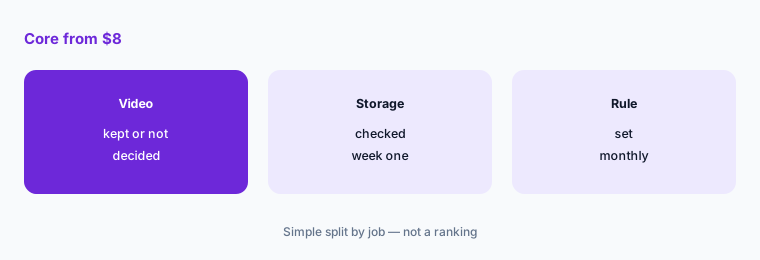
Check storage early:
After one week of real use, check how much of the 10 GB is used. Multiply by four for a month, and decide whether to drop video or delete old recordings.
3. Advanced: $15 annually or $30 monthly
What it is: Advanced is $15 per user a month billed annually or $30 monthly. It adds Salesforce and ConnectWise integrations, admin controls for meeting-link sharing and enforcing a note-taking mode, a manager view, company deal grouping, trimming and commenting, team-level webhooks, 60 GB of storage, and more accent conversion: 4 hours a day speaker side and unlimited listener side (Krisp pricing).
Advanced is for sales teams that want notes in Salesforce and managers who need to control how recordings are shared. Without those needs, Core covers the notes.
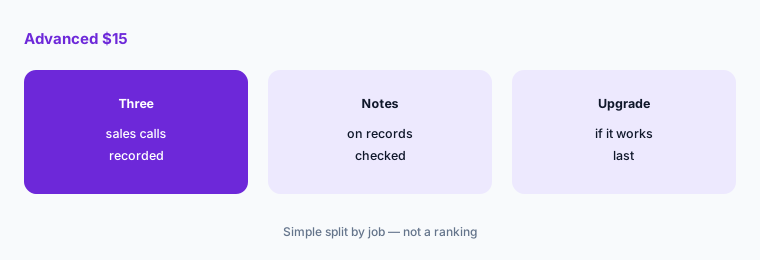
Check the CRM link:
During the trial, record three real sales calls and check that each note lands on the right record in your CRM. Upgrade to Advanced only if that works.
4. Accent conversion
What it is: Core includes 1 hour a day of accent conversion for both listener and speaker; the page lists Indian, Filipino, South African, and Latin American accents on the speaker side. Advanced raises it to 4 hours a day speaker side and unlimited listener side; Enterprise is custom (Krisp pricing).
Accent conversion changes how a person sounds to others in real time. Ask the people who would use it first, and tell callers if your policy requires it.
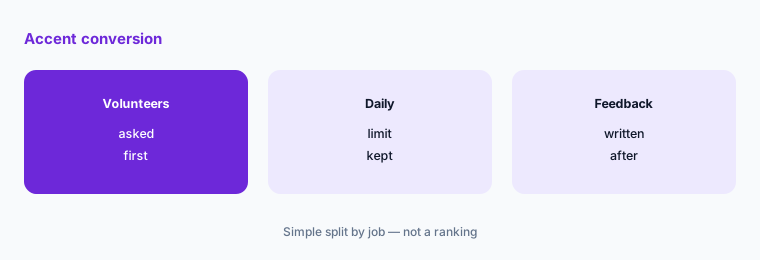
Run a volunteer test:
Ask which team members want to try accent conversion. Have each use it on a few calls a day for a week and write down what customers and agents noticed.
5. Enterprise and call-center plans
What it is: Enterprise is custom priced and adds SSO and SCIM, SOC 2 report access, HIPAA compliance, data center choice, private on-device transcription and recordings, a super admin role, and unlimited storage; a BAA is available for teams with 100+ seats. Separate Call Center AI plans start at CC Core, $15 per agent a month billed annually, with agent and customer noise cancellation, voice isolation, and after-call summaries (Krisp pricing).
A healthcare team that needs a BAA is looking at 100 or more seats. A call center should price the call-center plans, not the meeting plans.
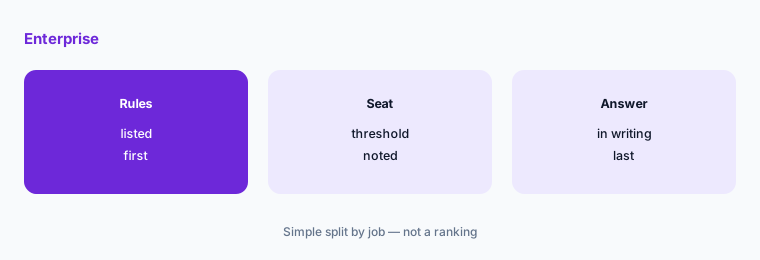
Ask the compliance question first:
Write the rules your company must meet (HIPAA, SSO, where data is stored). If any are Enterprise-only, ask Krisp sales for a written answer at your headcount before anyone records sensitive calls.
6. Seats, calendar access, and volume
What it is: Krisp counts every teammate added to a paid team as a seat, and you can run different plans for different teams in one workspace. Sign-up connects a Google or Outlook calendar by default, with a zero-calendar-permissions option through sales. Volume discounts start above 50 members (Krisp pricing).
Mixing plans by team keeps the bill down: managers on Advanced, everyone else on Core. Remove seats as people leave, since each added teammate is billed.
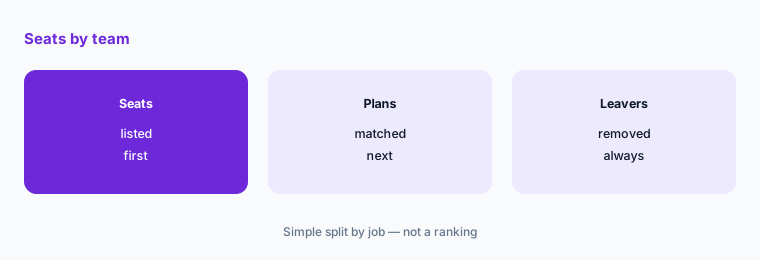
Review seats monthly:
List every Krisp seat, its team, its plan, and whether that person used it last month. Move note-only users to Core and remove anyone who left.
Pricing context (November 2026)
Free trial: 7 days, all premium features, no credit card (pricing page, read 10 Nov 2026).
Core $8 per user a month billed annually, $16 monthly: bot-free note-taker, transcription, recording, noise cancellation, 1 hour a day of accent conversion, 10 GB storage. Advanced $15 billed annually, $30 monthly: Salesforce and ConnectWise, admin controls, manager view, 60 GB storage.
Enterprise custom: SSO and SCIM, SOC 2 report access, HIPAA, BAA for teams with 100+ seats, on-device transcription, unlimited storage. Call Center AI: CC Core $15 per agent a month billed annually; CC Advanced by demo or 14-day evaluation.
Volume discounts above 50 members by request. Extra storage is sold as an add-on.
Uncertainty: Prices are as displayed on Krisp’s pricing page on 10 November 2026. Annual and monthly prices are shown with a toggle; confirm which you are buying at checkout. Extra storage and Enterprise prices are not public.
When it’s useful (honest take)
Useful when you can name one job (cleaner audio, bot-free notes, or accent conversion), test it in the 7-day trial, and someone owns recording rules and seats.
A poor fit if you already pay for a note taker that works, or if nobody will tell meeting guests that calls are recorded. Cancel seats nobody used at renewal.
Paying for Krisp AI and a few other AI tools? The $9 AI toolkit spreadsheet lists every AI subscription you have, what each one costs, and how fast it pays for itself, so you can see which ones are worth the money.
Want someone to do it for you? AI toolkit audit — $19
Related options (educational)
| Need | Better home | Why |
|---|---|---|
| Note taker with a free plan | Otter.ai review | See that review for current plans |
| Bot-free notes on your laptop | Granola review | See that review for current plans |
| Note taker with a free tier | Fathom review | See that review for current plans |
| Other note takers | Fireflies alternatives | See that page |
FAQ
How much does Krisp cost?
On 10 November 2026 Krisp listed Core at $8 per user a month billed annually ($16 monthly), Advanced at $15 billed annually ($30 monthly), and Enterprise at custom pricing, plus a 7-day free trial. Call Center CC Core was $15 per agent a month billed annually.
Does Krisp have a free plan?
The pricing page we read listed a 7-day free trial with all premium features and no credit card, not an ongoing free plan.
Does Krisp join meetings as a bot?
Krisp describes its AI note-taker as bot-free on every paid plan; the comparison table also lists an option to record with a bot.
Is noise cancellation included in every Krisp plan?
Yes. The FAQ says noise cancellation is built into every plan and you can turn off the meeting assistant if you only want clean audio.
Who should own Krisp at a company?
One named person who manages seats and plans, sets recording and sharing rules, and makes sure meeting guests know when a call is recorded.
Optional next step (if seats overlap)
If your team pays for Krisp, another note taker, and a video tool’s AI add-on, list where they overlap before adding seats. Map the overlap with the $19 AI toolkit audit or the $9 AI toolkit spreadsheet. Email Audit $19 or Toolkit spreadsheet $9.
Checkout is live via Stripe. After you pay, we email delivery (spreadsheet) or intake next steps (audit).