Alternatives · Ops & automation · Nov 2026
Hotjar alternatives (Nov 2026): Microsoft Clarity free, Mouseflow from $25, Lucky Orange from $32, and Crazy Egg from $29 — how each prices sessions, pageviews and data history compared with Hotjar Growth at $39
Hotjar lists a Free plan and Growth from $39 a month billed yearly ($49 monthly) at 7k monthly sessions, with Pro and Enterprise on request. Common alternatives: Microsoft Clarity (free), Mouseflow (free for 500 sessions, Essential $25), Lucky Orange (Build $32), and Crazy Egg (Starter $29, priced by pageviews). Write your monthly sessions first, because every paid tool here prices by traffic. This page is not a ranking.
What this guide covers
This page is for marketers, product managers, UX researchers, and founders who use Hotjar for session replays and heatmaps, or are about to, and want to see the other tools. A named person owns the tracking code, the privacy settings, and the plan on whichever tool you pick.
Facts come from the vendor pages, read on 10 November 2026: Hotjar, Microsoft Clarity, Mouseflow, Lucky Orange, and Crazy Egg.
Most people look past Hotjar for one of three reasons: the price as monthly sessions grow, only one month of data on the free plan, or a feature such as A/B tests or form analytics. Each tool below answers a different one of those, so start with your reason.
Ground rules: recordings can capture what visitors type, so mask form fields and check your privacy notice before switching any tool on. This page is not a ranking. For deeper product analytics see the FullStory review and the PostHog review.
| Tool | Entry paid plan (as displayed) | How pricing is built |
|---|---|---|
| Hotjar | Growth $39 a month billed yearly ($49 monthly) at 7k monthly sessions | By monthly sessions; Free plan with 1 month of data; Pro and Enterprise custom |
| Microsoft Clarity | Free | Free forever with no limits on traffic, per its site; recordings, heatmaps, AI summaries |
| Mouseflow | Essential $25 a month billed annually for 5,000 sessions | By sessions and websites; Free 500 sessions; Advanced $109 (25,000), Premium $319 (100,000) |
| Lucky Orange | Build $32 a month paid annually ($39 monthly) for 3,500 sessions | By sessions; every feature on every plan; Grow $72 (10,000), Expand $199 (50,000), Scale $839 (300,000) |
| Crazy Egg | Starter $29 a month, billed annually, 5,000 tracked pageviews | By tracked pageviews and recordings; Plus $99, Pro $249, Enterprise $599; free plan; no overages |

Major features (with how someone uses them)
Examples at a glance: each feature has a concrete example from a real job plus a short Try this you can run this week.
1. Start with why you are leaving
What it is: Hotjar’s Free plan includes replays, heatmaps, and funnels with 1 month of data access and 1 project. Growth starts at $39 a month billed yearly or $49 monthly at 7k monthly sessions and adds 13 months of data, 3 projects, journey analysis, and AI summaries of replays and heatmaps (Hotjar pricing).
If the free plan works but you lose history after a month, a free tool with longer history may be enough. If you outgrew Growth’s sessions, price by your real traffic.
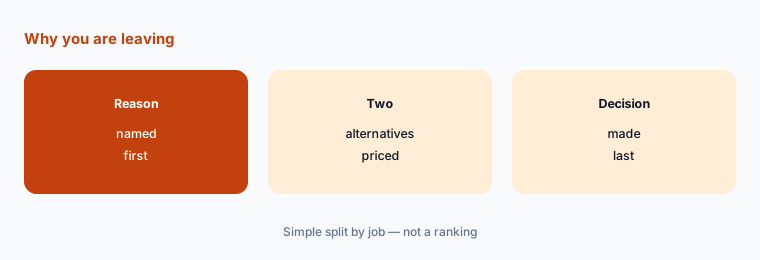
Name your reason:
Write why you are looking past Hotjar in one line (price as sessions grow, data kept only a month on the free plan, or a feature you need). Then write your monthly sessions from your analytics tool and price two alternatives at that number next to Hotjar.
2. Free options
What it is: Microsoft Clarity describes itself as free forever with no limits on traffic, with session recordings, heatmaps, AI summaries, AI chat, and an MCP server (Microsoft Clarity). Mouseflow has a free plan for 1 website and 500 sessions with 1 month of history (Mouseflow pricing). Crazy Egg has a free plan with web analytics, instant heatmaps, conversion analytics, and surveys (Crazy Egg pricing).
A free tool costs nothing in cash but still collects visitor data. Read what it collects and how long it keeps it before adding it to your site.
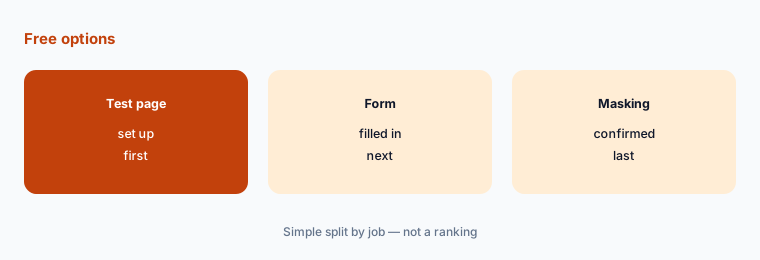
Check masking first:
Install the free tool on a test page with a form. Fill the form in, watch the recording, and confirm that typed details are hidden before adding it to your real site.
3. Price by your real traffic
What it is: Mouseflow prices by sessions and websites: Essential $25 a month billed annually for 5,000 sessions, Advanced $109 for 25,000, Premium $319 for 100,000 (Mouseflow pricing). Lucky Orange: Build $32 (3,500 sessions), Grow $72 (10,000), Expand $199 (50,000), Scale $839 (300,000), paid annually (Lucky Orange pricing). Crazy Egg prices by tracked pageviews instead: Starter $29 for 5,000, Plus $99 for 150,000, billed annually (Crazy Egg pricing).
Sessions and pageviews are different units. One visit that views five pages is one session but five pageviews, so convert before comparing.
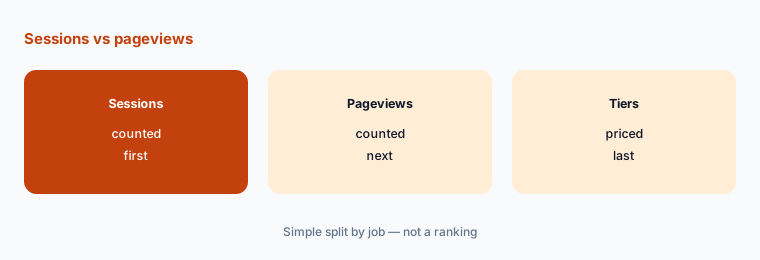
Convert your traffic:
From your analytics tool, write last month’s sessions and pageviews. Find the tier each vendor needs for those numbers and write the yearly total next to Hotjar.
4. How long data is kept
What it is: Hotjar keeps 1 month of data on Free and 13 months on Growth (Hotjar pricing). Mouseflow keeps 1 month on Free, 3 months on Essential, 6 on Advanced, and 12 on Premium (Mouseflow pricing). Crazy Egg lists 6 months of recordings storage on Starter and 2 years on Plus and above (Crazy Egg pricing).
If you compare this quarter’s pages with last quarter’s, short history is the real limit, not the session count.
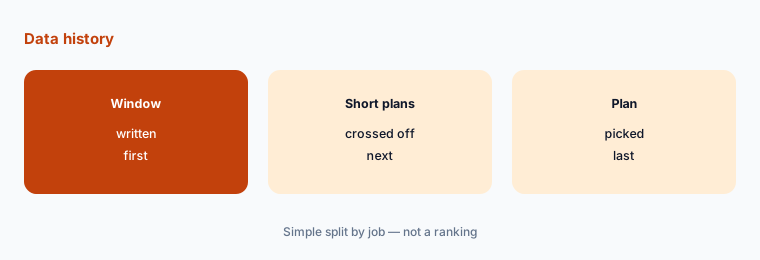
Write your look-back window:
Write how far back you need to look at recordings or heatmaps (a month, a quarter, a year). Cross off any plan that keeps less than that.
5. Features beyond replays and heatmaps
What it is: Lucky Orange says every feature is on every plan and includes Discovery AI (Lucky Orange pricing). Crazy Egg includes A/B testing from Plus (Crazy Egg pricing). Mouseflow adds feedback surveys and friction insights from Advanced, and form analytics, data export, a REST API, and an MCP connection on Premium (Mouseflow pricing). Hotjar Pro adds A/B testing and outcomes analysis, among others (Hotjar pricing).
Pick on the one extra feature you will use every month. A/B tests and form analytics are easy to pay for and leave unused.
List the one extra you need:
Write the one feature beyond replays and heatmaps you would use every month (A/B tests, surveys, form analytics, data export). Compare only plans that include it.
6. One owner for the tracking code
What it is: Every tool here works by adding a tracking script to your site, and each paid plan is sized by traffic (Hotjar pricing; Mouseflow pricing; Lucky Orange pricing). Crazy Egg says data collection pauses when you hit the monthly limit, with no overages (Crazy Egg pricing).
Two tools running at once double the scripts on every page. Remove the old one once the new one is collecting data.
List the scripts on your site:
Check your tag manager or site settings for every recording or heatmap script. Keep one, remove the rest, and write its owner, plan, and renewal date.
Pricing context (November 2026)
Hotjar (pricing page, read 10 Nov 2026): Free (1 month of data, 1 project); Growth $39 a month billed yearly or $49 monthly at 7k monthly sessions, rising with sessions; Pro and Enterprise custom.
Microsoft Clarity (site): free forever, no limits on traffic. Mouseflow (pricing page): Free 500 sessions; Essential $25, Advanced $109, Premium $319 a month billed annually; annual saves up to 35%; 14-day trial.
Lucky Orange (pricing page): Build $32, Grow $72, Expand $199, Scale $839 a month paid annually (Build $39, Expand $249, Scale $1,049 monthly); 7-day trial. Crazy Egg (pricing page): Starter $29, Plus $99, Pro $249, Enterprise $599 a month, all billed annually; 30-day trial; free plan.
Other analytics pages on this site: Contentsquare, FullStory review, and PostHog review.
Uncertainty: Prices are as displayed on 10 November 2026. Hotjar’s Free plan card also showed a monthly sessions figure that we could not confirm applies to the free plan, so check it on the live page. Hotjar Growth rises with the sessions you pick. Microsoft Clarity’s terms of use apply to its free service. Confirm billing period and taxes at checkout.
When it’s useful (honest take)
Look at Microsoft Clarity when free heatmaps and recordings cover your needs, Mouseflow when you want a small free tier and longer history as you grow, Lucky Orange when you want every feature on every plan, and Crazy Egg when you think in pageviews and want A/B tests.
None of them helps if nobody watches the recordings or acts on them. Keep one tool, one owner, and masked form fields.
Still choosing between Hotjar and another analytics tool? The $19 AI toolkit audit gives you a written plan for which tools to keep using and which to drop across your whole AI stack, including this pair.
Prefer to do it yourself? Spreadsheet — $9
Related options (educational)
| Need | Better home | Why |
|---|---|---|
| Digital experience analytics | FullStory review | See that review for current plans |
| Product analytics with replays | PostHog review | See that review for current plans |
| Experience analytics suite | Contentsquare review | See that review for current plans |
| User research tools compared | Maze vs UserTesting | See that page |
FAQ
Is there a free alternative to Hotjar?
Yes. Microsoft Clarity describes itself as free forever with no limits on traffic. Mouseflow has a free plan for 500 sessions, and Crazy Egg has a free plan with heatmaps and web analytics. Hotjar also has its own Free plan.
What is cheaper than Hotjar?
It depends on traffic. On 10 November 2026 Hotjar Growth started at $39 a month billed yearly, Mouseflow Essential was $25 billed annually for 5,000 sessions, Crazy Egg Starter $29 billed annually, and Lucky Orange Build $32 paid annually. This page is not a ranking.
What is the difference between sessions and pageviews?
A session is one visit; a pageview is one page loaded. One visit to five pages counts as one session but five pageviews. Hotjar, Mouseflow, and Lucky Orange price by sessions; Crazy Egg prices by tracked pageviews.
How long do Hotjar alternatives keep data?
Mouseflow keeps 1 to 12 months depending on plan, Crazy Egg lists 6 months of recordings on Starter and 2 years on higher plans, and Hotjar keeps 1 month on Free and 13 months on Growth.
Who should own a heatmap or recording tool?
One named person who controls the tracking script, masks form fields, keeps the privacy notice current, and reviews the plan against real traffic.
Optional next step (if seats overlap)
If you already pay for Hotjar plus a separate testing or survey tool, list which features overlap before you switch. Map the overlap with the $19 AI toolkit audit or the $9 AI toolkit spreadsheet. Email Audit $19 or Toolkit spreadsheet $9.
Checkout is live via Stripe. After you pay, we email delivery (spreadsheet) or intake next steps (audit).