Role · Ops & automation · Gemini · Oct 2026
Gemini for support (Oct 2026): Workspace drafts for support macros and FAQs
Support writing in Gemini inside Docs and Sheets. Macro and FAQ drafts, then a policy review before anything is published. Pair with the Gemini review and your desk’s own AI (Zendesk, Freddy, Front).
What this page covers
This page is for support leads who already write macros and FAQs in Google Docs. Gemini can draft three replies from an outline you trust. It cannot see the helpdesk unless you paste a ticket, and it should not invent policy. Publishing still goes through the person who owns the macro. Incident command is a different guide.
Major features (with how someone uses them)
Examples at a glance: each feature has a concrete ops example plus a short Try this.
1. Three replies from a macro outline (primary)
What it is: In the Doc that already holds the macro outline, ask Gemini for three reply drafts: short, standard, and “we need more information.” Each draft may use only facts in the outline. Anything about refunds, legal, identity, or money is marked policy-review and is not published from the Doc.
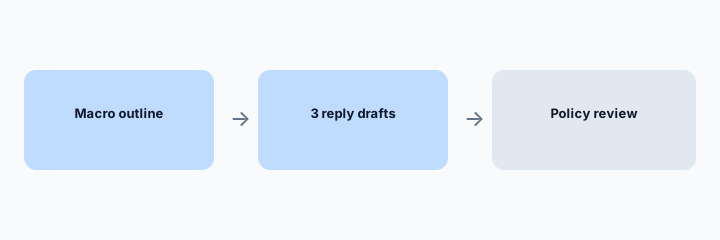
Primary workflow from the Saturday brief:
From a sanitized macro outline in Docs: draft 3 replies + mark policy-review items.
2. FAQ drafts beside the article you already have
What it is: Gemini can propose a shorter FAQ from an article you paste. The published article is still the one in the help center, after the owner edits. Do not let a Doc become a second help center.
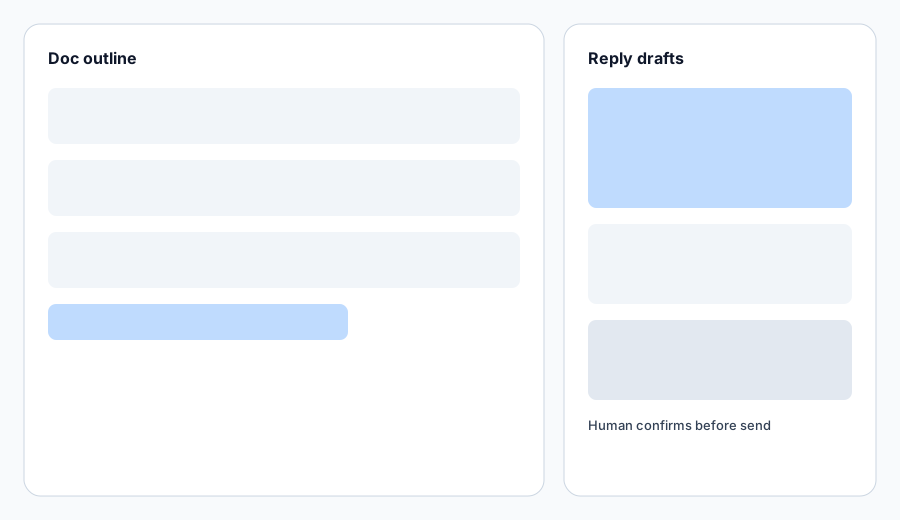
FAQ check:
Paste one FAQ. Ask for a shorter version. Diff every number and policy word against the original. Keep the original on any mismatch.
3. The policy-review gate
What it is: Name a person who may approve policy-review lines. Until they do, those lines stay in the Doc with a highlight. Agents do not paste them into the helpdesk. This is the same human-send rule as the desk reviews, one step earlier.
Gate check:
Count policy-review marks on the last ten drafts. If agents are publishing them anyway, stop using the drafts until the gate is real.
4. Gemini does not replace the desk
What it is: Ticket drafts that need live fields belong in the desk: Zendesk AI, Freddy, Front AI, Service Hub, or Service Cloud. Gemini is for the Doc. Incident timelines belong on Claude or ChatGPT incident guides, not here. The product review is Gemini.
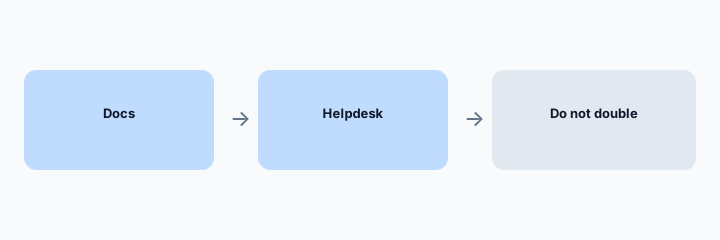
Home check:
List macros, ticket replies, and incident notes. Assign each to Docs, the desk, or an incident Project. One home each.
Pricing context (October 2026)
Gemini in Workspace is bundled or add-on depending on the Google edition, and the public price moves. This page does not invent a seat price. Check Google’s current Workspace pricing and your admin. October 2026. A helpdesk’s own AI is a separate bill; do not assume Gemini replaces it.
Uncertainty: Which Docs have Gemini turned on, data-region settings, and whether support content may be drafted there are admin settings. Confirm before a team rollout.
When it is useful (honest take)
Useful when macros already live in Docs and a named person reviews policy lines. Less useful when you hoped Gemini would answer live tickets without the desk, or when the desk’s own AI already drafts the same macros.
Paying for Gemini and a few other AI tools? The $9 AI toolkit spreadsheet lists every AI subscription you have, what each one costs, and how fast it pays for itself, so you can see which ones are worth the money.
Want someone to do it for you? AI toolkit audit — $19
Related options (educational)
| Need | Better home | Why |
|---|---|---|
| Macro and FAQ outlines in Docs | Gemini (this page) | Three drafts, policy gate |
| Zendesk is the desk | Zendesk AI | Drafts on the ticket |
| Freshdesk is the desk | Freddy | Drafts on the ticket |
| Incident prose | Claude for incident ops | Not a macro |
Inventory seats by job on the stack map for support ops.
FAQ
What is the primary exercise?
From a sanitized macro outline in Docs: draft 3 replies and mark policy-review items.
Can agents send the Doc text as-is?
No. Policy-review lines wait. Other lines still get a human pass on the ticket.
Does this replace Zendesk AI or Freddy?
No. Those draft where the ticket is. This drafts the Doc.
Is this the Gemini review?
No. See the Gemini review. This is the support role guide.
Optional next step (if seats overlap)
If several AI seats would cover the same analytics, support, or incident jobs, optional help mapping overlap: $19 AI toolkit audit or $9 AI toolkit spreadsheet. Email Audit $19 or Toolkit spreadsheet $9.
Checkout is live via Stripe. After you pay, we email delivery (spreadsheet) or intake next steps (audit).