Tool · Meetings & notes · Fellow · Oct 2026
Fellow AI review (Oct 2026): agenda and action drafts for recurring meetings
Fellow when agendas and action items for recurring meetings already live there. Draft the agenda from last week’s open items. A human edits before the meeting. Fireflies, Otter, and Fathom are capture tools if the job is a transcript.
What this page covers
This page is for leads who already keep agendas in Fellow and want a draft of next week’s agenda from open action items. We did not fetch a price. Confirm what AI features your workspace shows. A draft agenda is not minutes. Decisions that did not happen do not get written down. If you need a transcript bot, that is a different product and a different seat.

Major features (with how someone uses them)
Examples at a glance: each feature has a concrete ops example plus a short Try this.
1. Draft the agenda from open items only (primary)
What it is: Paste last meeting’s open action items and the meeting’s purpose. Ask for a short agenda. Do not add topics nobody owns. The facilitator edits before the invite goes out.
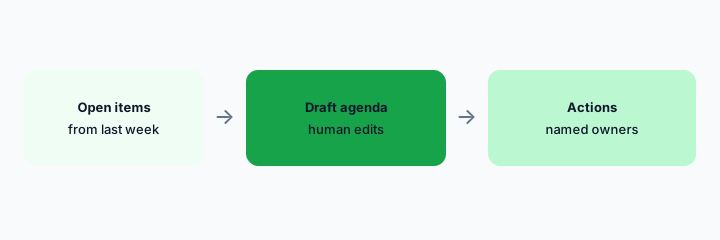
Primary workflow:
From last week’s open items, draft an agenda. Delete any topic that has no owner.
2. Action items need a name or Unknown
What it is: After the meeting, draft actions from notes a human typed or approved. Every action has a name or Unknown. Do not assign a person who was not in the room. Do not mark something done because the draft sounds finished.
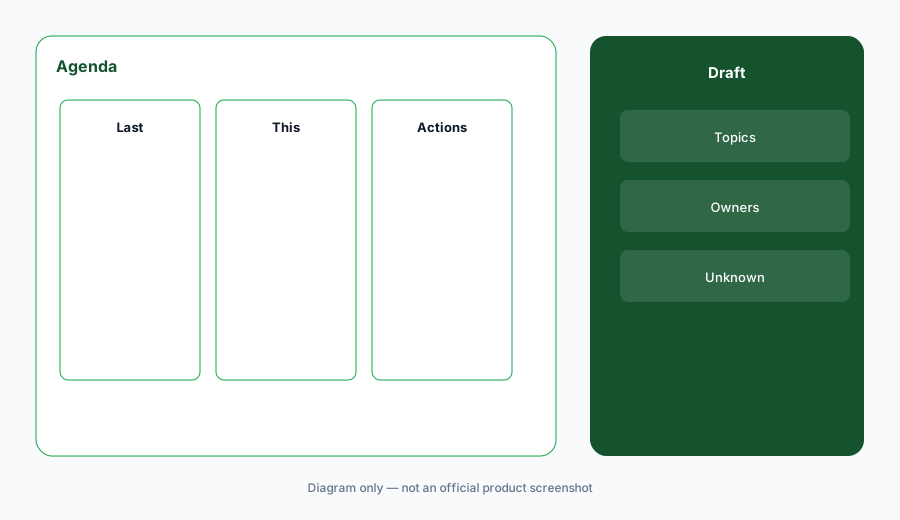
Action check:
Draft actions from the notes. Replace any owner who was absent with Unknown.
3. Decide if a bot joins
What it is: An agenda tool does not have to record. If you also run Fireflies, Otter, or Fathom, you may be paying two seats to remember one meeting. Pick the capture tool, if any, and let Fellow hold the agenda. Tell guests a recording is happening.
Seat check:
List capture tools on one recurring meeting. Keep one. Write why.
4. Versus Fireflies, Fathom, and Zoom Companion
What it is: Fellow for the agenda and the action list you edit. A transcript tool if you truly need the words. Zoom AI Companion if you refuse another bot and Zoom is where you meet. Do not expect the agenda tool to invent decisions that were not made.
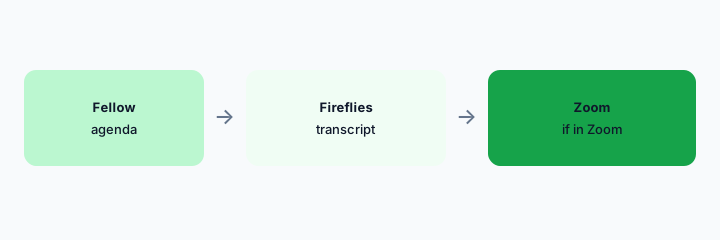
Home for the job:
For one meeting series, write what you need: agenda, transcript, or both. Pay for that.
Pricing context (October 2026)
We did not open this vendor’s public price table for this review. October 2026 is the date of the page, not a quote. Use the vendor’s live pricing page and your invoice.
If an assist is included or missing on your plan, record that from the admin screen.
Uncertainty: Names, limits, and which workspaces have the assist change. This page does not claim a dollar price or a general-availability date.
When it’s useful (honest take)
Useful when Fellow already holds the recurring agenda and a human edits before and after the meeting. Less useful if you wanted it to replace a facilitator. Less useful beside two transcript bots on the same series.
Paying for Fellow AI and a few other AI tools? The $9 AI toolkit spreadsheet lists every AI subscription you have, what each one costs, and how fast it pays for itself, so you can see which ones are worth the money.
Want someone to do it for you? AI toolkit audit — $19
Related options (educational)
| Need | Better home | Why |
|---|---|---|
| Agenda and actions | Fellow (this page) | Human edits; owners or Unknown |
| A transcript | Fireflies or Fathom | One capture tool |
| Stay inside Zoom | Zoom AI Companion | If you will not add a bot |
| Typed notes, no bot | Granola | Different capture style |
FAQ
Will it decide for us?
No. It drafts. The facilitator edits.
How much does Fellow cost?
We do not say. Check Fellow’s pricing and your invoice.
Do we need a transcript too?
Only if you use the transcript. Otherwise it is an extra seat.
Can it assign people who were absent?
It might. You change those owners to Unknown.
Optional next step (if seats overlap)
If two AI seats would answer the same question, map the overlap with the $19 AI toolkit audit or the $9 AI toolkit spreadsheet. Email Audit $19 or Toolkit spreadsheet $9.
Checkout is live via Stripe. After you pay, we email delivery (spreadsheet) or intake next steps (audit).