Compare · Sales & marketing · Nov 2026
Apollo.io vs ZoomInfo (Nov 2026): Free, Basic $49, Professional $99 vs quote-only plans — credits, seats, and who owns each list
Apollo.io publishes Free, Basic at $49, and Professional at $99 a month, with Custom plans on request. ZoomInfo does not publish prices: its pricing page asks you to request a quote, and its FAQ says cost depends on features, number of licenses, and credit usage. Price both on next month’s real seats and contacts, and name who owns every list before you sign. This page is not a ranking.
What this comparison covers
This page is for founders, SDR leads, and RevOps teams choosing between Apollo.io and ZoomInfo for B2B contact data and outbound. A named person owns each list and every credit-consuming search.
Facts come from the Apollo.io pricing page and the ZoomInfo pricing page, both read on 7 November 2026. Apollo’s dollar figures come from the page’s structured plan data (Free $0, Basic $49, Professional $99, Enterprise “contact for pricing”). ZoomInfo showed plan names and features but no list prices. We did not run your target accounts, so test lookups on contacts you already know.
The two sell differently. Apollo lets one seller start free and upgrade by card; ZoomInfo routes buyers to a quote shaped by licenses, credits, and add-ons. The useful question is which buying path matches your team size and how many contacts you will really work next month.
Ground rules: every exported list has an owner; phone and email data get a human check before a sequence sends; opt-outs are honored the same day. This page is not a ranking.
| Apollo.io | ZoomInfo | |
|---|---|---|
| Free | Free plan $0 (no time limit after a trial ends) | Free trial buttons on sales plans; no free plan listed |
| Published paid prices | Basic $49 a month; Professional $99 a month (page schema) | None published — “Get Pricing” form and sales quote |
| Top tier | Custom / Enterprise: contact for pricing | Copilot Enterprise (sales); ABM Enterprise (marketing) |
| Meter | Credits pooled across the team, reset each billing cycle, no rollover | Price set by features, number of licenses, and credit usage |
| Seats | All seats on one account share the same plan | Packaging based on number of licenses |
Major features (with how someone uses them)
Examples at a glance: each feature has a concrete example from a real job plus a short Try this you can run this week.
1. Published price vs quote
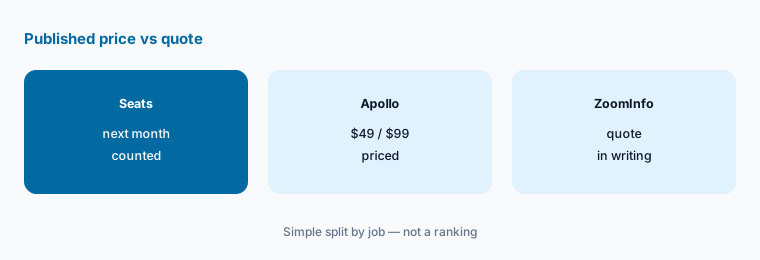
What it is: Apollo.io’s pricing page lists Free at $0, Basic at $49 a month, and Professional at $99 a month in its plan data, with Custom or Enterprise on request (Apollo.io pricing). ZoomInfo’s pricing page offers a “Get Pricing” form; its FAQ says cost depends on features, number of licenses, and credit usage (ZoomInfo pricing).
A published price lets you budget before a call. A quote can include volume terms you would not get by card — but only if you bring your own numbers to the call.
Price both on the same seats:
Write how many sellers need data next month, how many new contacts each will work, and what you pay today for data. Price Apollo.io Basic $49 or Professional $99 for every seat, ask ZoomInfo for a written quote on the same seats and credits, and compare the two totals before any demo call ends.
2. How credits are spent
What it is: Apollo says credits are the currency for emails, phone numbers, warmup, mailboxes, and AI-researched data; credits are pooled across the team, granted at the start of each billing cycle, and do not roll over (Apollo.io pricing). ZoomInfo’s FAQ says richer credits cover deeper data such as technographics and org charts, and that integrations can require a minimum bulk credit purchase (ZoomInfo pricing).
Phone reveals and enrichment usually cost more than a basic email lookup. Ask each vendor which actions spend credits before you set a budget.
Measure one batch:
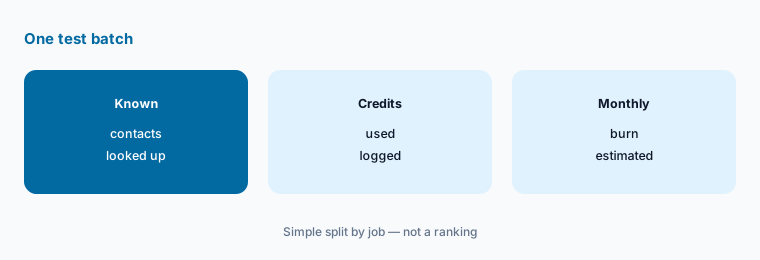
Look up 25 contacts you already know in each tool. Write credits used and how many emails and phones were correct, then multiply by next month’s volume.
3. Seats and plan rules
What it is: Apollo’s FAQ says every seat on an account sits on the same plan — you cannot mix Basic and Professional users (Apollo.io pricing). ZoomInfo says packaging is based on the number of licenses and the level of data access (ZoomInfo pricing).
Buy seats for people who will work lists every week. A seat for a manager who only views dashboards is often the first thing to cut.
Count real users:
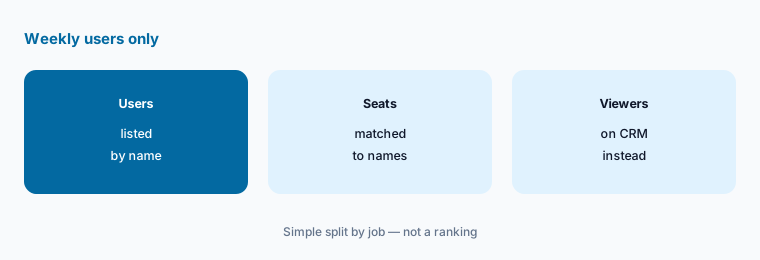
List everyone who will search or export contacts every week next month. Buy seats only for those names.
4. Billing terms and cancelling
What it is: Apollo offers monthly billing (cancel anytime) or annual billing paid upfront at a discount; cancellations take effect at the end of the plan term, and annual plans cannot be downgraded mid-cycle (Apollo.io pricing). ZoomInfo’s public page does not state contract length; terms come with the quote (ZoomInfo pricing).
Get renewal date, notice period, and overage price in writing before you sign either annual deal.
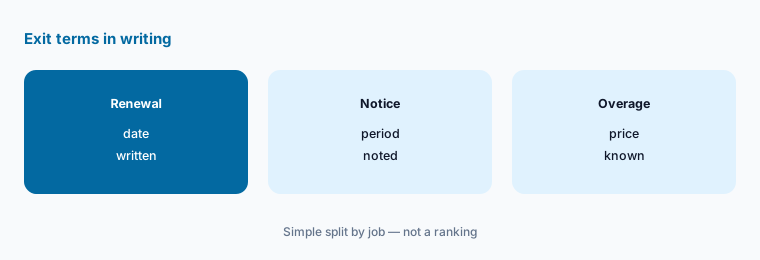
Write the exit terms:
For each vendor, write the renewal date, the notice period to cancel, and the price of extra credits. Put the notice date on your calendar today.
5. Replace a real data bill
What it is: Apollo’s page says email sequencing is included from Basic and lists a Chrome extension and a dialer among its features (Apollo.io pricing). ZoomInfo’s sales plans list engagement apps and CRM integrations, with buyer intent signals from Copilot Advanced up (ZoomInfo pricing). See Apollo.io alternatives, Seamless.AI, and Clay for other options.
If you would not cancel anything, you are stacking data tools. Set a cancel date for the old tool before the new contract starts.
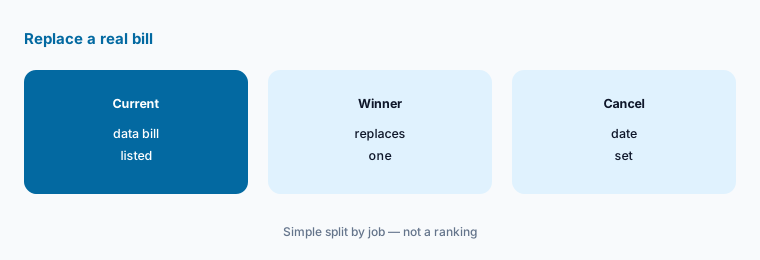
Set a cancel date:
List what each option would replace and the date you would cancel it. If neither replaces a bill, keep your current setup.
6. One owner per list and credit budget
What it is: Both platforms keep exports and saved searches after the person who built them has moved on (Apollo.io pricing; ZoomInfo pricing).
A named owner matters more than the logo. Lists without owners create spam complaints and wasted credits.
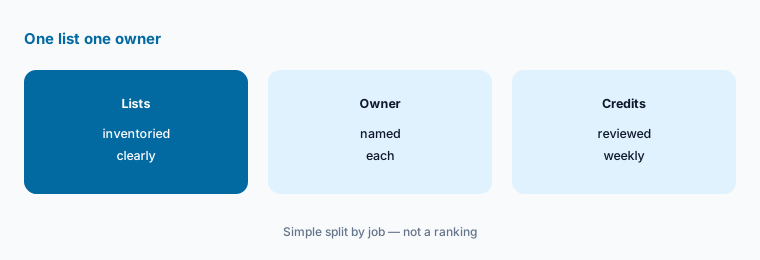
List owners:
Write every live list or saved search, its owner, and who reviews credit burn weekly. Pause any list without both names.
Pricing context (November 2026)
Apollo.io (pricing page, read 7 Nov 2026): Free $0; Basic $49 a month; Professional $99 a month (from the page’s plan data); Custom / Enterprise contact for pricing. Annual billing is listed as cheaper per month than monthly; the annual figures were not in the static page we fetched.
ZoomInfo (pricing page, read 7 Nov 2026): no list prices are published. Sales plans are Professional, Copilot Advanced, and Copilot Enterprise; marketing plans are Demand (75K included credits), ABM Lite, and ABM Enterprise (150K included credits). Price depends on features, number of licenses, and credit usage — request a written quote.
For single-tool views, see the Apollo.io review and Apollo.io alternatives.
Uncertainty: ZoomInfo does not publish prices, so any figure you have seen elsewhere is a past quote, not a list price. Apollo’s dollar amounts came from structured plan data on its page; annual-billing figures and credit counts per plan were not in the static HTML. Confirm live cards and written terms on the day you buy.
When it’s useful (honest take)
Apollo.io tends to fit small teams that want to start free, pay by card, and keep data and sequences in one tool. ZoomInfo tends to fit larger teams that need deeper company data, intent signals, or enterprise contract terms and are ready to negotiate a quote.
Neither helps if nobody owns list hygiene and opt-outs. Cancel unused data seats before you add another vendor.
Still choosing between Apollo.io and ZoomInfo? The $19 AI toolkit audit gives you a written plan for which tools to keep using and which to drop across your whole AI stack, including this pair.
Prefer to do it yourself? Spreadsheet — $9
Related options (educational)
| Need | Better home | Why |
|---|---|---|
| Apollo alone | Apollo.io review | See that review for current plans |
| Other Apollo options | Apollo.io alternatives | See that page |
| Quote-led contact data | Seamless.AI review | See that review |
| Enrichment workflows | Clay review | See that review for current plans |
| Cold email sending | Instantly alternatives | See that page |
FAQ
Is Apollo.io cheaper than ZoomInfo?
Apollo.io publishes Free $0, Basic $49, and Professional $99 a month; ZoomInfo publishes no list prices and quotes on features, licenses, and credits (both read 7 November 2026). Get a written ZoomInfo quote for the same seats and compare totals. This page is not a ranking.
Does ZoomInfo publish its prices?
No. On 7 November 2026 the ZoomInfo pricing page showed plan names and features with a “Get Pricing” form, and its FAQ said price depends on features, number of licenses, and credit usage.
Does Apollo.io have a free plan?
Yes. Apollo lists a Free plan at $0, and its FAQ says you can move to the free plan when a paid trial ends.
How do credits work on each?
Apollo pools credits across the team, resets them each billing cycle, and does not roll them over. ZoomInfo says deeper data uses richer credits and some integrations need a minimum bulk credit purchase. Test 25 known contacts in each to measure burn.
Who should own lists after a choice?
One named person per list or saved search, plus a named person who reviews credit burn weekly and honors opt-outs the same day.
Optional next step (if seats overlap)
If you pay for Apollo.io or ZoomInfo plus another data tool, map which one the winner would replace before you renew both. Map the overlap with the $19 AI toolkit audit or the $9 AI toolkit spreadsheet. Email Audit $19 or Toolkit spreadsheet $9.
Checkout is live via Stripe. After you pay, we email delivery (spreadsheet) or intake next steps (audit).