Tool · Sales & marketing · Opus Clip · Nov 2026
Opus Clip review (Nov 2026): Free 60 credits, Starter $15, Pro $29 ($14.50 billed annually), credits per minute, watermark, and who checks each clip
Opus Clip turns a long video into short vertical clips with captions for YouTube Shorts, TikTok, and Instagram Reels. Pricing runs on credits, and 1 credit is 1 minute of video processed: Free gives 60 credits a month with a watermark, Starter $15 a month gives 150 credits without one, and Pro $29 a month, or $14.50 billed annually, gives 300 credits that roll over for 2 months. Count your monthly minutes of long video first, and name one person who watches every clip before it posts.
What this Opus Clip page covers
This page is for a podcaster, coach, marketer, or small business owner who records long videos and wants short clips for social media without editing each one by hand. It covers plans, credits, limits, and what to test before you pay.
Facts come from the Opus Clip pricing page, read on 4 November 2026. We did not clip your videos, so test with your own recordings.
Opus Clip picks moments and adds captions for you. The useful question is how many minutes you process each month and how much time a person still spends checking clips, not how many clips it makes.
Ground rules: a person watches every clip before it posts; anyone who appears in a clip agreed to be recorded and shared; brand claims in captions are checked by the person who owns the offer.

Major features (with how someone uses them)
Examples at a glance: each feature has a concrete example from a real job plus a short Try this you can run this week.
1. Credits are minutes of video
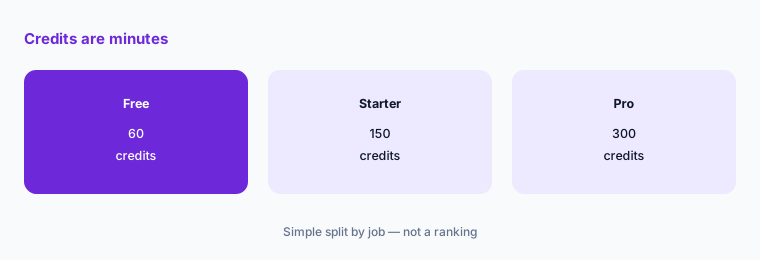
What it is: The pricing page says 1 credit equals 1 minute of video processing. Free includes 60 credits a month, Starter 150, and Pro 300, and Pro credits roll over for 2 months. Pro also lists credit top-ups (Opus Clip pricing).
A weekly 60-minute podcast uses about 240 credits a month, which is more than Starter and fits inside Pro. Clipping the same video twice spends credits twice, so settle on settings before you reprocess.
Add up your minutes:
Before you sign up, add up the minutes of long video you publish in a normal month (podcasts, webinars, livestreams). Opus Clip spends 1 credit per minute processed, so that number tells you whether the free 60 credits, Starter’s 150, or Pro’s 300 fits.
2. What the free plan leaves out
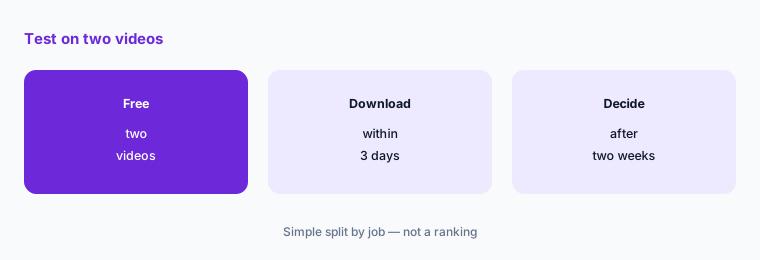
What it is: Free lists up to 1080p, a watermark on clips, no editing, and clips that cannot be exported after 3 days. Starter removes the watermark and adds filler and silence removal, 1 brand template, and auto-posting to YouTube Shorts, TikTok, and Instagram Reels (Opus Clip pricing).
The free plan is good for testing whether the clips are worth posting. Download anything you want to keep within 3 days.
Test on two videos:
Run two of your own long videos through the free plan, download the clips you would post within 3 days, and count how many needed no changes.
3. Starter at $15: monthly only
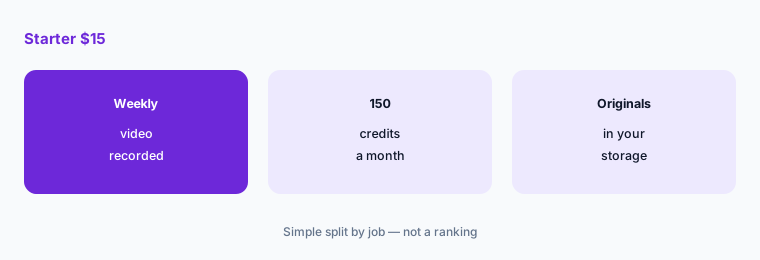
What it is: Starter is $15 a month, billed monthly only, with 150 credits, watermark-free export, 1 brand template, and auto-posting. Its media storage lists files expiring after 29 days (Opus Clip pricing).
Starter suits one person posting a few clips a week from one or two long videos. If you keep raw files only inside Opus Clip, they will expire, so keep originals in your own storage.
Keep your originals:
Before you upload, save every original recording in your own storage, so clips can be remade after files expire.
4. Pro: team workspace, scheduler, and editor export
What it is: Pro is $29 a month, or $14.50 a month billed annually ($174 a year), with 300 credits, a team workspace with 2 seats, 2 brand templates, 6 social account connections, AI B-Roll, a scheduler, multiple aspect ratios, video dubbing, limited API access, 100GB of storage, and export to Premiere Pro and DaVinci Resolve (Opus Clip pricing).
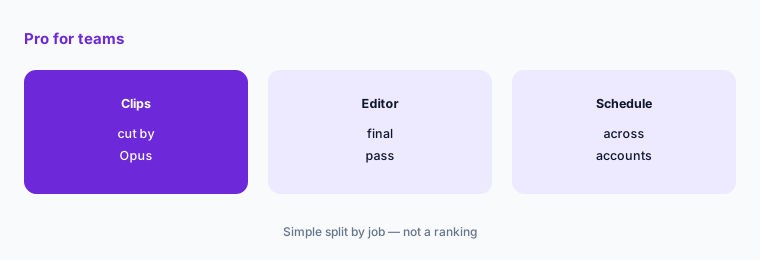
Editor export matters if a person polishes clips after Opus Clip cuts them. The annual price halves the monthly cost, so test on monthly first and switch once you know you will keep it.
Decide who polishes:
Name the person who gives each clip a final check or edit, and decide whether that happens inside Opus Clip or in your video editor.
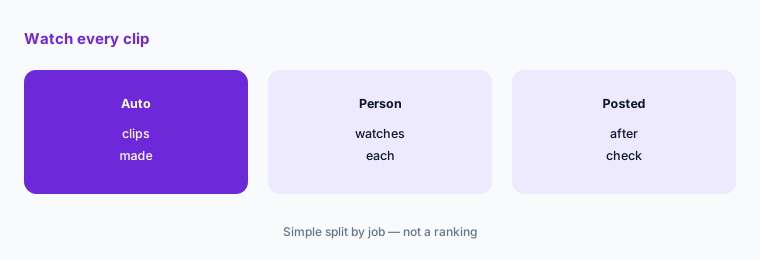
5. A person checks every clip
What it is: Opus Clip picks moments and writes captions automatically (Opus Clip pricing). Short clips cut from a long talk can drop the context around a claim, a price, or a joke.
Watch each clip in full before it posts, and check caption spelling for names, brands, and numbers. Auto-posting saves time only if this check happens first.
Check before it posts:
For the first month, schedule clips manually. Watch each one in full and check every name, number, and claim in the captions before it posts.
6. Compare with tools you already pay for
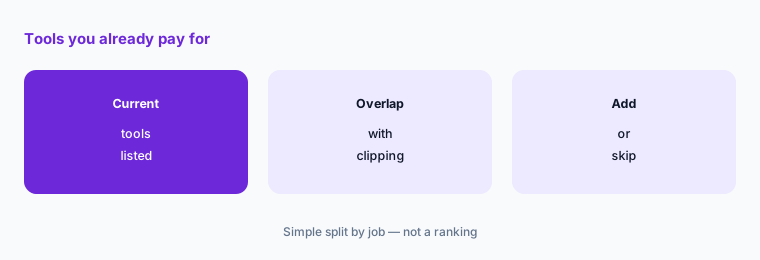
What it is: For comparison, read on 4 November 2026: Vizard lists a free plan with 60 credits a month at 1 credit per minute. We could not read Vizard’s paid prices, so check them on its page.
If you already pay for a video editor such as Descript, it may cover clipping for a few videos a month. For ad creatives rather than clips of your own talks, see the Creatify review.
Check what you already have:
List the video and design tools you pay for and whether any already makes short clips with captions. Add Opus Clip only if it saves time on top of those.
Pricing context (November 2026)
Free $0: 60 credits a month (1 credit = 1 minute of video), up to 1080p, watermark, no editing, clips cannot be exported after 3 days. Starter $15 a month, billed monthly only: 150 credits, no watermark, 1 brand template, filler and silence removal, auto-posting, storage that expires after 29 days (pricing page, read 4 Nov 2026).
Pro $29 a month, or $14.50 a month billed annually ($174 a year): 300 credits a month that roll over for 2 months, 2-seat team workspace, 2 brand templates, 6 social accounts, AI B-Roll, scheduler, credit top-ups, limited API, video dubbing, 100GB storage, Premiere Pro and DaVinci Resolve export.
Business: custom pricing with API and integrations. The pricing page lists a free trial with no credit card and uploads of local video up to 10GB each.
Uncertainty: The pricing page says annual billing saves up to 50%, and plan features and credit rules change often. Top-up credit prices were not shown to us. Check the live pricing page on the day you buy.
When it’s useful (honest take)
Useful when you publish long videos every week, such as a podcast, webinar, or livestream, and want several short clips from each without editing them by hand.
A poor fit when you record rarely, when your video editor already makes captioned clips, or when nobody has time to watch each clip before it posts.
Paying for Opus Clip and a few other AI tools? The $9 AI toolkit spreadsheet lists every AI subscription you have, what each one costs, and how fast it pays for itself, so you can see which ones are worth the money.
Want someone to do it for you? AI toolkit audit — $19
Related options (educational)
| Need | Better home | Why |
|---|---|---|
| Edit video and audio by text | Descript review | See that review for current plans |
| AI video ads from product links | Creatify review | See that review for current plans |
| Design and short video in one | Canva Magic Studio | See that review for current plans |
| Clip long videos, free plan | Vizard | Free plan with 60 credits a month |
FAQ
How much does Opus Clip cost?
As listed on 4 November 2026: Free with 60 credits a month, Starter $15 a month billed monthly, and Pro $29 a month or $14.50 a month billed annually. Business is custom.
What is an Opus Clip credit?
The pricing page says 1 credit equals 1 minute of video processing. A 30-minute video uses about 30 credits.
Does Opus Clip free have a watermark?
Yes. The free plan lists a watermark, no editing, and clips that cannot be exported after 3 days. Starter and Pro remove the watermark.
Do Opus Clip credits roll over?
On Pro, the pricing page says the 300 monthly credits roll over for 2 months. It does not list rollover for Free or Starter.
Can Opus Clip post to TikTok and YouTube Shorts?
Starter lists auto-posting to YouTube Shorts, TikTok, and Instagram Reels, and Pro adds a scheduler and 6 social account connections. Watch each clip before it posts.
Optional next step (if seats overlap)
If you pay for a video editor, a design tool, and a clipping tool, map which one owns short clips before the next renewal. Map the overlap with the $19 AI toolkit audit or the $9 AI toolkit spreadsheet. Email Audit $19 or Toolkit spreadsheet $9.
Checkout is live via Stripe. After you pay, we email delivery (spreadsheet) or intake next steps (audit).