Tool · Sales & marketing · MailerLite · Nov 2026
MailerLite review (Nov 2026): Free to 250 subscribers, Comfort from $12, Power from $25 — email campaigns, automations, and who owns each send
MailerLite is an email marketing tool for campaigns, automations, signup forms, and simple landing pages. Plans are Free (up to 250 subscribers and 2,500 emails a month), Comfort from $12 a month, Power from $25 a month, and Enterprise custom, with prices rising by subscriber count. Name who owns every send before it goes out, and cancel any email tool MailerLite replaces.
What this MailerLite page covers
This page is for solo founders, small businesses, creators, and nonprofits who want an affordable email tool for newsletters, automations, and signup forms. It covers Free, Comfort, Power, and Enterprise, and what to test before you pay.
Facts come from the MailerLite pricing page and its plan FAQ, read on 7 November 2026. We did not import your list, so run your own trial with emails you would actually send.
MailerLite helps when email is a steady channel and someone edits each campaign. It does not help if sends go out without an owner or if automations keep running after the offer changed.
Ground rules: every scheduled campaign and automation has a named owner; pricing, product, and results claims get a human check before publish.

Major features (with how someone uses them)
Examples at a glance: each feature has a concrete example from a real job plus a short Try this you can run this week.
1. Start on Free with a real send
What it is: MailerLite Free covers up to 250 subscribers, 2 user seats, and 2,500 monthly emails, plus campaigns, automations, a website, a landing page, signup forms, and all three email editors (MailerLite pricing).
Free proves the habit for a small list. Once you pass 250 subscribers or need more sends, you move to a paid plan priced by subscriber count.
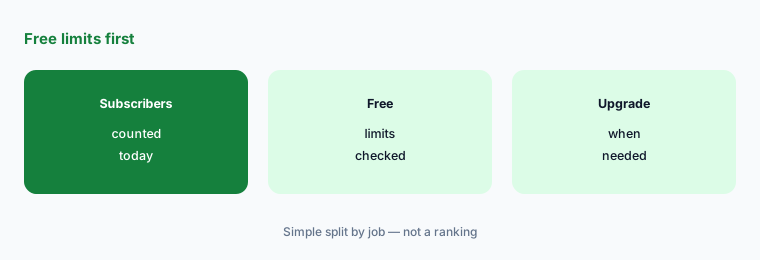
Check the Free limits:
Write your active subscriber count, how many emails you sent last month, and how many people need a login. Check those three numbers against MailerLite Free (250 subscribers, 2,500 emails, 2 seats) before you pick Comfort or Power.
2. Comfort from $12 or Power from $25
What it is: Comfort starts at $12 a month and adds unlimited templates, dynamic emails, auto-resend, multivariate testing, a preference center, and an AI writing assistant. Power starts at $25 a month and adds unlimited user seats, monthly emails, automations, forms, digital products, bookings, and 24/7 live chat (MailerLite pricing).
Both prices rise with subscriber count, so the starting price only applies to small lists. Use the slider on the pricing page with your real number before comparing tools. Yearly billing is listed at 10% off.
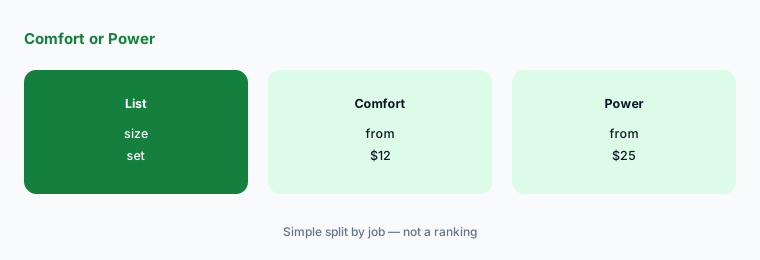
Price at your list size:
Set the MailerLite pricing slider to your real subscriber count. Write the Comfort and Power prices at that size, monthly and yearly, before you start a trial.
3. Automations need an owner
What it is: Free includes automations; Power lists unlimited automations and multiple automation triggers (MailerLite pricing).
Welcome and follow-up sequences keep sending long after an offer or price changes. Review every live automation when you change what you sell.
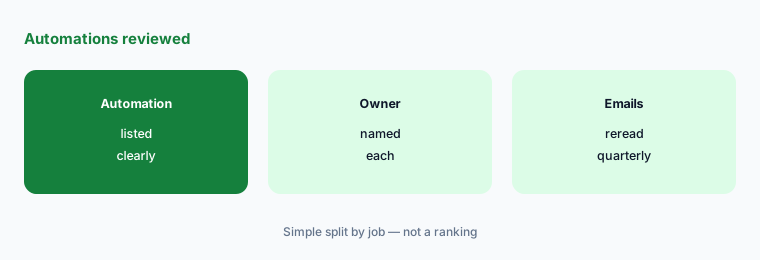
List live automations:
Write every live MailerLite automation, its trigger, its owner, and the last date someone reread the emails. Fix anything older than a quarter.
4. AI writing still needs an editor
What it is: Comfort and Power list an AI writing assistant (MailerLite pricing). Drafts can be fast; facts, prices, and calls to action still need a human pass.
Treat every AI draft like a junior writer’s first pass. Outdated offers and soft claims are the usual problems.
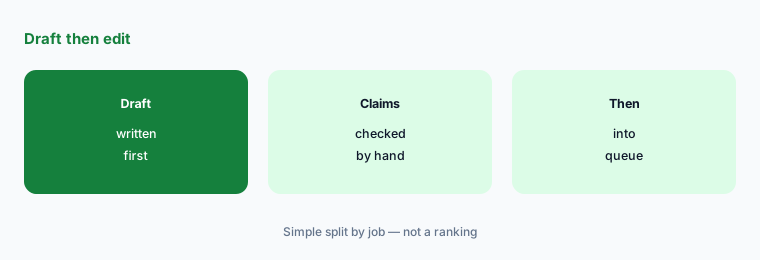
Add an edit gate:
For the next five campaigns, mark every claim, link, and offer. Do not schedule a send until each mark has a human OK.
5. Replace an email or newsletter bill
What it is: MailerLite earns its keep when it replaces a tool you already pay for (MailerLite pricing). For comparison, Beehiiv lists Free up to 2,500 subscribers and Lite at $49 a month (Beehiiv pricing), and Kit lists a Free plan up to 10,000 subscribers (Kit pricing). See Beehiiv and Beehiiv vs Substack.
If you would not cancel anything, you are stacking tools. Set a cancel date for the old tool before the trial ends.
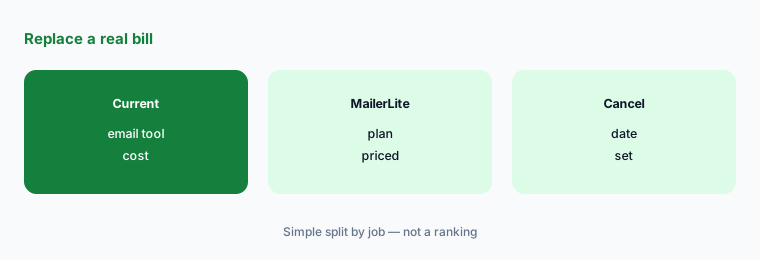
Set a cancel date:
List what MailerLite would replace and the date you would cancel it. If you would not cancel anything, keep your current setup.
6. One owner per list and campaign
What it is: Free, Comfort, and Power all let campaigns and automations keep sending after the person who set them up has moved on (MailerLite pricing).
A named owner matters more than the plan. A scheduled campaign with an old price still reaches your whole list.
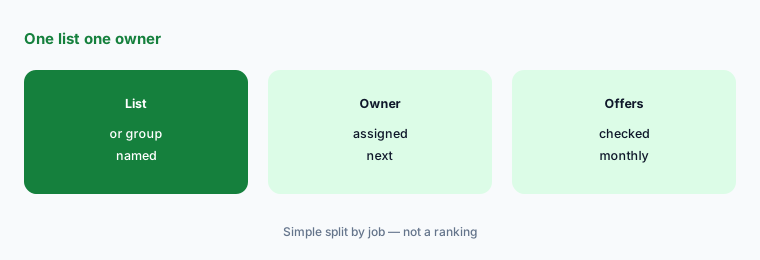
List owners:
Write every MailerLite list or group you manage, its owner, and the last date offers and links were checked. Review it monthly.
Pricing context (November 2026)
Free up to 250 subscribers, 2 user seats, 2,500 monthly emails. Comfort from $12 a month. Power from $25 a month. Enterprise custom for 200K+ subscribers (pricing page, read 7 Nov 2026).
Paid prices rise with active subscriber count; the pricing page lists yearly billing at 10% off. Email sending through the API or MCP server is listed for paid plans only.
Confirm the price at your subscriber count on the live pricing slider and signup screen — the starting prices apply to small lists.
Uncertainty: The pricing page we read on 7 November 2026 renders plan prices with a subscriber slider; we quote the starting prices from the plan FAQ. MailerLite has renamed and resized plans before, including the Free subscriber cap. Check the live page at your list size on the day you buy.
When it’s useful (honest take)
Useful when email is a steady channel, your list is small to mid-size, you will edit each campaign before it sends, and you would cancel another email tool.
A poor fit when nobody owns the send calendar or automations, or when you only needed a one-week experiment. Cancel unused email tools before you add another logo.
Paying for MailerLite and a few other AI tools? The $9 AI toolkit spreadsheet lists every AI subscription you have, what each one costs, and how fast it pays for itself, so you can see which ones are worth the money.
Want someone to do it for you? AI toolkit audit — $19
Related options (educational)
| Need | Better home | Why |
|---|---|---|
| Newsletter with monetization | Beehiiv review | See that review for current plans |
| Newsletter platform choice | Beehiiv vs Substack | See that page |
| Funnels plus email | Systeme.io review | See that review for current plans |
| Chat automation | ManyChat review | See that review for current plans |
FAQ
How much does MailerLite cost?
As listed on 7 November 2026: Free up to 250 subscribers and 2,500 monthly emails; Comfort from $12 a month; Power from $25 a month; Enterprise custom for 200K+ subscribers. Paid prices rise with subscriber count.
Does MailerLite still have a free plan?
Yes. Free is listed with up to 250 subscribers, 2 user seats, and 2,500 monthly emails, including campaigns, automations, a website, a landing page, and signup forms.
What is the difference between Comfort and Power?
Comfort adds unlimited templates, dynamic emails, testing, and an AI writing assistant. Power adds unlimited user seats, monthly emails, automations, digital products, bookings, and 24/7 live chat.
Should I pay monthly or yearly?
The pricing page lists yearly billing at 10% off. Choose yearly only after a month of real sends where campaigns went out on time and someone owned them.
Who should own MailerLite campaigns?
One named person per list or group, with a short edit checklist before anything schedules and a quarterly reread of every automation.
Optional next step (if seats overlap)
If email already drives sales or bookings, try MailerLite Free on one real campaign with a named editor before you lock Comfort or Power. Map the overlap with the $19 AI toolkit audit or the $9 AI toolkit spreadsheet. Email Audit $19 or Toolkit spreadsheet $9.
Checkout is live via Stripe. After you pay, we email delivery (spreadsheet) or intake next steps (audit).