Tool · Property ops · Hostaway · Oct 2026
Hostaway AI review (Oct 2026): AI guest messaging, automations, and dynamic pricing for vacation rental managers
Hostaway is a property-management system and channel manager for vacation rental managers, syncing Airbnb, Vrbo, Booking.com, Google, and direct bookings. Its AI layer centres on AI Replies, which drafts responses to guest messages from your rules, reservation details, and a listing Knowledge Base — as drafts by default, or sent automatically for rules you mark Auto-reply. It also offers Dynamic Pricing with gap-night settings, AI review insights, and AI listing descriptions. This page is about moving from drafts to automatic replies only when a named person is ready to own them. Each section has a Try this.
What this Hostaway page covers
This page is for a guest-experience lead, operations manager, or owner at a vacation rental company on Hostaway or comparing platforms. The question it answers: which guest replies, prices, and listing text Hostaway’s AI drafts or sends, how to control the switch to automatic, and who owns each.
Hostaway’s AI Replies guide (read 13 October 2026) says you choose Delivery per rule: Draft to review first, or Auto-reply to send “without manual approval.” Hostaway notes the feature changes frequently. Its AI features page claims power users send up to 89% of AI-generated messages and 25.1% more revenue per listing from Dynamic Pricing — vendor claims, not our measurement.
Ground rules: the guest-experience lead (a named person) approves every rule before it is set to Auto-reply; an owner or revenue manager sets base rates and limits before Dynamic Pricing runs; door codes, guest IDs, and payment details never go into test prompts; and local short-term rental rules are checked by a person.
Major features (with how someone uses them)
Examples at a glance: each feature has a concrete example from a real job plus a short Try this you can run this week.
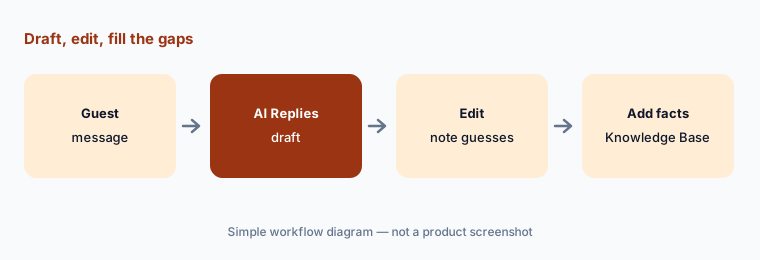
1. AI Replies drafts: edit before sending and note what was guessed (primary)
What it is: When AI Replies is on, Hostaway says it analyzes your custom rules, reservation details, and listing information and puts a suggested reply in the inbox; you send it as-is, edit it, or write your own (support article). If information is missing, Hostaway says the AI tells you which data it lacks and suggests adding it to the Knowledge Base.
The fastest way to find gaps in your listing data is to read drafts for a week. Every fact the draft guessed is a fact to add.
Primary workflow:
Draft AI replies for one listing’s next ten guest messages. Edit before sending and note which facts the draft guessed.
2. Knowledge Base and rules: the source the drafts read from
What it is: Hostaway’s guide says you can set tone of voice and answer length, write custom rules for specific guest questions (applied to one, several, or all listings), and add listing facts to the Knowledge Base so the AI has the right information.
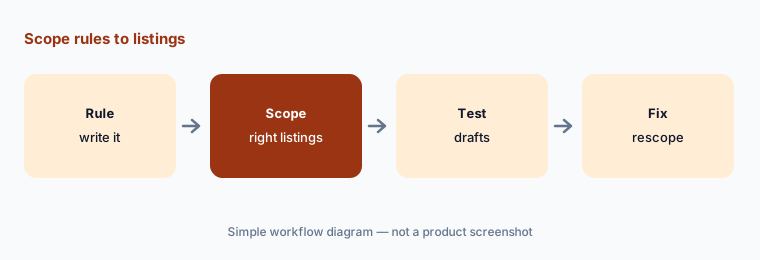
Rules applied to all listings are powerful and risky: a parking rule right for one building is wrong for the next. Scope rules to the listings they are true for.
Scope the rules:
Review every AI Replies rule set to “all listings.” For each, check three listings where it should not apply and rescope if needed.
3. Auto-reply: the switch a named person turns on, one rule at a time
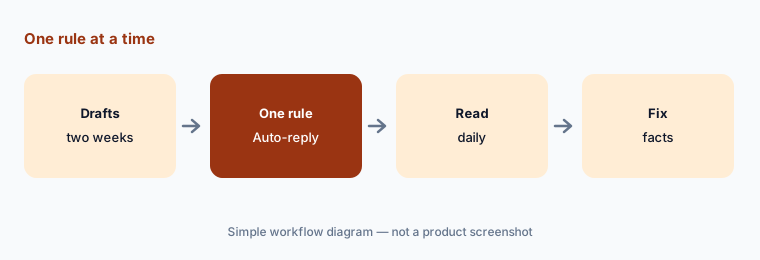
What it is: Hostaway says you can set Delivery to Auto-reply for specific rules so AI sends replies automatically, without approval, for questions like Wi-Fi or parking (AI Replies guide).
Start with questions whose answers never change and cannot cost money. Anything about refunds, damage, fees, or access stays a draft.
One rule at a time:
Pick one rule with an answer that never changes. Turn on Auto-reply for one listing and read every message it sends for a week.
4. Dynamic Pricing and gap nights: rates inside limits you set
What it is: Hostaway says Dynamic Pricing adjusts prices based on demand, and gap-night settings fill short vacancies between bookings; you set base rates and parameters in Settings → Pricing (support article).
Gap-night discounts can drop below what a turnover costs. Set a floor and a minimum stay with the owner before turning it on.
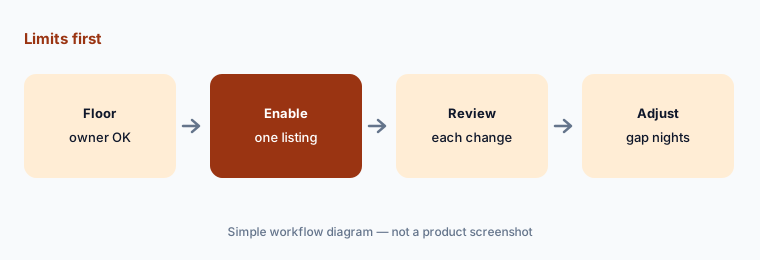
Floor first:
Turn on Dynamic Pricing for one listing with a floor and minimum stay the owner approved. Review every rate change for two weeks.
5. AI review insights and listing descriptions: themes and drafts to verify
What it is: Hostaway’s AI features page describes Review Insights, which uses AI to analyze sentiment trends in guest reviews and summarize potential improvements, and AI that rewrites listing descriptions. Hostaway also supports review-response templates and rules.
A listing description is a promise to guests. Every amenity, distance, and capacity claim the AI writes needs to be true at the property.
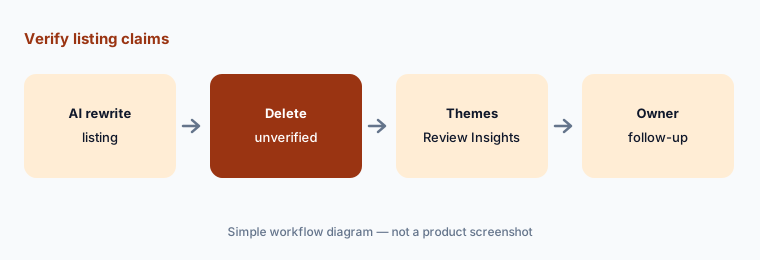
Verify every claim:
Have AI rewrite one listing description. Delete every amenity or distance claim you cannot verify at the property.
6. AI suggestions in the composer: polish, then read it once more
What it is: Hostaway says AI suggestions in the message composer can polish a reply you have typed or draft one from a short prompt, and that AI can translate guest communication.
Polishing can change meaning — “we may be able to” becoming “we will.” Read the polished version before sending, especially on refunds and exceptions.
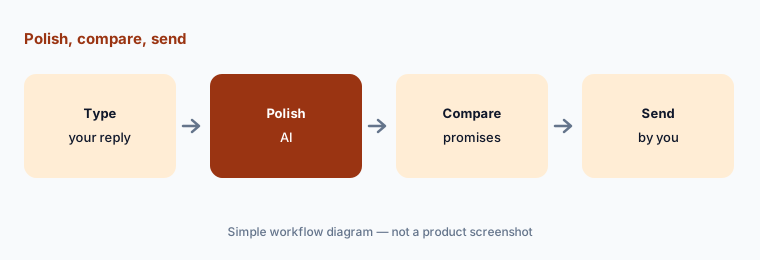
Compare the meaning:
For one day, use AI polish on replies you type. Compare each polished version with your original and note any change in what you promised.
Pricing context (October 2026)
Hostaway’s pricing page does not list prices (checked 13 Oct 2026); pricing is by quote and typically depends on listing count. Hostaway’s AI page describes AI Replies as available to enable; confirm in your quote whether any AI feature carries a separate fee.
Budget for the people time: a week or two of edit-before-send per property, daily reading of any Auto-reply rule at first, and an owner sign-off on pricing floors.
Uncertainty: Hostaway says AI Replies is “continuously developed” and its guide will change frequently — re-check Delivery options before relying on them. The 89% and 25.1% figures are vendor claims without published method.
When it’s useful (honest take)
Useful when you manage vacation rentals across several channels, want AI drafts inside the PMS, and have a guest-experience lead who decides which rules may auto-send.
Less useful when you manage long-term residential leases (see Entrata AI or Yardi AI), you host one or two listings and want published plans (see Hospitable AI), or nobody has time to read drafts.
Paying for Hostaway AI and a few other AI tools? The $9 AI toolkit spreadsheet lists every AI subscription you have, what each one costs, and how fast it pays for itself, so you can see which ones are worth the money.
Want someone to do it for you? AI toolkit audit — $19
Related options (educational)
| Need | Better home | Why |
|---|---|---|
| Vacation rental PMS with AI Replies | Hostaway AI (this page) | Draft or Auto-reply; quote |
| STR PMS with AI agent catalog | Guesty AI | ReplyAI, PriceOptimizer |
| Hosts and small managers | Hospitable AI | Free Essentials plan |
| Multifamily long-term leasing | Entrata AI · Yardi AI | Residents, not guests |
| General chat assistant | Claude · ChatGPT | No guest PII in prompts |
FAQ
What AI features does Hostaway have?
AI Replies (drafts and per-rule Auto-reply), a listing Knowledge Base, AI suggestions in the composer, Dynamic Pricing with gap-night settings, AI Review Insights, and AI listing descriptions, as read 13 October 2026.
Does Hostaway AI send messages automatically?
Only for rules you set to Auto-reply; otherwise replies are drafts you review. Turn on Auto-reply one low-risk rule at a time and read what it sends.
How much does Hostaway cost?
Hostaway does not publish prices; it quotes based on your portfolio. Ask whether AI features carry a separate fee.
Where does AI Replies get its information?
Hostaway says from your rules, reservation details, listing information, and the Knowledge Base. Missing facts lead to guesses, so fill the Knowledge Base first.
Will Dynamic Pricing change my rates?
Yes, within the base rates and parameters you set. Agree a floor and minimum stay with the owner before enabling it.
Optional next step (if seats overlap)
If you pay for Hostaway, a separate pricing tool, and general chat seats that all draft the same guest replies, that overlap is worth a look. Map the overlap with the $19 AI toolkit audit or the $9 AI toolkit spreadsheet. Email Audit $19 or Toolkit spreadsheet $9.
Checkout is live via Stripe. After you pay, we email delivery (spreadsheet) or intake next steps (audit).