Tool · Property ops · Hospitable · Oct 2026
Hospitable AI review (Oct 2026): AI guest messaging, smart automations, and direct booking for hosts
Hospitable is a short-term rental platform for hosts, co-hosts, and property managers — unified inbox, automated messaging, channel sync with Airbnb, Vrbo, Booking.com, and Agoda, cleaning workflows, smart-lock automations, and a direct booking website. Its AI shows up as AI suggested replies, the Message AI Assistant, Inbox AI with a Knowledge Hub on the top plan, AI issue alerts, an AI Copilot, and MCP access for running parts of the business through AI agents. This page is about letting AI answer guests only after you have checked what it knows. Each section has a Try this.
What this Hospitable page covers
This page is for a host with a handful of listings or a small manager on Hospitable or comparing it. The question it answers: which guest messages, alerts, and prices Hospitable’s AI drafts or sends, which plan includes each, and what the host still checks.
Hospitable’s pricing page (read 13 October 2026) shows four plans: Essentials (free), Host, Professional, and Mogul (demo). The comparison table lists AI Suggested Replies (10 per week on the lowest tier), the Message AI Assistant from Host, Inbox AI and the Knowledge Hub on Mogul, AI issue alerts, AI Copilot, and MCP access.
Ground rules: the host approves every message template before AI or automation sends it; door codes and guest IDs stay out of anything you paste into a general chat tool; and local short-term rental permits, taxes, and occupancy rules are checked by a person.
Major features (with how someone uses them)
Examples at a glance: each feature has a concrete example from a real job plus a short Try this you can run this week.
1. AI suggested replies: compare with what you actually sent (primary)
What it is: Hospitable lists AI Suggested Replies in its unified inbox (10 per week on the lowest tier per the pricing table) and the Message AI Assistant from the Host plan. Drafts draw on your property details and saved knowledge.
Testing on past questions costs nothing and shows you exactly where the AI’s knowledge differs from yours.
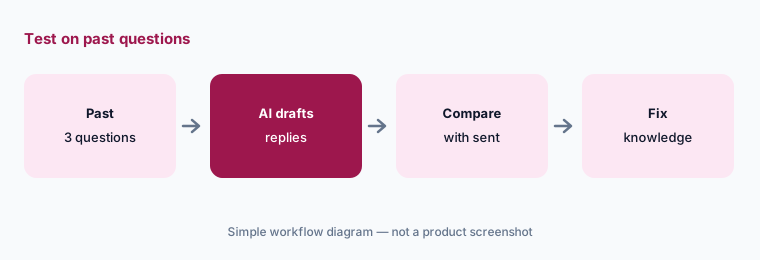
Primary workflow:
Let Hospitable’s AI draft replies to three past guest questions. Compare each with what you actually sent and fix the knowledge it used.
2. Scheduled messages and Q&A auto replies: templates you sign off
What it is: Hospitable’s automated messaging covers scheduled guest messages (check-in instructions, reminders, review requests) and Q&A auto replies for common questions, per the pricing comparison.
Scheduled messages go out whether or not anything changed. Check timing rules against same-day turnovers and late bookings.
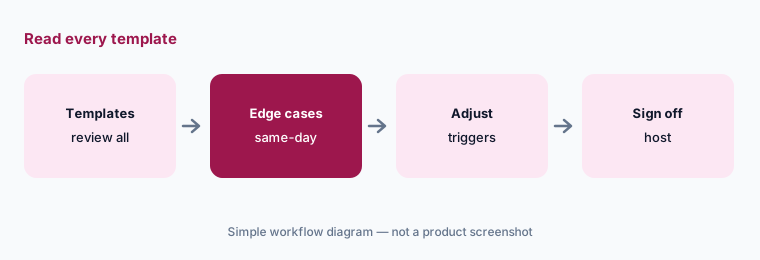
Read every template:
Open every scheduled message template. For each, check what happens on a same-day booking and a cancelled stay.
3. Inbox AI and Knowledge Hub: more automation on the top plan
What it is: On Mogul, Hospitable lists Inbox AI (its AI messaging assistant) and a Knowledge Hub the AI answers from. Mogul is sold through a personalized demo.
More automation means the Knowledge Hub is your single source of truth. Assign one person to keep it current after every property change.
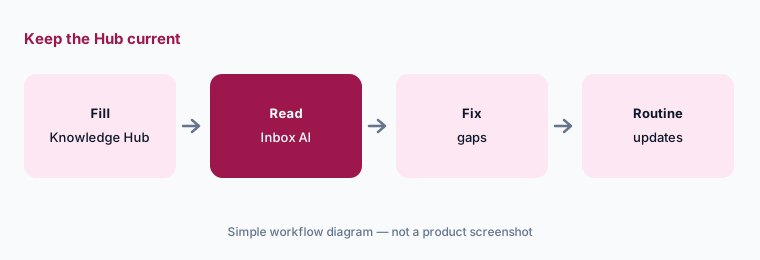
Owner of the Hub:
Name one person who owns the Knowledge Hub. Have them update it after the next three property changes and check one reply each time.
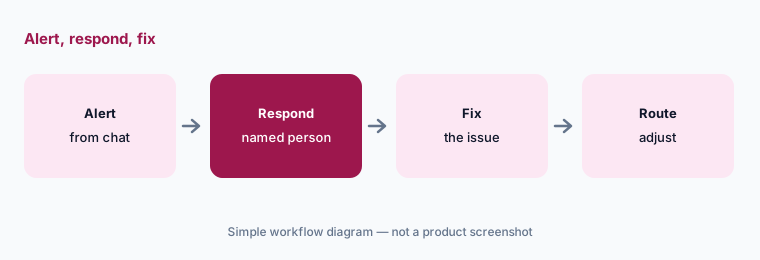
4. AI issue alerts: flags you read before guests do
What it is: Hospitable lists AI Issue Alerts under guest experience — flags when a conversation suggests a problem, such as a broken appliance or an access issue.
An alert is only useful if someone acts on it quickly. Decide who gets each alert and how fast they respond.
Who gets it:
Turn on AI issue alerts and write down who responds to each and how fast. Review every alert from the first two weeks.
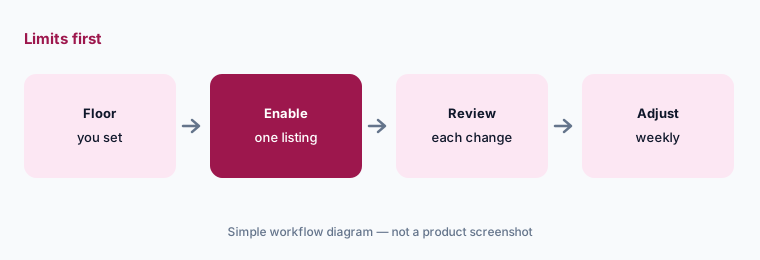
5. Dynamic pricing: limits before automatic rates
What it is: Hospitable lists Dynamic Pricing from the Host plan; the pricing table says it is free for three bookings in the first 30 days, then $5 per property, plus seasonality discounts.
Set a minimum price and minimum stay you would accept on your worst week before turning it on.
Floor first:
Turn on dynamic pricing for one listing with a floor and minimum stay you set. Review every rate change for two weeks.
6. AI Copilot and MCP access: agents with only the access they need
What it is: Hospitable lists an AI Copilot and MCP access (“run your business through AI agents with MCP”) in its plans, along with API access.
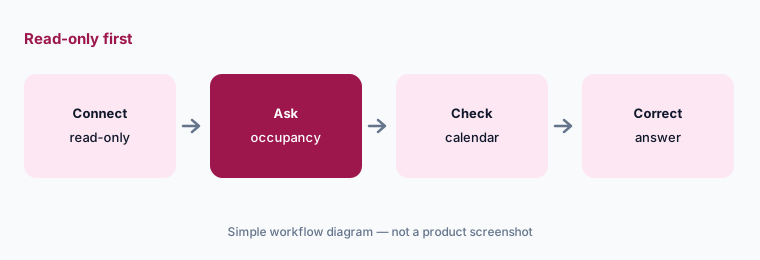
An AI agent connected through MCP can read reservations and possibly act on them. Give it the smallest access that does the job and keep a person approving anything guest-facing.
Read-only first:
Connect one AI assistant through Hospitable MCP with read-only access. Ask for next month’s occupancy and check it against the calendar.
Pricing context (October 2026)
Hospitable’s pricing page (read 13 Oct 2026) lists Essentials as free, with Host and Professional priced by property count (use the page’s calculator; extra properties listed at $10 on Host and $15 on Professional and Mogul) and Mogul via demo. Annual billing is listed as saving 12%, and there is a 14-day free trial with no card required.
Dynamic pricing is listed as free for three bookings in the first 30 days, then $5 per property. Direct booking, upsell, and processing fees are listed separately.
Uncertainty: Plan prices render through a calculator and did not show in our read — check the live calculator for your property count. Which AI features sit on which plan may change; confirm Inbox AI and Knowledge Hub availability before buying.
When it’s useful (honest take)
Useful when you host a few listings or run a small STR business, want a free starting plan, and will check what the AI knows before letting it answer guests.
Less useful when you need multifamily leasing (see Entrata AI or Yardi AI), you run a large team that wants a broad agent catalog (see Hostaway AI or Guesty AI), or nobody owns the message templates.
Paying for Hospitable AI and a few other AI tools? The $9 AI toolkit spreadsheet lists every AI subscription you have, what each one costs, and how fast it pays for itself, so you can see which ones are worth the money.
Want someone to do it for you? AI toolkit audit — $19
Related options (educational)
| Need | Better home | Why |
|---|---|---|
| Hosts and small managers | Hospitable AI (this page) | Free Essentials; AI by plan |
| Vacation rental managers | Hostaway AI | AI Replies; quote |
| STR PMS with AI agents | Guesty AI | Lite from $9/listing |
| Long-term residential | Yardi AI · Entrata AI | Residents, not guests |
| General chat assistant | Claude · ChatGPT | Via MCP; scope tightly |
FAQ
What AI features does Hospitable have?
AI suggested replies, the Message AI Assistant, Inbox AI with a Knowledge Hub on Mogul, AI issue alerts, AI Copilot, MCP access, and dynamic pricing, as listed 13 October 2026.
Is Hospitable free?
The Essentials plan is listed as free. Host and Professional are priced by property count, and Mogul is sold via demo; there is a 14-day trial.
Does Hospitable’s AI send messages on its own?
Scheduled messages and Q&A auto replies send automatically once set up, and Inbox AI adds more automation on Mogul. The host should approve every template first.
How much is Hospitable dynamic pricing?
Listed as free for three bookings in the first 30 days, then $5 per property.
Can I connect an AI agent to Hospitable?
Hospitable lists MCP and API access. Start read-only and keep a person approving anything guest-facing.
Optional next step (if seats overlap)
If you pay for Hospitable, a separate pricing tool, and general chat seats that all draft the same guest replies, that overlap is worth a look. Map the overlap with the $19 AI toolkit audit or the $9 AI toolkit spreadsheet. Email Audit $19 or Toolkit spreadsheet $9.
Checkout is live via Stripe. After you pay, we email delivery (spreadsheet) or intake next steps (audit).