Pricing · Ops & automation · Greenhouse · Nov 2026
Greenhouse pricing (Nov 2026): Core, Plus and Pro plans with no published prices — what each plan adds, what drives the quote, and how to compare it before you sign
Greenhouse sells its applicant tracking system in three plans: Core, Plus, and Pro. It publishes no list prices; its pricing FAQ says cost depends on the plan, your hiring volume, and how complex your organization is. Write your hiring numbers first so you can compare quotes on the same basis.
How Greenhouse pricing works
This guide is for heads of talent, recruiting operations leads, and HR and finance people who have to approve a Greenhouse contract. It explains the plans and what moves the price.
Facts come from the Greenhouse pricing page and the Greenhouse home page, read on 10 November 2026. Greenhouse shows no dollar amounts on either page.
The pricing FAQ says a Greenhouse expert recommends a plan and gives custom pricing, and that you can upgrade at any time. Each plan includes everything in the one below it.
Ground rules: one owner for the hiring numbers you share in the quote, and one person who checks the renewal terms. For the product itself see Greenhouse review.

Major features (with how someone uses them)
Examples at a glance: each feature has a concrete example from a real job plus a short Try this you can run this week.
1. What drives the Greenhouse quote
What it is: The pricing FAQ says cost is influenced by the plan you choose (Core, Plus, or Pro), your hiring volume and organizational complexity, and the features you need for your workflows (Greenhouse pricing).
Because there is no price list, the numbers you bring to the call shape the quote. Bring the same numbers to every vendor you compare.
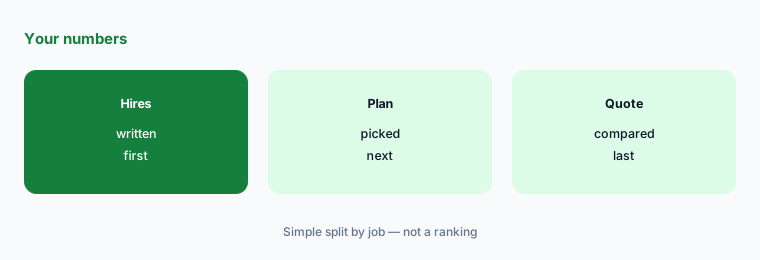
Write your numbers:
Write three numbers before the first sales call: open roles you expect in the next 12 months, the number of recruiters and hiring managers who will log in, and the number of brands, regions, or legal entities you hire for. Greenhouse says price depends on plan, hiring volume, and complexity, so these are what the quote will be built from.
2. Core: structure for hiring
What it is: Core is described as for establishing a consistent hiring process and replacing manual tools with automation. It includes sourcing and CRM, structured interview kits, AI Notetaker, scheduling, reporting and analytics, SSO, and Real Talent matching (Greenhouse pricing).
The comparison table lists 1 CRM event at the base level and unlimited CRM events on Pro. Ask how many events Core includes for your team.
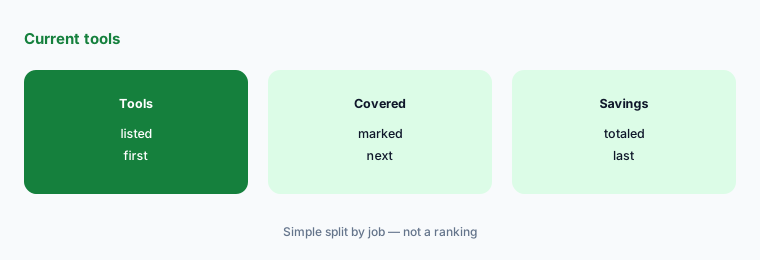
Price what Core replaces:
List every hiring tool you pay for now, such as scheduling, note taking, and job posting. Next to each, mark whether Core includes it, and total what you would stop paying.
3. Plus: automation and deeper reporting
What it is: Plus adds AI-powered report filters, a Business Intelligence Connector, Greenhouse Sourcing Automation, texting, and Real Talent fraud and spam detection. It is described as for adding teams, locations, or brands and expanding reporting and process control (Greenhouse pricing).
If you already pull hiring data into a BI tool by hand, the BI Connector is the line to test. If not, Plus may add features nobody uses.
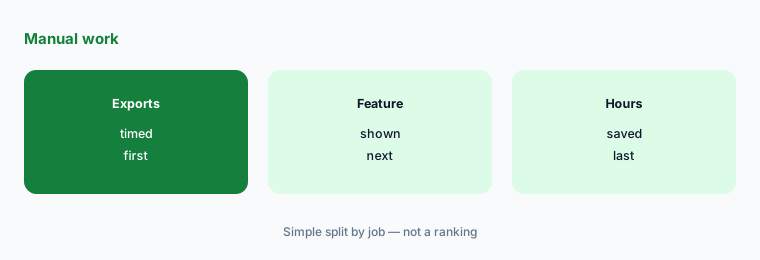
Time the manual work:
Time how long your team spends each week exporting hiring reports or texting candidates by hand. Bring that number to the demo and ask which Plus feature replaces it.
4. Pro: governance and developer tools
What it is: Pro adds unlimited CRM events, enterprise-level data configuration and security, an audit log, a developer sandbox and sandbox sync, and enterprise-level Real Talent features. It is described as for operating across regions and business units with advanced governance (Greenhouse pricing).
Pro makes sense when legal, security, or audit teams require an audit log or a sandbox. Ask them before you pay for it.
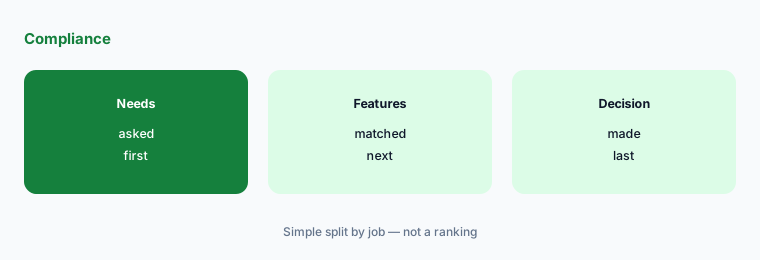
Ask who needs Pro:
Send one short note to legal, security, and IT asking whether they require an audit log, a developer sandbox, or custom security settings for the hiring system. Request a Pro quote only if someone says yes.
5. AI features and where they sit
What it is: The home page describes Voice AI interviews (a two-way first conversation using your questions), Notetaker that records, transcribes, and summarizes interviews, Real Talent fraud and misrepresentation flags, AI agents, and MCP access to connect Greenhouse data to tools like Claude, ChatGPT, or Gemini (Greenhouse).
AI Notetaker appears in Core; fraud and spam detection appears in Plus. Ask in writing whether Voice AI is included or priced separately, because the pricing page does not list it in a plan.
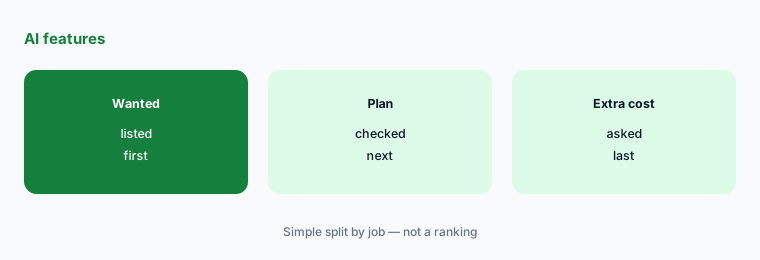
Check what is included:
Write the AI features you actually want (note taking, fraud checks, AI interviews). For each, ask Greenhouse which plan includes it and whether it costs extra, and get the answer in the quote.
6. Contract and upgrades
What it is: The FAQ says you can upgrade at any time and that plans are built to grow with your hiring needs. Greenhouse says it is trusted by 7,500+ companies (Greenhouse pricing; Greenhouse).
Upgrading is easy to say yes to later; downgrading is the clause to check. Ask what happens to price if hiring slows.
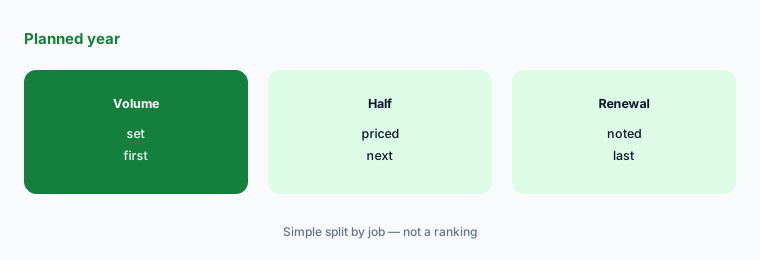
Test a slow year:
Ask Greenhouse for the price at your planned hiring volume and at half of it, and whether you can move to a lower plan at renewal. Put both answers in the contract notes.
Pricing context (November 2026)
No list prices (pricing page, read 10 Nov 2026): three plans, Core, Plus, and Pro, each priced by quote.
What moves the price: the plan, your hiring volume and organizational complexity, and the features your workflows need.
Upgrades are allowed at any time. Ask about downgrades and renewal increases before you sign.
Uncertainty: Plan contents and pricing language are as displayed on Greenhouse’s pages on 10 November 2026. No prices are published, so this page gives none. Customer figures on the home page are Greenhouse’s claims. Confirm plan contents in your quote.
When it’s useful (honest take)
Useful when you hire steadily enough to need structured interviews, scheduling, and reporting in one system, and you can write down hiring volume and team size before the call.
A poor fit if you hire a handful of people a year, or your HR system already includes recruiting you are happy with. Compare at least one other quote on the same numbers.
Paying for Greenhouse pricing and a few other AI tools? The $9 AI toolkit spreadsheet lists every AI subscription you have, what each one costs, and how fast it pays for itself, so you can see which ones are worth the money.
Want someone to do it for you? AI toolkit audit — $19
Related options (educational)
| Need | Better home | Why |
|---|---|---|
| Greenhouse product | Greenhouse review | See that review |
| Two ATS tools compared | Ashby vs Greenhouse | See that page |
| Another ATS | Lever review | See that review |
| Recruiting AI sourcing | hireEZ review | See that review |
FAQ
How much does Greenhouse cost?
Greenhouse does not publish prices. On 10 November 2026 its pricing page said cost depends on the plan (Core, Plus, or Pro), your hiring volume and organizational complexity, and the features you need, and that a Greenhouse expert provides custom pricing.
What are the Greenhouse plans?
Core, Plus, and Pro. Core covers structured hiring basics, Plus adds automation, texting, a BI Connector, and fraud and spam detection, and Pro adds enterprise governance, an audit log, and a developer sandbox.
Does Greenhouse include an AI note taker?
Yes. The pricing page lists AI Notetaker in the Core plan, which means it carries into Plus and Pro. The home page says it records, transcribes, and summarizes interviews.
Can I change Greenhouse plans later?
The pricing FAQ says you can upgrade at any time. It does not describe downgrades, so ask about that before you sign.
What should I prepare before asking for a Greenhouse quote?
Expected hires for the next 12 months, how many recruiters and hiring managers will log in, how many brands, regions, or legal entities you hire for, and which AI features you actually want.
Optional next step (if seats overlap)
If you pay for an ATS, a scheduling tool, and an interview note taker separately, list where they overlap before adding another plan. Map the overlap with the $19 AI toolkit audit or the $9 AI toolkit spreadsheet. Email Audit $19 or Toolkit spreadsheet $9.
Checkout is live via Stripe. After you pay, we email delivery (spreadsheet) or intake next steps (audit).