Compare · Ops & automation · Oct 2026
GitBook AI vs Confluence AI for ops (Oct 2026): docs site vs team wiki
GitBook is a docs site. Confluence is a team wiki. Read GitBook AI and Confluence AI. Do not migrate to get a chatbot. Guru AI if the unit of truth is a card.
What this page covers
Ops teams accumulate two libraries and then ask which AI is smarter. The useful question is which library is canonical for that page. Public or developer docs that already live in GitBook stay there. Team working notes that already live in Confluence stay there. An assistant that answers from the wrong library will cite a stale copy. We did not fetch prices.

Major features (with how someone uses them)
Examples at a glance: each feature has a concrete ops example plus a short Try this.
1. One canonical URL (primary)
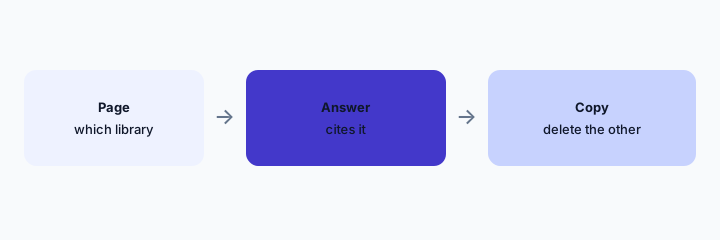
What it is: Pick a procedure. Find every copy. Choose one URL. The assistant may only cite that URL. Other copies get a banner that says draft, or they get deleted. The knowledge stack map is where you list the jobs.
Primary workflow:
For one procedure, paste both URLs. Mark one canonical. Point the other at it.
2. Audience picks the library
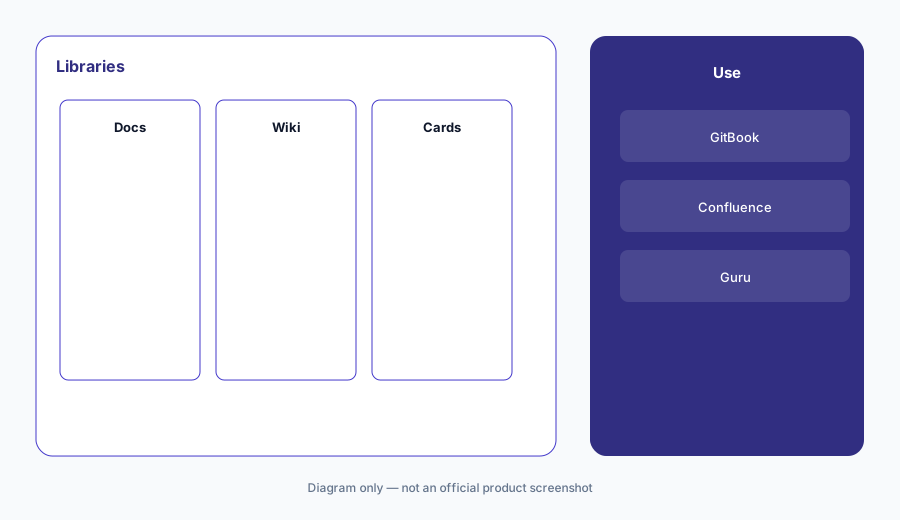
What it is: External developers read the docs site. Internal teams argue in the wiki. Mixing them into one bot leaks internal notes or starves the public site of answers. GitBook AI and Confluence AI should not be pointed at each other’s private spaces.
Audience check:
Write the audience for each space. If a space has two audiences, split it.
3. Do not migrate for the assistant
What it is: Moving a wiki is a project. An assistant is not a reason. If Confluence is where work happens, use Confluence’s assist on those pages. If GitBook is what customers read, answer there. Guru AI only if you truly want cards with verification, not because a demo looked tidy.
Migration check:
List pages viewed by customers versus pages viewed by staff. Do not put them in one migration.
4. Stale copies make both assistants worse
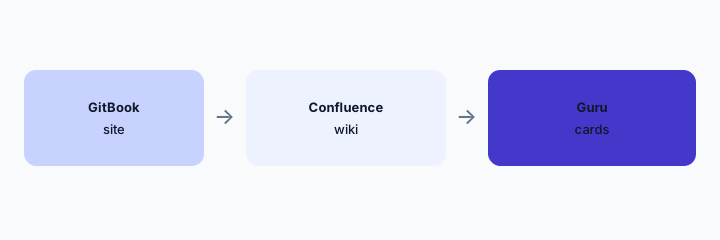
What it is: Two current pages is how you get two answers. The compare is done when each job has one home. Capture tools like Scribe draft steps. They do not become a third canonical library.
Stale check:
Name the canonical URL in the answer. If you cannot, you are not done.
Pricing context (October 2026)
We did not open this vendor’s public price table for this review. October 2026 is the date of the page, not a quote. Use the vendor’s live pricing page and your invoice.
If an assist is included or missing on your plan, record that from the admin screen.
Uncertainty: Names, limits, and which workspaces have the assist change. This page does not claim a dollar price or a general-availability date.
When it’s useful (honest take)
Useful when both libraries exist and people get two answers. Less useful as a product ranking. Less useful if you only have one library — use that one.
Still choosing between GitBook AI and Confluence AI? The $19 AI toolkit audit gives you a written plan for which tools to keep using and which to drop across your whole AI stack, including this pair.
Prefer to do it yourself? Spreadsheet — $9
Related options (educational)
| Need | Better home | Why |
|---|---|---|
| Customer or developer docs | GitBook AI | If that site is canonical |
| Team wiki | Confluence AI | If Confluence is canonical |
| Verified cards | Guru AI | A different shape |
| The inventory | Knowledge stack map | Jobs, owners, overlap |
FAQ
Which AI is better?
The one on the canonical library. The other is a stale-copy risk.
Should we migrate?
Not for the assistant. Migrate only if the audience already moved.
What about price?
Not here. Check each vendor and your invoice.
Can both answer?
Only if they cite different jobs. Not the same procedure.
Optional next step (if seats overlap)
If two AI seats would answer the same question, map the overlap with the $19 AI toolkit audit or the $9 AI toolkit spreadsheet. Email Audit $19 or Toolkit spreadsheet $9.
Checkout is live via Stripe. After you pay, we email delivery (spreadsheet) or intake next steps (audit).