Tool · Property ops · DoorLoop · Oct 2026
DoorLoop AI review (Oct 2026): AI assistant, automations, and tenant communication for property managers
DoorLoop is a residential property-management platform with accounting, leasing, maintenance, and payments in one place. Its AI layer is an AI Assistant on every current plan, plus plan-gated agents: the Receptionist Agent on Connect, and Maintenance Ops and Lease Renewal agents on Multiply. Plans publish per-unit prices. This page is about using those drafts and agents while a named property manager still owns every tenant notice. Each section has a Try this.
What this DoorLoop page covers
This page is for a property manager or owner-operator at a small or mid-size residential portfolio who runs DoorLoop or is comparing published-price PMS options. The question it answers: which listing, message, invoice, inspection, and tenant-communication work DoorLoop’s AI drafts or runs as an agent, what each plan costs on the public pricing page, and who has to approve a tenant notice before it goes out.
DoorLoop’s pricing page (checked 13 October 2026) lists three plans — One, Connect, and Multiply — with per-unit monthly prices and monthly minimums. The DoorLoop AI page describes the Receptionist Agent, Maintenance Ops Agent, Lease Renewal Agent, and AI Assistant. A Help Center overview says One / Connect / Multiply include the AI Assistant; older Pro / Premium help articles still describe AI as a paid add-on — treat plan names carefully if your account predates the rename.
Ground rules: the property manager approves every AI-drafted tenant notice; leasing and screening scripts get a fair-housing review by a person; AI does not decide screening or approval; and no tenant or applicant PII goes into anything you test outside DoorLoop.

Major features (with how someone uses them)
Examples at a glance: each feature has a concrete example from a real job plus a short Try this you can run this week.
1. AI Assistant: lease-renewal reminder drafts (primary)
What it is: DoorLoop’s AI Assistant drafts tenant messages, including the kind of lease-renewal reminder a manager sends from the Communication Center. The AI page says the assistant also drafts listings, fills bills and expenses, runs inspections into reports, and summarizes reports. You stay in control of what is sent.
A draft is only as good as the lease it was based on. Check rent, dates, and notice period against the signed lease before anything goes to a tenant.
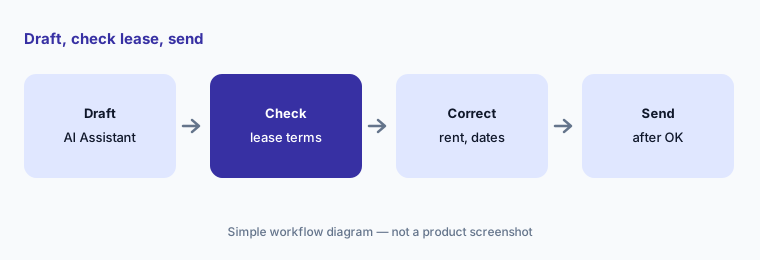
Primary workflow:
Ask DoorLoop’s AI to draft one lease-renewal reminder. Check rent amount, dates, and notice period against the lease before sending.
2. Receptionist Agent: 24/7 tenant messages with your rules
What it is: On Connect and above, DoorLoop’s pricing page says the Receptionist Agent answers tenant texts, calls, and portal messages around the clock using your leases, ledger, and policies, and lets you set what the AI handles versus what reaches a person.
Write the escalation rules before you widen hours — after-hours emergencies and legal notices should never auto-send without a named person.
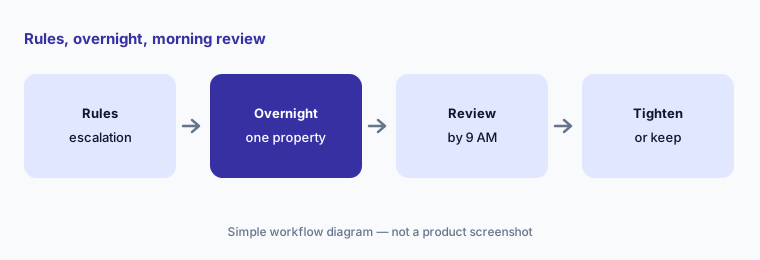
Rules first:
Write a one-page rule sheet for the Receptionist Agent — what it may answer, what always escalates — and name who reviews overnight threads by 9 AM.
3. Maintenance Ops Agent: work order to bill, with pauses
What it is: On Multiply, DoorLoop says the Maintenance Ops Agent runs maintenance from work order to vendor, completion, and bill, pausing for your approvals. The AI page says it finds the vendor, schedules the visit, captures the invoice, and creates the bill in DoorLoop.
A bill that touches the ledger needs a bookkeeper check of vendor, date, total, and GL before it is approved.
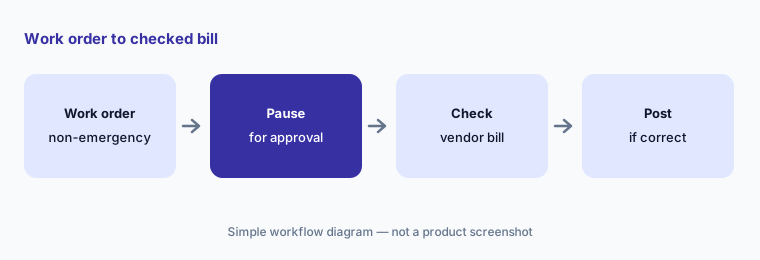
Approve the bill:
Let the Maintenance Ops Agent run five non-emergency work orders with approval pauses on. Have the bookkeeper check every draft bill before it posts.
4. Lease Renewal Agent: outreach to signature under supervision
What it is: DoorLoop says the Lease Renewal Agent (Multiply) spots expiring leases, builds the offer from your records, and carries it to signature, with a supervision level you set. Actions are logged in plain language and attributed to the agent.
Renewal offers change rent and terms. A named manager approves the offer amount and any legal wording before the first resident sees it.
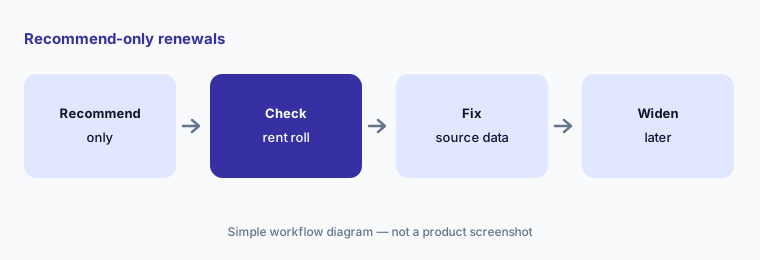
Recommend only first:
Set the Lease Renewal Agent to recommend-only for one property for a week. Check every proposed offer against the rent roll before any resident is contacted.
5. Listings, invoices, and inspection reports from the Assistant
What it is: DoorLoop’s pricing blurb for One says the AI Assistant handles writing listings, summarizing information, and turning inspections into reports, plus answering questions, processing invoices, and creating reports. The Help Center lists AI for the tenant portal, Communication Center, Unit Listings Wizard, reports, bills/expenses, and AI Inspections.
An AI listing claim is not true until someone verifies amenities and distances. An AI-read invoice is not posted until the bookkeeper checks it.
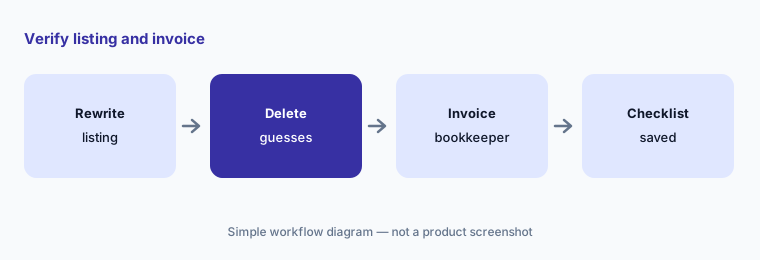
Verify claims:
Ask the AI Assistant to rewrite one unit listing. Delete every amenity or distance claim you cannot verify, then have the bookkeeper check one AI-processed invoice the same day.
6. Published plans and who approves
What it is: As of 13 October 2026, DoorLoop publishes One at $2.50 per unit per month (minimum $199; $1.50 per unit above 100), Connect at $4.00 per unit (minimum $299), and Multiply at $5.00 per unit (minimum $399). AI Assistant is described as included on those plans; Connect adds Receptionist; Multiply adds Maintenance Ops and Lease Renewal agents. The compare table also shows a confusing “DoorLoop AI / Available as an Add-on” row — confirm what your quote includes.
Name the approver for tenant notices, agent offers, and bills before you upgrade plans for agents.
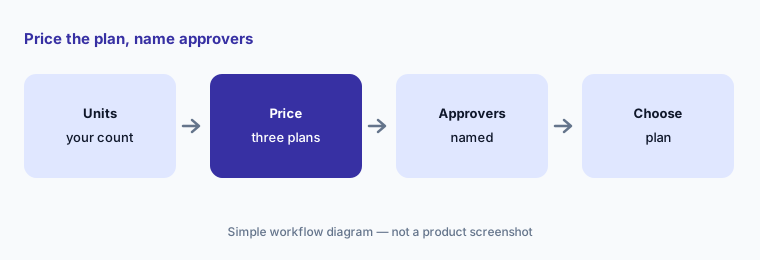
Cost sheet:
Build one cost sheet at your unit count for One, Connect, and Multiply. Name who approves tenant notices, Receptionist threads, and any Multiply agent actions.
Pricing context (October 2026)
DoorLoop publishes plan prices on its pricing page (checked 13 October 2026): One $2.50/unit/mo (min $199; $1.50/unit above 100), Connect $4.00/unit/mo (min $299), Multiply $5.00/unit/mo (min $399). Screening is listed at $35 on the compare table. Incoming ACH is free on Connect/Multiply (One lists $1.50).
Help Center articles for older Pro / Premium names still describe AI Assistant as a paid add-on (Pro 25% / Premium 15% of plan). The same overview says One / Connect / Multiply include the Assistant. Confirm which plan family your account is on before you budget.
Uncertainty: The pricing compare table’s “DoorLoop AI / Available as an Add-on” row conflicts with plan blurbs that include the Assistant and agents — confirm in writing. Legacy Pro/Premium add-on % pricing may still apply to older accounts. Vendor marketing claims about hours saved are not repeated here.
When it’s useful (honest take)
Useful when you want a residential PMS with published per-unit prices, an in-product AI Assistant, and optional 24/7 Receptionist or job-completing agents, and you have a named property manager who approves tenant notices.
Less useful when you need enterprise multifamily OS AI (see Entrata AI or EliseAI), you want Realm-X-style performers (AppFolio AI), or nobody owns fair-housing review of scripts.
Paying for DoorLoop AI and a few other AI tools? The $9 AI toolkit spreadsheet lists every AI subscription you have, what each one costs, and how fast it pays for itself, so you can see which ones are worth the money.
Want someone to do it for you? AI toolkit audit — $19
Related options (educational)
| Need | Better home | Why |
|---|---|---|
| Published-price PMS with agents | DoorLoop AI (this page) | One / Connect / Multiply |
| Published “starting at” + Lumina | Buildium AI | Essential / Growth / Premium |
| Realm-X Performers, quote + schema $ | AppFolio AI | Core / Plus / Max |
| Orion AI inside accounting-heavy PMS | Rent Manager AI | Quote-only bundles |
| Multifamily leasing AI agent | EliseAI | LeasingAI / ResidentAI; quote |
FAQ
How much does DoorLoop cost in October 2026?
DoorLoop publishes One at $2.50/unit/mo (min $199), Connect at $4.00/unit/mo (min $299), and Multiply at $5.00/unit/mo (min $399), as checked 13 Oct 2026. Confirm AI inclusion on your plan family.
What is the Receptionist Agent?
On Connect and above, DoorLoop says it answers tenant texts, calls, and portal messages 24/7 from your leases, ledger, and policies, with rules for what escalates to a person.
Can DoorLoop AI send tenant notices on its own?
Agents can act inside rules you set. Keep legal notices and renewal offers on a named property manager’s approval until you trust the logs.
Is AI included or an add-on?
Current One / Connect / Multiply blurbs include the AI Assistant (and plan-gated agents). Older Pro / Premium help articles still price AI as an add-on — check your account.
Does DoorLoop AI approve applicants?
Do not let it. Screening and approval decisions stay with a person; never let scripts discuss protected characteristics.
Optional next step (if seats overlap)
If you pay for DoorLoop AI, a separate answering service, and general chat seats that all draft the same tenant messages, that overlap is worth a look. Map the overlap with the $19 AI toolkit audit or the $9 AI toolkit spreadsheet. Email Audit $19 or Toolkit spreadsheet $9.
Checkout is live via Stripe. After you pay, we email delivery (spreadsheet) or intake next steps (audit).